
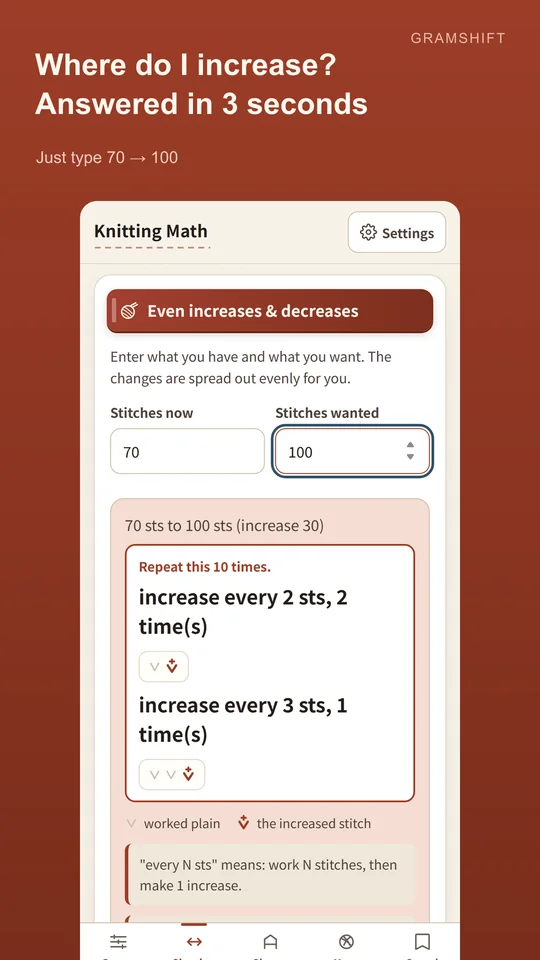
Amidoria is an Android calculator for the maths of knitting, and nothing else. You measured your swatch. Now: how many stitches do you cast on, and where do the decreases go? Amidoria answers in the notation charts already use. Type "70 stitches to 100" and a diagram shows exactly where each increase falls. Answers are big and clear, with large type and strong contrast. Made and published by GRAMSHIFT.
What you can do with Amidoria
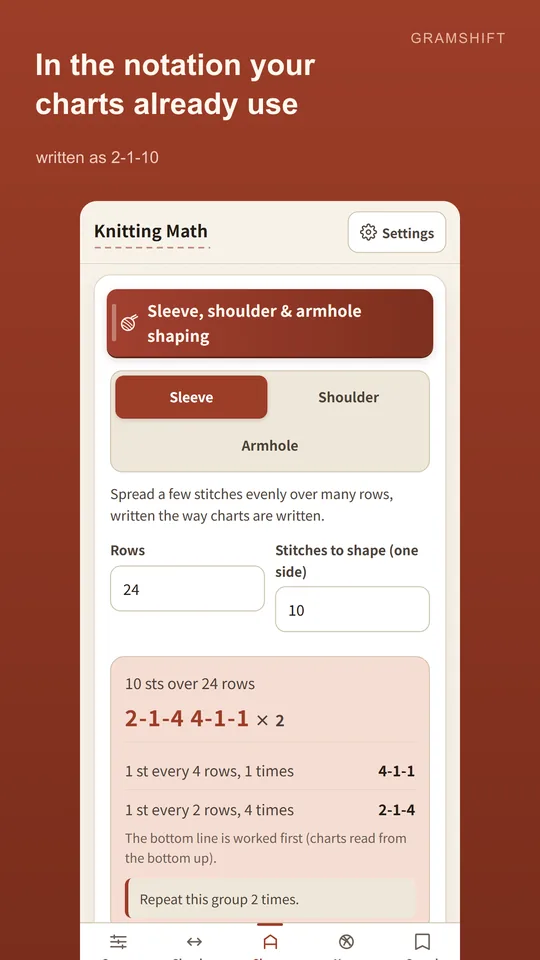
Answers in chart notation
Spread a few stitches evenly over many rows for sleeve shaping, written as 2-1-10. Copy it straight into your pattern.
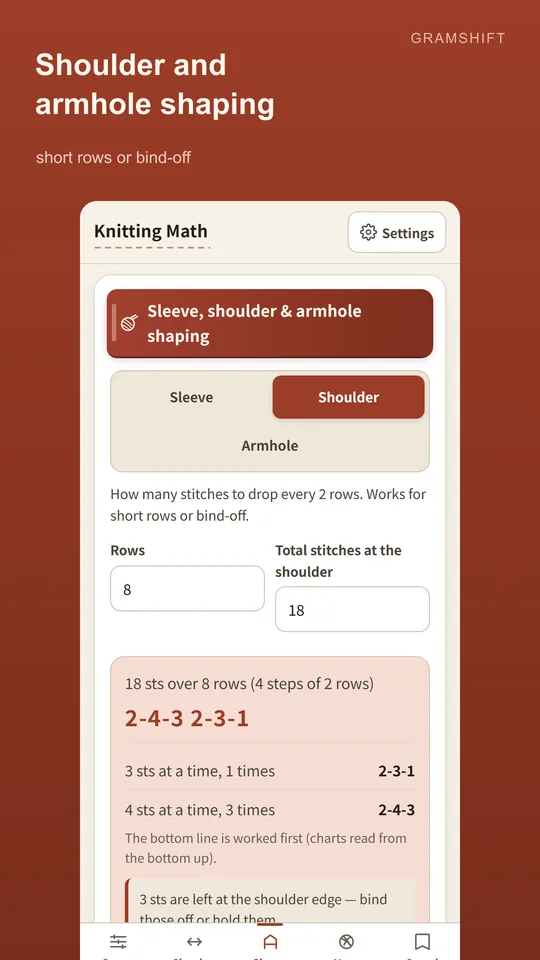
Shoulder and armhole shaping
See how many stitches to drop every 2 rows, for short rows or bind-off. Armholes start with a bind-off followed by steps that get gentler, shown as a guide.
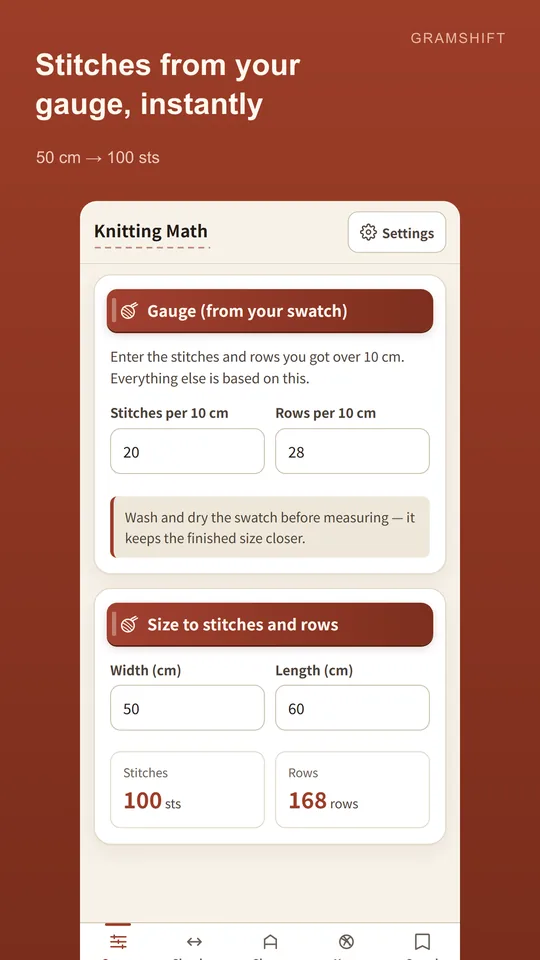
Gauge to stitches and rows
Enter stitches and rows per 10 cm and get the cast-on for any width and the row count for any length.
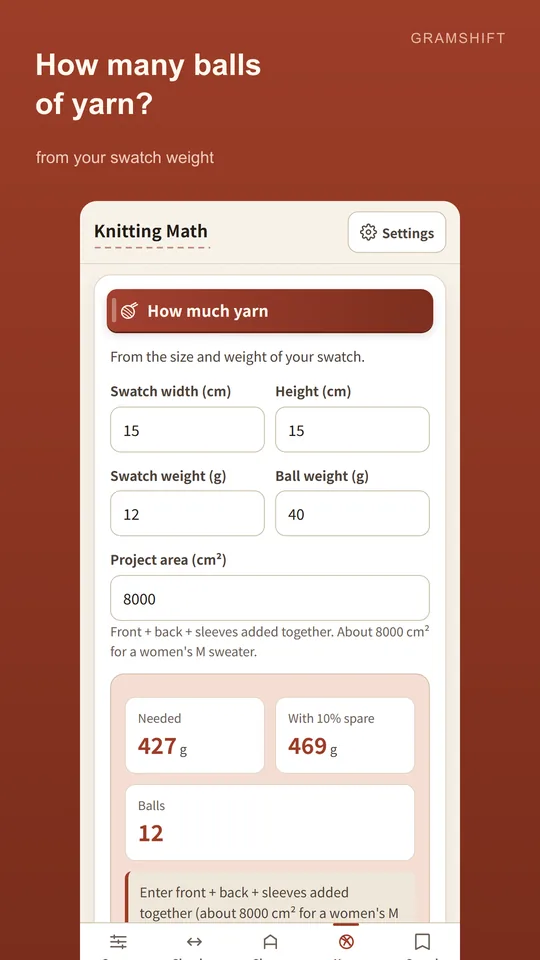
How much yarn to buy
From the size and weight of your swatch, get the yarn you need in grams and balls.
From swatch to knitting
- Enter your gauge. Type stitches and rows per 10 cm from your swatch to get the cast-on and row count for your measurements.
- Work out the shaping. Pick even increases and decreases, sleeve, shoulder or armhole shaping and enter your numbers. For even increases and decreases, a diagram shows where the changes fall.
- Save it and knit. Keep your results and check them any time while you knit.
Free to use
- The calculators are free to use. Ads keep the app free.
- There is a button to watch a video and hide ads for 60 minutes. Nothing is locked if you never press it.
- Your data stays on your device unless you choose to send it. No account and no sign-in.
- Export and import a backup any time.
Frequently asked questions
How do I calculate cast-on stitches from gauge?
Enter your stitches and rows per 10 cm, then the width you want. Amidoria gives the cast-on for that width and the row count for any length.
How do I evenly increase from 70 to 100 stitches?
Type "70 stitches to 100" into Amidoria. You get "increase every 2 sts twice, every 3 sts once — repeat 10 times," with a diagram showing where each increase falls.
How do I space increases or decreases evenly across a row?
Enter your current and target stitch counts and Amidoria works out the spacing. A diagram shows where the changes fall.
Can it write sleeve shaping like 2-1-10?
Yes. It spreads a few stitches evenly over many rows and writes the result as 2-1-10.
How many stitches do I bind off for shoulder shaping?
You get how many stitches to bind off every 2 rows. It works for short rows or bind-off.
Can it calculate armhole shaping?
Yes. You get a bind-off followed by steps that get gentler. Armhole curves vary by drafting style, so it is shown as a guide you can reshape.
How do I know how much yarn I need?
Enter the size and weight of your swatch. Amidoria tells you how much yarn you need in grams and balls.
Do I need an account?
No. There is no account, and we never ask for your name or email.
Good to know
- Results are a guide. Yarn, tension and finishing all change the outcome.
- Armhole curves differ between drafting traditions.
- The app shows ads to stay free.
If something does not work, or you have an idea or a request, feel free to write to us through the contact form or at contact