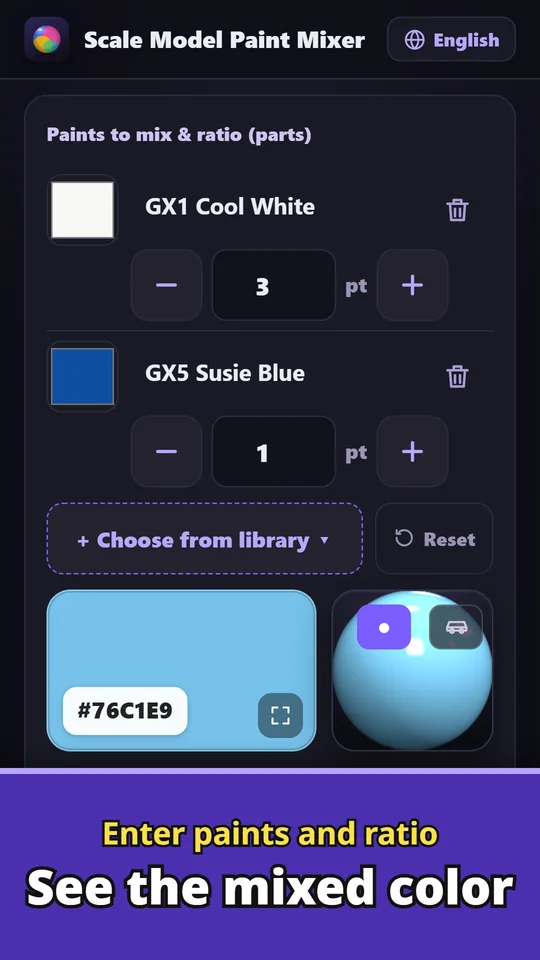
Scale Model Paint Mixer is an Android app that works out and saves paint mixing recipes for model painting. Take a photo, tap the color you want, and the app reverse-calculates a recipe using only the paints you own. Pick real hobby paints by name, enter the ratio, and get the mix ratio (%), the amount of each paint (drops/ml) and an estimated result color. The estimate accounts for how real paints darken and dull when mixed. Match box art, real cars or other builds, by brush or airbrush. Made and published by GRAMSHIFT.
What you can do with Scale Model Paint Mixer
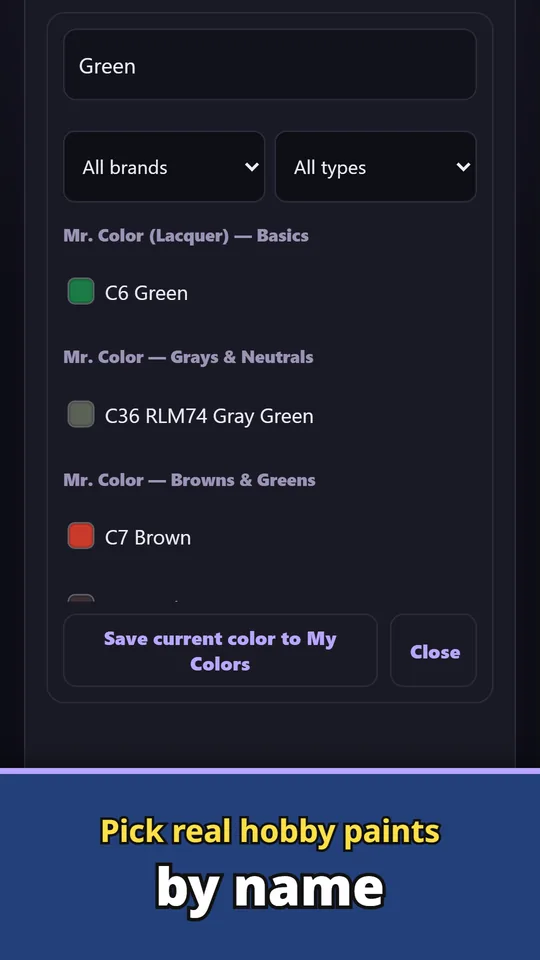
Pick real paints by name
Choose paints such as Mr.Color, GX, Tamiya, Gaia and Aqueous by name, filtered by brand and type. You can add your own colors too.
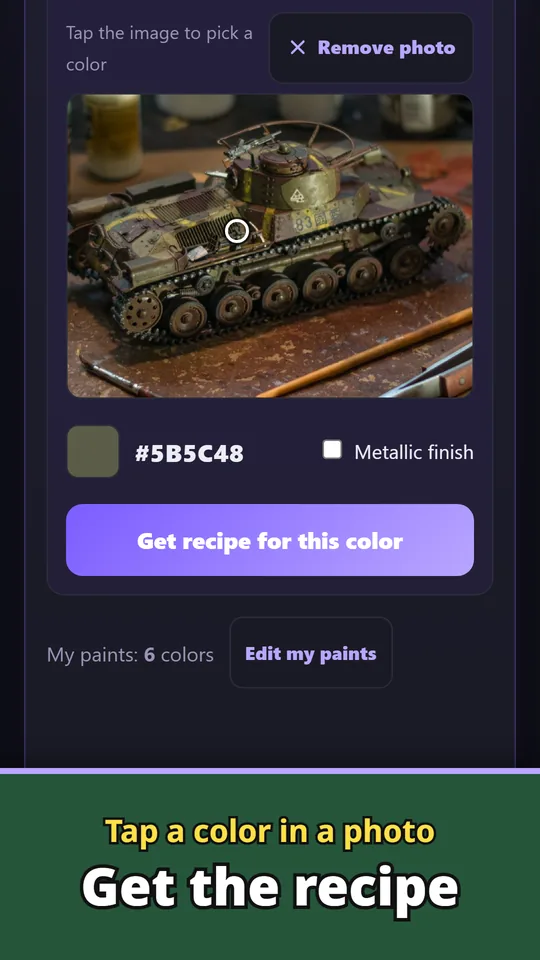
Tap a color in a photo
Pick a color from a photo, camera or swatch and get the closest recipe your paints can make. Match box art, real cars or other builds.
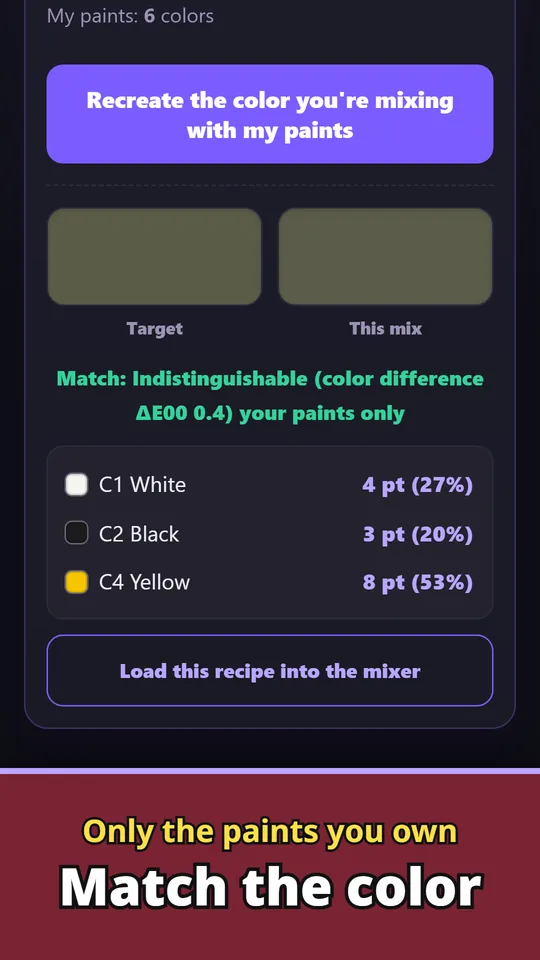
Recreate a color with your own paints
The app reverse-calculates a mix from the paints you own to get close to your target. See the target and the mix side by side, with an estimated color difference.
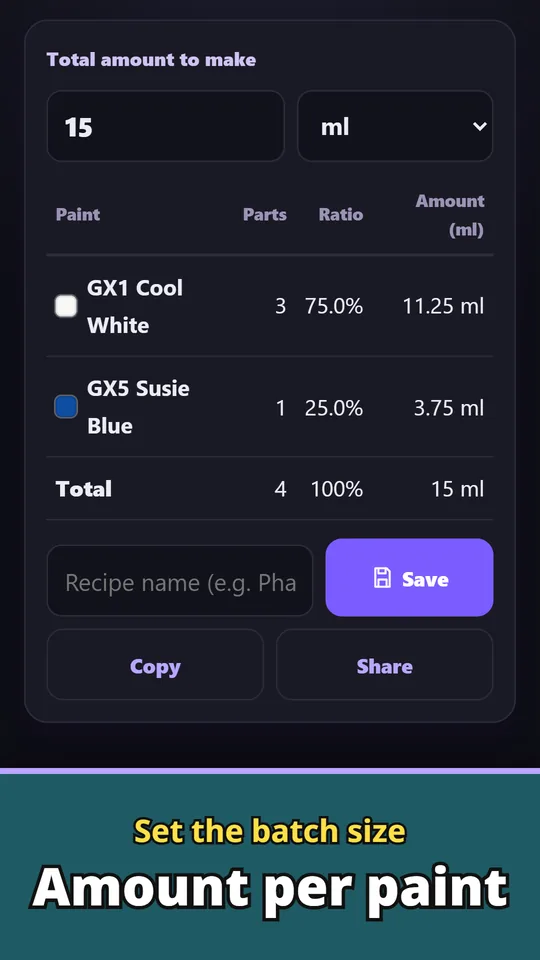
Amounts from the total you need
Scale a ratio like "3 white : 1 blue" to the total amount you want to mix. Get the amount of each paint in ml.
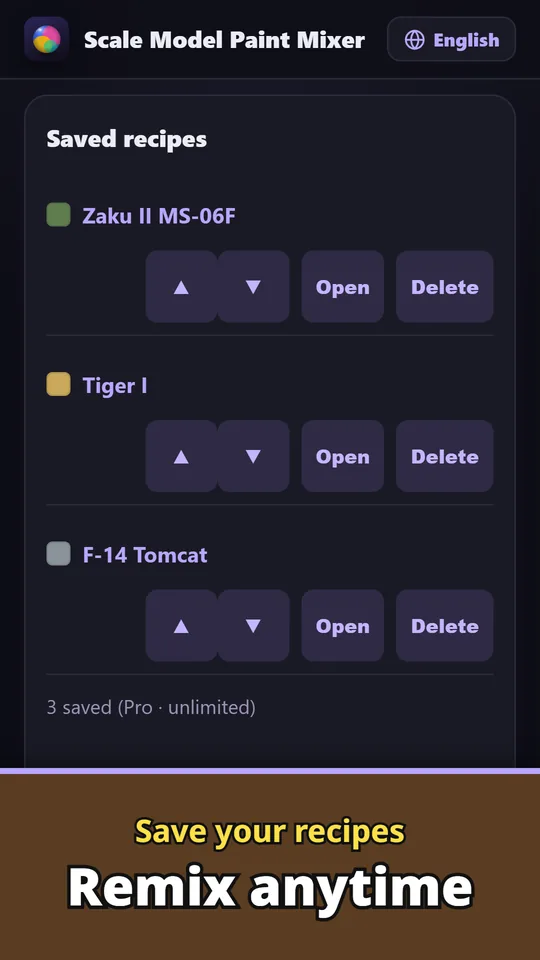
Save recipes and mix again anytime
Save your recipes, then copy them or share them by URL. Save paint labels as images too.
From color to paint job
- Choose the color you want. Pick it from a photo, camera or swatch, or choose paints by name and enter the ratio.
- Check the recipe and amounts. See the mix from your own paints, the mix ratio (%), the amount of each paint (drops/ml) and the estimated result color. A 3D preview shows the finished color.
- Test, then save. Try the mix on scrap before you paint. Save it as a recipe so you can mix the same color again.
Free and Pro
- Free: reverse-calc recipes, mix ratios and amounts, and picking colors from photos. Save up to 3 recipes. A banner ad is shown.
- Pro (one-time purchase): unlimited recipe saving, backup export and restore, printable paint labels, no ads.
- Pro is a single purchase, not a subscription.
- The data you enter (recipes, paints and so on) stays on your device unless you send it yourself. There is no account to create and no login.
Frequently asked questions
How do I mix a paint color using only the paints I have?
Take a photo and tap the color you want, and the app reverse-calculates the closest recipe using only the paints you own. Add your paints by picking real paints by name or adding your own colors.
How do I convert a paint ratio into drops or ml?
Enter a ratio like "3 white : 1 blue" and the amount you need. The app scales it and shows the amount of each paint in drops or ml.
How do I recreate a custom paint color I mixed before?
Save the mix as a recipe. Open the saved recipe anytime to see the same ratio and amounts and mix it again.
Can I get a paint mixing recipe from a photo?
Yes. Pick a color from a photo, camera or swatch, and the app suggests the closest recipe your paints can make. It works for box art, real cars and other builds.
Does it work with Tamiya and Mr.Color paints?
Yes. You can pick paints such as Mr.Color, GX, Tamiya, Gaia and Aqueous by name. Paint names are shown for compatibility reference only, and the app is an unofficial tool not affiliated with any manufacturer.
Is Scale Model Paint Mixer free?
Yes, it is free to download and use, with up to 3 saved recipes and a banner ad. Unlimited recipes, backup, printable labels and no ads come with Pro, a one-time purchase.
Do I need an account?
No. Start right away without signing up. Your paints and recipes stay on your device unless you send them yourself.
Good to know
- Colors are an estimate. Test on scrap before you paint.
- Paint names are shown for compatibility reference only; colors are approximate.
- This is an unofficial, independent tool, not affiliated with any paint or model manufacturer or rights holder.
- The free version saves up to 3 recipes.
If something does not work, or you have an idea or a request, feel free to write to us through the contact form or at contact