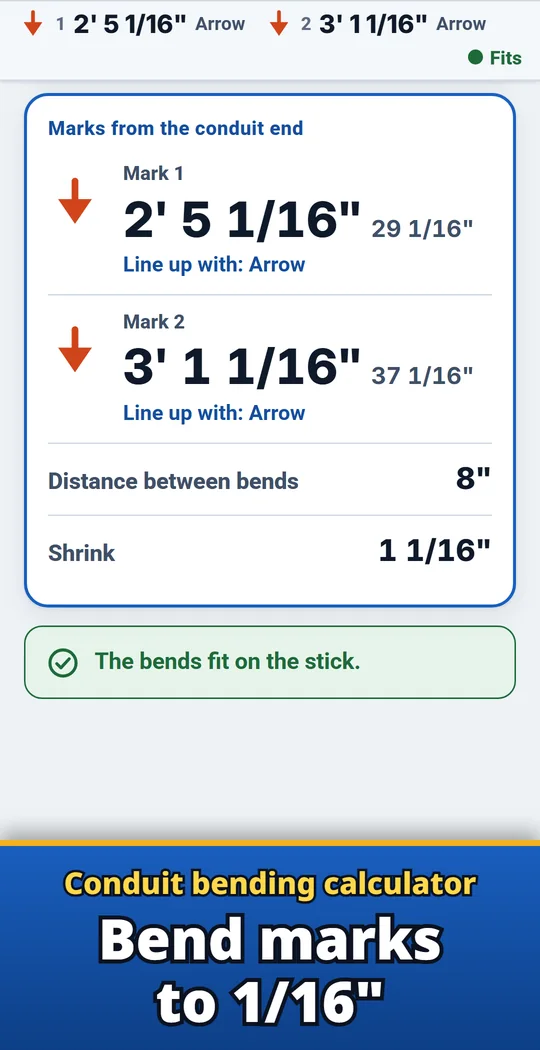
Conduria is an Android conduit bending calculator for electricians who bend EMT, IMC, rigid and PVC by hand. Enter the rise, the angle and the distance to the obstacle, and it shows where to put each mark, measured from the conduit end to the nearest 1/16 inch (or in mm), and whether to line it up with the arrow, the star or the saddle notch. It handles stub-ups, offsets, rolling offsets, 3-point and 4-point saddles, kicks, parallel offsets, segmented and concentric bends, and total degrees. Type lengths the way you write them, like 3-1/2 or 1' 6-3/4", and use exact trigonometry or the shop multipliers. Made and published by GRAMSHIFT.
What you can do with Conduria
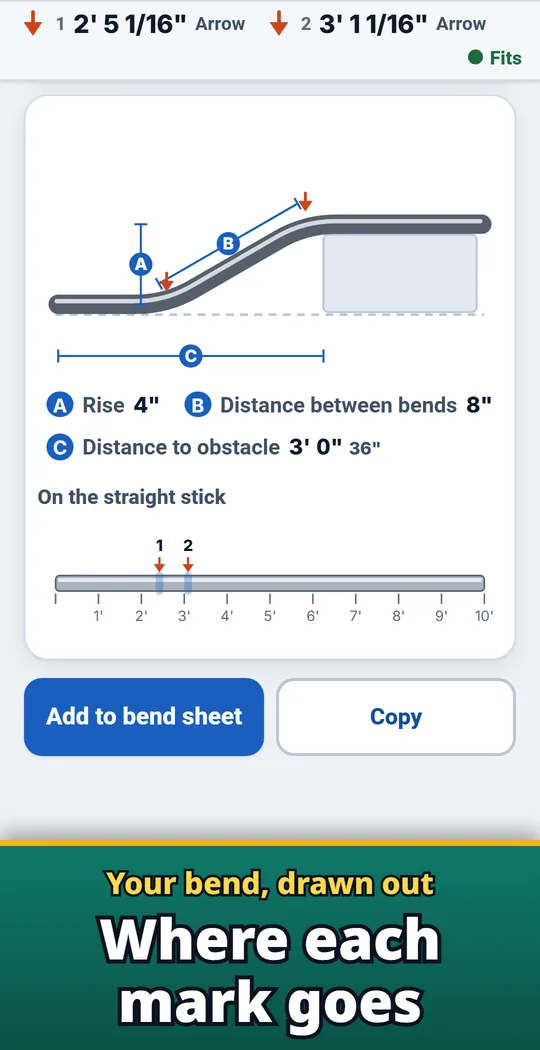
See every mark on the stick
A to-scale drawing of the stick shows every mark. Add bends to the bend sheet to keep them in one list.
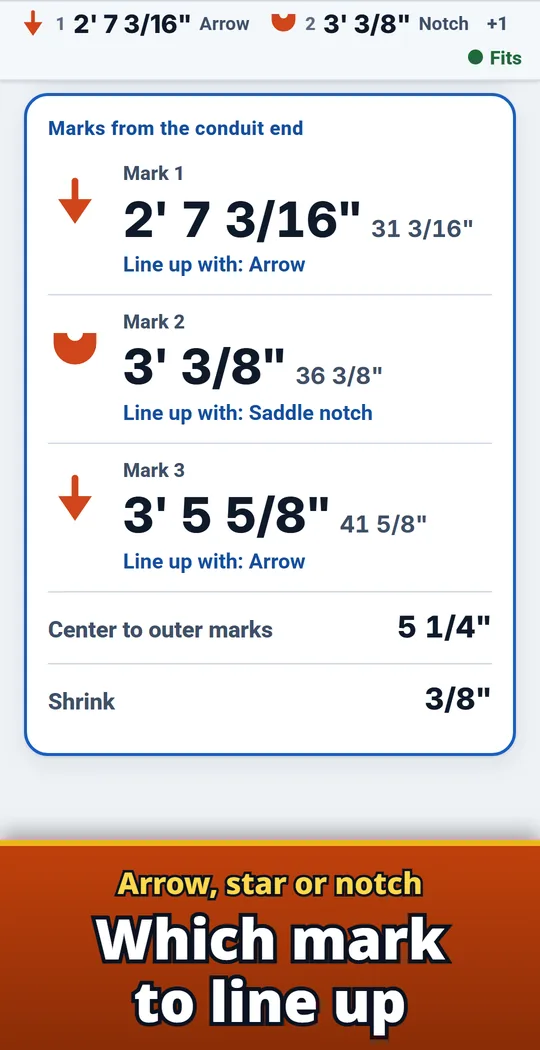
Arrow, star or notch
The arrow for stub-ups, offsets and 4-point saddles, the star for back-to-backs, the notch for the center of a 3-point saddle. Conduria names the right one next to each mark.
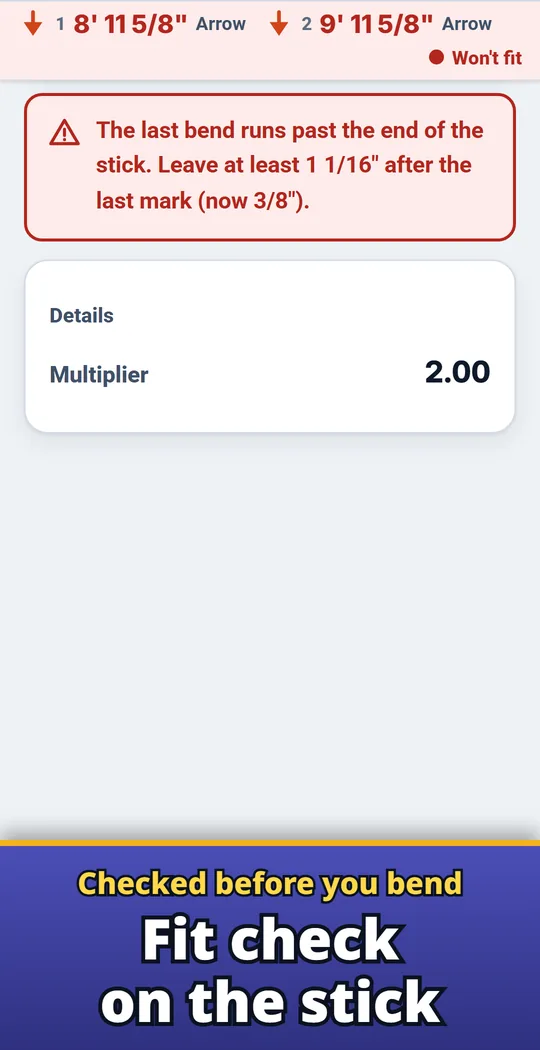
Fit check before you bend
Every bend is checked against the conduit end and the next bend, and adding the stick length checks the far end. A bend that needs more room turns red and shows the space it needs.
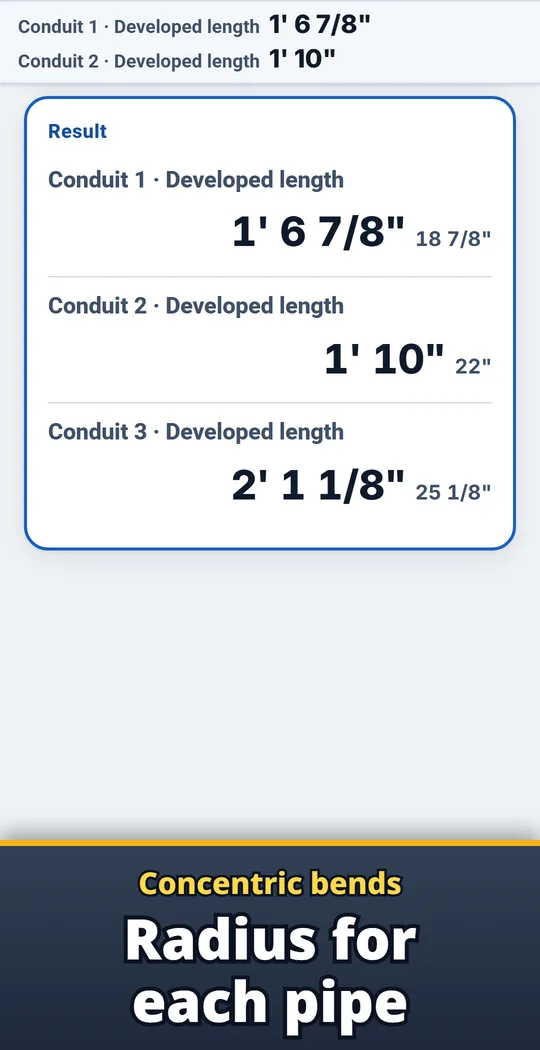
Concentric bends, conduit by conduit
Get the radius and marks for each conduit in a concentric bend. Segmented bends give degrees per shot and shot spacing.
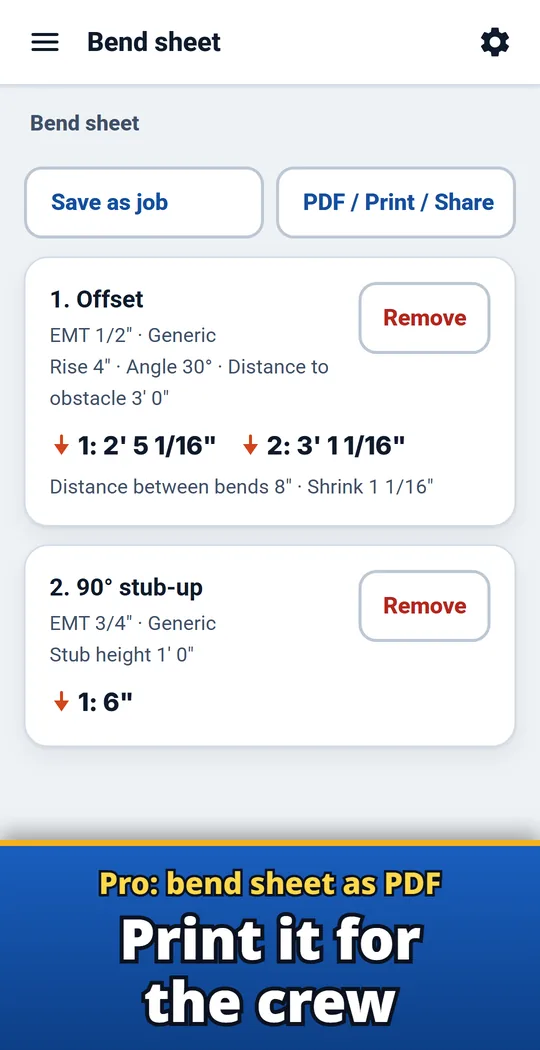
Pro: bend sheet as a PDF
With Pro (one-time purchase), turn the bend sheet into a PDF with each stick drawn, ready to print or share.
From numbers to bends
- Pick your conduit and bender. Choose the conduit type and trade size, then pick your bender model or type in the take-up stamped on it.
- Choose the bend and enter the numbers. For an offset, enter the rise, angle and distance to the obstacle to get both marks, the spacing and the shrink. The marks stay pinned at the top as you type.
- Mark the stick and bend. Put your marks where shown and line each one up with the arrow, star or notch Conduria names. Copy the result to send to the crew.
Free and Pro
- Free: every calculation, with no usage limits. The bend sheet holds 3 bends. A small banner ad at the bottom of the screen.
- Pro (one-time purchase): unlimited bends on the bend sheet, saved jobs to reopen later, the bend sheet as a PDF to print or share with each stick drawn, no ads.
- Remove ads (one-time purchase): removes the banner ad.
- The data you enter (such as saved jobs) stays on your device unless you send it yourself. No account, no sign-up, no login.
Frequently asked questions
How do I find the marks for a conduit offset?
Choose Offset and enter the rise, the angle and the distance to the obstacle. Conduria shows both marks from the conduit end, the distance between them and the shrink.
What is the take-up on a 1/2" EMT bender?
Most 1/2" EMT hand benders use 5". 3/4" EMT is 6", 1" EMT is 8" and 1-1/4" EMT is 11", but the number stamped on your bender comes first.
Which mark on the bender do I line up with?
The arrow for a stub-up, an offset and a 4-point saddle, the star for a back-to-back, and the notch for the center of a 3-point saddle. Conduria names the right one next to each mark.
What multiplier do I use for a 30° offset?
2.0, with 1/4" of shrink per inch of rise. 10° is 6.0, 22.5° is 2.6, 45° is 1.4 and 60° is 1.2.
How many degrees of bend are allowed between pull points?
360° in total. Total degrees adds up your bends and flags anything past 360°.
How do I calculate a rolling offset?
Choose Rolling offset. Conduria gives the true offset, the travel and how far to rotate the bender.
Is Conduria free?
Yes. Every calculation is free with no usage limits; the free bend sheet holds 3 bends and a small banner ad shows at the bottom. Pro, a one-time purchase, adds unlimited bends, saved jobs, PDF bend sheets and no ads.
Do I need an account?
No. There is no account and no sign-up.
Good to know
- Results are estimates. The values stamped on your bender and the maker's chart come first, and make a test bend on the first piece.
- Built-in bender values cover EMT 1/2" to 1-1/4" and rigid or IMC up to 1". For other sizes, enter your own take-up or radius.
- For PVC, Conduria lays out the marks; heating is up to you.
- Saved jobs stay on this phone.
If something does not work, or you have an idea or a request, feel free to write to us through the contact form or at contact