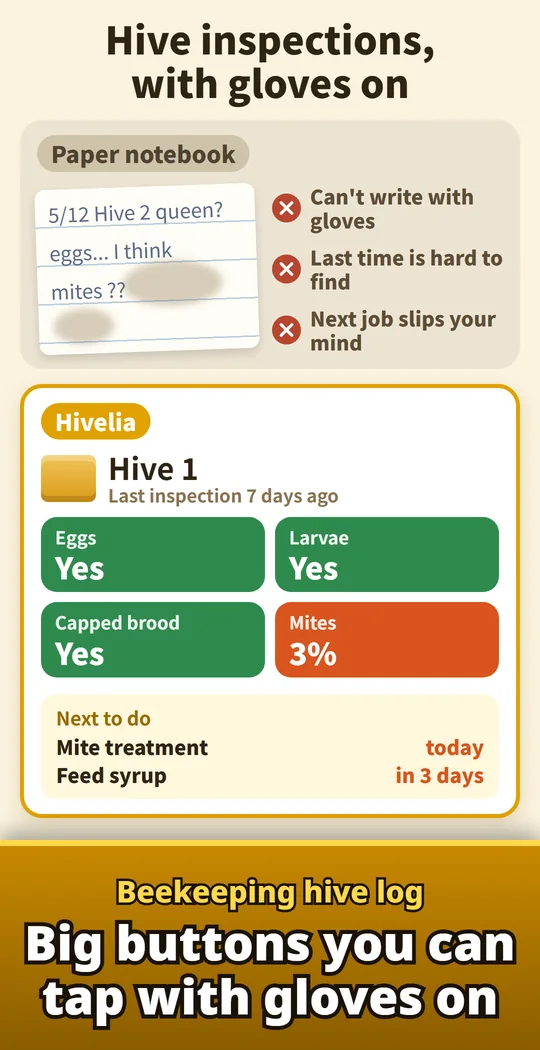
Hivelia is a beekeeping app for recording hive inspections with big buttons you can tap with gloves on. Open the hive, tap Queen, Eggs, Brood, Temperament, Strength and Food stores, add your varroa mite count, and the inspection is saved to that hive's record. Log a feeding, a mite treatment or a honey harvest in a few taps. See when you last inspected, what you did and what comes next for every hive, without a paper notebook. For backyard beekeepers and hobby apiaries with Langstroth, top bar, Warre or any other hive. Made and published by GRAMSHIFT.
What you can do with Hivelia
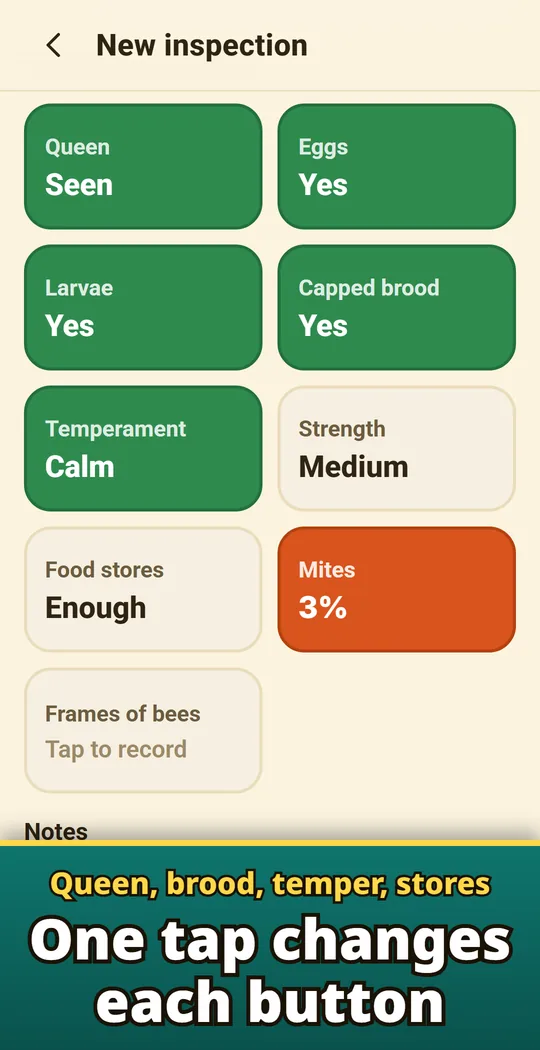
Big buttons that switch with each tap
Queen seen, not seen or queen cells; eggs, larvae, capped brood; temper; strength; food stores. Tap them with gloves on. Frames of bees and notes too.
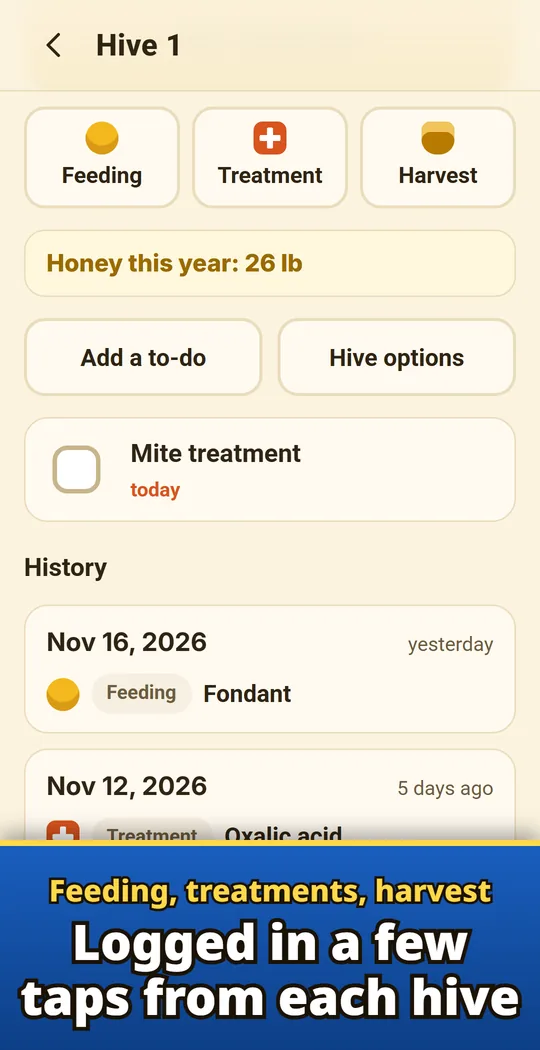
Feeding, treatments and harvest
Quick picks for 1:1 or 2:1 syrup, fondant, pollen patty, oxalic acid, formic acid, thymol and amitraz strips. Amounts in L, gal, kg or lb, with this year's honey on each hive.
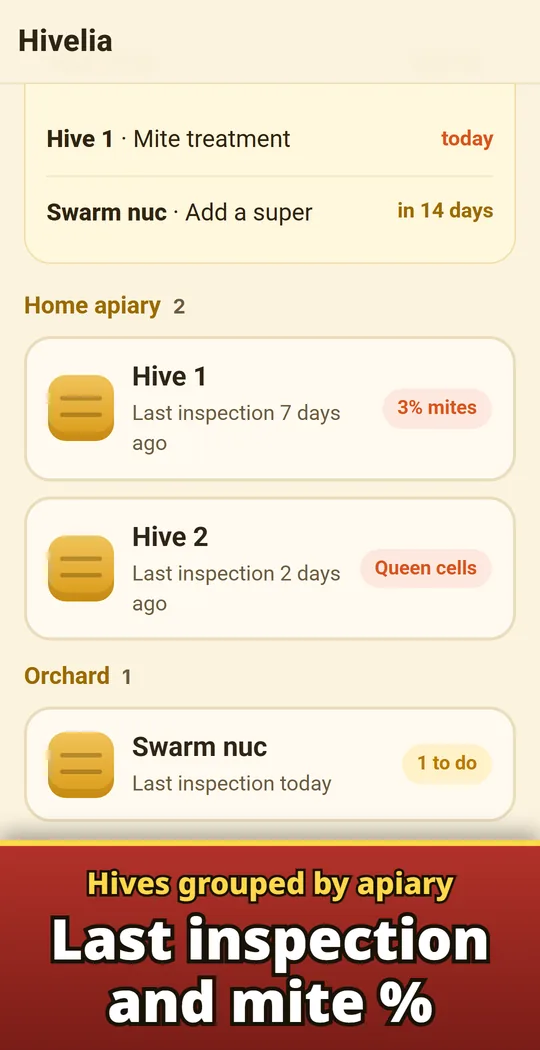
Hives grouped by apiary
The hive list groups hives by bee yard, with the last inspection date and mite %. The apiary name is optional.
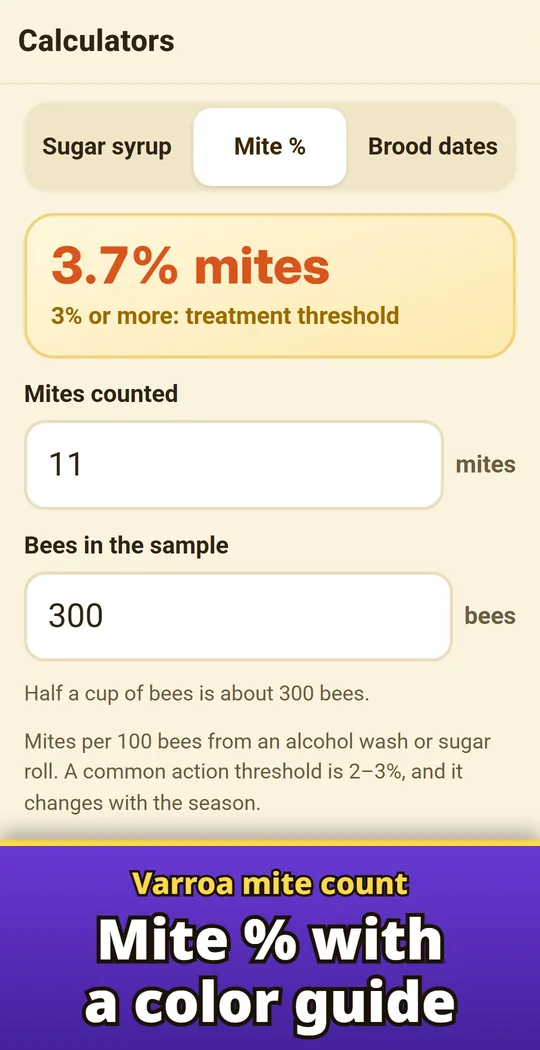
Varroa mite % with a color guide
Enter the mites from an alcohol wash or sugar roll and the bees in the sample. See the % with color levels: below 2%, 2–3%, 3% or more.
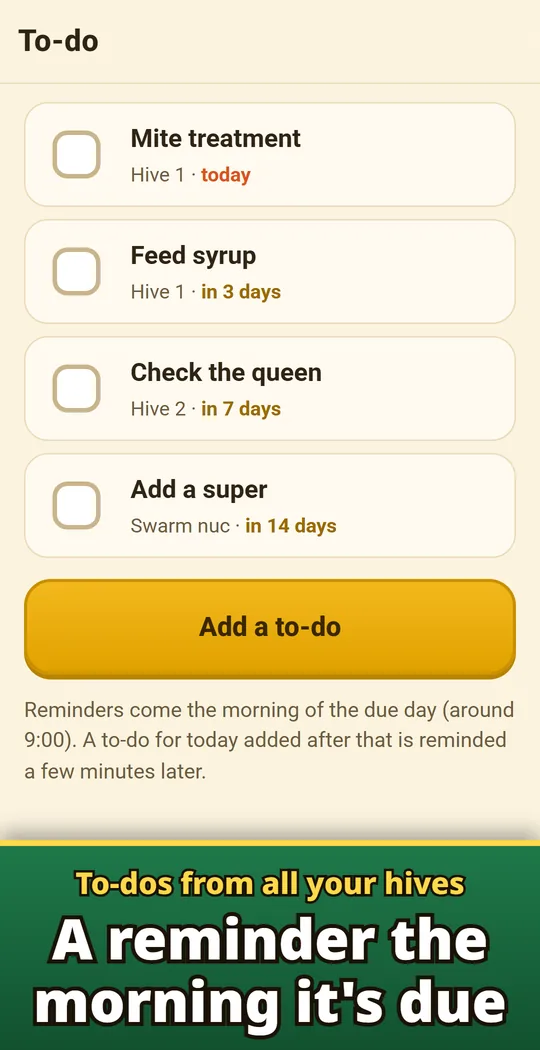
To-dos from all your hives
Add a mite treatment, a super, feeding, a queen check or the next inspection while you inspect. A reminder comes the morning it is due.
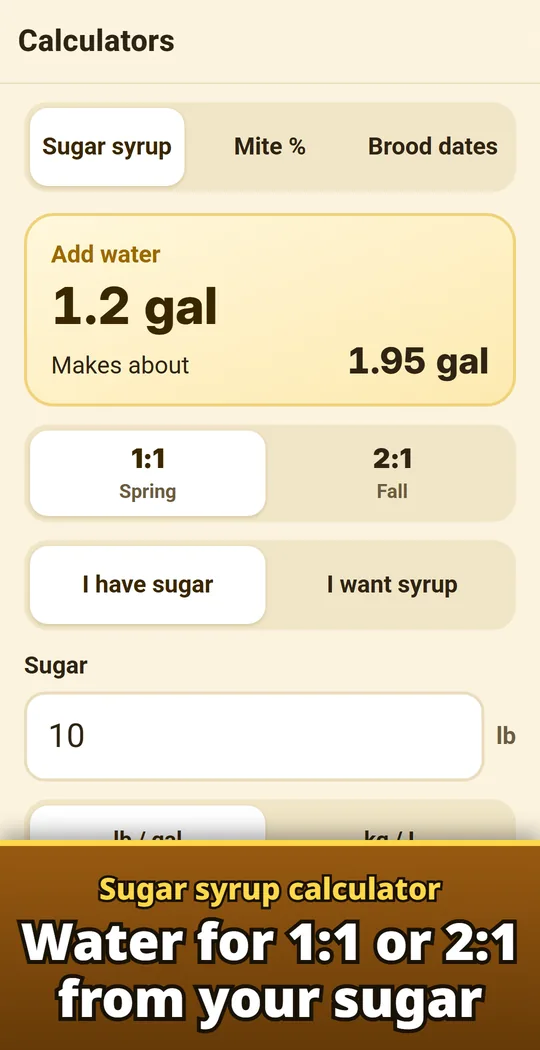
Sugar syrup and brood dates
Water for 1:1 or 2:1 syrup from your sugar, and the days a worker, drone or queen is capped and emerges from the day the egg was laid.
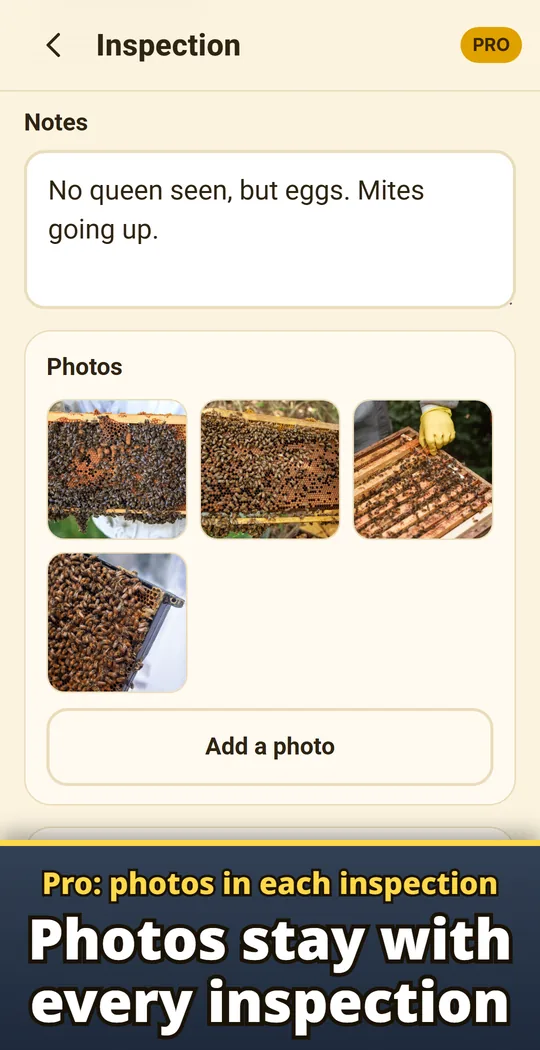
Pro: photos in each inspection
Up to 12 photos per inspection, kept with the inspection record.
Open, tap, save
- Add a hive. Give it a name. Nothing to set up on first launch. Add an apiary name and the queen's year if you like.
- Tap to record. Tap New inspection, tap the big buttons, add a mite count and notes, then tap Save inspection. Add to-dos right there.
- See what is next. Each hive has its history, and all to-dos are in one list. Share an inspection as an image card with a mentor or your club.
Free and Pro
- Free to download. With up to 3 active hives, inspections, feeding, treatment and harvest records, to-dos and calculators stay free for good. No ads.
- Pro is a one-time purchase, not a subscription: unlimited hives, photos in each inspection, backup and restore for a new phone, and CSV export for spreadsheets.
- Archive a hive that died out, was sold or was combined. Its records are kept and it does not count toward the free limit.
- Your hives, inspections and photos are saved on your phone and are not sent to us. No account or sign-in.
Frequently asked questions
How do I record a beehive inspection?
Pick the hive, tap New inspection, tap the big buttons, add a mite count and notes, then tap Save inspection.
How do I log feeding or a mite treatment?
Open the hive and tap Feeding, Treatment or Harvest, pick a quick choice or type your own, then tap Save.
How do I work out my varroa mite percentage?
In Calculators > Mite %, enter the mites you counted and the bees in the sample. Mite % = mites ÷ bees × 100. Half a cup of bees is about 300 bees.
How much water goes in sugar syrup?
In Calculators > Sugar syrup, choose 1:1 or 2:1 by weight and enter your sugar to see the water. Switch between lb and gallons or kg and liters.
Can it remind me of the next inspection?
Yes. Add a to-do while you inspect and pick today, 3, 7 or 14 days ahead. A reminder comes the morning it is due. Reminders need notifications allowed for the app.
What is free and what is Pro?
With up to 3 active hives, inspections, feeding, treatment and harvest records, to-dos and calculators are free for good. Unlimited hives, photos, backup and CSV come with Pro, a one-time purchase.
Do I need an account?
No. Your hives, inspections and photos are saved on your phone and are not sent to us.
How do I move to a new phone?
Use Save a backup (Pro) and restore it on the new phone.
Guide: How to record hive inspections →
Good to know
- Mite levels and brood dates are common guides; they change with season, region and weather.
- Records and photos stay on this phone. Use Save a backup (Pro) to move them to a new phone.
- Reminders need notifications allowed for the app.
If something does not work, or you have an idea or a request, feel free to write to us through the contact form or at contact