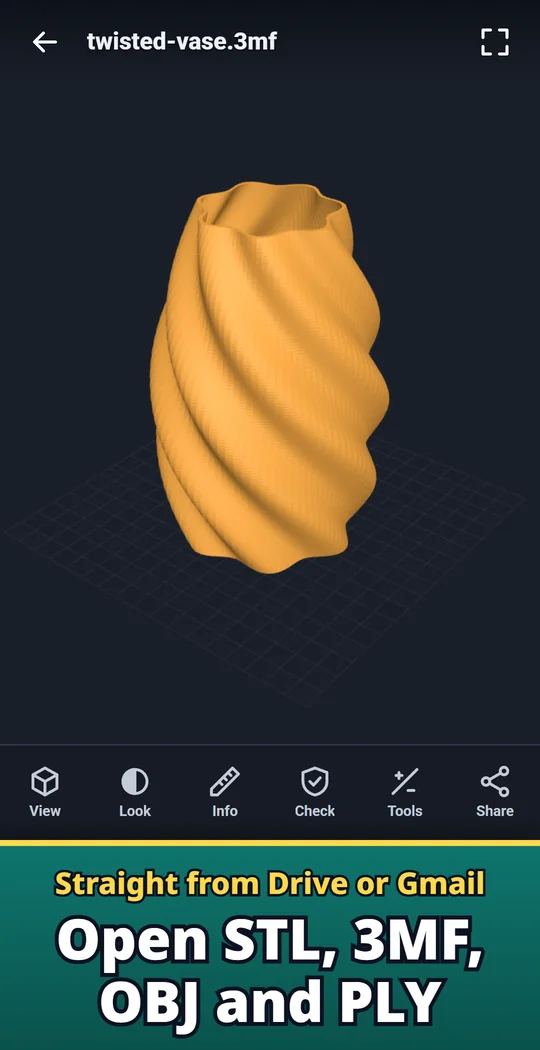
Layeria is an Android app that opens STL, 3MF, OBJ and PLY 3D files. Open a model from your file manager, Google Drive or Gmail and turn it with your fingers. See the size in mm, the volume and an estimate of filament weight, and check for holes before you print. Use it to look at a downloaded model before sending it to the printer, to check a part's size away from your PC, or to show a friend what you made. Made and published by GRAMSHIFT.
What you can do with Layeria
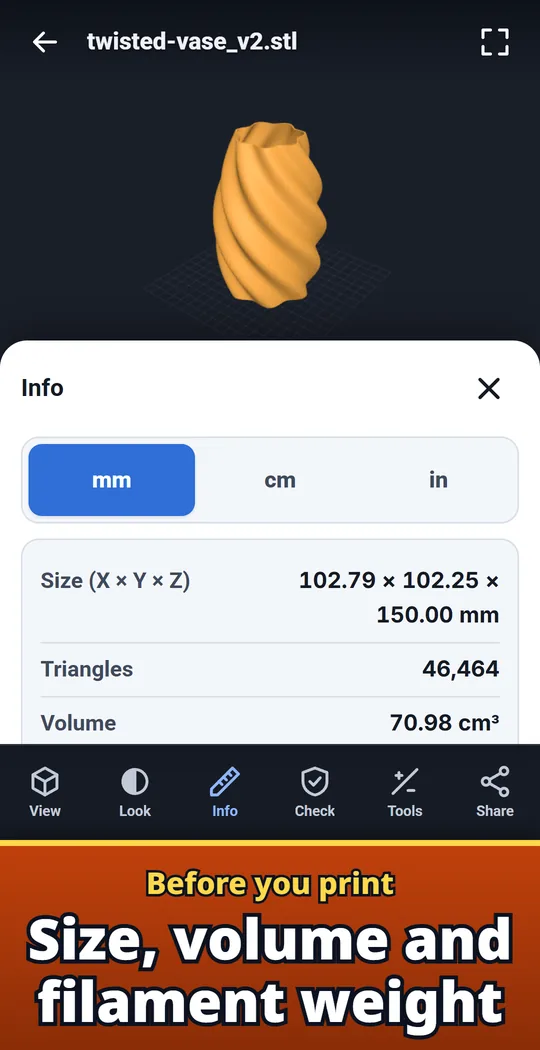
Size, volume and filament weight
X, Y and Z size, volume and surface area. Filament weight and length for PLA, PETG, ABS and TPU at the infill you choose.
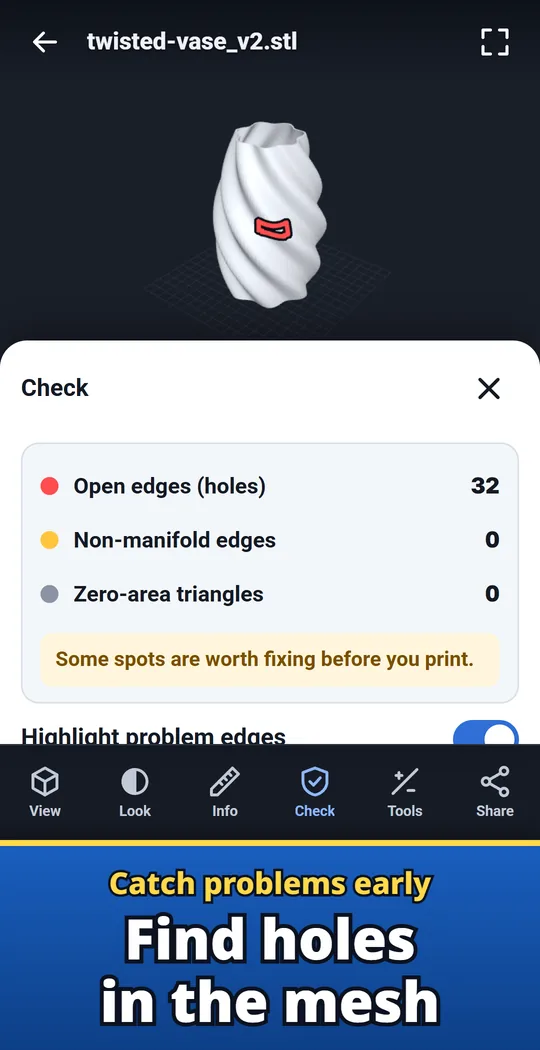
Find holes before you print
Finds open edges (holes), non-manifold edges and zero-area triangles, and marks them on the model in red and yellow.
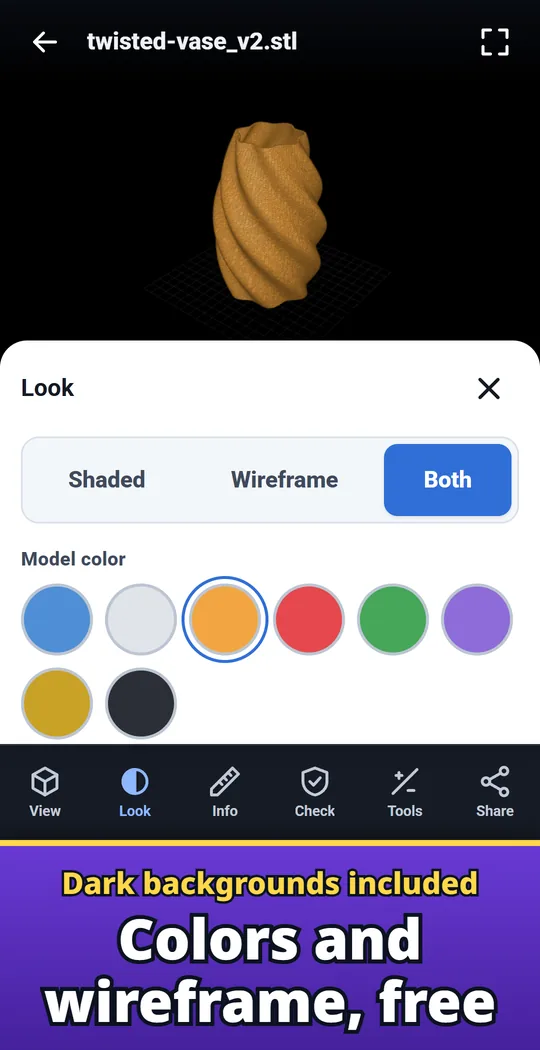
Dark backgrounds and colors, free
Model colors, background colors, and shaded, wireframe or both views. All free.
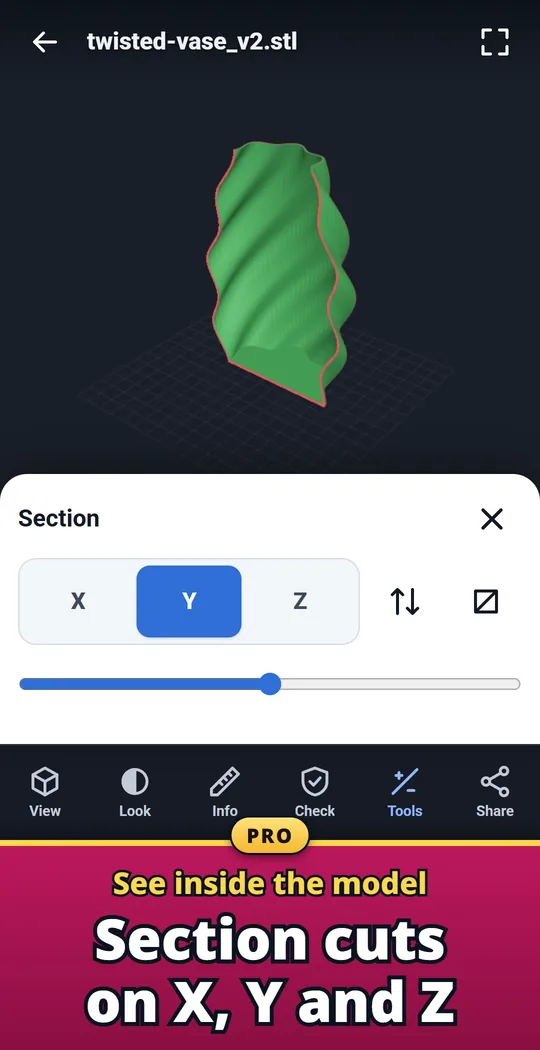
Pro: section cuts on X, Y and Z
Cut through the model to see inside.
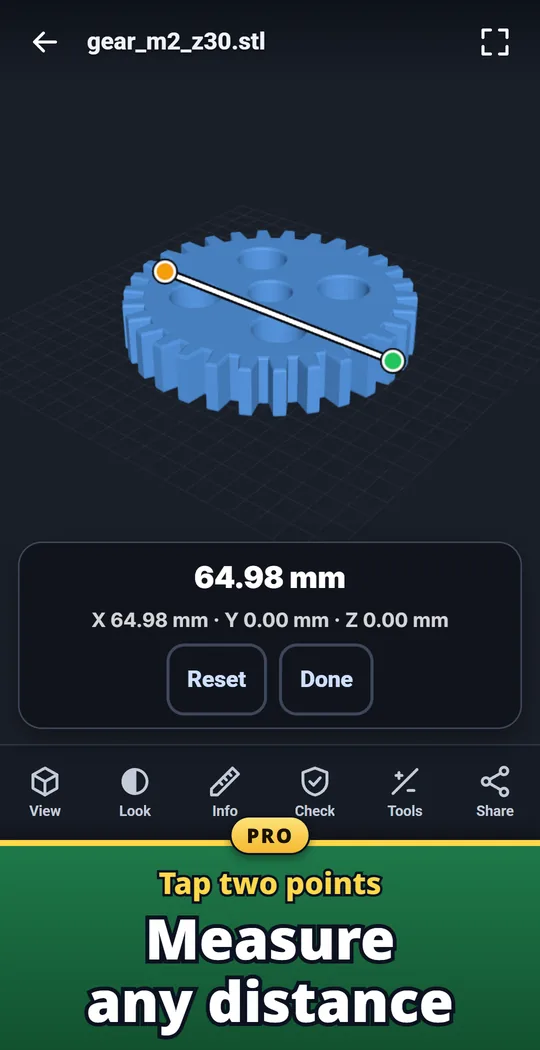
Pro: measure two points
Tap two points on the model to measure any distance.
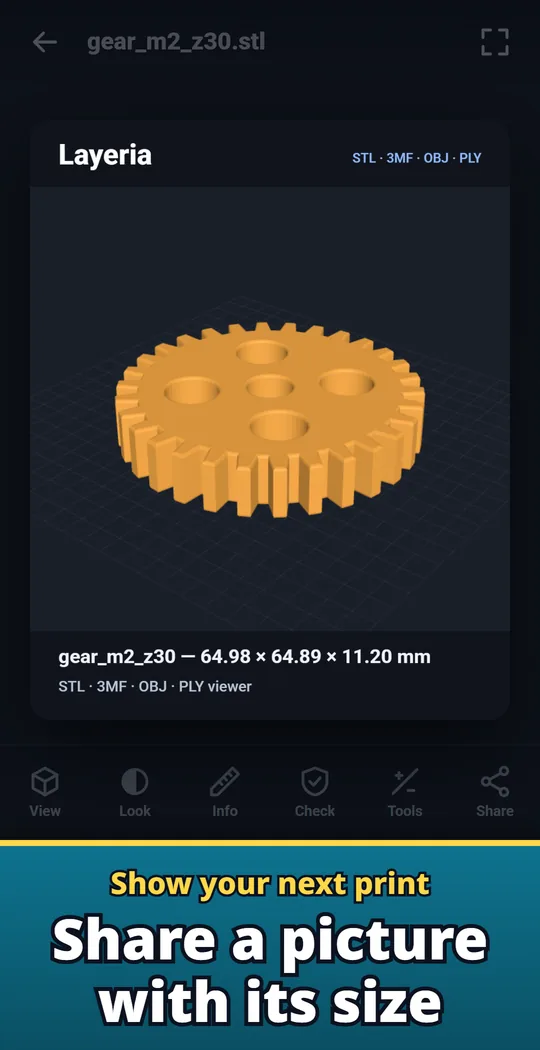
Share a picture with its size
Send a picture of the model with its name and size.
Open, look, check
- Open the file. Tap the file in your file manager, Google Drive or Gmail and choose Layeria, or use Open file inside Layeria. Recent files are listed with small model pictures.
- Turn it around. Rotate, zoom and move with one or two fingers. Front, back, left, right, top, bottom and angled views, an orthographic view, a floor grid and auto-rotate.
- Check before you print. Open Info for the size and filament estimate, then run the print check to look for holes.
Free and Pro
- Free to download. Opening, viewing, size and weight, and the print check are free with no limit. The free recent list keeps the last 10 files, and a small banner ad is shown.
- Pro is a one-time purchase, not a subscription: section cuts on X, Y and Z, two-point measuring, comparing files side by side, unlimited recent files, no ads.
- Remove ads is also available on its own as a separate one-time purchase.
- Files you open stay on your device unless you share them. No account or sign-in.
Frequently asked questions
How do I open an STL file on Android?
Tap the file in your file manager, Google Drive or Gmail and choose Layeria. You can also open Layeria and use Open file.
Can it open 3MF files from my slicer?
Yes. 3MF files with several objects open too. STL (binary and text), OBJ and PLY are also supported.
How much filament will my print use?
Open Info. Layeria estimates the weight and length of 1.75 mm filament from the model volume, with a 0.8 mm outer wall and the infill you choose, for PLA, PETG, ABS or TPU.
Can I check an STL for holes before printing?
Yes. The print check finds open edges (holes), non-manifold edges and zero-area triangles and marks them on the model in red and yellow. Fix them in your 3D software.
Why is my model lying on its side?
Some programs save with Y up and others with Z up. Switch the up axis with the button in View.
What is free and what is Pro?
Opening, viewing, size and weight, and the print check are free with no limit. Section cuts, two-point measuring and side-by-side comparison come with Pro, a one-time purchase.
Are my files sent anywhere?
Files you open stay on your device unless you share them. There is no account or sign-in.
Good to know
- Layeria is for viewing and measuring models. It does not edit, repair or slice them.
- Colors and textures stored in the file are not shown. Models are shown in the one color you choose.
- Other formats such as STEP, FBX and GLB cannot be opened.
- Weight and length are estimates. Check exact values for your settings in your slicer.
If something does not work, or you have an idea or a request, feel free to write to us through the contact form or at contact