
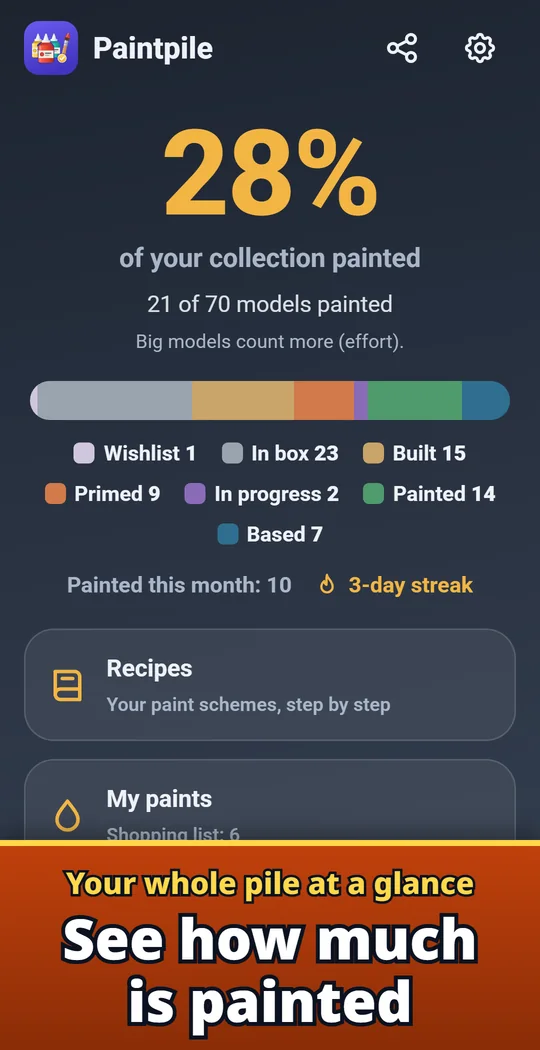
Paintpile is a miniature painting tracker for tabletop wargames and board games. List your models and one big number shows how much of your collection is painted. Move each model from box to built, primed, in progress, painted and based, save your paint recipes, and keep a list of the paints you own and the ones to buy. Use it for armies, warbands, skirmish teams and board game boxes; one row holds a whole unit, so ten archers take one line. Made and published by GRAMSHIFT.
What you can do with Paintpile
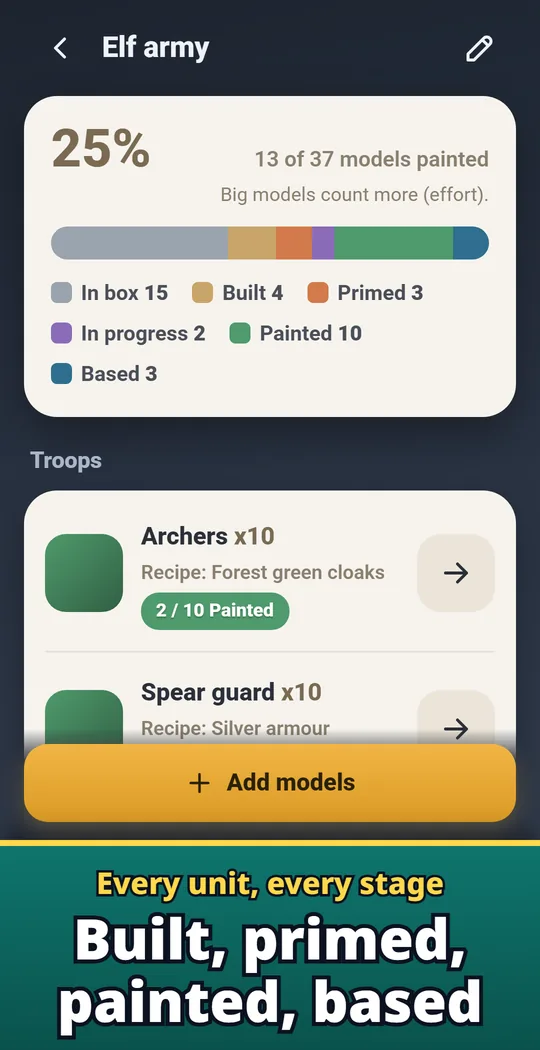
Every unit and stage in color
A colored bar shows how many models sit in each stage, from built and primed to painted. Tap once to move a model to the next stage.
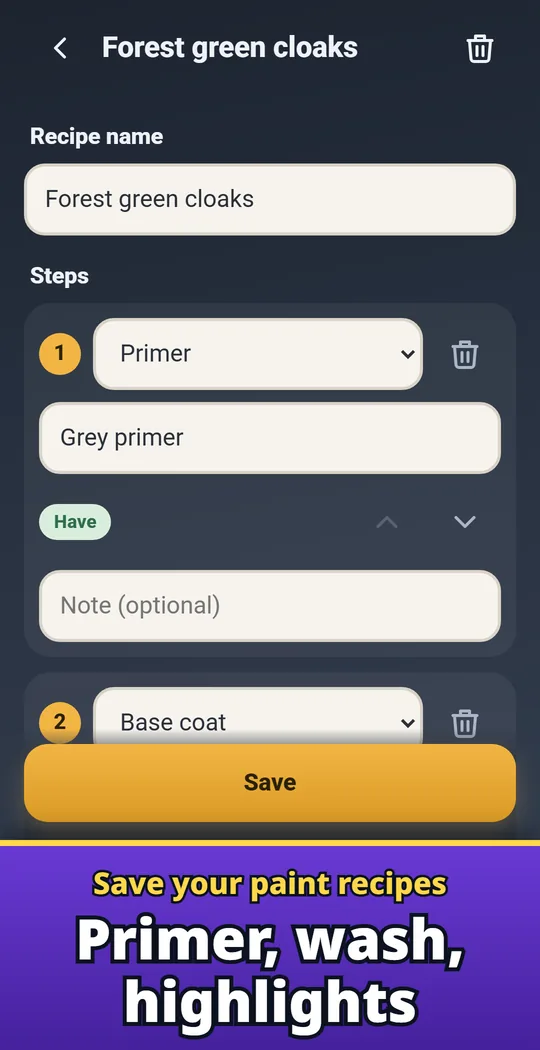
Paint recipes, step by step
Save primer, base coat, wash, dry brush, highlights, glaze and varnish, with the paint and a note on every step.
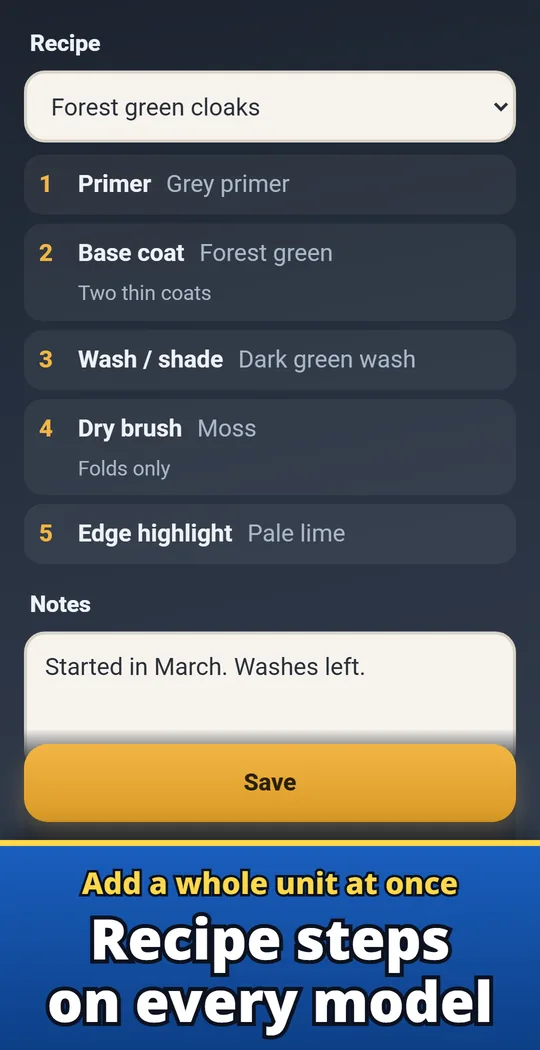
Recipes right on each model
Pick a recipe on a model and see the steps on that model. Units painted the same way just pick the same recipe.
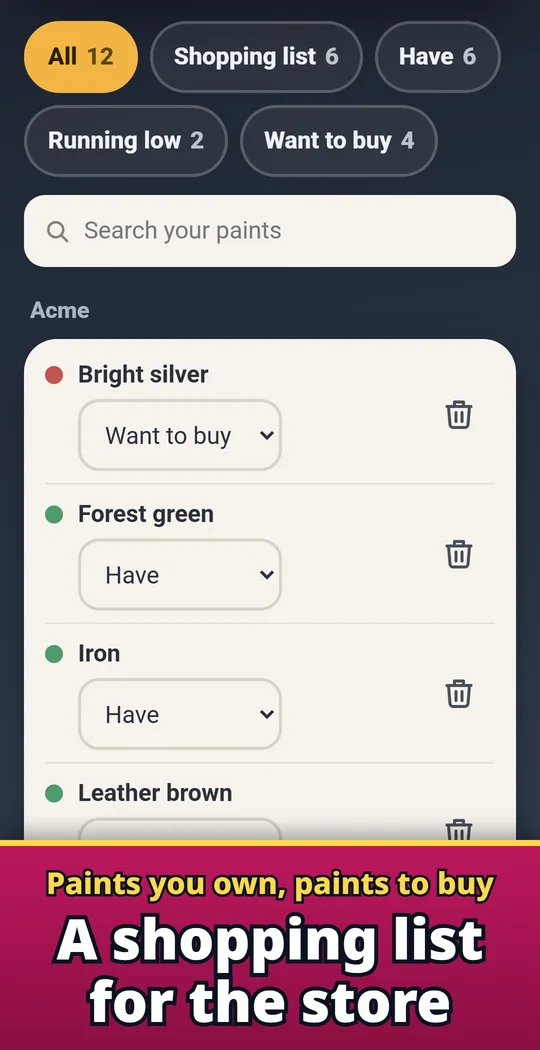
My paints and a shopping list
List your paints with their brand and mark each one Have, Running low or Want to buy. Search before you buy a second pot, and share the list for the hobby store.
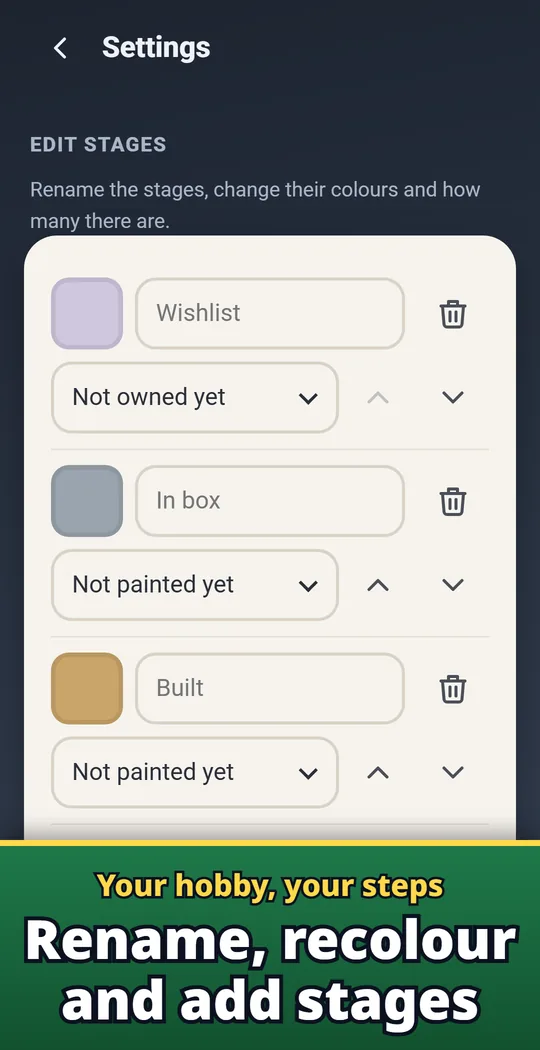
Your own stages and colors
Rename the stages, change their colors, add your own and change the order to match how you paint.
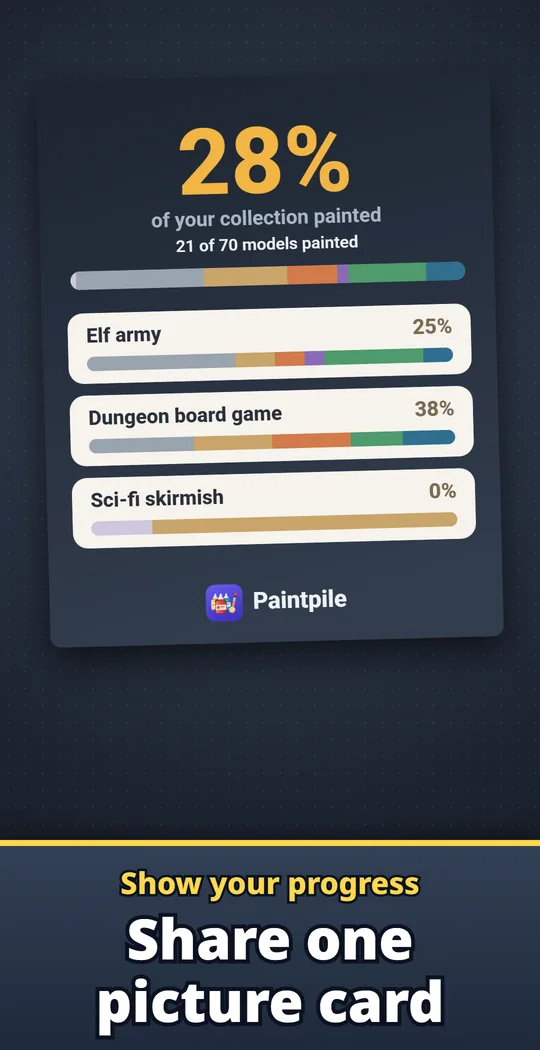
Share your painted % as a card
Send a card with your painted % to your group chat or hobby friends.
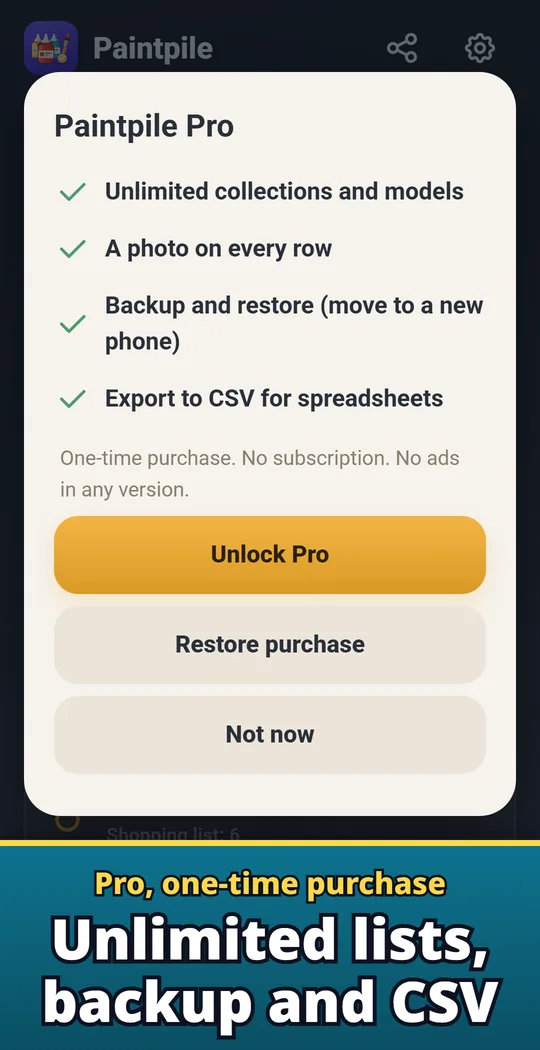
Pro: unlimited, photos, backup, CSV
Unlimited collections and models, a photo on every row, backup and restore, and CSV export for spreadsheets.
Add models, move stages, watch the pile shrink
- Add your collections and models. Make a collection for each army or board game box and add models row by row. One row holds a whole unit.
- Move models through the stages. In box, built, primed, in progress, painted, based: one tap moves a model on. Big models count more, so your % matches the work left.
- Keep your recipes and paints. Save paint recipes step by step, pick them on your models, and send missing paints to your shopping list in one tap.
Free and Pro
- Free to download. Progress, stages, paint recipes, My paints, the shopping list and sharing are all included. The free version holds 2 collections and 30 model rows. No ads in any version.
- Pro is a one-time purchase, not a subscription: unlimited collections and models, a photo on every row with zoom, backup and restore to move to a new phone, and CSV export for spreadsheets.
- Your collections, recipes, paints, notes and photos stay on your device. No account or sign-in is used.
Frequently asked questions
What is a pile of shame?
It is the stack of miniatures you bought but have not painted yet. Paintpile counts it and shows it going down.
How do I track my miniature painting progress?
Add your models to a collection and move them through built, primed, painted and based. The app shows your painted % and how many models sit in each stage.
Can I track a whole unit in one row?
Yes. Set how many models the row holds and move them through the stages one by one or all at once.
Can I save my paint recipes?
Yes. Write the steps once, then pick the recipe on every model you paint the same way.
Can I use my own stages?
Yes. Rename, recolor, add or remove stages in Settings. Keep at least one "Not painted yet" stage and one "Painted" stage.
What is free and what is Pro?
Progress, stages, paint recipes, My paints and the shopping list are free; the free version holds 2 collections and 30 model rows. Unlimited models, row photos, backup and CSV export come with Pro, a one-time purchase.
How do I move to a new phone?
With Pro, make a backup file and restore it on the new phone. It includes every collection, stage, recipe, paint, note and photo.
Is it on iPhone?
Right now it is available only on Android (Google Play).
Good to know
- Collections are not synced between devices automatically.
- Uninstalling the app deletes your collections. With Pro you can make a backup first.
If something does not work, or you have an idea or a request, feel free to write to us through the contact form or at contact