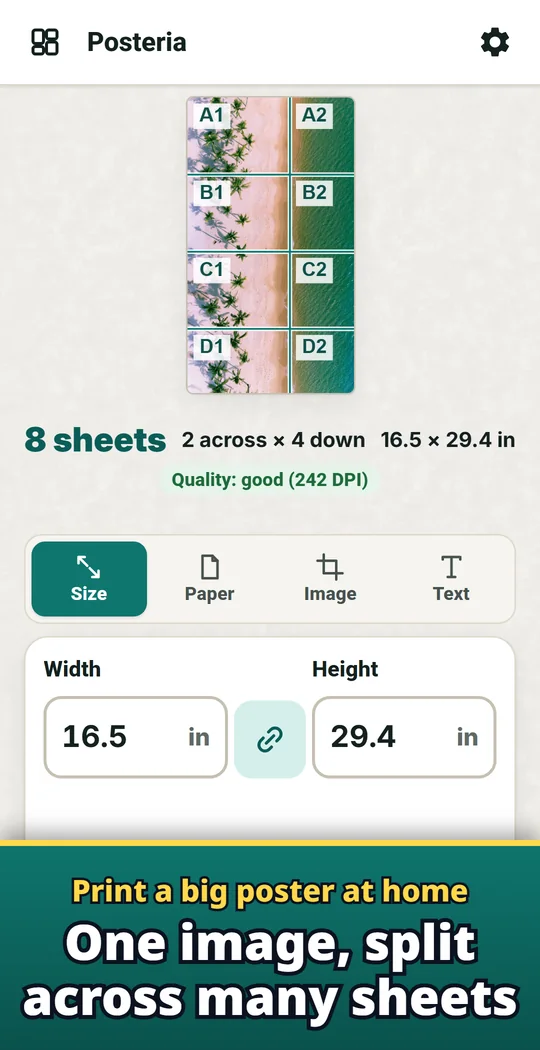
Posteria is an Android app that prints one image across A4, Letter or other sheets, so you can join them into one big poster. Set the size in cm or inches, or simply pick the number of sheets, such as 3 × 3. The preview shows where each sheet ends and tells you whether the image is sharp enough at that size. Print the PDF straight from your phone, or take it to a print shop. Use it for wall art, family and pet photos, party banners, school and club posters, or maps. Made and published by GRAMSHIFT.
What you can do with Posteria
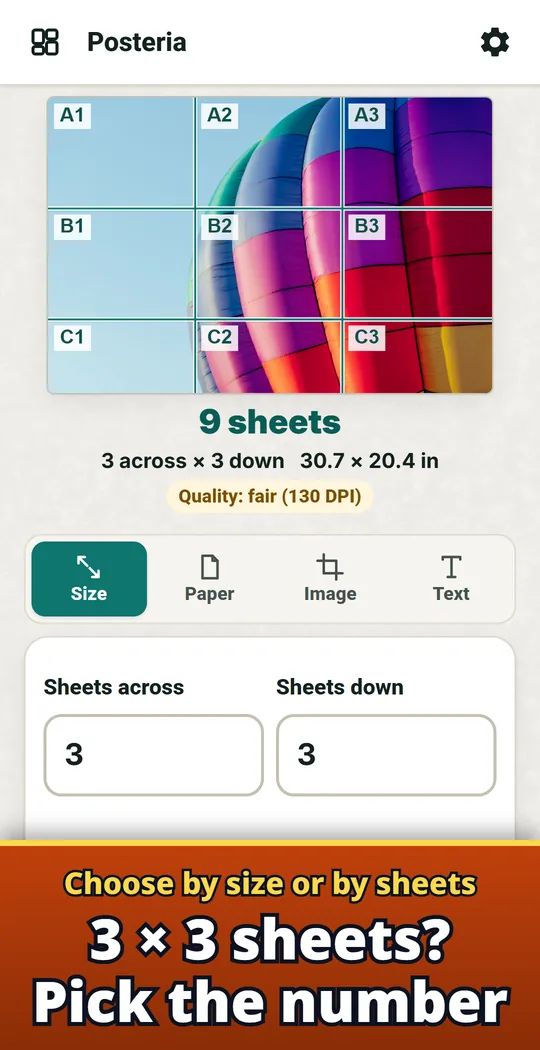
Choose by size or by sheets
Type the size in cm or inches, or pick the number of sheets, such as 3 × 3. The orientation that uses fewer sheets is chosen for you.
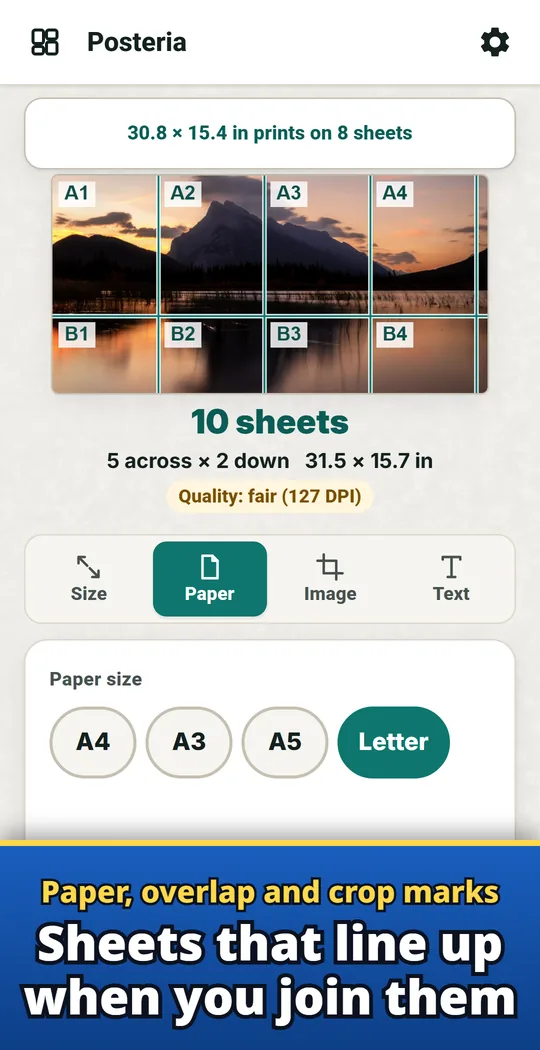
Paper, overlap and crop marks
A4, A3, A5, Letter, Legal and Tabloid. Add overlap for gluing, margins, crop marks and page numbers such as A1, A2.
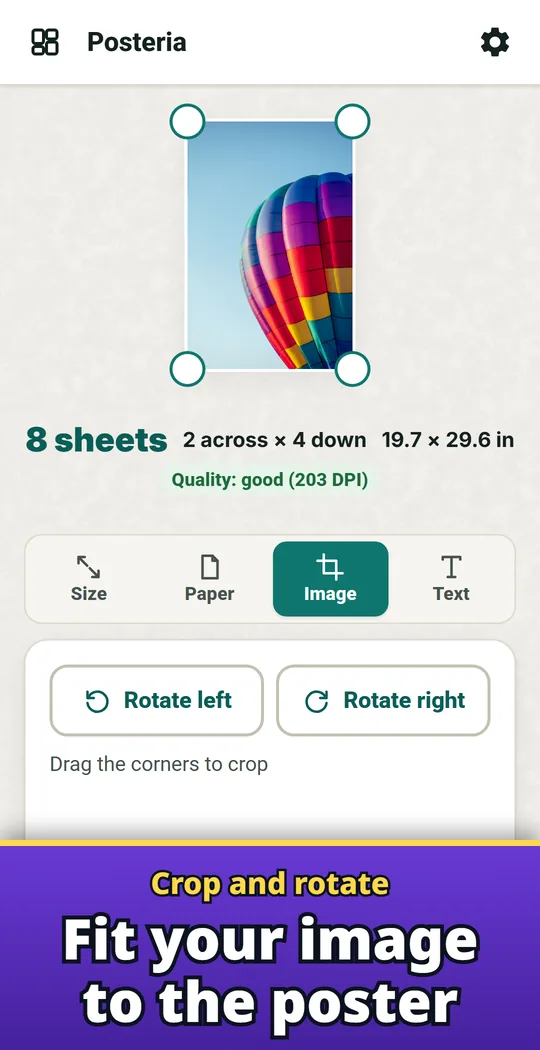
Crop and rotate
Crop the part of the image you want and rotate it to fit the poster.
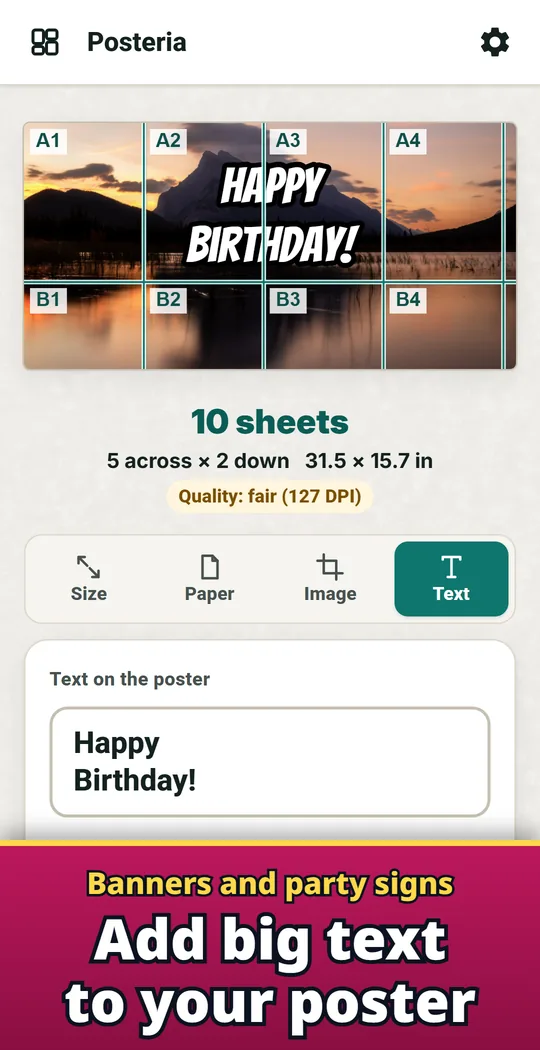
Banners and party signs
Big text on one line or several, with poster fonts, any color and an outline. Great for banners and signs.
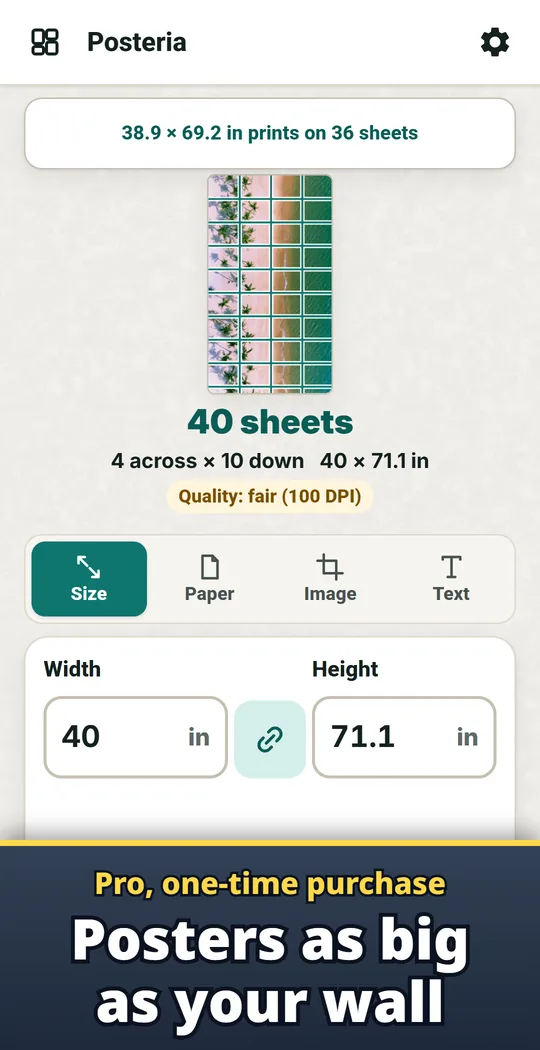
Pro: posters as big as your wall
With Pro (one-time purchase), make posters longer than 60 cm on the long side.
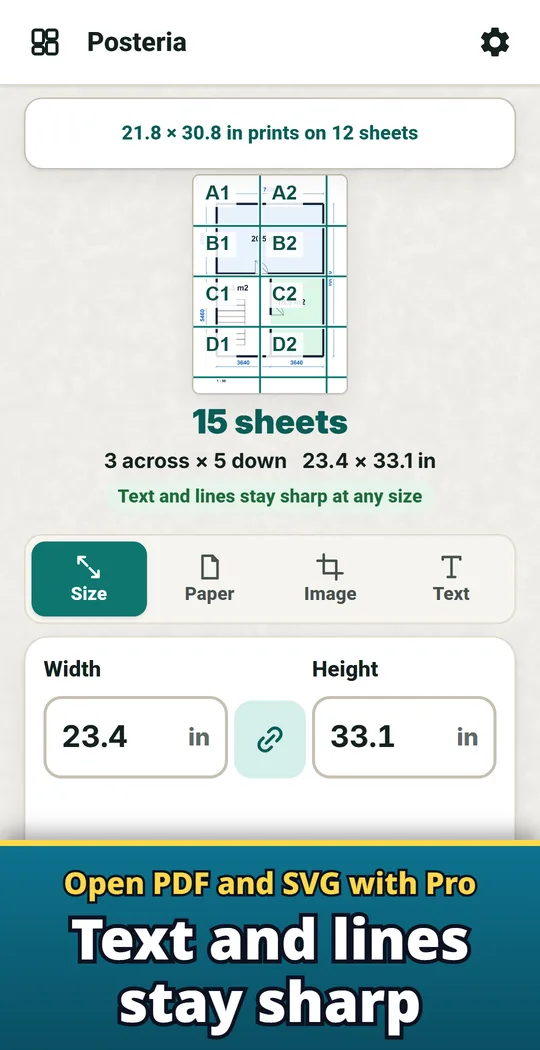
Pro: open PDF and SVG
Open PDF and SVG files. Text and lines in a PDF stay sharp at any size.
From photo to poster
- Pick an image and set the size. Use cm or inches, or the number of sheets across and down. The preview shows the sheet breaks, how many sheets you need and whether the image is sharp enough.
- Save the PDF and print. Print from your phone on your home printer, or take the saved PDF to a print shop. In the print screen, choose 100% or Actual size.
- Join the sheets in order. Cut along the page numbers and crop marks, then lay each sheet over the overlap of the one before. Add an assembly guide page to the front of the PDF to see which sheet goes where.
Free and Pro
- Free: split, save PDFs and print as often as you like. Posters up to 60 cm (24 in) on the long side. A small banner ad at the bottom of the screen.
- Pro (one-time purchase): posters over 60 cm, opening PDF and SVG files, up to 200 saved setups (free keeps 3), no ads.
- Remove ads (one-time purchase): removes the banner ad.
- No sign-up and no watermark. The images you pick stay on your device.
Frequently asked questions
How do I print a large poster on multiple pages from my phone?
Open the image in Posteria, enter the size and tap Save PDF or Print. Posteria splits it across as many sheets as that size needs, and you can add overlap, crop marks and page numbers.
Can I split a picture across several A4 sheets at home?
Yes. Choose A4 (or A3, A5, Letter, Legal or Tabloid), set the poster size or the number of sheets, and print on your home printer. Join the sheets in page-number order to get one big poster.
Why is my printed size wrong?
Your print screen may be set to Fit to page. Choose 100% or Actual size to print at the real size.
How do I join the sheets?
Cut along the page numbers and crop marks, then glue each sheet over the overlap of the one before. An assembly guide page at the front of the PDF shows which sheet goes where.
Is Posteria free?
Splitting, saving PDFs and printing are free with no limit on how often. Free posters go up to 60 cm (24 in) on the long side and show a small banner ad. Bigger posters and opening PDF and SVG files come with Pro, a one-time purchase.
Can a small image be printed big?
Bigger posters need sharper images. A small image looks rough when enlarged, and the quality label tells you before you print.
Do I need an account?
No. Start without signing up. The images you pick stay on your device.
Good to know
- You need a printer your phone can print to, or you can take the saved PDF to a print shop.
- Screen colors and paper colors will not match exactly.
- Saved setups are kept on this device, with no backup.
- Password-protected PDFs cannot be opened.
If something does not work, or you have an idea or a request, feel free to write to us through the contact form or at contact