Stavia is an Android app for reading PDF sheet music on your phone or tablet. Turn pages with a Bluetooth foot pedal or a tap. Write on your scores, build setlists for concerts and keep your music organized, all in one app. Use it instead of a stack of paper at gigs, rehearsals and at home. Good for solo players, orchestras, concert bands, bands, choirs, church services and weddings. Made and published by GRAMSHIFT.
What you can do with Stavia
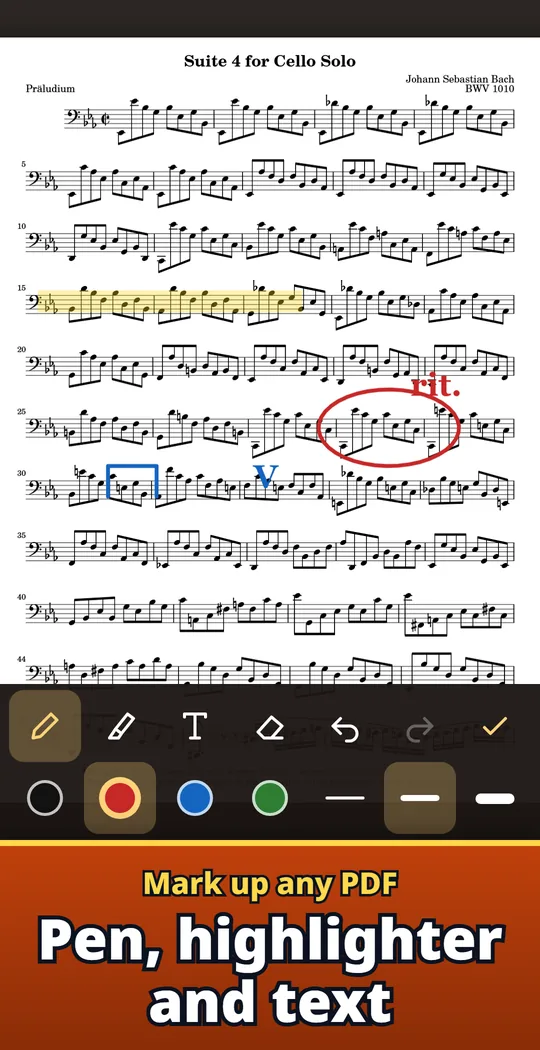
Mark up any PDF
Pen, highlighter, text, eraser, undo and redo. Your marks stay the next time you open the score, and the original PDF is not changed.
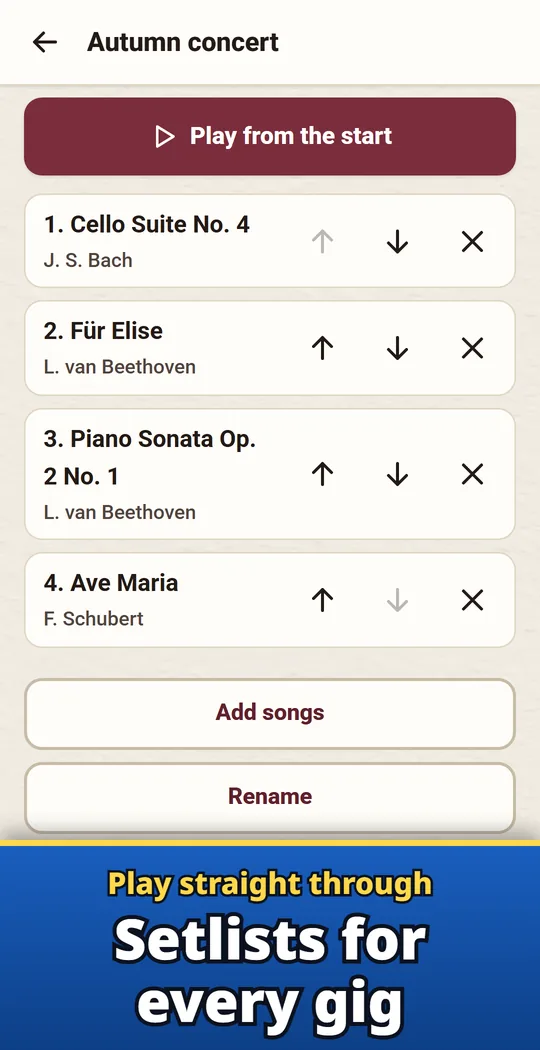
Play straight through a setlist
Line up pieces and keep turning into the next one. The last page shows the next title, and you can share the order as a picture.
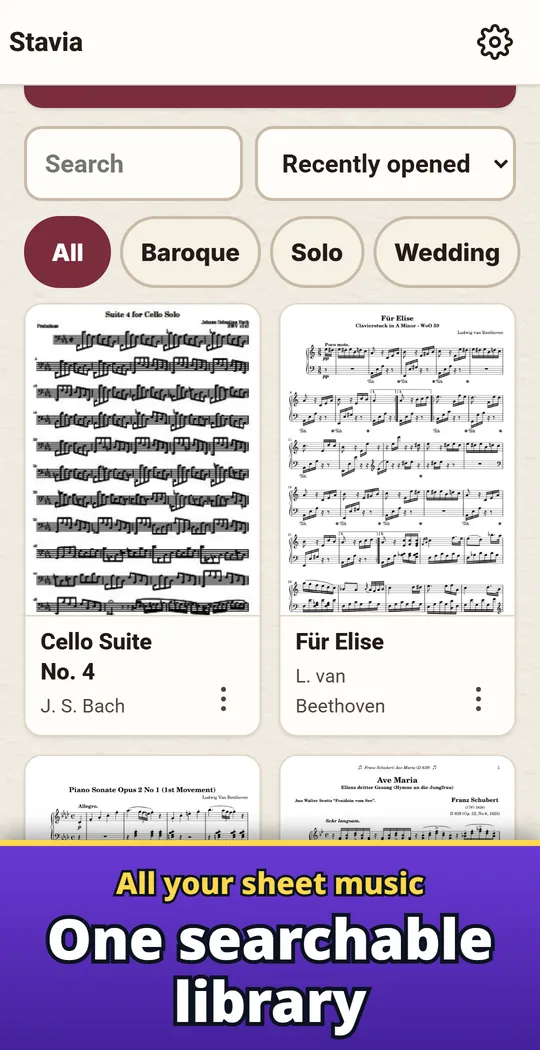
All your sheet music in one place
Search by title, composer or tag, sort and filter. Bookmarks and a page overview take you straight to the page you need.
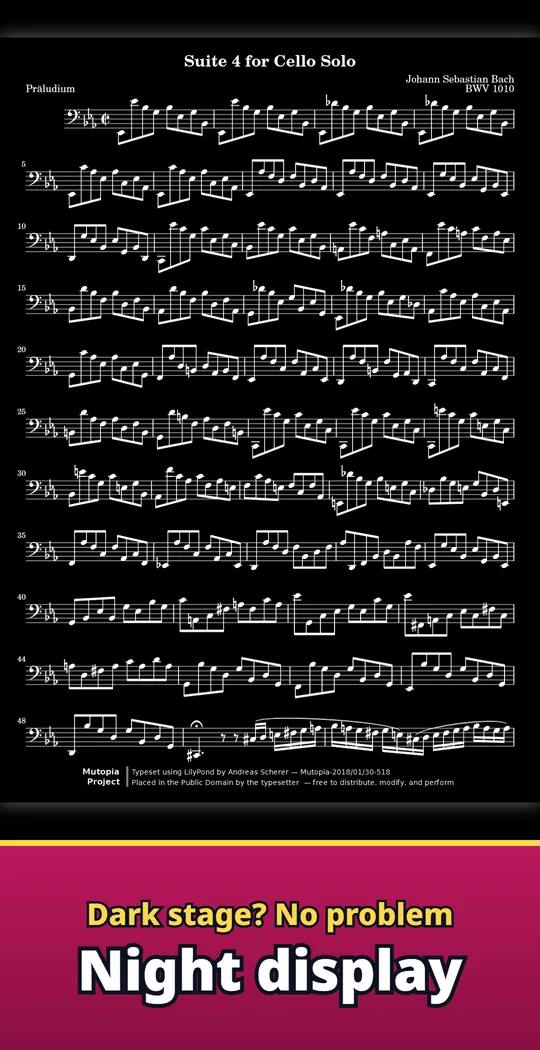
Easy to read on a dark stage
Inverted or sepia night display. Trim the white margins to make the notes bigger.
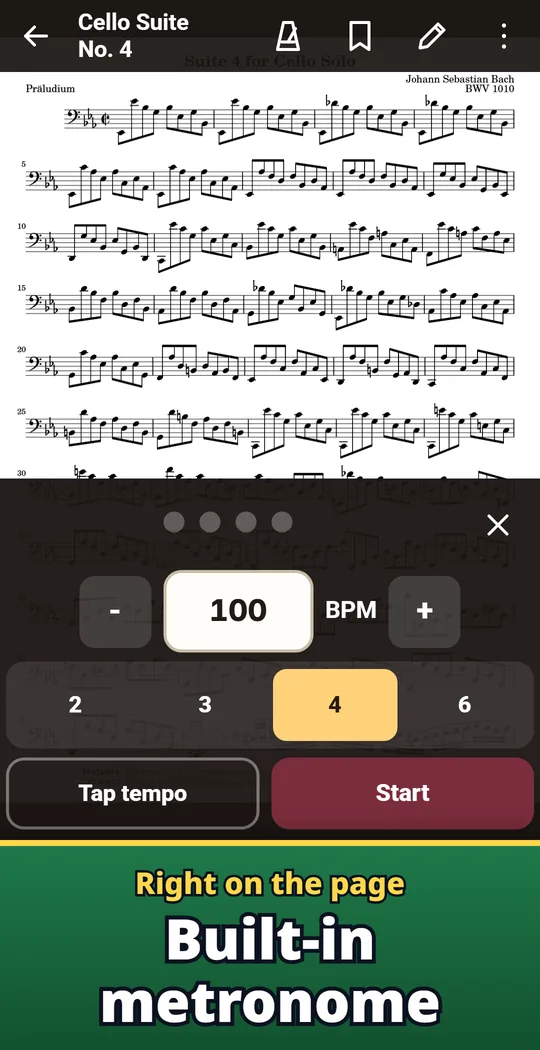
Metronome right on the page
A metronome with tap tempo is built in.
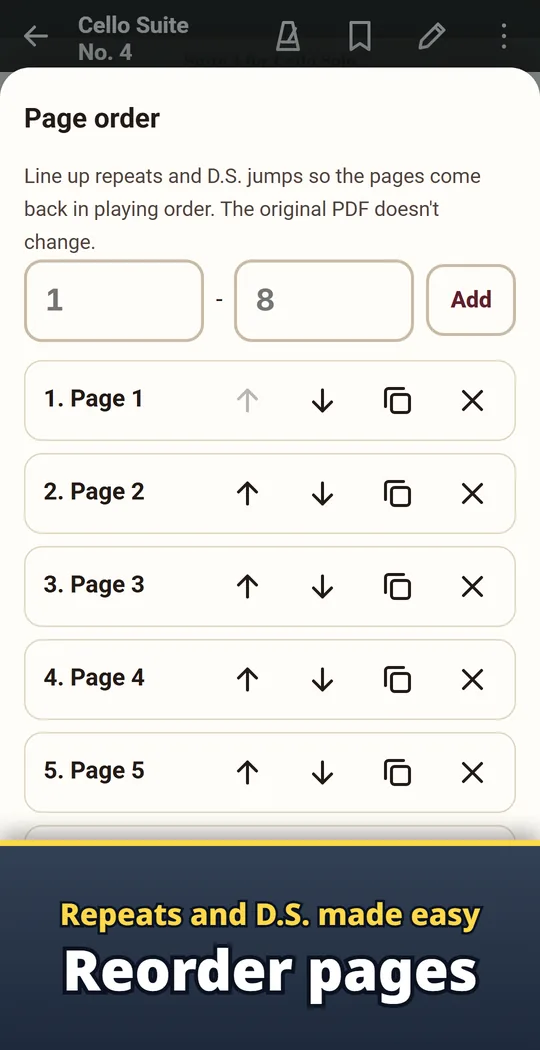
Pro: reorder pages
Arrange pages to follow repeats.
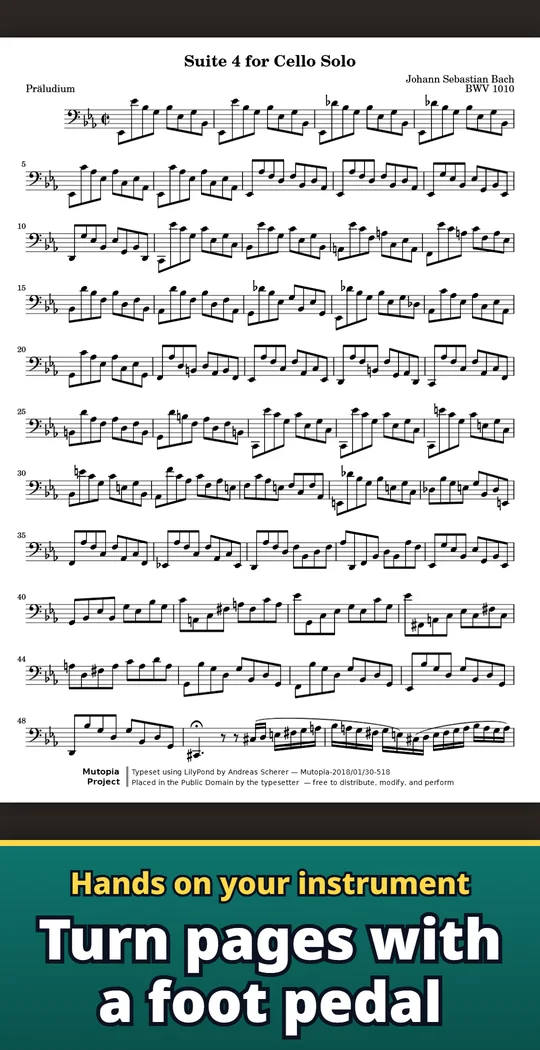
Turn pages your way
- With a foot pedal. A Bluetooth page-turner pedal that connects as a keyboard turns pages once it is paired. Test the pedal in Settings and choose the next and previous keys.
- With a tap or swipe. Choose where to tap: left and right, the bottom corners, or top and bottom. Volume buttons work too when you turn them on in Settings.
- Read the way you like. Single page, two pages side by side (landscape or tablet), or vertical scroll with auto-scroll. Half-page turns let you read ahead while you play.
Free and Pro
- Free to download. No limit on opening, turning pages or writing. The free version saves up to 15 scores and 2 setlists, and a small banner ad is shown outside the reading screen. When the library is full, you can still open a PDF for that one time.
- Pro is a one-time purchase, not a subscription: unlimited scores and setlists, exporting PDFs with your marks, backup and restore, page order editing for repeats, no ads.
- Remove ads is also available on its own as a separate one-time purchase.
- PDFs you add stay on your device unless you send them. No account or sign-in.
Frequently asked questions
How do I turn pages with a foot pedal on Android?
Pair a Bluetooth page-turner pedal with your phone or tablet, the same way as a keyboard. Open a score and press the pedal to turn the page. For a pedal that sends other keys, set them in Settings.
Can I use it without a pedal?
Yes. Tap the edge of the screen or swipe to turn pages. Volume buttons work too when you turn them on in Settings.
Can I write on my PDF sheet music?
Yes. Use a pen, highlighter, text or eraser, and choose the color and line width. Your marks stay the next time you open the score, and the original PDF is not changed.
Can I build a setlist for a gig?
Yes. Line up pieces in a setlist and keep turning into the next one. The last page shows the next title, and you can share the order as a picture.
Do scanned PDFs work?
Yes. Scanned PDFs open too, and you can write on them, rotate them and trim the margins.
What is free and what is Pro?
Opening, turning pages and writing are free with no limit. The free version saves up to 15 scores and 2 setlists. Pro, a one-time purchase, removes those limits and adds PDF export with marks, backup and restore, and page order editing.
Are my scores sent anywhere?
PDFs you add stay on your device unless you send them. There is no account or sign-in.
How do I move my scores to a new phone?
Make a backup file with Pro and restore it on the new device. It includes your scores, marks and setlists.
Good to know
- Stavia reads PDF only. MusicXML and other formats cannot be opened.
- One sample score is included. Please bring your own PDF scores.
- Scores are not synced between devices automatically.
- Uninstalling the app deletes the library and marks. With Pro, make a backup first.
If something does not work, or you have an idea or a request, feel free to write to us through the contact form or at contact