Stream Deck plugin for Farming Simulator 25 on PC
Farming Simulator 25, live on your Stream Deck keys
Field Deck shows your speed, fuel, fill level, money, the time of day, the weather and your hired workers live on your Stream Deck keys while you play Farming Simulator 25 on PC.
Press a key to start the engine, switch the lights, beacon and cruise control, lower, turn on or fold your implement, or hire a worker, and the key shows whether it is on. A free companion mod comes with the plugin and installs from a key's settings.
- Speed and cruise
- Fuel
- Fill level
- Money and time
- Worker alerts
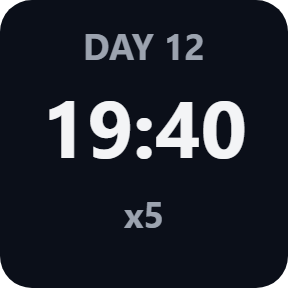
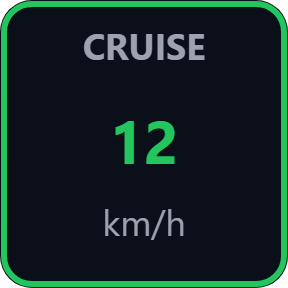
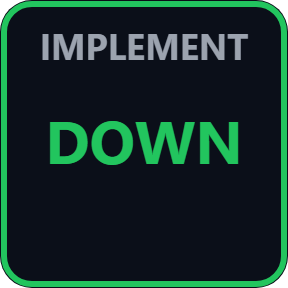
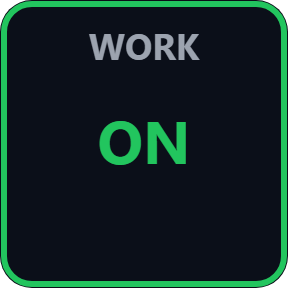

What the keys show
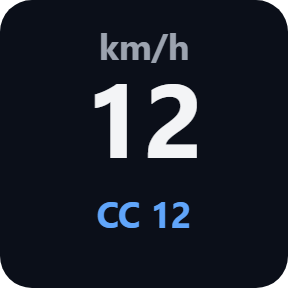
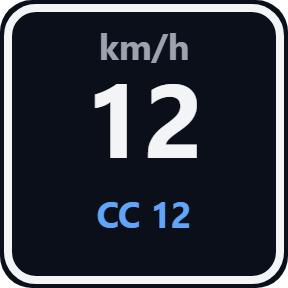
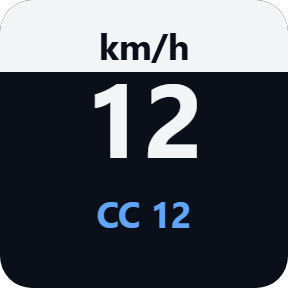
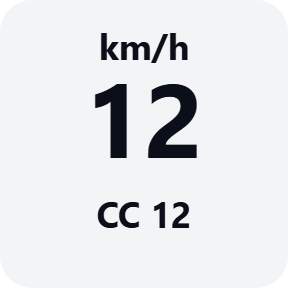
Speed
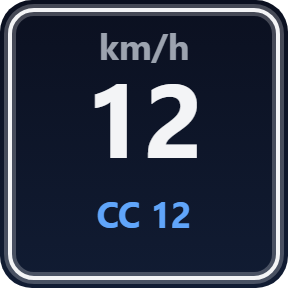
The speed of the vehicle you drive in the game's unit, with the cruise speed when cruise control is on.
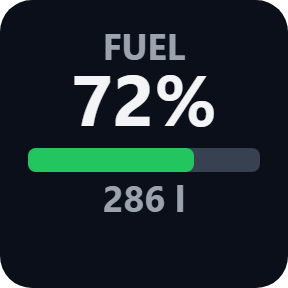
Fuel
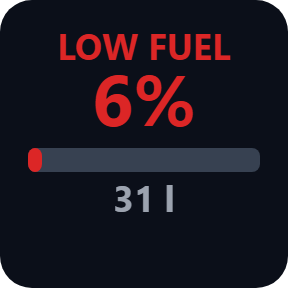
Diesel, electric charge or methane left, as a percent or an amount. Yellow when low, red when nearly empty.
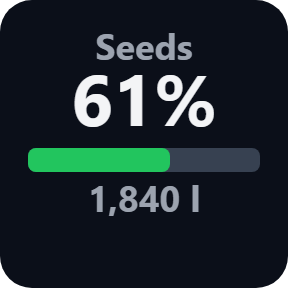
Fill Level
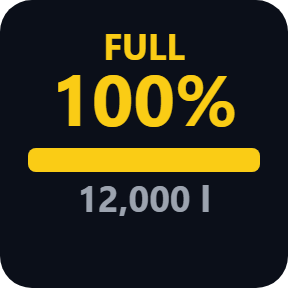
What is in your vehicle or its implement and how full it is, with FULL when the tank or trailer is full.
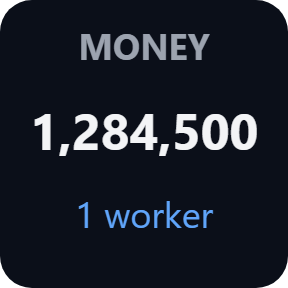
Money
The farm's money and how many workers are hired.
Worker
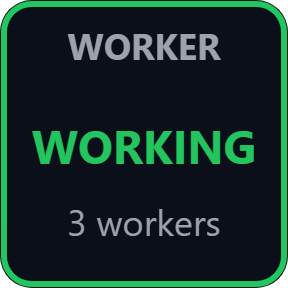
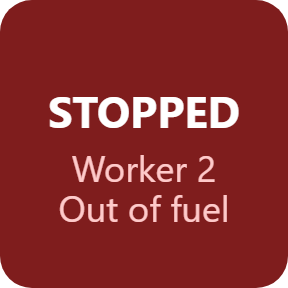
Hire or dismiss the worker with a press. The key turns red and tells you when a worker stops: done, blocked or out of fuel.
Time & Day
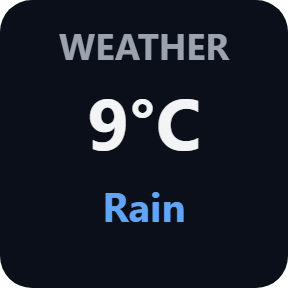
The time of day, the day and the time scale. The Weather key shows the temperature and rain or hail.
Choose your look
Pick these in each key's settings: Classic, Neon, Ring, Bars, Solid or your own color. Showcase fills the keys with sample values, so you can arrange your keys before you start the game.
A button box that shows your machine's state
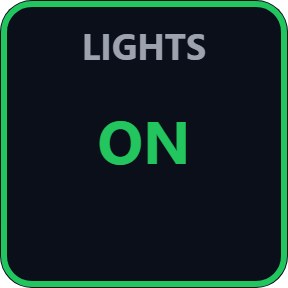
Engine, lights, high beam, work lights, beacon, blinkers, hazard lights, cruise control, lowering, turning on, folding and attaching each show their state on the key. The Time Scale key speeds time up or slows it down, and a Game Control key gives any other control from a list: camera, next vehicle, gears, enter and exit, and more. On Stream Deck +, dials set the cruise speed, the blinkers and the time scale.
Your own controls, your own farm
Keys show what the game reports, also when you switch something with your keyboard, mouse or controller.
A press sends the keyboard key set in the game's Controls, including keys you changed yourself, so in most cases there is nothing to map.
The values read from the game stay on your PC. The only thing that goes online is the license key check.
Set up in 3 steps
- Open the plugin file you download after buying. The Stream Deck app installs it and offers a ready-made Field Deck profile for your Stream Deck.
- Drag the keys you want onto your Stream Deck, or open the profile, and enter your license key once in a key's settings.
- Press Install under Companion mod in the same settings. Start the game and tick Field Deck in the mod list when you load your savegame.
Requirements
- Windows 10 or later
- Stream Deck app 6.9 or later
- Farming Simulator 25 on Windows PC, with the free Field Deck companion mod (included, installed from a key's settings) ticked in your savegame's mod list
Questions
How do I show Farming Simulator 25 speed, fuel and fill level on Stream Deck?
Drag Speed, Fuel and Fill Level onto your Stream Deck and enter your license key once in a key's settings. Press Install under Companion mod there, start the game and tick Field Deck in the mod list when you load your savegame. The keys then show your vehicle.
How is this different from the Farm Deck for Farming Sim 25 profile?
Farm Deck is a profile of preset keys that press the game's shortcuts. Field Deck is a plugin: its keys show the game's live values, such as speed, fuel, fill level, money, time and your workers, and its switch keys show whether the engine, lights or implement are on.
Do I need to set up key bindings?
Usually not. A press sends the keyboard key set in the game's Controls, including keys you changed yourself. If a control has only a mouse or controller button, give it a keyboard key in the game's Controls, or type a key in the key's settings.
What is the companion mod and how do I install it?
A small free mod that lets your keys show the game's values. Press Install under Companion mod in any key's settings and it goes into the game's mods folder. Tick Field Deck in the mod list when you load your savegame. Remove in the same settings takes it out, also after your license has ended.
Which versions of Farming Simulator 25 does it work with?
Farming Simulator 25 on Windows PC: the Steam or GIANTS version and the Microsoft Store / Xbox app version. If the plugin does not find the game's folder by itself, type it under Game folder in a key's settings. Console versions are not supported.
Does it work with Stream Deck + dials?
Yes. Dials set the cruise speed, the blinkers and the time scale, and the other keys can sit on a dial too. The plugin also comes with a ready-made profile for Stream Deck MK.2, XL, Neo and +.
Can I arrange my keys before starting the game?
Yes. Turn on Showcase in a key's settings: the keys show sample values marked SAMPLE and nothing is sent to the game. Turn it off to play.
How many PCs can I use with one license key?
Up to 3 of your own PCs. If you replace a PC, write to us and we free up a place for the new one.
How do I get new versions?
Download the latest version from your thank-you page or the license key page you received. Your license key keeps working. If you cannot open your license key page, email us as the "Recover your license key" page explains.
What if I lose my license key?
Email contact@gramshift.com from the address you paid with, and include your order number, or the date and amount you paid. We check the purchase and reply with a link to your license key page.
Can I get a refund?
Yes. If the plugin does not work on your PC or with your game, email us within 14 days of purchase and we refund the full amount. The license key stops working after the refund.
Direct purchase: details, refunds and seller
- Price
- ¥2,200, paid once. Tax for your country is added at checkout.
- Payment
- Handled by Stripe through Link, Stripe's checkout service. Link appears as the seller on your receipt and card statement, and your card number never reaches GRAMSHIFT.
- Delivery
- Your license key and download link appear right after payment, and the receipt arrives by email.
- Refunds
- If the plugin does not work on your PC or with your game, email us within 14 days of purchase for a full refund. You can also ask Link support. The license key stops working after a refund.
- License
- One key for your own use on up to 3 PCs.
- Countries
- Checkout is not offered in Ascension Island, China, Cuba, Iran, Kosovo, North Korea, Russia, Syria or Tristan da Cunha.
- Seller
- GRAMSHIFT, Tokyo, Japan. Contact: contact@gramshift.com
Limits
- Windows only, with the game and your Stream Deck on the same PC. Not for the console versions of the game.
- The keys show values only while the free companion mod is ticked in the mod list of the savegame you play.
- A press sends the keyboard key set in the game's Controls (the game's default key if you have not changed it). A control with only a mouse or controller button needs a keyboard key in the game's Controls, or a key typed in the key's settings.
- The Engine key starts and stops the engine only while Automatic Motor Start is off in the game's settings.
- Your presses reach the game only while its window is in front. You can turn this off under Safety in a key's settings.
- If the game runs as administrator, Windows blocks keys from Stream Deck. Start the game normally.
- The plugin checks its license key with our server when you activate it, each time the plugin starts, and about once a day while it runs. If it cannot reach the server, it keeps working for up to 44 days after the last successful check.
- If something does not work, email contact@gramshift.com or see the support page, and we will help. Tell us what you would like next: we add the most-requested features in the next version.