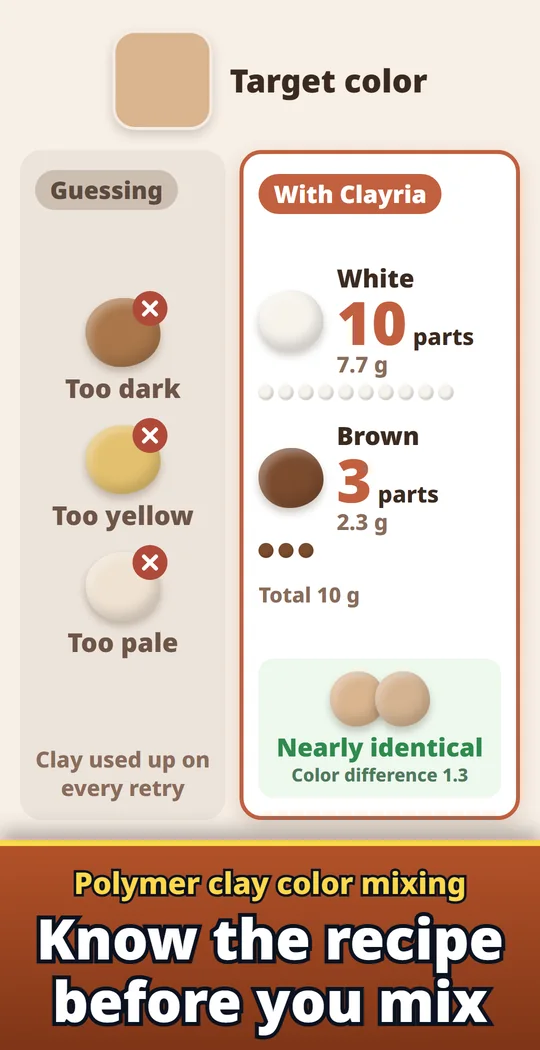
Clayria is a polymer clay color mixing calculator that turns the color you want into a recipe from the clays you have. Pick a color from a photo or a HEX code, and it shows how many parts and grams of each clay to blend. Use it for miniature food, figures, charms, beads and earrings with polymer clay or resin clay. Made and published by GRAMSHIFT.
What you can do with Clayria
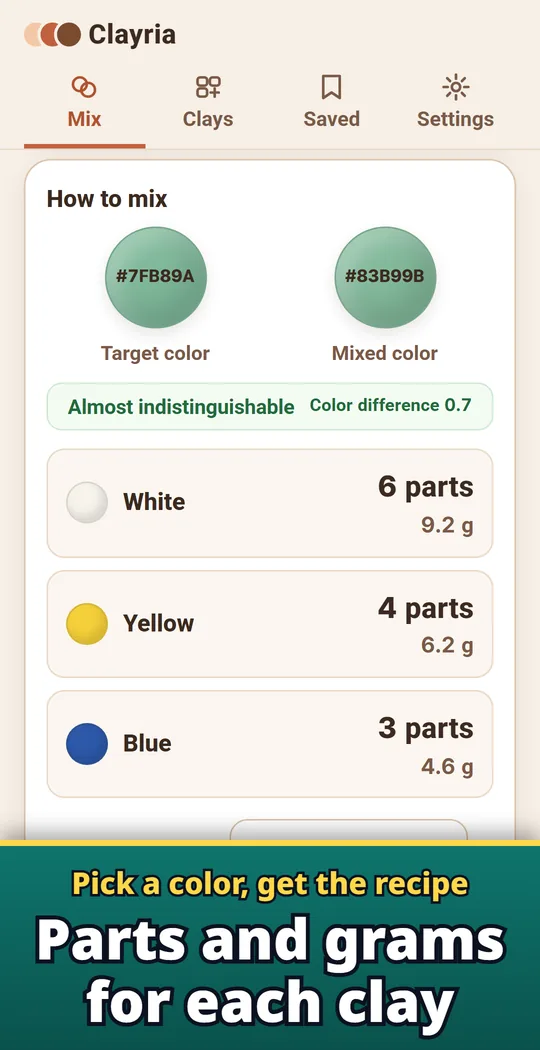
Parts and grams for each clay
See the recipe in parts (equal-size balls you roll) and in grams for the total weight you need. The mix is predicted the way pigments mix, so yellow and blue make green.
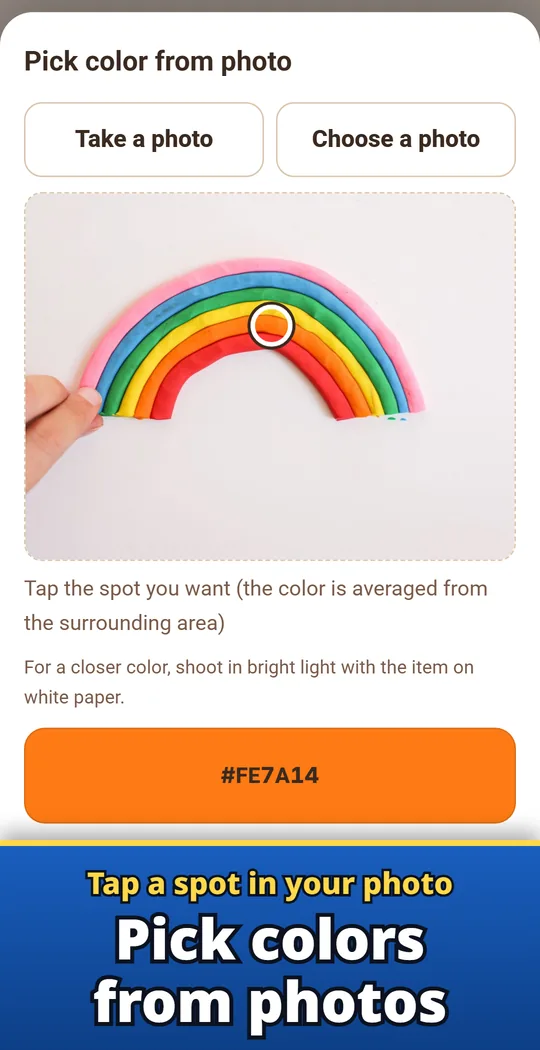
Tap a spot in your photo
Take a photo or choose one from your gallery, then tap the spot you want. Or use hue, saturation and lightness sliders, or type a HEX code.
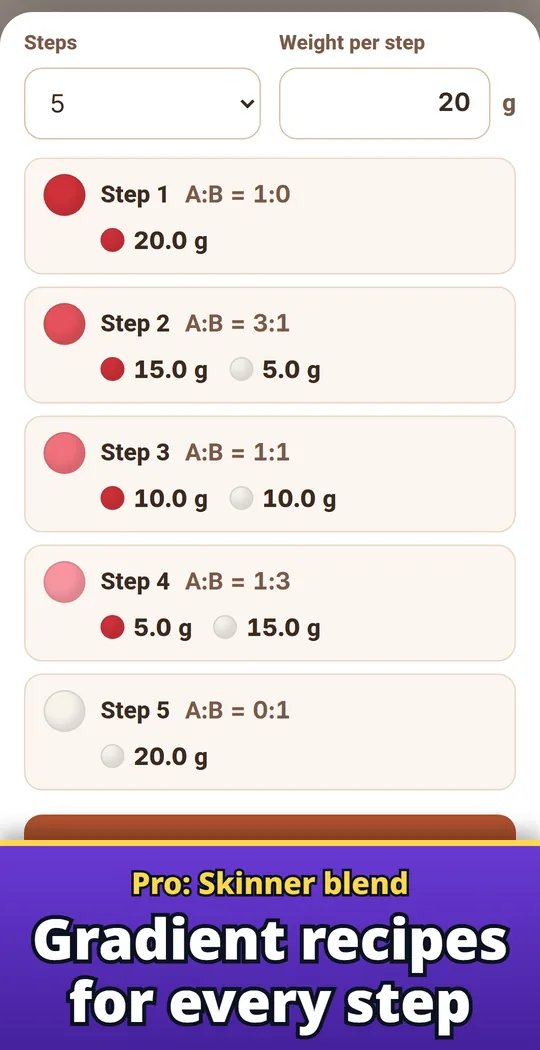
Pro: Skinner blend
Pick two clays and get a recipe for every step of a smooth gradient, from 3 to 10 steps, with the ratio and grams for each step. For gradient beads, petals and ombre canes.
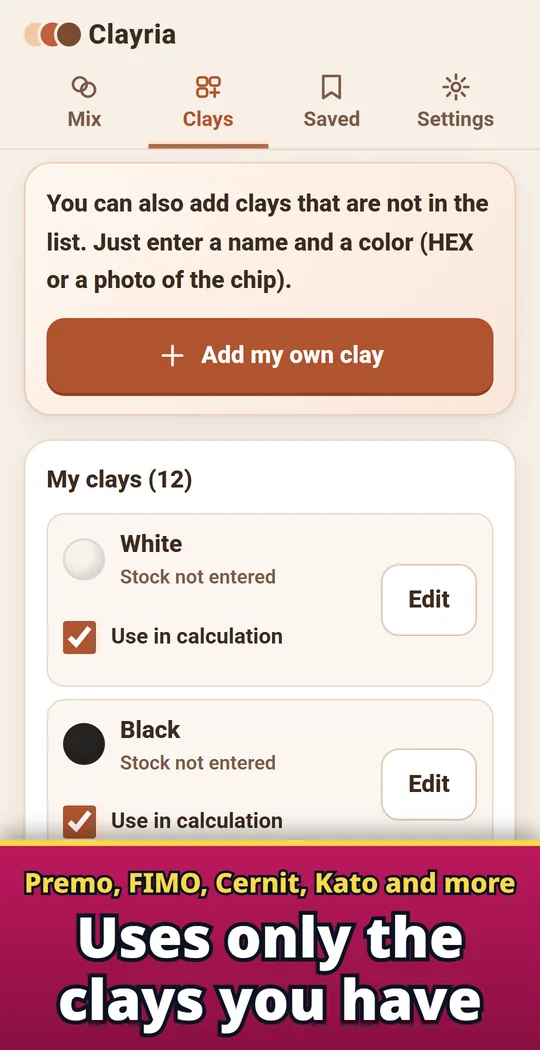
Uses only the clays you have
Start from basic colors or brand color names as a guide: Sculpey Premo, Sculpey III, Souffle, FIMO professional, Cernit and Kato Polyclay. Add your own clay from a HEX code or a photo of your baked chip.
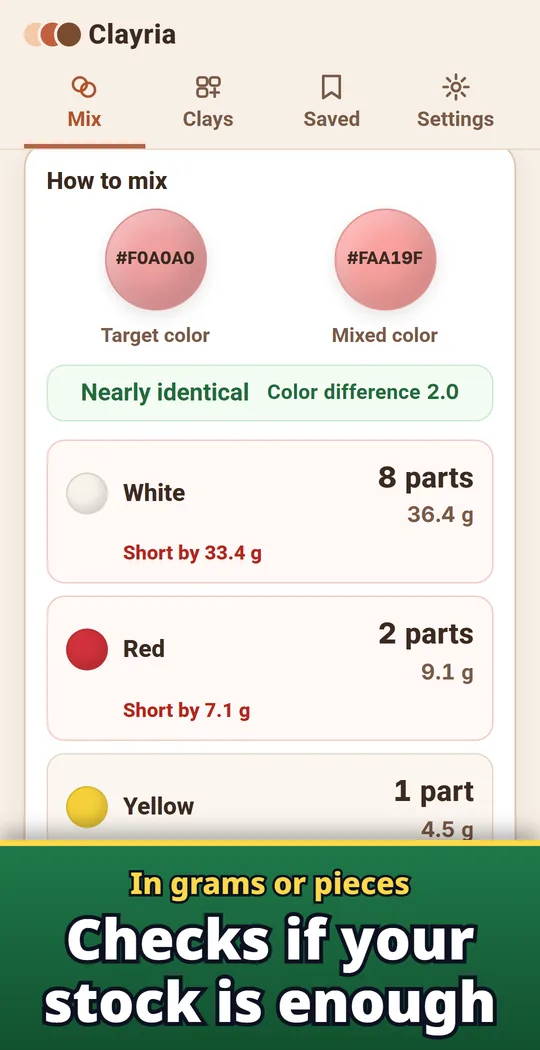
Stock in grams or pieces
Enter your stock in grams or pieces to see if it covers the recipe.
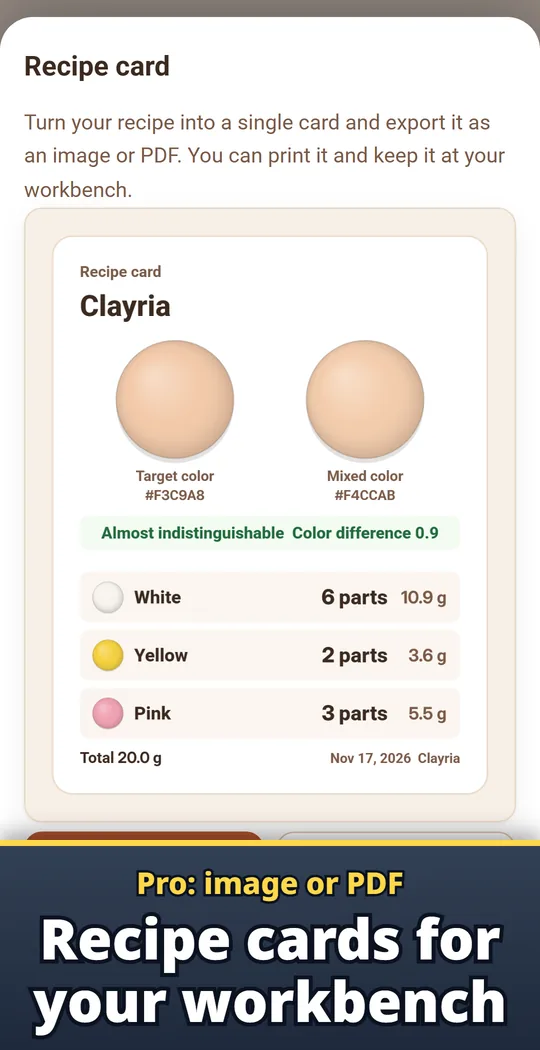
Pro: recipe cards as image or PDF
Export a recipe card as an image or PDF to print for your workbench.
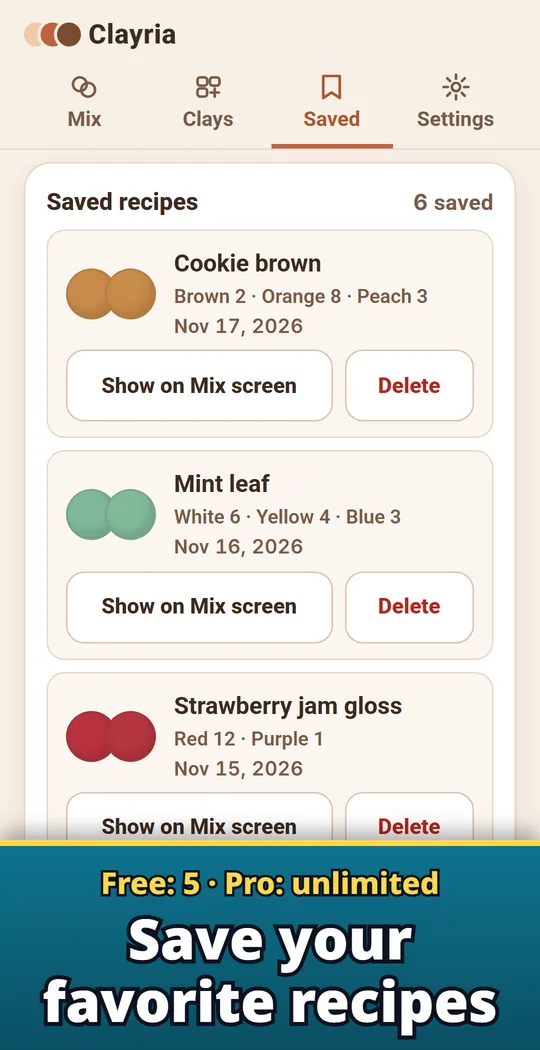
Save your favorite recipes
Save recipes with a name and share them as a picture with the recipe text. Free keeps 5, Pro is unlimited.
Pick a color, pick your clays, mix
- Pick the target color. Tap a spot in a photo, or use the sliders or a HEX code. Adjust it slightly darker or lighter.
- Choose your clays. The recipe uses only the clays you choose. Translucent, pearl and glitter clays are mixed as sheer clays that soften the color, not like white.
- Mix by parts. Roll each clay into equal-size balls and blend the number shown. See your target and the predicted mix side by side, with a closeness rating such as "Nearly identical".
Free and Pro
- Free to download. Unlimited color mixing with all your clays, and up to 5 saved recipes. No ads.
- Pro is a one-time purchase, not a subscription: unlimited saved recipes, Skinner blend recipes, backup export and import for switching phones, and recipe cards as an image or PDF.
- Coloring white resin clay with acrylic paint? Add your paints as clays to see the ratio. Air-dry clays dry darker, so the app reminds you to mix a little lighter and dry a test piece.
- Photos are used only on your device to read colors, and your clays and recipes stay on your device. No account.
Frequently asked questions
How do I mix polymer clay to match a color?
Open Clayria, pick the color from a photo or a HEX code, and choose the clays you have. The app shows how many parts and grams of each clay to blend.
What does "parts" mean?
Roll each clay into balls of the same size. The number of balls is how much of that clay goes into the mix.
How do I make a Skinner blend recipe?
With Pro, open Skinner blend and pick two clays and the number of steps. Each step shows the ratio and the grams of both clays.
Can I use clays from my own brand?
Yes. Add a clay with a name and a color, from a HEX code or a photo of your baked chip.
What is free and what is Pro?
Color mixing is free with no limit, and you can save up to 5 recipes. Unlimited recipes, Skinner blends, backup and recipe cards as an image or PDF come with Pro, a one-time purchase.
Do I need an account?
No. Photos are used only on your device to read colors, and your clays and recipes stay on your device.
Is it on iPhone?
Right now it is available only on Android (Google Play).
Guide: How to mix polymer clay colors →
Good to know
- The recipe is an estimate. Clay colors vary by brand, batch and baking, so add a little at a time.
- A color picked from a photo depends on the light. Shoot in bright light on white paper.
- Listed colors are approximate. For the best result, set each clay's color from a photo of your own chip.
- Sculpey, Premo, Souffle, FIMO, Cernit and Kato Polyclay are trademarks of their respective owners. Clayria is not affiliated with or endorsed by them.
If something does not work, or you have an idea or a request, feel free to write to us through the contact form or at contact