Plugin for OpenDeck on Windows
Music visualizer across your OpenDeck keys
The keys you place join into one moving picture, with spectrum bars, a waveform, a needle meter and more that follow the sound your PC plays.
Fill a whole page, one row or just a corner and keep your other buttons. It reacts to music, games and videos, and you can choose which output it listens to.
- Spectrum bars
- Waveform
- Needle meter
- Color themes
- Auto level










What it does
One picture across your keys
Place Visualizer keys on a whole page, one row or a corner. The keys join into a single picture that moves with the music, games and videos your PC plays.

Bars, waves, meters and more
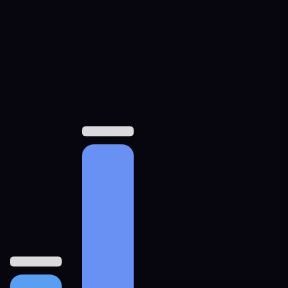
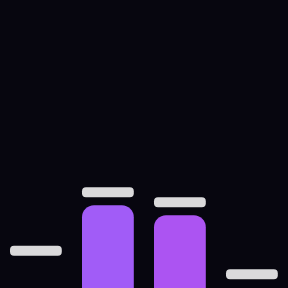
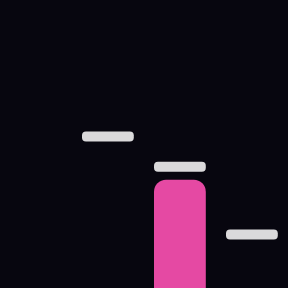
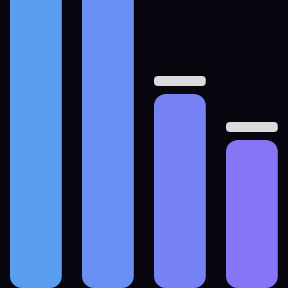
Spectrum bars with falling peaks, mirrored bars, an LED-style block display, a glowing waveform, a two-needle meter, pulsing rings, sparks, fire, ripples, rain, plasma, a galaxy and aurora curtains, all moving with the sound.
Color themes
Neon, Sunset, Ocean, Lime, Rainbow, Studio, Mono, Fire, Aurora, Candy, Ice, Gold and Synth, or Custom with two colors you pick yourself.

Choose what it listens to
In Listen to, Auto follows the output that is playing, or you can pick an output yourself. It also suits setups with more than one audio output.

Automatic level
Auto level offers Punchy (the default, where quiet parts look smaller and beats stand out), Always full for quiet songs, or Off. When the music stops, the keys show a slow waiting picture, a still picture or black, and wake up by themselves.

Next effect with a press
Press a key, or a Switch key placed outside the picture, to move to the next effect, the next colors or a pause.
Install in OpenDeck
In OpenDeck, open the Plugins tab, install the .streamDeckPlugin file you downloaded, then enter your license key once in a key's settings.
Requirements
- Windows 10 or later
- OpenDeck 2.14 or later
Questions
Can I run a music visualizer on an Ajazz deck with OpenDeck?
Yes. Place the Visualizer action on the keys you want, such as a whole page, one row or a corner. The keys join into one picture that moves with the music, games and videos your PC plays.
Does it record or send my audio?
No. Sound is measured in memory only to draw the picture. Nothing is recorded, saved or sent, and your volume, mute and default device stay as they are.
How do I change the effect or the colors?
Press a key, or a Visualizer Switch key placed outside the picture, to go to the next effect, the next colors or a pause. You can also choose them in a key's settings.
Purchase details, refunds and seller
- Price
- ¥1,200, paid once. Tax for your country is added at checkout.
- Payment
- Handled by Stripe through Link, Stripe's checkout service. Link appears as the seller on your receipt and card statement, and your card number never reaches GRAMSHIFT.
- Delivery
- Your license key and download link appear right after payment, and the receipt arrives by email.
- Countries
- The direct checkout is not offered in Ascension Island, China, Cuba, Iran, Kosovo, North Korea, Russia, Syria or Tristan da Cunha.
- Seller
- GRAMSHIFT, Tokyo, Japan. Contact: contact@gramshift.com
- Refunds
- If the plugin fails to run on your PC, email contact@gramshift.com within 14 days of purchase for a full refund. The license key stops working after a refund.
- License
- One key for your own use on up to 3 PCs.
Limits
- One output at a time: if two play at once, pick one in Listen to.
- Windows only; the plugin does not run on a Mac.
- The direct version checks its license key with our server when you activate it, at each plugin start and about once a day. If the server cannot be reached, it keeps running for up to 44 days after the last successful check.