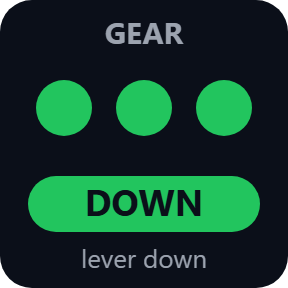
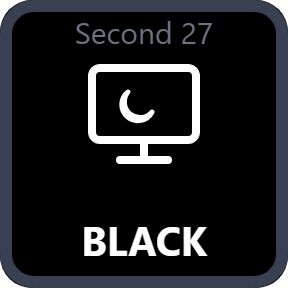
GRAMSHIFT

GRAMSHIFT for OpenDeck

Plugins for OpenDeck and Ajazz / Mirabox decks

Put live game data, PC readings and display controls on the keys of your Ajazz or Mirabox deck. Each plugin installs into OpenDeck and is paid once.

Plugins
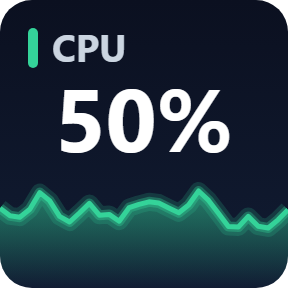
  • System Monitor

    System Monitor

    CPU, GPU and RAM readouts on your OpenDeck keys

    ¥780See the plugin
  • Ship Deck for Elite Dangerous

    Ship Deck for Elite Dangerous

    Live Elite Dangerous ship status on your OpenDeck keys

    ¥1,800See the plugin
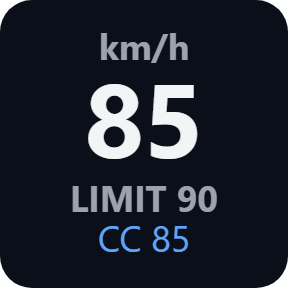
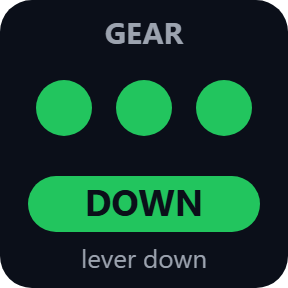
  • Haul Deck for ETS2 & ATS

    Haul Deck for ETS2 & ATS

    ETS2 and ATS truck readouts on your OpenDeck keys

    ¥2,200See the plugin
  • Live Cockpit for SimConnect

    Live Cockpit for SimConnect

    MSFS gear, flaps and autopilot on your OpenDeck keys

    ¥3,300See the plugin
  • Drive Deck for BeamNG.drive

    Drive Deck for BeamNG.drive

    BeamNG.drive gear, speed and shift lights on OpenDeck keys

    ¥1,500See the plugin
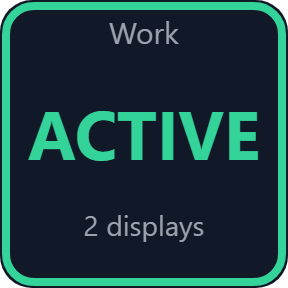
  • Display Layout Switcher

    Display Layout Switcher

    Switch Windows monitor layouts from OpenDeck keys

    ¥780See the plugin
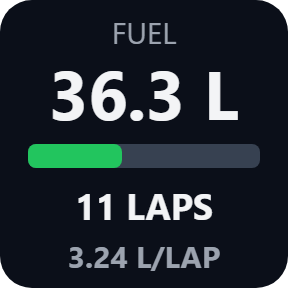
  • Race Deck for Le Mans Ultimate

    Race Deck for Le Mans Ultimate

    Le Mans Ultimate fuel, tyres and position on OpenDeck keys

    ¥1,280See the plugin
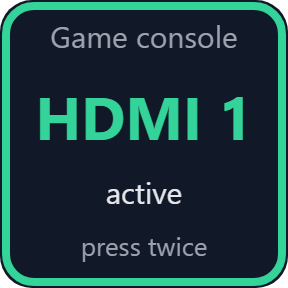
  • Monitor Input Keys

    Monitor Input Keys

    Switch monitor input HDMI, DisplayPort and USB-C with OpenDeck

    ¥500See the plugin
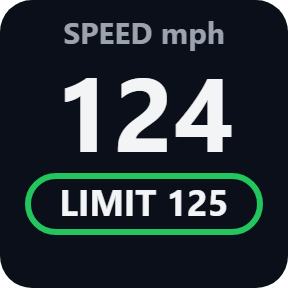
  • Cab Deck for Train Sim World

    Cab Deck for Train Sim World

    Train Sim World speed, limits and signals on OpenDeck

    ¥1,980See the plugin
  • Live Cockpit for X-Plane 12

    Live Cockpit for X-Plane 12

    X-Plane 12 aircraft state on your OpenDeck keys

    ¥1,800See the plugin
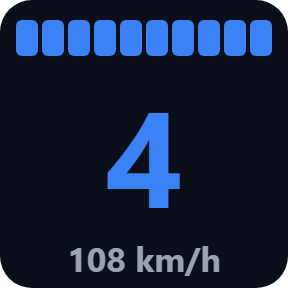
  • Audio Visualizer

    Audio Visualizer

    Music visualizer across your OpenDeck keys

    ¥1,200See the plugin
  • Screen Blackout

    Screen Blackout

    Black out one monitor with a key on OpenDeck

    ¥780See the plugin

Install in OpenDeck

In OpenDeck, open the Plugins tab, install the .streamDeckPlugin file you downloaded, then enter your license key once in a key's settings.

Questions

How do I add a GRAMSHIFT plugin to OpenDeck?

Open the Plugins tab in OpenDeck and install the .streamDeckPlugin file you download after buying. Then enter your license key once in a key's settings.

Can I use one license on more than one PC?

Yes. One license key covers your own use on up to 3 PCs.

What if a plugin fails to run on my PC?

Email contact@gramshift.com within 14 days of purchase and you get a full refund.