Plugin for OpenDeck and Ajazz decks
BeamNG.drive gear, speed and shift lights on OpenDeck keys
See your gear, shift point, speed and engine data on your keys while you drive BeamNG.drive, with no mod to install.
Dash light keys mirror the lights on your car, and Game Control keys send the game's own keys for recover, reset, camera and more. Turn on OutGauge once in the game options.
- Gear and shift lights
- Speed and rpm
- Fuel and temperatures
- Pedal bars
- Dash lights
- Recover and reset
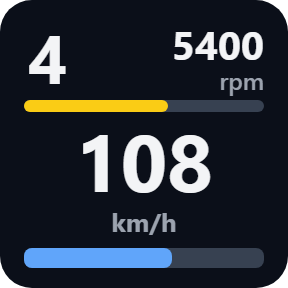
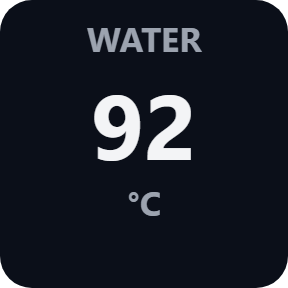
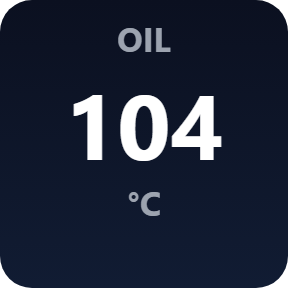
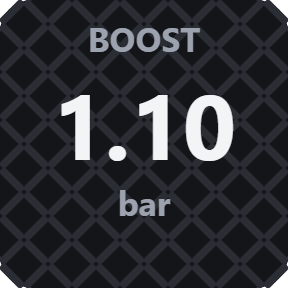
What your keys show
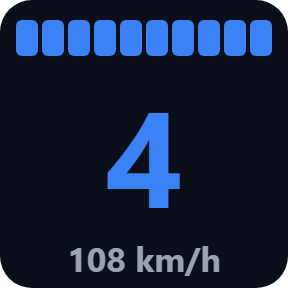
Gear and shift lights
Big gear number plus a second value such as speed. The key flashes at the shift point: the car's own shift light, a point learned as you drive, or an rpm you type.
Dash
Gear, rpm, speed and fuel together on a single key, so one glance tells you where you are.
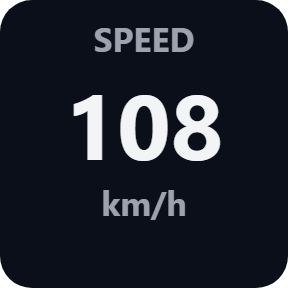
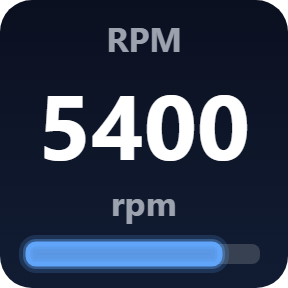
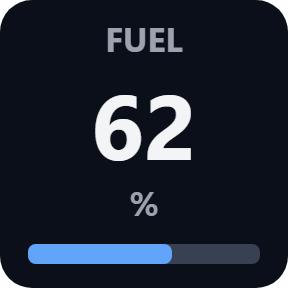
Speed, rpm and fuel
One large reading per key: speed in km/h or mph, engine rpm, or the fuel left as a percentage.
Temperatures and boost
Water or oil temperature in °C or °F, and boost in bar or psi, each on its own key.
Pedals
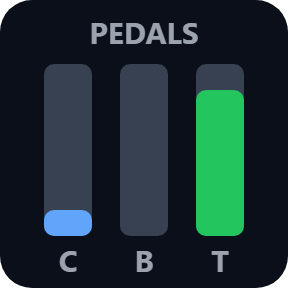
Clutch, brake and throttle as three bars, or pick just one of them and read it in percent.
Dash lights
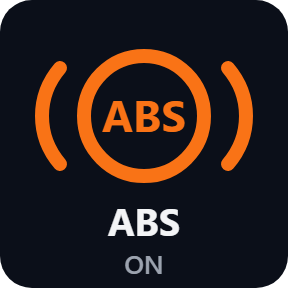
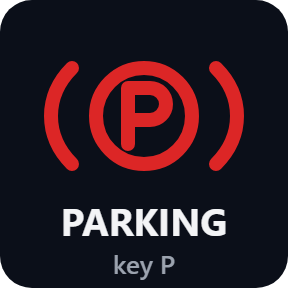
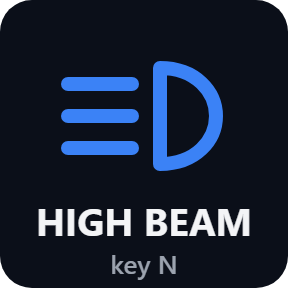
Parking brake, high beam, signals, hazards and engine light up as your car shows them. A press switches them with the game's default key. ABS, ESC and oil warning show too.
Install in OpenDeck
In OpenDeck, open the Plugins tab, install the .streamDeckPlugin file you downloaded, then enter your license key once in a key's settings.
Requirements
- Windows 10 or later, or macOS 12 or later
- OpenDeck 2.14 or later
- BeamNG.drive on a Windows PC, with the OutGauge UDP protocol turned on in the game options (no mod needed)
Questions
Can I show BeamNG.drive gear and shift lights on an Ajazz deck with OpenDeck?
Yes. Install the plugin in OpenDeck, put the Gear key on your deck, and turn on Options > Other > Protocols > OutGauge UDP protocol in the game with IP 127.0.0.1 and port 4444. The key then shows your gear and flashes at the shift point.
Does it need a mod or any program besides the game?
No. There is no mod to install. You only switch on OutGauge once in BeamNG.drive's options and match the port (4444) in the key's settings.
Can a key recover or reset my car, or change the camera?
Yes. The Game Control key presses the game's default key for recover, reset, camera, slow motion, vehicle switching and more while BeamNG.drive is the active window. If you changed a binding in the game, type your key in the key's settings.
Purchase details, refunds and seller
- Price
- ¥1,500, paid once. Tax for your country is added at checkout.
- Payment
- Handled by Stripe through Link, Stripe's checkout service. Link appears as the seller on your receipt and card statement, and your card number never reaches GRAMSHIFT.
- Delivery
- Your license key and download link appear right after payment, and the receipt arrives by email.
- Countries
- The direct checkout is not offered in Ascension Island, China, Cuba, Iran, Kosovo, North Korea, Russia, Syria or Tristan da Cunha.
- Seller
- GRAMSHIFT, Tokyo, Japan. Contact: contact@gramshift.com
- Refunds
- If the plugin fails to run on your PC, email contact@gramshift.com within 14 days of purchase for a full refund. The license key stops working after a refund.
- License
- One key for your own use on up to 3 PCs.
Limits
- Presses reach BeamNG.drive only while its window is in front and not while the game runs as administrator. The display keys still work.
- Game keys use the game's default keys on a US keyboard layout, and go only to a game on this Windows PC. With a Mac or a second PC the keys show data only.
- ABS, ESC, the oil warning and the shift light are shown on a key; a press does not switch them. The direct version checks its license key online when you activate it, at each start and about once a day, and keeps working up to 44 days if the server cannot be reached.