Plugin for OpenDeck on Windows and Mac
ETS2 and ATS truck readouts on your OpenDeck keys
Keep an eye on your truck without leaving the road: speed against the limit, fuel, damage, delivery ETA and rest time update live on your keys in Euro Truck Simulator 2 and American Truck Simulator.
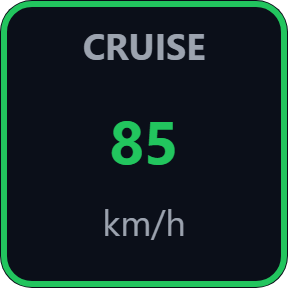
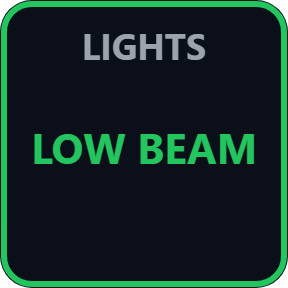
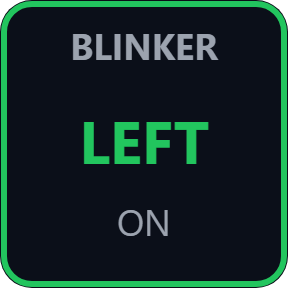
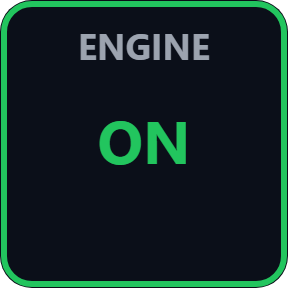
Press a key to switch cruise control, lights, wipers, the engine or the parking brake. Presses use the game's own controls, so you usually skip mapping hotkeys. Setup is one press of Install in a key's settings, which adds a single small file to the game.
- Speed and limit
- Fuel and range
- Job and ETA
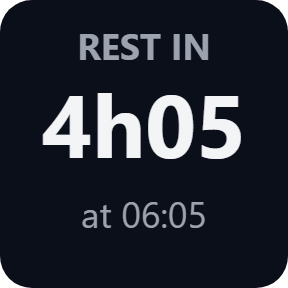
- Rest time
- Truck switches
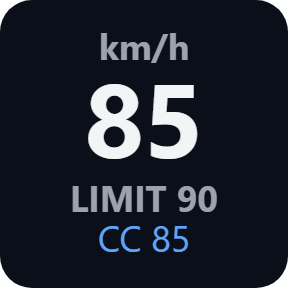
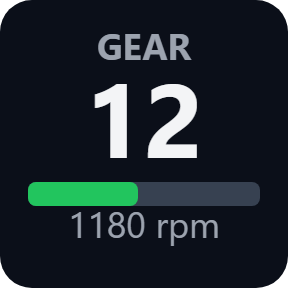
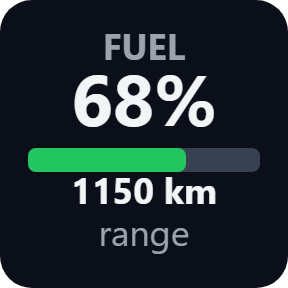
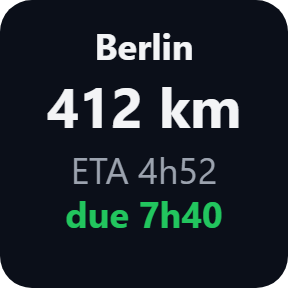
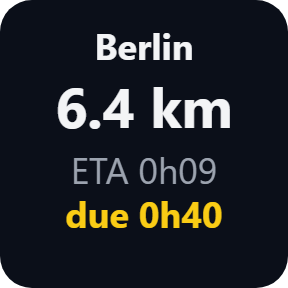
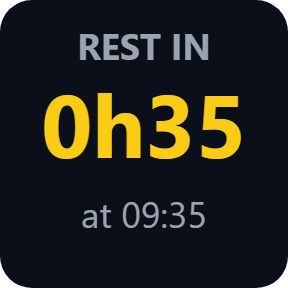
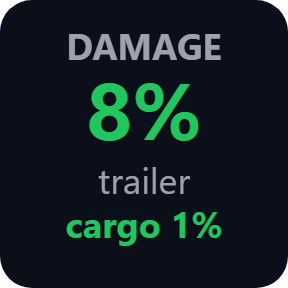
What the keys show
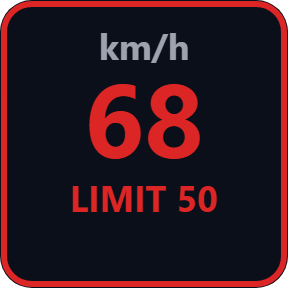
Speed
Your speed in large numbers beside the road's limit. It turns yellow, then red, as you go over, and fines are shown too.
Gear & RPM
The gear you are in and the engine's RPM.
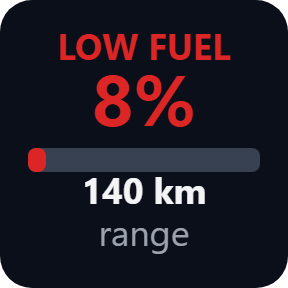
Fuel & Range
How much fuel is left and how far it will take you.
Damage
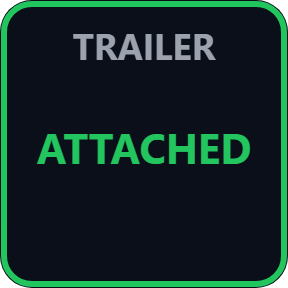
The worst damage among your truck, trailer and cargo.
Job
Destination, ETA and time to the deadline (LATE in red), your pay on delivery, plus tolls, ferry and train fares.
Rest Time
Time until your driver has to rest, then a red REST NOW.
Install in OpenDeck
In OpenDeck, open the Plugins tab, install the .streamDeckPlugin file you downloaded, then enter your license key once in a key's settings.
Requirements
- Windows 10 or later, or macOS 13 or later (Apple silicon or Intel)
- OpenDeck 2.14 or later
- Euro Truck Simulator 2 or American Truck Simulator from Steam on Windows or Mac, the full version (the free demo does not load the plugin's file), with the plugin's small file added by Install
Questions
Can I show ETS2 or ATS speed and fuel on an Ajazz deck with OpenDeck?
Yes. Add a key such as Speed, Fuel & Range or Job in OpenDeck, enter your license key once in its settings, close the game and press Install there. Start the game and the keys show your truck.
Do I need a telemetry server or key bindings?
Usually not. There is no server to run, and each press works the game's own controls. If your profile handles a control differently, give it a keyboard key in the game's Controls and Haul Deck sends that key while the game is in front. On a Mac, presses reach the game directly, so no binding is needed.
What does Install change in my game?
It adds one small file to the game's plugins folder with your normal user rights. On a Mac the file goes into the plugins folder inside the game's app. When the game starts it may ask you to confirm advanced SDK features: choose OK. Remove in the same settings takes the file out again.
Purchase details, refunds and seller
- Price
- ¥2,200, paid once. Tax for your country is added at checkout.
- Payment
- Handled by Stripe through Link, Stripe's checkout service. Link appears as the seller on your receipt and card statement, and your card number never reaches GRAMSHIFT.
- Delivery
- Your license key and download link appear right after payment, and the receipt arrives by email.
- Countries
- The direct checkout is not offered in Ascension Island, China, Cuba, Iran, Kosovo, North Korea, Russia, Syria or Tristan da Cunha.
- Seller
- GRAMSHIFT, Tokyo, Japan. Contact: contact@gramshift.com
- Refunds
- If the plugin fails to run on your PC, email contact@gramshift.com within 14 days of purchase for a full refund. The license key stops working after a refund.
- License
- One key for your own use on up to 3 PCs.
Limits
- Presses reach the game only while its window is in front. The game and your deck must be on the same computer; the Linux versions of the games are not supported.
- Close the game before Install or Update, and press Remove in a key's settings before you uninstall the plugin.
- The direct version checks its license key with our server when you activate it, at each plugin start and about once a day while running. If the server cannot be reached, it keeps working for up to 44 days after the last successful check.