Plugin for OpenDeck on Windows
Live Elite Dangerous ship status on your OpenDeck keys
Turn your deck into a button box that follows your ship: gear, hardpoints, cargo scoop, lights, night vision, silent running, flight assist and the FSD all update as you fly.
Ship Deck reads the keybinds you already use, default or Custom, so every key shows and sends your own keyboard key. There is no profile to build and nothing to map by hand.
- Landing gear
- Hardpoints
- FSD
- Fuel
- Power pips
What your keys do
Ship toggles
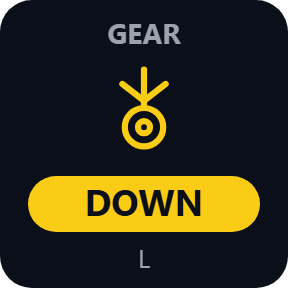
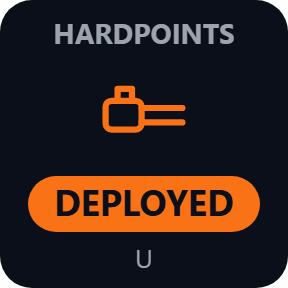
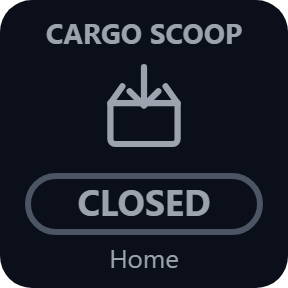
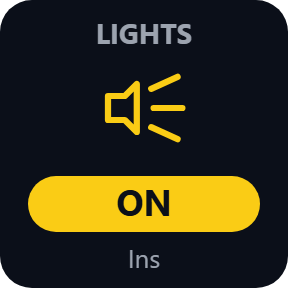
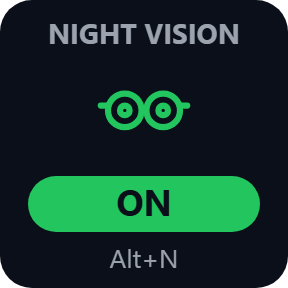
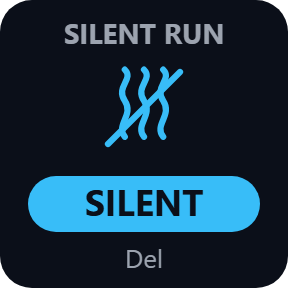
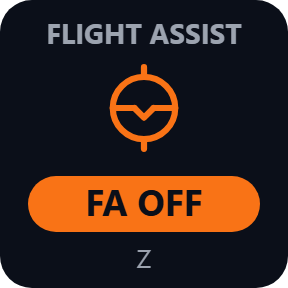
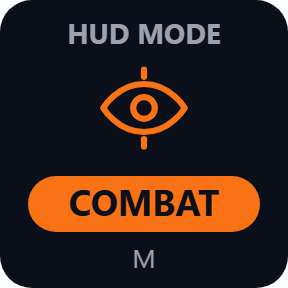
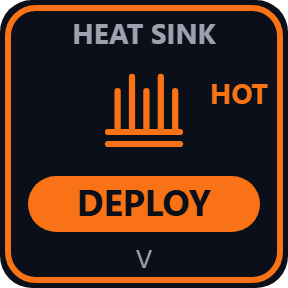
Landing gear UP or DOWN, hardpoints DEPLOYED, cargo scoop OPEN, lights ON, night vision ON, SILENT (with a HOT frame when you overheat), flight assist ON or OFF, and HUD mode ANALYSIS or COMBAT.
FSD
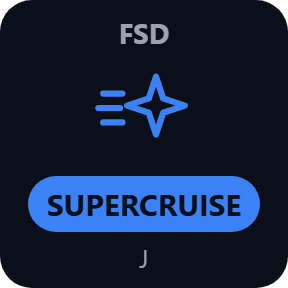
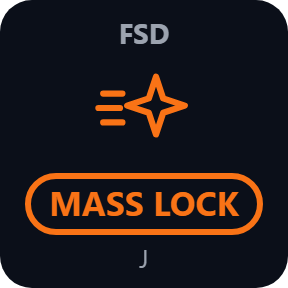
READY, CHARGING, JUMPING, SUPERCRUISE, OVERDRIVE, SC ASSIST, COOLDOWN and MASS LOCK. A press sends the FSD control you choose: combined, supercruise only or hyperspace only.
Panels & Maps
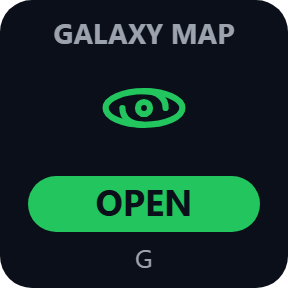
Open a cockpit panel, the galaxy or system map, or FSS from a key, which reads OPEN while it is on screen.
Fuel and route
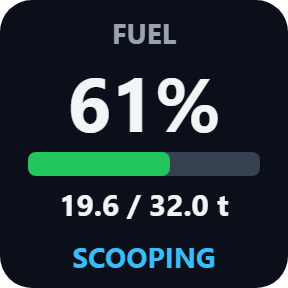
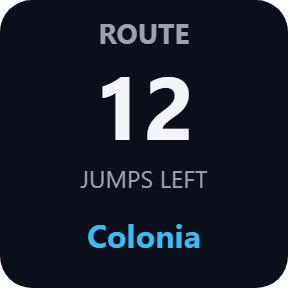
Main tank in percent with a bar, both turning red when the game reports low fuel, and SCOOPING while you scoop. The route key shows jumps left and the next system.
Status and suit
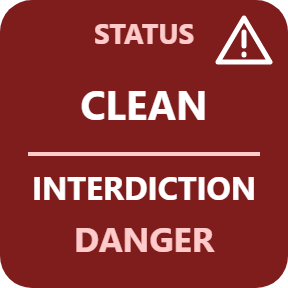
Your legal state, plus INTERDICTION, DANGER, HEAT WARNING and UNDER ATTACK alerts. On foot in Odyssey it shows oxygen, health and temperature.
Power and fire group
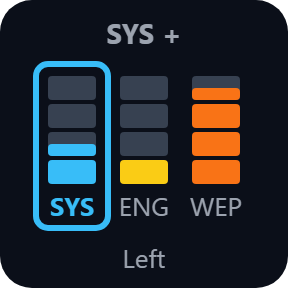
SYS, ENG and WEP pips and your current fire group on keys, plus keys for chaff, heat sink and shield cell.
Install in OpenDeck
In OpenDeck, open the Plugins tab, install the .streamDeckPlugin file you downloaded, then enter your license key once in a key's settings.
Requirements
- Windows 10 or later
- OpenDeck 2.14 or later
- Elite Dangerous on PC
Questions
Can I use an Ajazz deck as an Elite Dangerous button box with OpenDeck?
Yes. Add the Ship Deck keys you want in OpenDeck and start the game. Each key reads your keybinds, shows the keyboard key it sends and changes with your ship's state, so no profile is needed.
Does it work with my HOTAS and Custom keybinds?
Yes. It reads default and Custom presets, including ones that mix HOTAS and keyboard. A control bound only to the joystick reads NO KEY; add a keyboard key as its primary or secondary binding in Options > Controls and keep your HOTAS binding.
Does it change my game files?
No. It only reads the ship status and keybinds the game writes, and a press sends the keyboard key your preset already has.
Purchase details, refunds and seller
- Price
- ¥1,800, paid once. Tax for your country is added at checkout.
- Payment
- Handled by Stripe through Link, Stripe's checkout service. Link appears as the seller on your receipt and card statement, and your card number never reaches GRAMSHIFT.
- Delivery
- Your license key and download link appear right after payment, and the receipt arrives by email.
- Countries
- The direct checkout is not offered in Ascension Island, China, Cuba, Iran, Kosovo, North Korea, Russia, Syria or Tristan da Cunha.
- Seller
- GRAMSHIFT, Tokyo, Japan. Contact: contact@gramshift.com
- Refunds
- If the plugin fails to run on your PC, email contact@gramshift.com within 14 days of purchase for a full refund. The license key stops working after a refund.
- License
- One key for your own use on up to 3 PCs.
Limits
- One press sends one key, and by default only while Elite Dangerous is the active window. No macros, no repeats. Controls set to Hold in the game are not sent.
- If the game runs as administrator, Windows blocks the keys: start it normally. PC only, not PlayStation or Xbox.
- The direct version checks its license key with our server when you activate it, at each plugin start and about once a day while running. If the server cannot be reached, it keeps working for up to 44 days after the last successful check.