Plugin for OpenDeck on Windows
Train Sim World speed, limits and signals on OpenDeck
See your speed, the speed limit and the next signal on your keys while you drive Train Sim World.
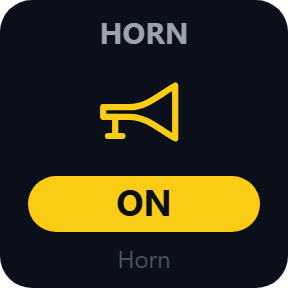
Press a key to sound the horn, acknowledge the AWS or apply the emergency brake. Each press works the cab control in the game, so there are no key bindings to set up. One launch option, -HTTPAPI, is all the game needs.
- Speed and limit
- Next speed limit
- Next signal
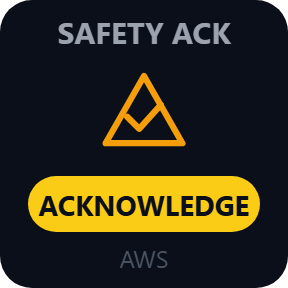
- Horn and AWS
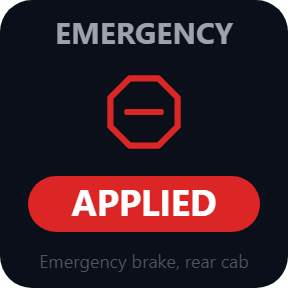
- Emergency brake
What the keys do
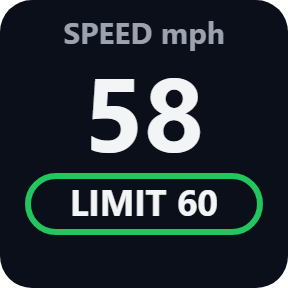
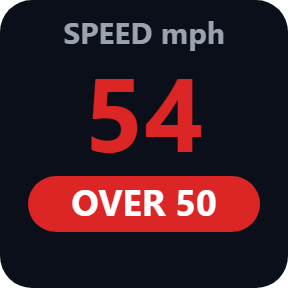
Speed and limit
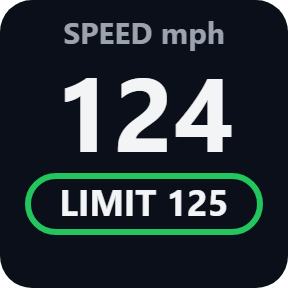
Your speed in large numbers next to the limit you are under. The key turns red when you go over the limit.
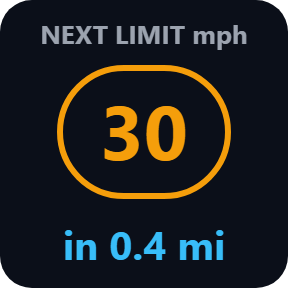
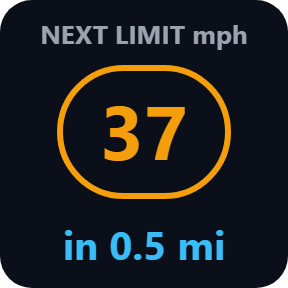
Next speed limit
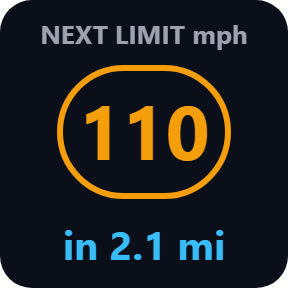
Shows the coming limit and how far away it is. Amber means it is lower than now, green means it is higher.
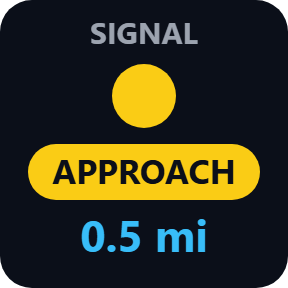
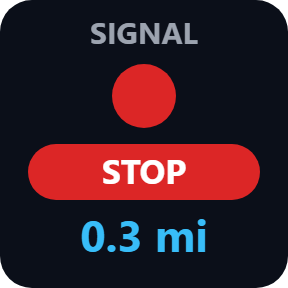
Next signal
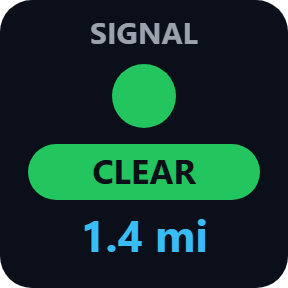
Shows the aspect of the next signal in its own color, together with the distance to it.
Power handle
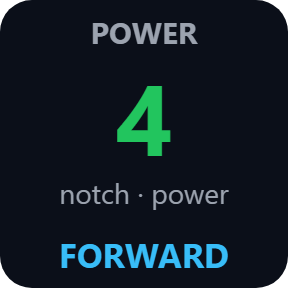
Shows the notch as the game's HUD does, a percentage for trains without notches, braking notches on a combined handle, and the reverser.
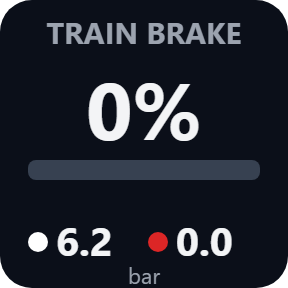
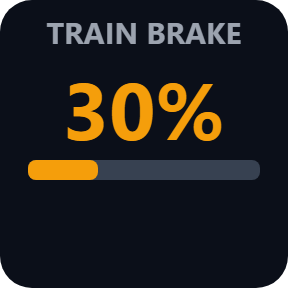
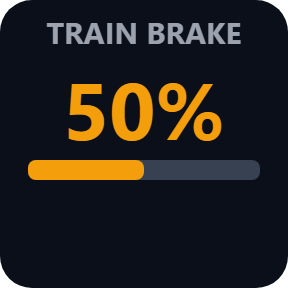
Train brake
Shows the brake handle with a bar. On trains that have a brake gauge, both needles appear in bar or psi.
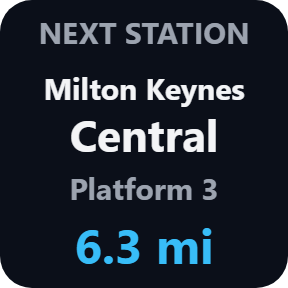
Next station
Shows the station name, the platform and the distance. A Game Time key shows the clock time and your service.
Install in OpenDeck
In OpenDeck, open the Plugins tab, install the .streamDeckPlugin file you downloaded, then enter your license key once in a key's settings.
Requirements
- Windows 10 or later
- OpenDeck 2.14 or later
- Train Sim World 6 or 7 on PC, started with the -HTTPAPI launch option
Questions
Can I show Train Sim World speed limits and signals on an Ajazz deck with OpenDeck?
Yes. Add -HTTPAPI to the game's launch options, start the game, and place the Speed and limit, Next speed limit or Next signal keys in OpenDeck. Once you are in the cab, the keys show your train.
Do I need key bindings or a mod to use it?
No. Each press works the cab control in the game itself, and the only game setting is -HTTPAPI in the launch options. No game files are changed.
Which Train Sim World versions does it support?
Train Sim World 6 and 7 on a Windows PC, from Steam or Epic Games. Xbox and PlayStation versions are not supported.
Purchase details, refunds and seller
- Price
- ¥1,980, paid once. Tax for your country is added at checkout.
- Payment
- Handled by Stripe through Link, Stripe's checkout service. Link appears as the seller on your receipt and card statement, and your card number never reaches GRAMSHIFT.
- Delivery
- Your license key and download link appear right after payment, and the receipt arrives by email.
- Countries
- The direct checkout is not offered in Ascension Island, China, Cuba, Iran, Kosovo, North Korea, Russia, Syria or Tristan da Cunha.
- Seller
- GRAMSHIFT, Tokyo, Japan. Contact: contact@gramshift.com
- Refunds
- If the plugin fails to run on your PC, email contact@gramshift.com within 14 days of purchase for a full refund. The license key stops working after a refund.
- License
- One key for your own use on up to 3 PCs.
Limits
- Windows only, with the game and OpenDeck on the same PC.
- Control names differ from train to train, and some trains report no brake gauge or no next speed limit. A Custom Control key lets you pick any control by hand.
- The direct version checks its license key with our server when you activate it, at each plugin start and about once a day. If the server cannot be reached, it keeps running for up to 44 days after the last successful check.