Plugin for OpenDeck on Windows
Switch monitor input HDMI, DisplayPort and USB-C with OpenDeck
Change your monitor's input with one key press instead of the on-screen menu, and see the current input on the key.
Built for a desk shared by a PC, a work laptop and a game console: one press can send several monitors to the laptop, each to its own input, over the cable you already use.
- HDMI, DP, USB-C
- Several monitors
- Cycle inputs
- Brightness
- Contrast
- Monitor volume
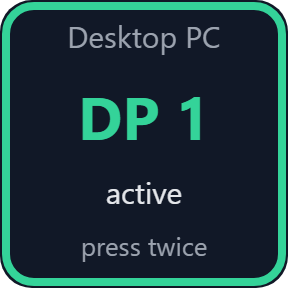
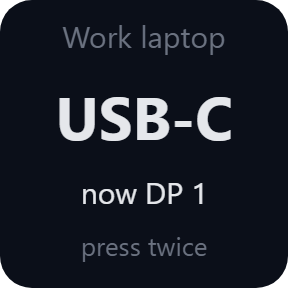
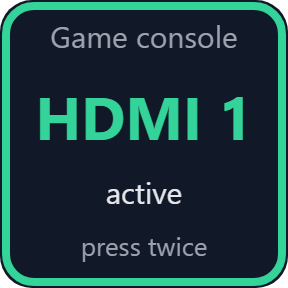
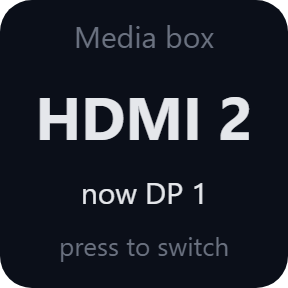
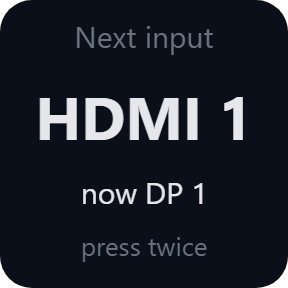
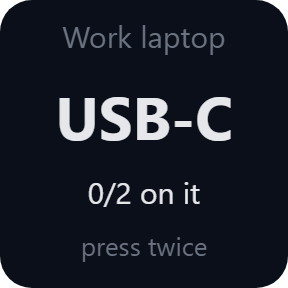
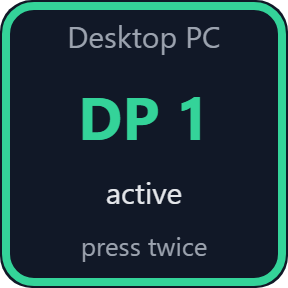
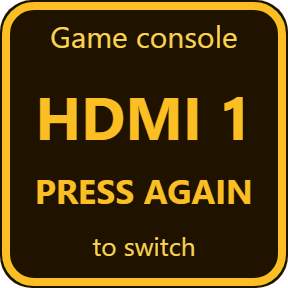
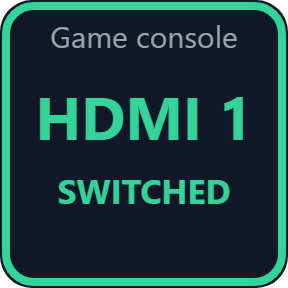
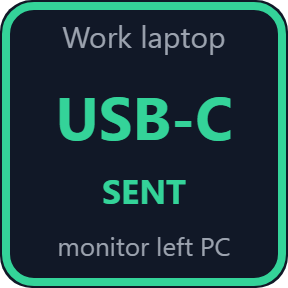
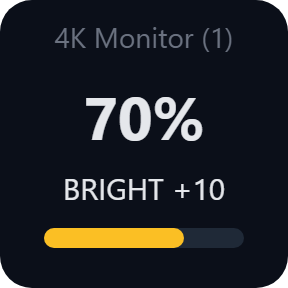
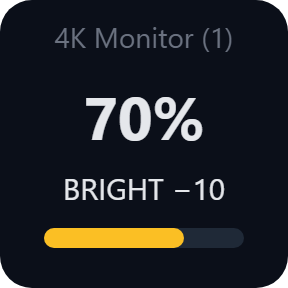
What the keys do
Switch Input
One key per input: DisplayPort 1/2, HDMI 1/2, USB-C, DVI, VGA or another input code your monitor supports. It shows the current input and a green frame when the monitor is already there.
Switch several monitors
Up to four monitors on one key, each sent to the input you choose, such as the left one to USB-C and the right one to HDMI 2. If one does not answer, the others still switch.
Cycle inputs
One key steps through the two or more inputs you tick, and shows which input the monitor will go to next.
Brightness and contrast
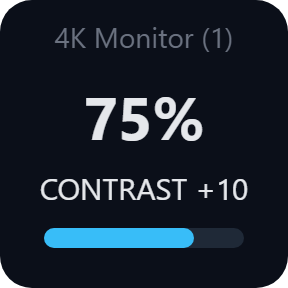
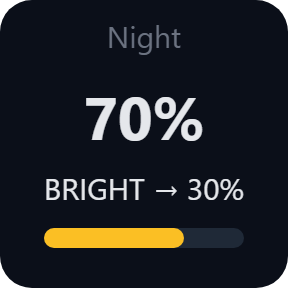
Step your monitor's own brightness or contrast up or down, or set a level you pick, such as 30% at night. The key shows the level now.
Monitor volume
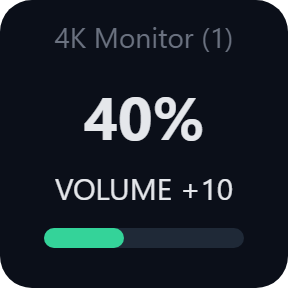
Raise or lower the volume of the monitor's own speakers or headphone jack, set a level, or mute and unmute.
Install in OpenDeck
In OpenDeck, open the Plugins tab, install the .streamDeckPlugin file you downloaded, then enter your license key once in a key's settings.
Requirements
- Windows 10 or later
- OpenDeck 2.14 or later
- Windows PowerShell 5.1 (built into Windows; some company computers block it)
- A monitor with DDC/CI turned on in its menu (most desktop monitors have it)
Questions
Can I switch my monitor input from an Ajazz deck with OpenDeck?
Yes. Place the Switch Input key on your deck, choose the monitor and the input, such as HDMI 1, in its settings and press it. The plugin asks the monitor to switch over DDC/CI through the video cable.
Can one key move two monitors to my laptop?
Yes. In the Switch Several Monitors settings, give each row a monitor and its input, for example left to USB-C and right to HDMI 2. They switch one after another, and if one does not answer, the rest still switch.
Does it replace a KVM switch?
Only the video half. It switches monitor inputs, while the keyboard and mouse stay with this computer. In a Multi Action, with the key set to one press, it can run alongside an audio device or a USB switch.
Purchase details, refunds and seller
- Price
- ¥500, paid once. Tax for your country is added at checkout.
- Payment
- Handled by Stripe through Link, Stripe's checkout service. Link appears as the seller on your receipt and card statement, and your card number never reaches GRAMSHIFT.
- Delivery
- Your license key and download link appear right after payment, and the receipt arrives by email.
- Countries
- The direct checkout is not offered in Ascension Island, China, Cuba, Iran, Kosovo, North Korea, Russia, Syria or Tristan da Cunha.
- Seller
- GRAMSHIFT, Tokyo, Japan. Contact: contact@gramshift.com
- Refunds
- If the plugin fails to run on your PC, email contact@gramshift.com within 14 days of purchase for a full refund. The license key stops working after a refund.
- License
- One key for your own use on up to 3 PCs.
Limits
- Windows only. The monitor must answer DDC/CI; laptop built-in screens and many docks, adapters, KVM switches and DisplayLink connections do not pass it, so connect the monitor directly.
- Over DisplayPort and USB-C a monitor usually leaves this computer after switching; switch it back from the other device or with the monitor's buttons. Some monitors do not report their current input and show "now ?".
- The direct version checks its license key online when you activate it, at each start and about once a day, and keeps working up to 44 days if the server cannot be reached.