OpenDeck plugin for Windows and Mac
Clipboard history on Ajazz and Mirabox keys with OpenDeck
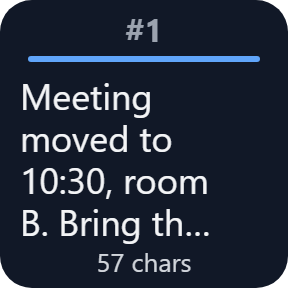
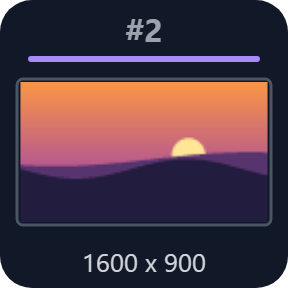
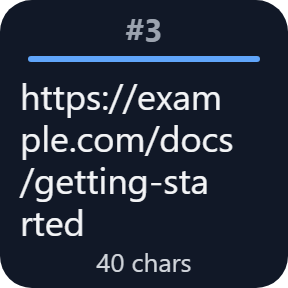
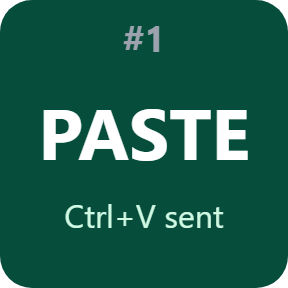
On an Ajazz or Mirabox deck running OpenDeck, each key holds one recent copy, text or image, shown as a preview of its first lines or a thumbnail, and one press pastes it into the app in front.
Hold a key for 1 second to pin a snippet you reuse every day. Paste with formatting or as plain text, and keep up to 200 items on your own computer.
- Recent copies #1 to #20
- Text and images
- Pin with a hold
- Plain text paste
- Pause and Clear keys

What the keys do
Recent copies, one key each
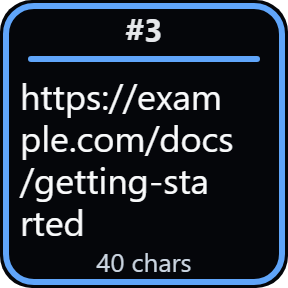
Keys show copy #1, #2, #3, up to #20, each with its first lines and length. One press pastes it into the app in front.
Text and images
A copied picture shows as a thumbnail with its size. A press puts it back on the clipboard and pastes it, like a text.
Pin what you reuse
Hold a key for 1 second to pin its item, or pick one in the key's settings. New copies leave a pinned key in place.
Paste your way
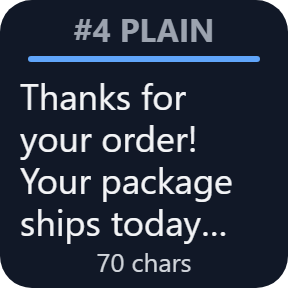
Choose for each key: paste, paste as plain text (fonts, colors and links dropped), or put it on the clipboard only.
Private copies stay private
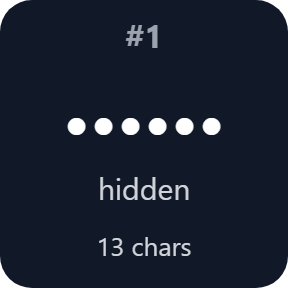
Copies an app flags as private to Windows or macOS, a flag password managers can set, are not stored. Text that looks like a password or an API key shows as dots.
Pause and Clear
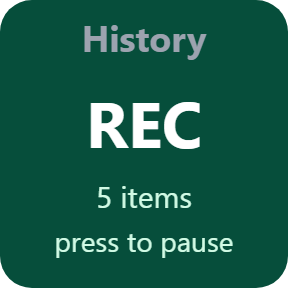
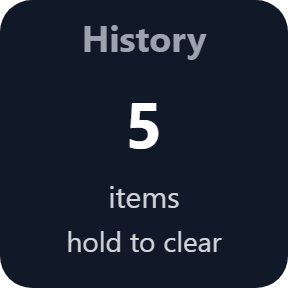
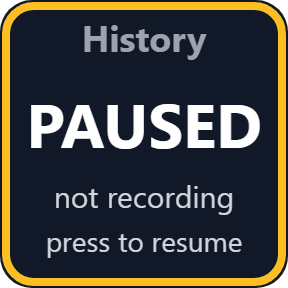
The Pause key stops recording and shows PAUSED. The Clear key deletes the history when you hold it for 2 seconds and let go.
Install in OpenDeck
In OpenDeck, open the Plugins tab, install the .streamDeckPlugin file you downloaded, then enter your license key once in a key's settings.
Requirements
- Windows 10 or later, or macOS 13 or later (Apple silicon or Intel)
- OpenDeck 2.14 or later
Questions
How do I see my clipboard history on an Ajazz or Mirabox deck with OpenDeck?
Place History Slot keys on your deck in OpenDeck. Each key shows one recent copy, from #1 (the newest) up to #20, with its first lines or a thumbnail. One press pastes it into the app in front.
Can I paste without formatting?
Yes. Set a key to Paste as plain text in its settings: fonts, colors and links are dropped.
Are my passwords stored?
Copies an app flags as private to Windows or macOS, a flag password managers can set, are not stored. A password manager that does not set it is treated like any other app, and text that looks like a password shows as dots on the key. The Pause key stops recording and the Clear key deletes the history.
Purchase details, refunds and seller
- Price
- ¥880, paid once. Tax for your country is added at checkout.
- Payment
- Handled by Stripe through Link, Stripe's checkout service. Link appears as the seller on your receipt and card statement, and your card number never reaches GRAMSHIFT.
- Delivery
- Your license key and download link appear right after payment, and the receipt arrives by email.
- Countries
- The direct checkout is not offered in Ascension Island, China, Cuba, Iran, Kosovo, North Korea, Russia, Syria or Tristan da Cunha.
- Seller
- GRAMSHIFT, Tokyo, Japan. Contact: contact@gramshift.com
- Refunds
- If the plugin fails to run on your PC, email contact@gramshift.com within 14 days of purchase for a full refund. The license key stops working after a refund.
- License
- One key for your own use on up to 3 PCs.
Limits
- Files copied in Explorer or Finder, and screenshots a tool flags as private, stay out of the history. Very large copies are left out: text over 2 million characters and pictures over 64 MB.
- On Windows, in apps run as administrator, press Ctrl+V yourself after the key.
- The dots are a best guess: a simple password like password1, or text with spaces, can still show on a key. To hide a key's text every time, set On the key to Hide the content in that key's settings.
- The direct version checks its license key with our server when you activate it, at each plugin start and about once a day. If the server cannot be reached, it keeps running for up to 44 days after the last successful check.