OpenDeck plugin for Windows
Pick any screen color with one key: Ajazz and Mirabox, OpenDeck
On an Ajazz or Mirabox deck running OpenDeck, point your mouse at any pixel in any app and press Pick Color.
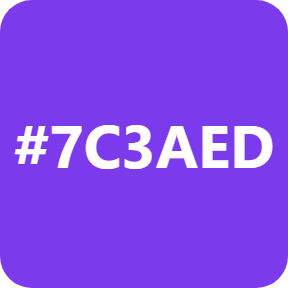
Its value is copied to your clipboard as HEX, rgb() or hsl(), and the key fills with the color so you can see what you picked.
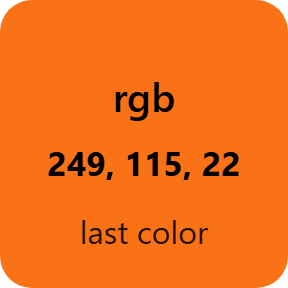
A Last Color key copies the same color again in its own format: pick once, then paste it as HEX in one place and as rgb() in another. No eyedropper app to open, no screenshot to crop.
- HEX, RGB, HSL or r, g, b
- Copied to the clipboard
- The color shown on the key
- Last color in another format
- Optional live preview

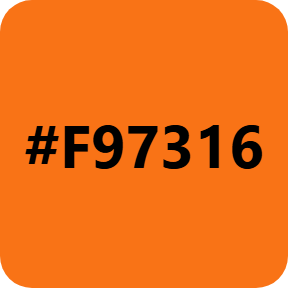
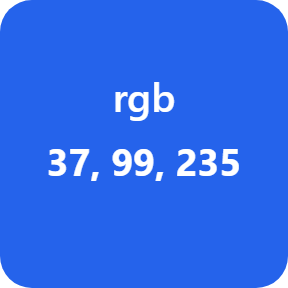
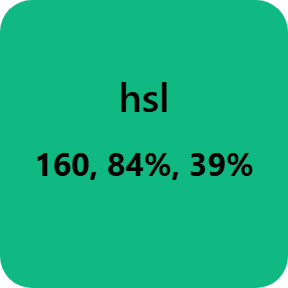
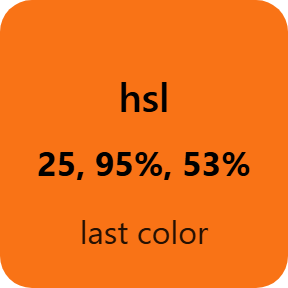
What the keys do
Pick Color
Point your mouse at any color on your screen and press the key. The color under the pointer is copied to your clipboard and fills the key. The key never moves the mouse, so you get exactly the pixel you point at.
Ready to paste
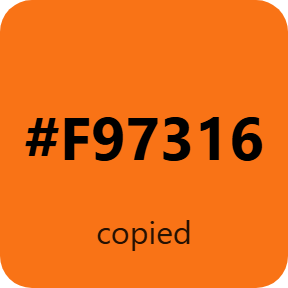
The key shows the value and the word copied, so you know it is on your clipboard. Paste it straight into your CSS, your design app or a chat.
Four formats
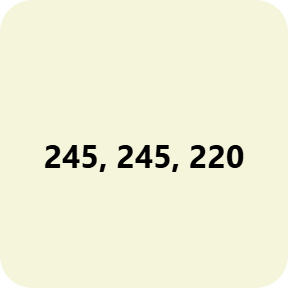
Choose per key: HEX (#RRGGBB), rgb(r, g, b), hsl(h, s%, l%) or plain r, g, b. Put two Pick Color keys side by side, one for HEX and one for rgb(), if you use both.
Last Color
Shows the last color you picked with any Pick Color key, written in this key's own format. Press it to copy that color again in that format; it does not read the screen again, so you can move the mouse away first.
Live preview
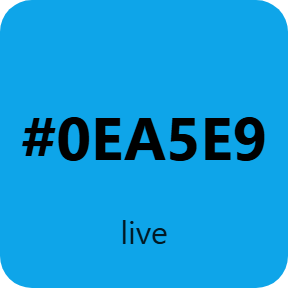
Turn on Preview and the key shows the color under your mouse up to 4 times per second, before you press. It is off by default.
Exact on scaled displays
It reads the real screen pixel, also on displays scaled to 125% or 150% and on each of several monitors.
Install in OpenDeck
In OpenDeck, open the Plugins tab, install the .streamDeckPlugin file you downloaded, then enter your license key once in a key's settings.
Requirements
- Windows 10 (version 1703) or later
- Windows PowerShell (included with Windows)
- OpenDeck 2.14 or later
Questions
How do I pick a color from my screen on an Ajazz or Mirabox deck with OpenDeck?
Place a Pick Color key on your deck in OpenDeck. Point your mouse at any pixel in any app and press the key: its value is copied to your clipboard and the key fills with the color.
How do I copy a screen color as a HEX code?
Choose HEX (#RRGGBB) in the Pick Color key's settings, point at the color and press the key. The HEX code, such as #F97316, is on your clipboard, ready to paste.
Can I get the same color as both HEX and rgb()?
Yes. Pick the color once with a HEX key, then press a Last Color key set to rgb(r, g, b). It copies the same color again in its format without reading the screen again.
Purchase details, refunds and seller
- Price
- ¥550, paid once. Tax for your country is added at checkout.
- Payment
- Handled by Stripe through Link, Stripe's checkout service. Link appears as the seller on your receipt and card statement, and your card number never reaches GRAMSHIFT.
- Delivery
- Your license key and download link appear right after payment, and the receipt arrives by email.
- Countries
- The direct checkout is not offered in Ascension Island, China, Cuba, Iran, Kosovo, North Korea, Russia, Syria or Tristan da Cunha.
- Seller
- GRAMSHIFT, Tokyo, Japan. Contact: contact@gramshift.com
- Refunds
- If the plugin fails to run on your PC, email contact@gramshift.com within 14 days of purchase for a full refund. The license key stops working after a refund.
- License
- One key for your own use on up to 3 PCs.
Limits
- Some video players and protected content block screen reading and read as black. Apps that use color management or HDR can show a slightly different color on screen than the value they store; the key copies the color that is on screen.
- The last color is kept in memory only, so it is gone after OpenDeck or your PC restarts.
- The direct version checks its license key with our server when you activate it, at each plugin start and about once a day. If the server cannot be reached, it keeps running for up to 44 days after the last successful check.