OpenDeck plugin for Windows
Crosshair overlay for games: Ajazz and Mirabox keys with OpenDeck
On an Ajazz or Mirabox deck running OpenDeck, press one key and a crosshair appears in the center of your screen, on top of windowed and borderless PC games.
Press again to hide it.
Pick the shape, color, outline, size, thickness, center gap and opacity, move it to the pixel, and keep one key per game or weapon. Clicks go through to the game.
- Windowed and borderless games
- Shape, color, size
- Move it to the pixel
- One key per game or weapon
- Five looks
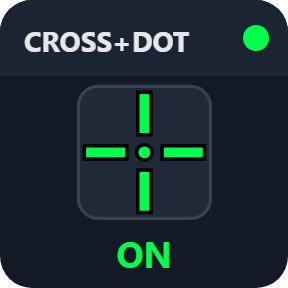
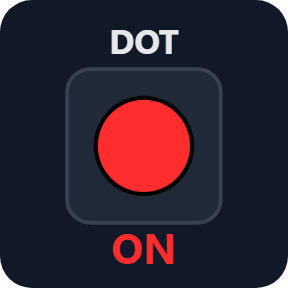
What the keys do
Crosshair
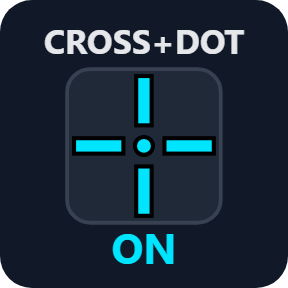
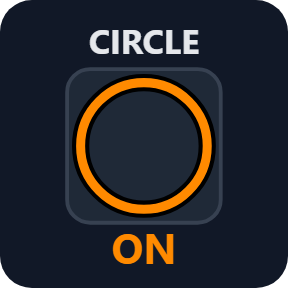
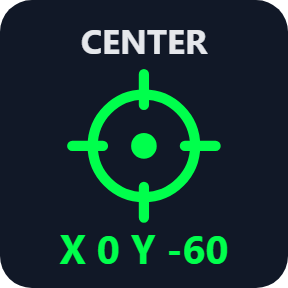
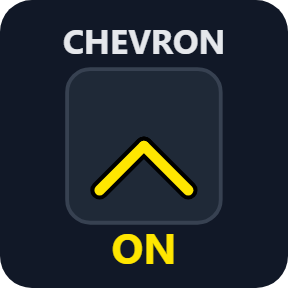
Press to show the crosshair in the center of your screen, over your game; press again to hide it. The key shows the crosshair you set and ON or OFF.
Shapes and colors
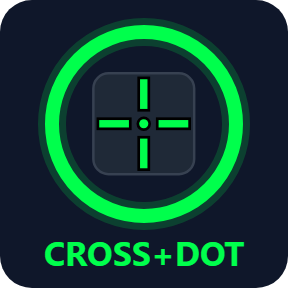
Dot, cross, T, X, circle and chevron, plus dot and cross combos. Ten preset colors or any color, a black or white outline, and size, thickness, center gap and opacity.
One key per game or weapon
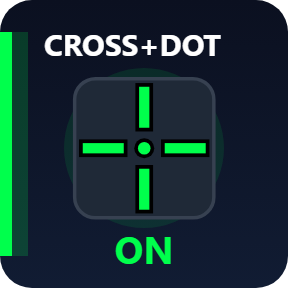
Each Crosshair key keeps its own shape, color and position, so a row of keys works as presets. Each key shows its own crosshair.
Move Crosshair
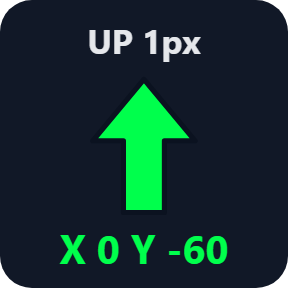
Moves the crosshair that is shown by 1 to 25 pixels up, down, left or right, or back to the center. The new position is kept in the Crosshair key.
Borderless Game Window
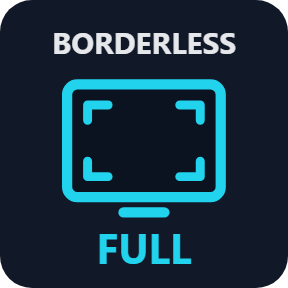
Bring a windowed game to the front and press: its title bar and frame go and it fills the screen, with the crosshair on top. Press again to put the window back as it was.
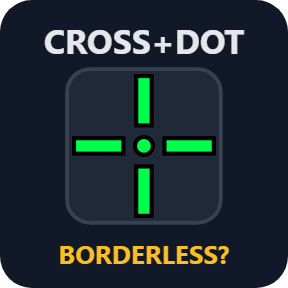
Exclusive fullscreen
When a game runs in exclusive fullscreen, the crosshair steps aside and the key says BORDERLESS?. Pick Borderless in the game, or Windowed plus the Borderless Game Window key.
Install in OpenDeck
In OpenDeck, open the Plugins tab, install the .streamDeckPlugin file you downloaded, then enter your license key once in a key's settings.
Requirements
- Windows 10 or later
- The game in windowed or borderless mode, or made borderless with the Borderless Game Window key
- OpenDeck 2.14 or later
Questions
How do I put a crosshair on my screen with an Ajazz or Mirabox key and OpenDeck?
Place a Crosshair key on your deck in OpenDeck, pick the shape and color in its settings, and press the key. The crosshair appears in the center of your screen, on top of your game. Press again to hide it.
Does it work in fullscreen games?
It shows over windowed and borderless games. If a game runs in exclusive fullscreen, the crosshair steps aside and the key says BORDERLESS?: pick Borderless in the game's display settings, or Windowed plus the Borderless Game Window key.
Can I keep a different crosshair for each game or weapon?
Yes. Each Crosshair key keeps its own shape, color, size and position, so you can set one key per game or weapon and press the one you need.
Purchase details, refunds and seller
- Price
- ¥300, paid once. Tax for your country is added at checkout.
- Payment
- Handled by Stripe through Link, Stripe's checkout service. Link appears as the seller on your receipt and card statement, and your card number never reaches GRAMSHIFT.
- Delivery
- Your license key and download link appear right after payment, and the receipt arrives by email.
- Countries
- The direct checkout is not offered in Ascension Island, China, Cuba, Iran, Kosovo, North Korea, Russia, Syria or Tristan da Cunha.
- Seller
- GRAMSHIFT, Tokyo, Japan. Contact: contact@gramshift.com
- Refunds
- If the plugin fails to run on your PC, email contact@gramshift.com within 14 days of purchase for a full refund. The license key stops working after a refund.
- License
- One key for your own use on up to 3 PCs.
Limits
- In exclusive fullscreen the crosshair hides itself and the key says BORDERLESS?. In the game pick Borderless, or Windowed plus the Borderless Game Window key. Auto-hide can be turned off in the key's settings.
- Closing OpenDeck puts back windows made borderless.
- Some games and tournaments have rules about crosshair overlays: check yours.
- The direct version checks its license key with our server when you activate it, at each plugin start and about once a day. If the server cannot be reached, it keeps running for up to 44 days after the last successful check.