OpenDeck plugin for Windows and Mac
Switch dark mode and desktop settings with Ajazz and Mirabox, OpenDeck
On an Ajazz or Mirabox deck running OpenDeck, Desktop Toggles switches the display settings you change most, one key each: dark mode, taskbar auto-hide, desktop icons, hidden files and file extensions.
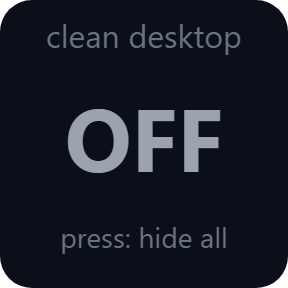
Clean Desktop hides the desktop icons and the taskbar before screen sharing or recording, and the next press puts them back as they were. Every key shows the current state. On a Mac, the same keys switch the Mac appearance, Dock auto-hide, desktop icons, and hidden files and extensions in Finder.
- One key per setting
- Clean Desktop for screen sharing
- Keys show the current state
- Stays after a restart
- Windows and Mac
What it does
Dark Mode
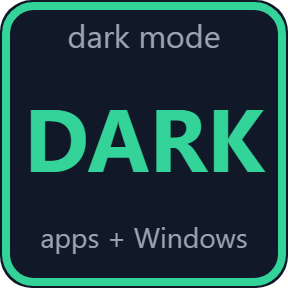
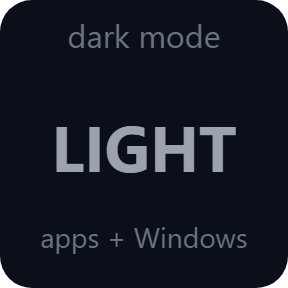
Switch between dark and light with one press, for apps and Windows (taskbar, Start), or for apps only. The same setting as Windows Settings > Personalization > Colors. On a Mac, it switches the whole Mac.
Taskbar Auto-Hide
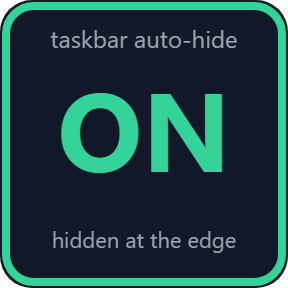
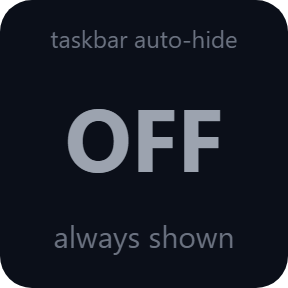
Turn "Automatically hide the taskbar" on or off. While it is on, the taskbar comes back when the pointer touches the screen edge. On a Mac, the same key turns "Automatically hide and show the Dock" on or off.
Desktop Icons
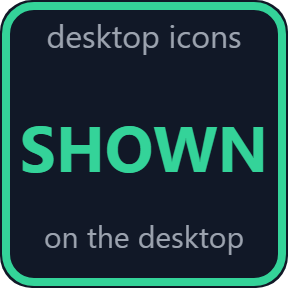
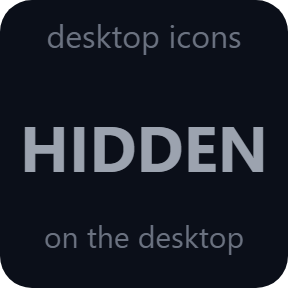
Hide or show the desktop icons. Your files stay where they are.
Hidden Files & Extensions
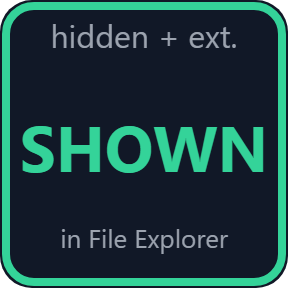
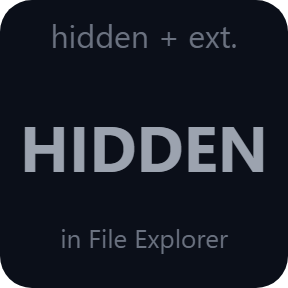
Show or hide hidden files and file name extensions in File Explorer, or in Finder on a Mac: one of them or both. Open File Explorer windows update too.
Clean Desktop
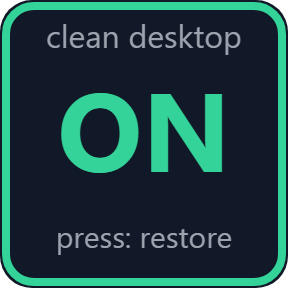
Before a screen share or recording, one press hides the desktop icons and the taskbar (on a Mac, the Dock). The next press puts them back as they were.
Keys that follow the system
Change a setting in Windows Settings, File Explorer or the desktop menu and the key catches up within seconds. On a Mac, the keys follow System Settings and Finder too. If Windows or macOS refuses a change, the key says so and shows the real state.
Install in OpenDeck
In OpenDeck, open the Plugins tab, install the .streamDeckPlugin file you downloaded, then enter your license key once in a key's settings.
Requirements
- Windows 10 or later, or macOS 13 or later (Apple silicon or Intel)
- OpenDeck 2.14 or later
Questions
How do I switch dark mode with an Ajazz or Mirabox key and OpenDeck?
Place Dark Mode on a key in OpenDeck and press it. Windows or your Mac switches to dark, and the next press goes back to light. On Windows, choose apps and Windows (taskbar, Start), or apps only, in the key's settings.
How do I hide desktop icons and the taskbar before a screen share?
Press the Clean Desktop key. It hides the desktop icons and the taskbar (on a Mac, the Dock), and the next press puts them back as they were. A taskbar that was already set to hide itself stays that way.
Can a key show hidden files or file name extensions?
Yes. Hidden Files & Extensions switches hidden files only, file name extensions only, or both, in File Explorer or Finder. Protected operating system files stay hidden.
Purchase details, refunds and seller
- Price
- ¥980, paid once. Tax for your country is added at checkout.
- Payment
- Handled by Stripe through Link, Stripe's checkout service. Link appears as the seller on your receipt and card statement, and your card number never reaches GRAMSHIFT.
- Delivery
- Your license key and download link appear right after payment, and the receipt arrives by email.
- Countries
- The direct checkout is not offered in Ascension Island, China, Cuba, Iran, Kosovo, North Korea, Russia, Syria or Tristan da Cunha.
- Seller
- GRAMSHIFT, Tokyo, Japan. Contact: contact@gramshift.com
- Refunds
- If the plugin fails to run on your PC, email contact@gramshift.com within 14 days of purchase for a full refund. The license key stops working after a refund.
- License
- One key for your own use on up to 3 PCs.
Limits
- Works on Windows 10 or later and macOS 13 or later. Dark Mode switches apps that follow the system setting; apps with their own theme setting keep it.
- On a Mac, the first time Dark Mode or the Dock changes, macOS asks whether to allow control of System Events: choose Allow. Desktop Icons, Hidden Files & Extensions and Clean Desktop restart Finder for a moment to apply the change.
- Settings managed by an organization may be blocked. The key then says the change failed.
- The direct version checks its license key with our server when you activate it, at each plugin start and about once a day. If the server cannot be reached, it keeps running for up to 44 days after the last successful check.