Stream Deck plugin for BeamNG.drive on Windows
Live BeamNG.drive gauges and controls on your Stream Deck keys
Drive Deck for BeamNG.drive shows your gear with shift lights, speed, rpm, fuel, water and oil temperature, boost and the pedals live on your Stream Deck keys while you drive.
Dash light keys light up with the high beam, signals, hazards and parking brake of your car, and a press switches them. Game Control keys recover, reset, change the camera, shift and more with the game's default keys. Turn on OutGauge once in the game's options: no mod to install.
- Gear and shift lights
- Speed and rpm
- Fuel and temperatures
- Boost and pedals
- Dash lights
- Recover and reset
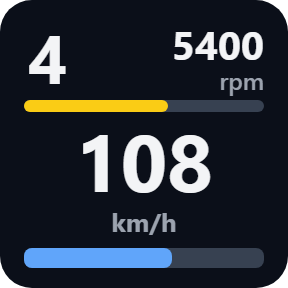
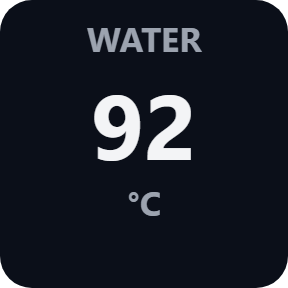
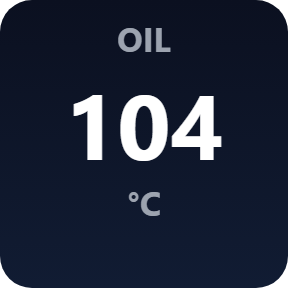
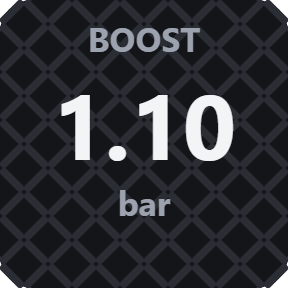
What the keys show
Gear & Shift Lights
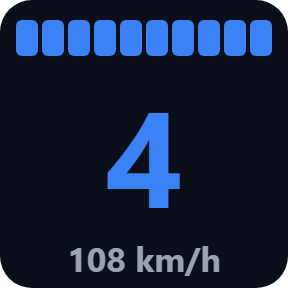
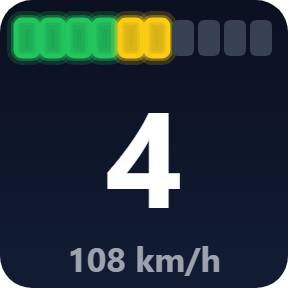
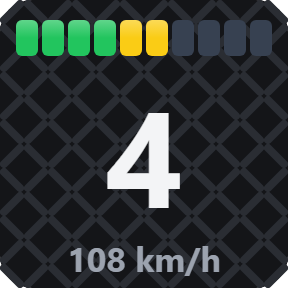
The gear in big numbers with a value you choose, such as speed. The key flashes at the shift point: the car's own shift light, a point learned from the engine as you drive, or an rpm you type. On a Stream Deck + dial, turn to change the value.
Dash
Gear, rpm, speed and fuel on one key.
Readout: speed, rpm and fuel
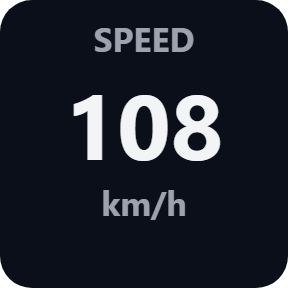
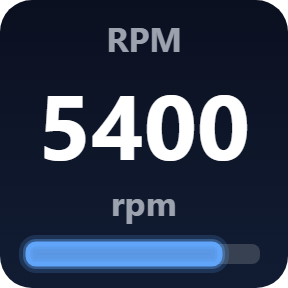
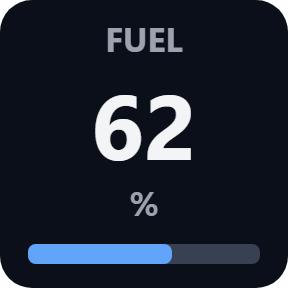
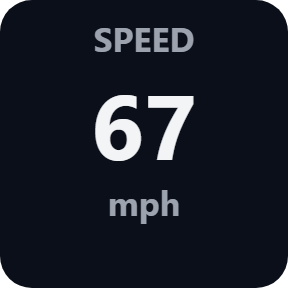
One value per key in big numbers: speed in km/h or mph, engine rpm, or the fuel left in percent.
Readout: temperatures and boost
Water or oil temperature in °C or °F, and boost in bar or psi.
Readout: pedals
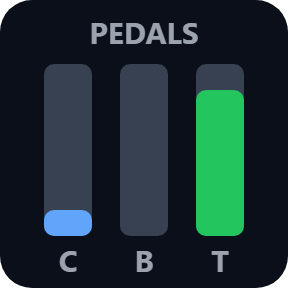
Clutch, brake and throttle as three bars, or one of them in percent.
Dash Light
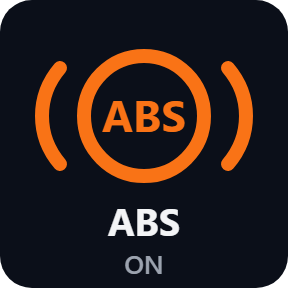
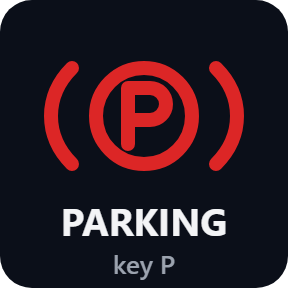
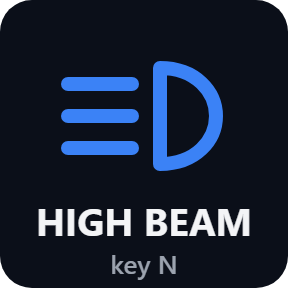
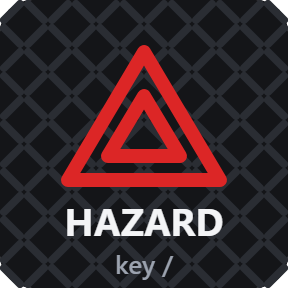
Parking brake, high beam, left and right signals, hazards and engine, lit as the car shows them. A press switches them with the game's default key. ABS, ESC / traction control, the oil warning and the shift light show on a key too.
Choose your look
Pick these in each key's settings: Classic, Neon or Carbon, and metric (km/h, °C, bar) or imperial (mph, °F, psi) units.
A button box for BeamNG.drive
Game Control keys press the game's default keys: shift up and down, gearbox mode, ignition, horn, parking brake (held), fog lights, lightbar, recover / rewind, reset vehicle, load and set home position, next camera, enter or exit the vehicle, and pause physics. Choose Other to give a key your own name and game key. Each key can work on a short press or a hold of 0.5 to 5 seconds.
No mod, and it tells you what is missing
Turn on OutGauge once in the game's options: nothing to install in the game, and the keys start showing your car as you drive.
Until data arrives, a key shows NO DATA with the port and what to turn on, and LOADING while the car is not ready. The Status line in a key's settings says what is missing.
The game's values are only received on your PC and never sent anywhere. The only thing that goes online is the license key check.
Set up in 3 steps
- Open the plugin file you download after buying. The Stream Deck app installs it.
- In the Stream Deck app, drag the keys you want onto your Stream Deck and enter your license key once in a key's settings.
- In BeamNG.drive, open Options > Other > Protocols and turn on the OutGauge UDP protocol with IP 127.0.0.1 and port 4444. Drive, and the keys show your car.
Two places to buy
| Elgato Marketplace | Direct from GRAMSHIFT | |
|---|---|---|
| Amount | Same amount | Same amount, tax added at checkout |
| Checkout | Elgato Marketplace | Stripe (card) |
| New versions | Installed through the Stream Deck app | Download from your license key page |
| Use on | Your Elgato account | Up to 3 PCs per license key |
| Plugin display | English and Japanese | English and Japanese |
Requirements
- Windows 10 or later
- Stream Deck app 6.9 or later
- BeamNG.drive on PC, with OutGauge turned on in the game's options (no mod)
Questions
How do I show my gear, rpm and shift lights from BeamNG.drive on a Stream Deck?
Install Drive Deck for BeamNG.drive, then in the game turn on Options > Other > Protocols > OutGauge UDP protocol with IP 127.0.0.1 and port 4444. Drag the Gear key onto your Stream Deck: it shows the gear, speed and shift lights that flash at the shift point while you drive.
Can a Stream Deck show fuel, water temperature, oil temperature and boost in BeamNG.drive?
Yes. The Readout key shows speed, rpm, fuel, water or oil temperature, boost or the pedals, and the Dash key puts gear, rpm, speed and fuel on one key, in metric or imperial units.
Can I recover, reset or change the camera in BeamNG.drive from a Stream Deck button?
Yes. The Game Control key presses the game's default key for recover, reset, set home, camera, horn, ignition, shifting and more while BeamNG.drive is the active window. If you changed a binding in the game, type your key in the key's settings.
Why does my BeamNG.drive Stream Deck key say NO DATA?
The key waits for OutGauge data from the game. Turn on the OutGauge UDP protocol in the game's Options > Other > Protocols with IP 127.0.0.1 and the same port as the key (4444), then drive: the key and its settings page say what is missing.
Does it work with Stream Deck + dials?
Yes. The Gear key goes on a dial: the screen shows the gear with the shift lights, and turning the dial changes the value next to it.
How many PCs can I use with one license key?
Up to 3 of your own PCs. If you replace a PC, write to us and we free up a place for the new one.
How do I get new versions if I buy direct?
Download the latest version from your thank-you page or the license key page you received. Your license key keeps working. If you cannot open your license key page, email us as the "Recover your license key" page explains.
What if I lose my license key?
Email contact@gramshift.com from the address you paid with, and include your order number, or the date and amount you paid. We check the purchase and reply with a link to your license key page.
Can I get a refund?
Yes, for a direct purchase. If the plugin does not work on your PC or with your game, email us within 14 days of purchase and we refund the full amount. The license key stops working after the refund.
Direct purchase: details, refunds and seller
- Price
- ¥1,500, the same amount as on the Elgato Marketplace. Tax for your country is added at checkout.
- Payment
- Handled by Stripe through Link, Stripe's checkout service. Link appears as the seller on your receipt and card statement, and your card number never reaches GRAMSHIFT.
- Delivery
- Your license key and download link appear right after payment, and the receipt arrives by email.
- Refunds
- If the plugin does not work on your PC or with your game, email us within 14 days of purchase for a full refund. You can also ask Link support. The license key stops working after a refund.
- License
- One key for your own use on up to 3 PCs.
- Countries
- The direct checkout is not offered in Ascension Island, China, Cuba, Iran, Kosovo, North Korea, Russia, Syria or Tristan da Cunha.
- Seller
- GRAMSHIFT, Tokyo, Japan. Contact: contact@gramshift.com
Limits
- Your presses reach BeamNG.drive only while its window is in front, and not while the game runs as administrator: start it normally. The display keys still work.
- Presses use the game's default keys on a US keyboard layout. If you changed a binding in the game, type your key in the key's settings.
- ABS, ESC / traction control, the oil warning and the shift light only show on a key; a press does not switch them.
- Windows only. The keys read OutGauge on this PC, or from a second PC on your network if you choose that in a key's settings; presses go to the game on this PC.
- The direct version checks its license key with our server when you activate it, each time the plugin starts, and about once a day while it runs. If it cannot reach the server, it keeps working for up to 44 days after the last successful check.
- If something does not work, email contact@gramshift.com and we will help.