Stream Deck plugin for Elite Dangerous on PC
A button box that shows your ship's real state
Ship Deck for Elite Dangerous turns your Stream Deck into a button box whose keys change with your ship: landing gear, hardpoints, cargo scoop, lights, night vision, silent running, flight assist and the FSD, so you see what your ship is doing at a glance.
It reads the keybinds you already use, default or Custom, so each key shows and sends your own keyboard key. No profile to build, no keys to set by hand.
- Landing gear
- Hardpoints
- FSD
- Fuel
- Power pips

What the keys show
Ship toggles
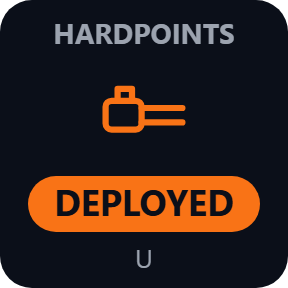
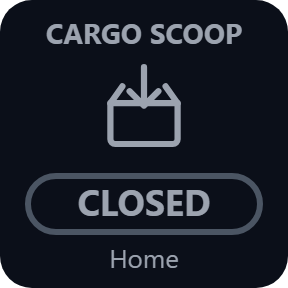
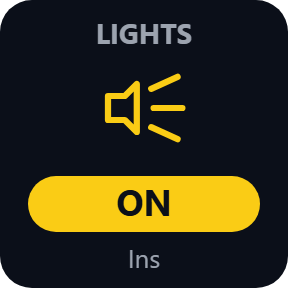
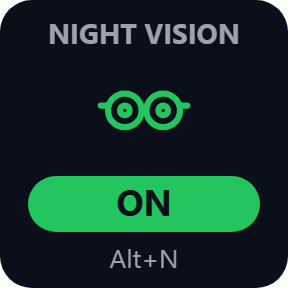
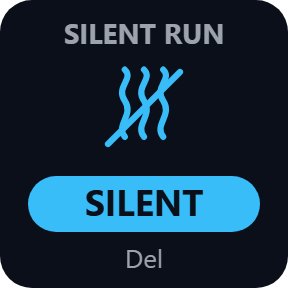
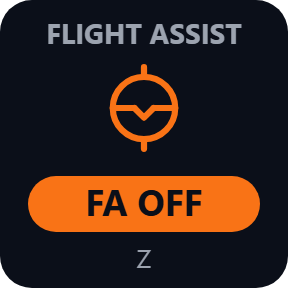
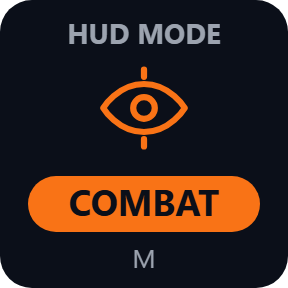
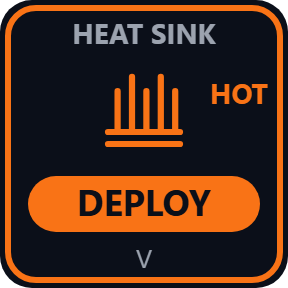
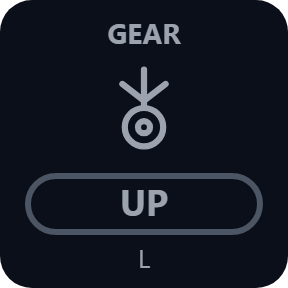
Landing gear UP or DOWN, hardpoints DEPLOYED, cargo scoop OPEN, lights ON, night vision ON, SILENT (with a HOT frame when you overheat), FA ON or FA OFF, and HUD mode ANALYSIS or COMBAT.
FSD
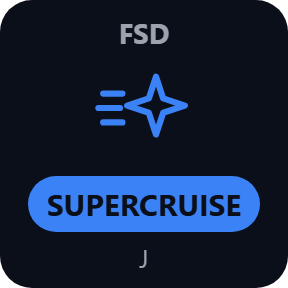
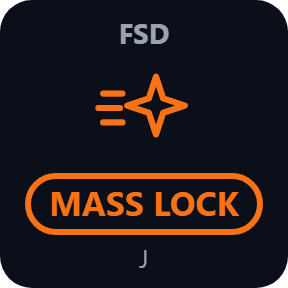
READY, CHARGING, JUMPING, SUPERCRUISE, OVERDRIVE, SC ASSIST, COOLDOWN and MASS LOCK. A press sends the FSD control you pick: combined, supercruise only or hyperspace only.
Panels & Maps
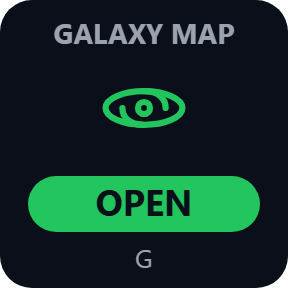
A cockpit panel, the galaxy or system map, or FSS, shown OPEN while it is on screen.
Fuel and route
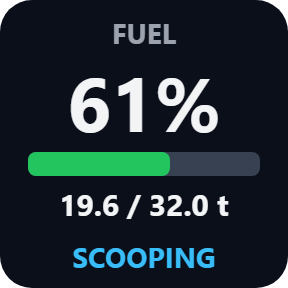
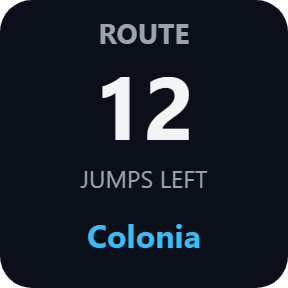
Main tank in percent with a bar, both shown in red when the game reports low fuel, and SCOOPING while you scoop. Route shows the jumps left and the next system.
Status and suit
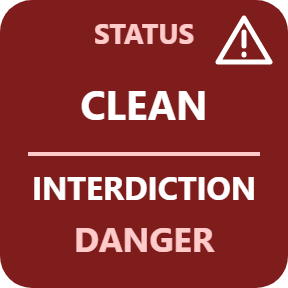
Legal state, with INTERDICTION, DANGER, HEAT WARNING and UNDER ATTACK. On foot in Odyssey: oxygen, health and temperature.
Power and fire group
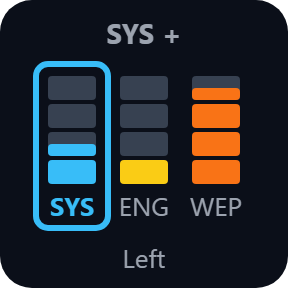
SYS, ENG and WEP pips and the fire group, on keys or on Stream Deck + dials. Chaff, heat sink and shield cell keys too.
Your own keybinds, read for you
Default or Custom presets, HOTAS and keyboard mixed, separate presets for ship, SRV and on foot. Each key shows the key it sends, such as L or Ctrl+Del, and follows your changes within seconds. A control bound only to your joystick says NO KEY.

Reads the game, changes nothing
It reads your ship's status and your keybinds from the game's files and never changes them.
Keys show MENU, STALE or NO GAME instead of old values. Route and fuel start fresh when you restart the game or switch commander.
Nothing about your game leaves your PC. The only thing the direct version sends online is its license key check.
Set up in 3 steps
- Open the plugin file you download after buying. The Stream Deck app installs it.
- In the Stream Deck app, drag the keys you want onto your Stream Deck and enter your license key once. Nothing else to type: they read your game's keybinds.
- Start Elite Dangerous and load your commander. The keys follow your ship by themselves.
Two places to buy
| Elgato Marketplace | Direct from GRAMSHIFT | |
|---|---|---|
| Amount | Same amount | Same amount, tax added at checkout |
| Checkout | Elgato Marketplace | Stripe (card) |
| New versions | Installed through the Stream Deck app | Download from your key page |
| Use on | Your Elgato account | Up to 3 PCs per license key |
| Plugin display | English and Japanese | English and Japanese |
Requirements
- Windows 10 or later
- Stream Deck app 6.9 or later
- Elite Dangerous on PC
Questions
How do I make a Stream Deck button box for Elite Dangerous?
Drag the Ship Deck keys you want onto your Stream Deck and start the game. Each key reads your keybinds, shows the keyboard key it sends and lights up with your ship's state, so there is no profile to build.
Does it work with my HOTAS and my Custom keybinds?
Yes. It reads default and Custom presets, including ones that mix HOTAS and keyboard. A control bound only to the joystick says NO KEY: add a keyboard key as its primary or secondary binding in Options > Controls, and your HOTAS binding can stay.
Does it change my game files?
No. It only reads the ship status and keybinds the game writes, and a press sends the keyboard key your preset already has.
How many PCs can I use with one license key?
Up to 3 of your own PCs. If you replace a PC, write to us and we free up a place for the new one.
How do I get new versions if I buy direct?
Download the latest version from your thank-you page or the key page you received. Your license key keeps working. If you cannot open your key page, email us as the "Recover a lost key" page explains.
What if I lose my license key?
Email contact@gramshift.com from the address you paid with, and include your order number or the date you paid. We check the purchase and reply with a link to your key page.
Can I get a refund?
Yes, for a direct purchase. If the plugin does not work on your PC, email us within 14 days of purchase and we refund the full amount. The license key stops working after the refund.
Does it work on PlayStation, Xbox or Mac?
No. It is for Elite Dangerous on a Windows 10 or later PC only.
Direct purchase: details, refunds and seller
- Price
- ¥1,800, the same amount as on the Elgato Marketplace. Tax for your country is added at checkout.
- Payment
- Handled by Stripe through Link, Stripe's checkout service. Link appears as the seller on your receipt and card statement, and your card number never reaches GRAMSHIFT.
- Delivery
- Your license key and download link appear right after payment, and the receipt arrives by email.
- Refunds
- If the plugin does not work on your PC, email us within 14 days of purchase for a full refund. You can also ask Link support. The license key stops working after a refund.
- License
- One key for your own use on up to 3 PCs.
- Countries
- The direct checkout is not offered in Ascension Island, China, Cuba, Iran, Kosovo, North Korea, Russia, Syria or Tristan da Cunha.
- Seller
- GRAMSHIFT, Tokyo, Japan. Contact: contact@gramshift.com
Limits
- One press sends one key. By default it sends only while Elite Dangerous is the active window. No macros, no repeats.
- A control needs a keyboard key in your preset; controls set to Hold in the game are not sent.
- With a map, panel or menu open, only Panels & Maps sends. In a fighter or taxi, ship-only keys send nothing.
- If the game runs as administrator, Windows blocks keys from Stream Deck: start it normally.
- No heat percent, shields or hull: the game does not report them. PC only, not PlayStation or Xbox.
- The direct version checks its license key with our server when you activate it, each time the plugin starts, and about once a day while it runs. If it cannot reach the server, it keeps working for up to 44 days after the last successful check.