OpenDeck plugin for Windows and Mac
Force close a frozen game or app with OpenDeck on Ajazz and Mirabox
On an Ajazz or Mirabox deck running OpenDeck, Force Close Keys ends a frozen game or app when Task Manager or Force Quit is out of reach.
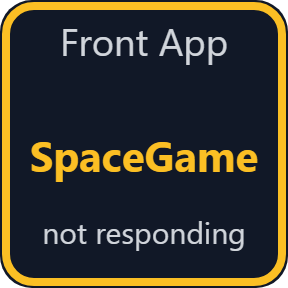
Hold a key to end it at once, like End task or Force Quit. On Windows, a key also shows which apps Windows reports as not responding.
A short press asks the app to close (on a Mac, to quit), so it can ask to save. You choose the hold, from 1 to 3 seconds, and letting go early cancels it.
- Not responding
- Front app
- Close a chosen app
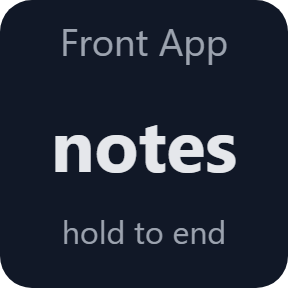
- Hold to end
- Release to cancel
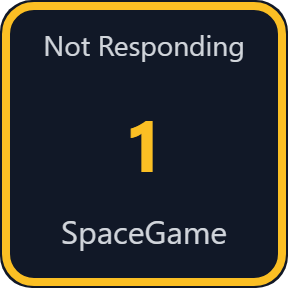
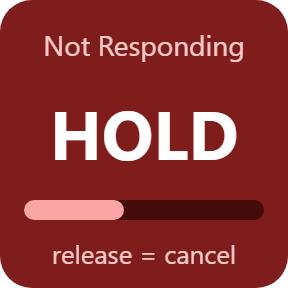
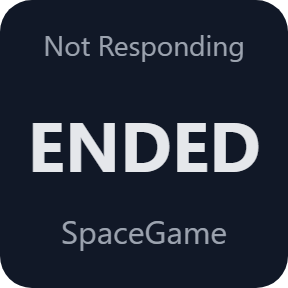
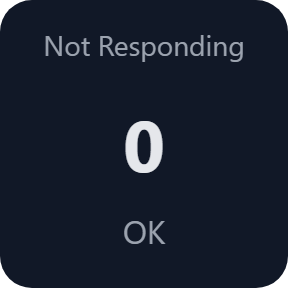
What the keys do
Not Responding
On Windows: counts the visible apps Windows reports as not responding and shows their names. Hold to end them. A short press ends nothing.
Close Front App
Shows the app in front. Press to ask it to close (on a Mac, to quit), so it can ask to save. Hold to end it at once.
Close App
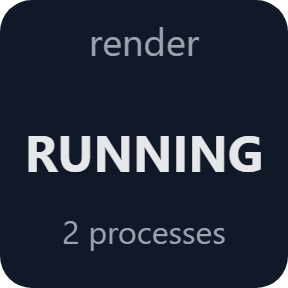
The same for a program you choose from the list. The key shows RUNNING or --, so it also tells you whether the program is still open.
Hold 1 to 3 seconds
A bar fills while you hold, and the key says what happens. Release early to cancel: nothing is ended. Choose the time in each key's settings.
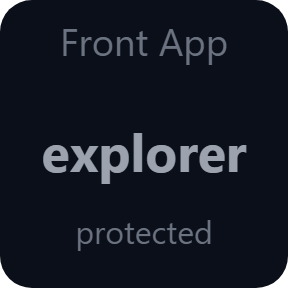
Protected programs
Core Windows processes such as sign-in, the desktop and the taskbar, macOS's own programs such as Finder, the Dock and the menu bar, and other users' programs are marked protected and are never ended.
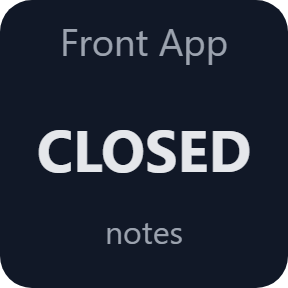
ENDED only once it is gone
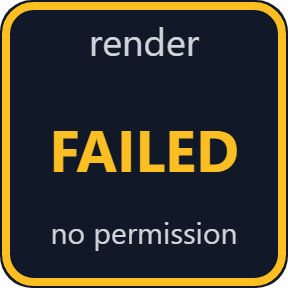
The target is fixed when you press and checked again first. ENDED appears once the process is gone; if the system refuses, the key says FAILED and the settings page gives the reason.
Install in OpenDeck
In OpenDeck, open the Plugins tab, install the .streamDeckPlugin file you downloaded, then enter your license key once in a key's settings.
Requirements
- Windows 10 or later, or macOS 13 or later
- OpenDeck 2.14 or later
Questions
How do I force close a frozen game from an Ajazz or Mirabox deck with OpenDeck on Windows?
Install the plugin and place a Not Responding or Close Front App key on your deck in OpenDeck. When a game freezes, hold the key for the time you chose, from 1 to 3 seconds. It works like End task in Task Manager, so you do not need to reach Task Manager.
What is the difference between a short press and a hold?
On Close Front App and Close App, a short press asks the app to close, so it can ask to save. A hold ends it like End task, and unsaved work is lost. On Not Responding, only a hold does anything. Letting go early cancels the hold.
Does it work on a Mac?
Yes, on macOS 13 or later. Close Front App and Close App work as on Windows: a short press asks the app to quit, as its Quit menu would, and a hold ends it at once, like Force Quit. Not Responding is a Windows key.
Purchase details, refunds and seller
- Price
- ¥780, paid once. Tax for your country is added at checkout.
- Payment
- Handled by Stripe through Link, Stripe's checkout service. Link appears as the seller on your receipt and card statement, and your card number never reaches GRAMSHIFT.
- Delivery
- Your license key and download link appear right after payment, and the receipt arrives by email.
- Countries
- The direct checkout is not offered in Ascension Island, China, Cuba, Iran, Kosovo, North Korea, Russia, Syria or Tristan da Cunha.
- Seller
- GRAMSHIFT, Tokyo, Japan. Contact: contact@gramshift.com
- Refunds
- If the plugin fails to run on your PC, email contact@gramshift.com within 14 days of purchase for a full refund. The license key stops working after a refund.
- License
- One key for your own use on up to 3 PCs.
Limits
- A hold works like End task or Force Quit: unsaved work is lost, and processes the app started keep running.
- On Windows, a loading game may count as not responding; set a longer wait, up to 30 seconds, in the key's settings. Hidden windows and windows on other desktops are skipped.
- Programs run as administrator or as another user may refuse; the key then says FAILED and the settings page gives the reason.
- The direct version checks its license key with our server when you activate it, at each plugin start and about once a day. If the server cannot be reached, it keeps running for up to 44 days after the last successful check.