OpenDeck plugin for Windows and Mac
Forza Horizon 6 Race Deck for Ajazz and Mirabox on OpenDeck
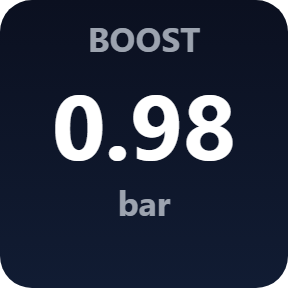
Race Deck puts live Forza Horizon 6 data on your Ajazz or Mirabox deck with OpenDeck: a 0-100 km/h or 0-60 mph timer, a big gear number with a shift light, and four tyres colored by heat or grip.
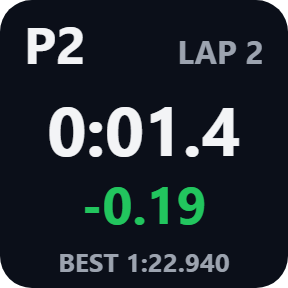
Stop the car and the timer key shows READY, then times the run the moment you drive off. Other keys show laps, delta to your best lap and position, and can send the game keys you use for rewind, horn or photo mode.
- 0-100 and 0-60 timer
- Best run per car
- Gear and shift light
- Tyre heat and grip
- Laps and delta
What the keys do
Performance Timer
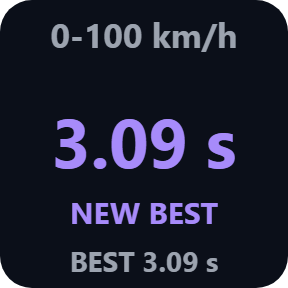
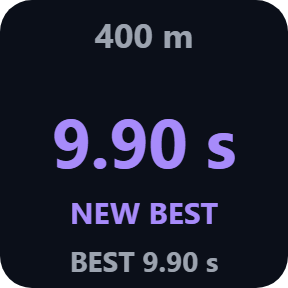
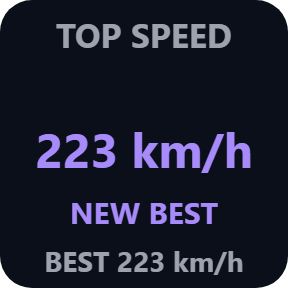
Times 0-100 km/h, 0-60 mph, 400 m or the quarter mile with trap speed, braking distance from 100 km/h or 60 mph, or top speed. The key shows READY when the car stops and starts timing on its own when you drive off.
Best run of every car
Saves the last and best run for each car and shows NEW BEST in purple. A pause, rewind, menu or car change during a run shows INVALID and keeps that run out of your records.
Gear & Shift Light
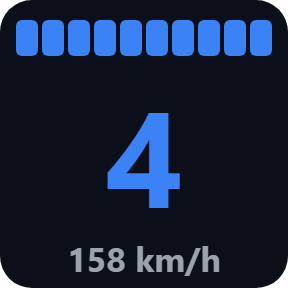
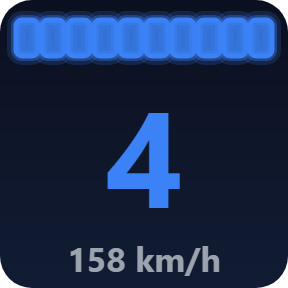
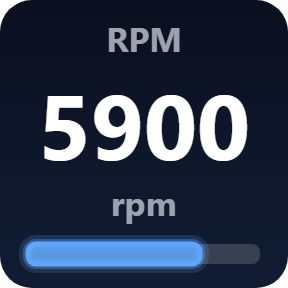
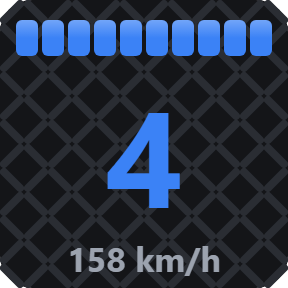
A large gear number whose shift light flashes at the shift point. The point is learned from your engine, or you set it as a share of the highest rpm.
Tyres
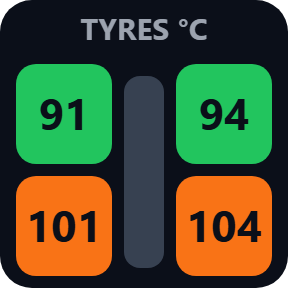
Draws the four tyres where they sit on the car, colored by temperature or by grip, so wheelspin and a sliding front end are easy to spot.
Race
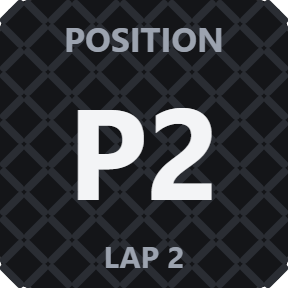
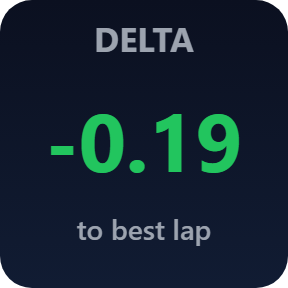
Shows position, lap, current, last and best lap, and the delta to your best lap, in Forza Horizon 6, Forza Horizon 5 and Forza Motorsport.
Game Control
Sends the key you assign for Rewind, Change view, Horn, Map or Photo mode. By default it is sent only while the game is the active window.
Install in OpenDeck
In OpenDeck, open the Plugins tab, install the .streamDeckPlugin file you downloaded, then enter your license key once in a key's settings.
Requirements
- Windows 10 or later, or macOS 12 or later
- Forza Horizon 6 or Forza Horizon 5 on PC or Xbox, or Forza Motorsport on PC
- In the game: Settings > HUD and Gameplay, Data Out On, IP address 127.0.0.1, port 20830
- OpenDeck 2.14 or later
Questions
How do I show Forza Horizon 6 telemetry on an Ajazz or Mirabox deck with OpenDeck?
Place a Performance Timer, Gear, Tyres or Race key in OpenDeck. In the game, open Settings > HUD and Gameplay and set Data Out to On, the IP address to 127.0.0.1 and the port to 20830. Then drive, and the keys follow your car.
How do I time 0-100 km/h or 0-60 mph in Forza Horizon 6?
Put a Performance Timer key on your deck and choose 0-100 km/h, or 0-60 mph with imperial units. Stop the car: the key shows READY. Drive off and it times the run on its own and keeps the best run of each car.
Does Race Deck also work with Forza Horizon 5 and Forza Motorsport?
Yes. In Forza Horizon 5 the three settings are at the bottom of Settings > HUD and Gameplay. In Forza Motorsport they are under Gameplay & HUD > UDP Race Telemetry, with Data Out Packet Format set to Dash.
Purchase details, refunds and seller
- Price
- ¥880, paid once. Tax for your country is added at checkout.
- Payment
- Handled by Stripe through Link, Stripe's checkout service. Link appears as the seller on your receipt and card statement, and your card number never reaches GRAMSHIFT.
- Delivery
- Your license key and download link appear right after payment, and the receipt arrives by email.
- Countries
- The direct checkout is not offered in Ascension Island, China, Cuba, Iran, Kosovo, North Korea, Russia, Syria or Tristan da Cunha.
- Seller
- GRAMSHIFT, Tokyo, Japan. Contact: contact@gramshift.com
- Refunds
- If the plugin fails to run on your PC, email contact@gramshift.com within 14 days of purchase for a full refund. The license key stops working after a refund.
- License
- One key for your own use on up to 3 PCs.
Limits
- The game sends data only while you drive: when paused, in menus or in replays the keys wait. Times come from the game's telemetry and can differ slightly from the in-game timers.
- Sent keys do not reach a game running as administrator: start it normally. Game keys go only to a game on the same Windows PC, while the display keys also work with a game on an Xbox.
- The direct version checks its license key with our server when you activate it, at each plugin start and about once a day. If the server cannot be reached, it keeps running for up to 44 days after the last successful check.