Stream Deck plugin for Forza Horizon 6 and Forza Motorsport on Windows
Live Forza Horizon 6 telemetry, a 0-100 timer and shift lights on your Stream Deck keys
Race Deck for Forza Horizon 6 puts a 0-100 km/h and 0-60 mph timer that arms itself when you stop, a big gear number with a shift light that flashes at the shift point, and live tyre heat and grip on your Stream Deck keys.
Built for tuning, launch practice, drag races and clean shifts.
More keys time the quarter mile with trap speed, braking and top speed, show laps, delta and position in races in Forza Horizon 6 and Forza Motorsport, and send the game keys you use for rewind, horn or photo mode.
- 0-100 and 0-60 timer
- Best run per car
- Gear and shift light
- Tyre heat and grip
- Laps and delta
- Button box
What the keys show
Performance Timer
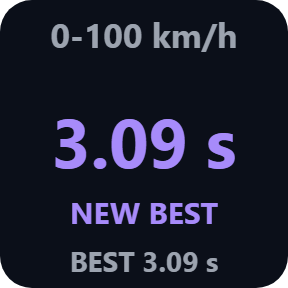
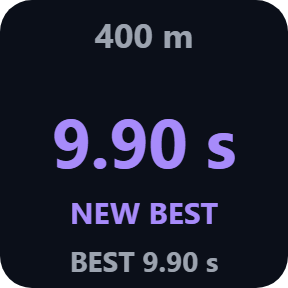
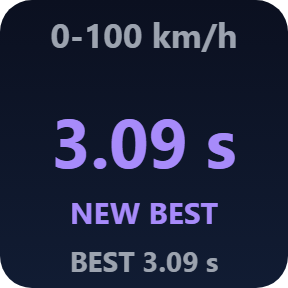
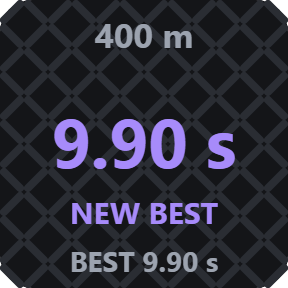
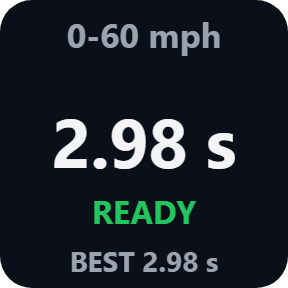
0-100 km/h, 0-60 mph, 400 m or quarter mile with trap speed, 100-0 km/h or 60-0 mph braking distance, or top speed. Stop the car and the key shows READY; drive off and it times the run on its own.
Best run of every car
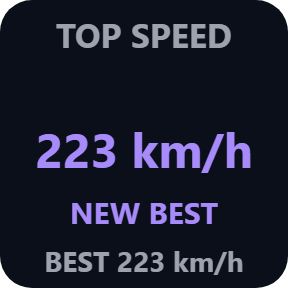
Last and best run saved for every car, with NEW BEST in purple. A pause, a rewind, a menu or a car change during a run shows INVALID and the run stays out of your records.
Gear & Shift Light
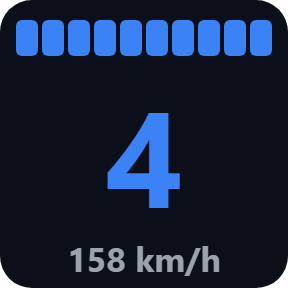
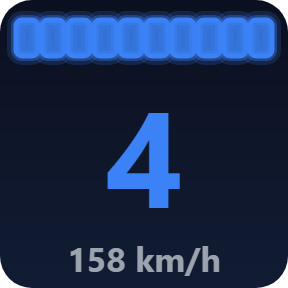
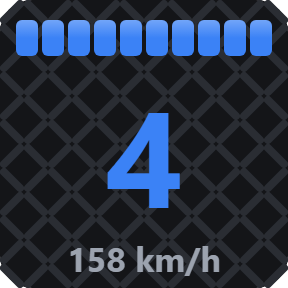
A big gear number with shift lights that flash at the shift point, plus a number you choose. The shift point learns from your engine, or set it yourself as a share of the highest rpm. On Stream Deck +, the touch strip shows gear and a shift light bar.
Tyres
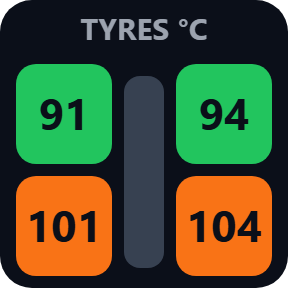
The four tyres in their places on the car, colored by temperature or by grip, so you see wheelspin and a sliding front at a glance.
Race
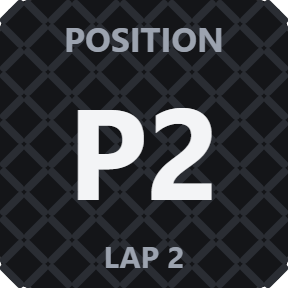
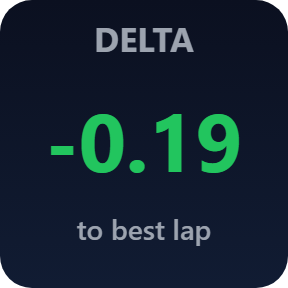
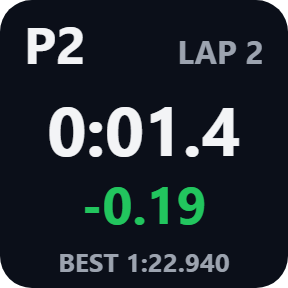
Position, lap, current, last and best lap, and the delta to your best lap, in Forza Horizon 6 and Forza Motorsport.
Readout
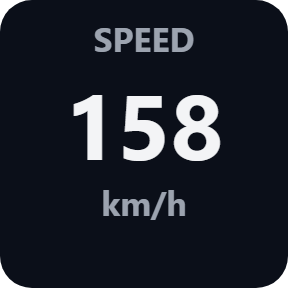
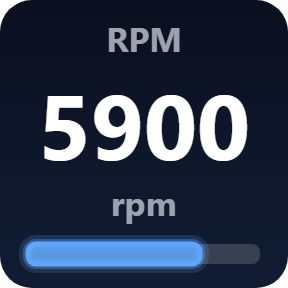
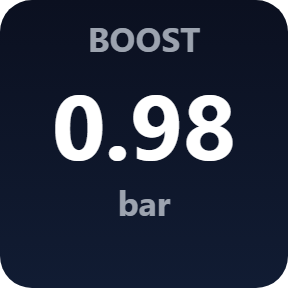
Speed, engine speed, boost, power, torque, fuel, or class and PI on one key.
Choose your look
Pick these in each key's settings: Classic, Neon or Carbon, and km/h, meters, °C, bar and kW, or mph, feet, °F, psi and hp.
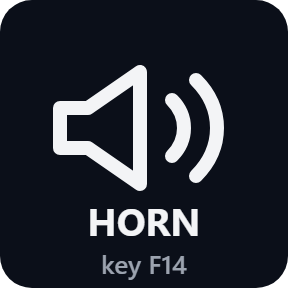
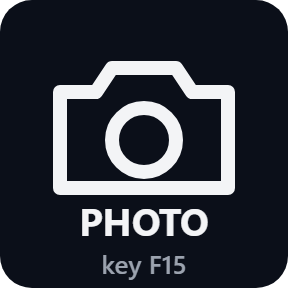
A button box for Forza
Every key can send the game key you choose, for example F13 or Ctrl+Shift+E, and the display keys keep showing their values. By default a key is sent only while the game is the active window, so a press never types into another window. Set the same key in the game's controls and in "Key to send". Keys such as F13 to F24 avoid clashes.
Three settings in the game
Forza Horizon 6: Settings > HUD and Gameplay. Set Data Out to On, Data Out IP Address to 127.0.0.1 and Data Out IP Port to 20830, the port shown in the key's settings.
Forza Motorsport: Settings > Gameplay & HUD, under UDP Race Telemetry. The same three settings, plus Data Out Packet Format: Dash. Game on an Xbox or a second PC: choose "This PC and the network" in Receive from, and enter this PC's network address in the game.
The Status line in a key's settings says what arrives. The game's values are only received on your PC and never sent anywhere. The only thing that goes online is the license key check.
Set up in 3 steps
- Open the plugin file you download after buying. The Stream Deck app installs it.
- In the Stream Deck app, drag Performance Timer, Gear, Tyres or Race onto your Stream Deck and enter your license key once in a key's settings.
- In Forza Horizon 6, open Settings > HUD and Gameplay, set Data Out to On, the IP address to 127.0.0.1 and the port to 20830, then drive: the keys show your car right away.
Two places to buy
| Elgato Marketplace | Direct from GRAMSHIFT | |
|---|---|---|
| Amount | Same amount | Same amount, tax added at checkout |
| Checkout | Elgato Marketplace | Stripe (card) |
| New versions | Installed through the Stream Deck app | Download from your license key page |
| Use on | Your Elgato account | Up to 3 PCs per license key |
| Plugin display | English and Japanese | English and Japanese |
Requirements
- Windows 10 or later
- Stream Deck app 6.9 or later
- Forza Horizon 6 on PC or Xbox, or Forza Motorsport on PC
Questions
How do I show Forza Horizon 6 telemetry on a Stream Deck?
Drag a Performance Timer, Gear, Tyres or Race key of Race Deck for Forza Horizon 6 onto your Stream Deck. In the game, open Settings > HUD and Gameplay, set Data Out to On, Data Out IP Address to 127.0.0.1 and Data Out IP Port to 20830, then drive. The keys show your car right away.
How do I time 0-100 km/h or 0-60 mph in Forza Horizon 6?
Put a Performance Timer key on your Stream Deck and choose 0-100 km/h (0-60 mph with imperial units). Stop the car: the key shows READY. Drive off and it times the run on its own, keeps the last and best run of each car, and shows NEW BEST in purple.
Does it work with Forza Motorsport?
Yes. In Forza Motorsport, open Settings > Gameplay & HUD and, under UDP Race Telemetry, set Data Out to On, the IP address to 127.0.0.1, the port to 20830 and Data Out Packet Format to Dash. The Sled format has no gear, lap or tyre temperature data, so those keys ask you to switch to Dash.
Can I use it when the game runs on an Xbox?
Yes, for the display keys. Choose "This PC and the network" in Receive from in a key's settings, and in the game enter this PC's network address as the Data Out IP Address. Game keys are sent on this PC only, so the button box needs the game on this PC.
How do I use my Stream Deck as a button box for rewind or photo mode?
Put a Game Control key on your Stream Deck, choose Rewind, Change view, Horn, Map, Photo mode or your own control, and enter the key you assigned in the game's controls (for example F13) in "Key to send". By default the key is sent only while the game is the active window.
Why do my keys wait for data?
The game sends data only while you drive, so the keys wait when it is paused, in menus or in replays. If they wait while you drive, check that Data Out is On with 127.0.0.1 and port 20830, and read the Status line in the key's settings: it says what arrives.
How many PCs can I use with one license key?
Up to 3 of your own PCs. If you replace a PC, write to us and we free up a place for the new one.
How do I get new versions if I buy direct?
Download the latest version from your thank-you page or the license key page you received. Your license key keeps working. If you cannot open your license key page, email us as the "Recover your license key" page explains.
What if I lose my license key?
Email contact@gramshift.com from the address you paid with, and include your order number, or the date and amount you paid. We check the purchase and reply with a link to your license key page.
Can I get a refund?
Yes, for a direct purchase. If the plugin does not work on your PC or with your game, email us within 14 days of purchase and we refund the full amount. The license key stops working after the refund.
Direct purchase: details, refunds and seller
- Price
- ¥880, the same amount as on the Elgato Marketplace. Tax for your country is added at checkout.
- Payment
- Handled by Stripe through Link, Stripe's checkout service. Link appears as the seller on your receipt and card statement, and your card number never reaches GRAMSHIFT.
- Delivery
- Your license key and download link appear right after payment, and the receipt arrives by email.
- Refunds
- If the plugin does not work on your PC or with your game, email us within 14 days of purchase for a full refund. You can also ask Link support. The license key stops working after a refund.
- License
- One key for your own use on up to 3 PCs.
- Countries
- The direct checkout is not offered in Ascension Island, China, Cuba, Iran, Kosovo, North Korea, Russia, Syria or Tristan da Cunha.
- Seller
- GRAMSHIFT, Tokyo, Japan. Contact: contact@gramshift.com
Limits
- The game sends Data Out to one address and port: another telemetry app used at the same time has to forward it.
- The game sends data only while you drive: when paused, in menus or in replays the keys wait until you drive again. Times come from the game's telemetry and can differ slightly from the in-game timers.
- Forza Motorsport in the Sled format has no gear, lap or tyre temperature data: those keys ask you to switch to Dash.
- Sent keys do not reach a game running as administrator: start it normally. They are sent on this PC only, so with the game on an Xbox the display keys work and game keys are not sent. If a press is not sent, the Status line says why: add the game's name in Game program, or turn off the active-window check.
- The direct version checks its license key with our server when you activate it, each time the plugin starts, and about once a day while it runs. If it cannot reach the server, it keeps working for up to 44 days after the last successful check.
- If something does not work, email contact@gramshift.com and we will help.