OpenDeck plugin for Windows
Keep your PC awake from an Ajazz or Mirabox key on OpenDeck
Keep Awake stops your Windows PC from sleeping in the middle of a long download, an export or a Claude Code task, with one key on your Ajazz or Mirabox deck in OpenDeck.
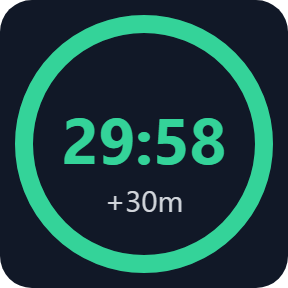
Choose 15 minutes to 4 hours, or until you press again, and a ring on the key counts down the time left. The AI Agents key holds the PC awake only while Claude Code is working. Your power plan is never changed.
- 15 min to 4 h
- Countdown ring
- Add 15, 30 or 60 min
- Only while Claude Code works
- Keep the screen on



What the keys do
Keep Awake
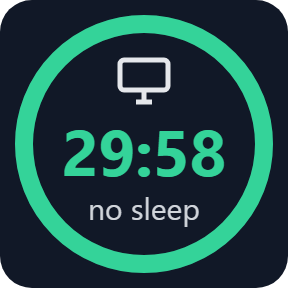
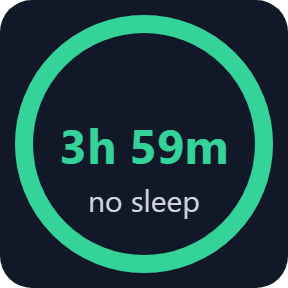
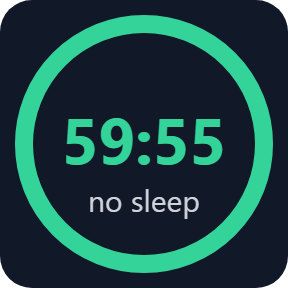
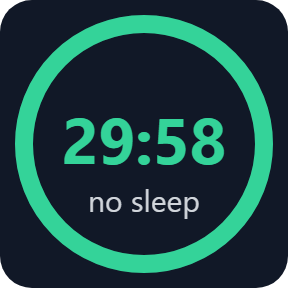
Press to keep your PC from sleeping for 15 minutes to 4 hours, or until you press again. A ring on the key counts down the time left, and a second press stops it.
Add Time
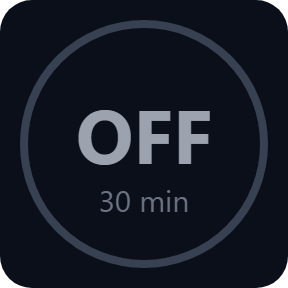
Each press adds 15, 30 or 60 minutes to the running timer, up to 8 hours left. When the timer is off, a press starts it with that time.
AI Agents
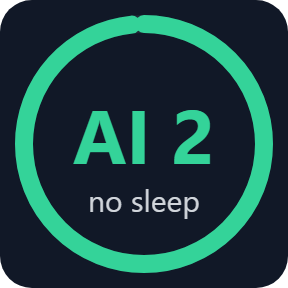
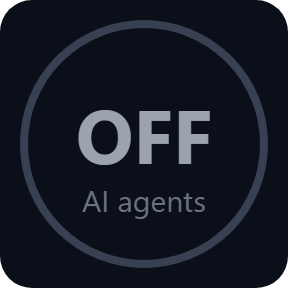
Shows how many Claude Code sessions are working, such as AI 2, and keeps the PC awake only while they work. When a reply finishes or Claude asks you a question, normal sleep comes back.
Keep the screen on too
Turn it on in a key's settings and the screen stays on as well as the PC, for a slide show or a progress bar you want to watch.
You choose the wait
A session gone quiet, such as one waiting at a permission prompt, stops counting after a time you choose from 2 to 30 minutes. Press the AI Agents key to pause or resume it.
Install in OpenDeck
In OpenDeck, open the Plugins tab, install the .streamDeckPlugin file you downloaded, then enter your license key once in a key's settings.
Requirements
- Windows 10 or later
- Windows PowerShell (part of Windows)
- For AI Agents: Claude Code on Windows
- OpenDeck 2.14 or later
Questions
How do I keep my Windows PC from sleeping with an Ajazz or Mirabox key on OpenDeck?
Add a Keep Awake key in OpenDeck, choose 15 minutes to 4 hours or until turned off in its settings, and press it. A ring on the key counts down the time left, and a second press stops it.
Can my PC stay awake only while Claude Code is working?
Yes. The AI Agents key shows how many Claude Code sessions are working and keeps the PC awake only while they work. When a reply finishes or Claude asks you a question, normal sleep comes back.
Does it change my Windows power plan?
No. Your power plan is never changed. When the timer ends or the deck app closes, normal sleep returns.
Purchase details, refunds and seller
- Price
- ¥480, paid once. Tax for your country is added at checkout.
- Payment
- Handled by Stripe through Link, Stripe's checkout service. Link appears as the seller on your receipt and card statement, and your card number never reaches GRAMSHIFT.
- Delivery
- Your license key and download link appear right after payment, and the receipt arrives by email.
- Countries
- The direct checkout is not offered in Ascension Island, China, Cuba, Iran, Kosovo, North Korea, Russia, Syria or Tristan da Cunha.
- Seller
- GRAMSHIFT, Tokyo, Japan. Contact: contact@gramshift.com
- Refunds
- If the plugin fails to run on your PC, email contact@gramshift.com within 14 days of purchase for a full refund. The license key stops working after a refund.
- License
- One key for your own use on up to 3 PCs.
Limits
- Windows only. AI Agents works with Claude Code on Windows, not in WSL, and Codex is not supported.
- If one command runs longer than the wait you chose, such as a long build, the PC may sleep; use Keep Awake for those.
- The direct version checks its license key with our server when you activate it, at each plugin start and about once a day. If the server cannot be reached, it keeps running for up to 44 days after the last successful check.