OpenDeck plugin for Windows and Mac
REAPER keys for Ajazz and Mirabox decks with OpenDeck
Live Keys shows what REAPER is doing on your Ajazz or Mirabox deck with OpenDeck: play and record keys light up with the time, and track keys show mute, solo, record arm, monitoring and FX with the track's name, color and meter.
Change something in REAPER and the keys follow, so one look tells you which track is armed before you hit record. Metronome, repeat, snap and ripple keys show if they are on, and any REAPER action can be added by command ID.
- Play and record with time
- Mute, solo, arm, FX
- Track name, color, meter
- Metronome and snap on or off
- Any action by command ID
What the keys do
Transport
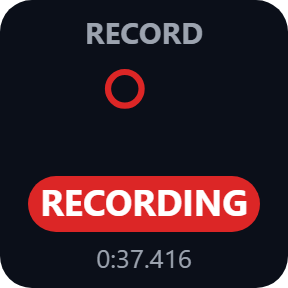
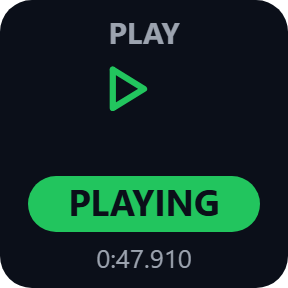
Play, stop, pause, record, or go to the start or end. The key shows REAPER's play state with the time: green while playing, red while recording.
Track
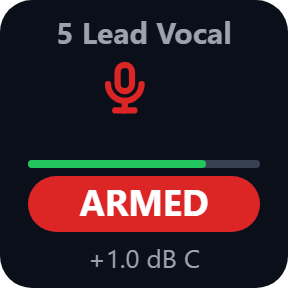
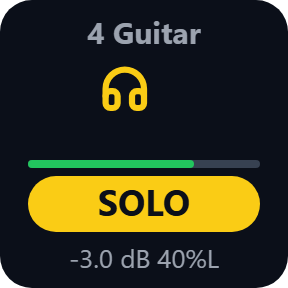
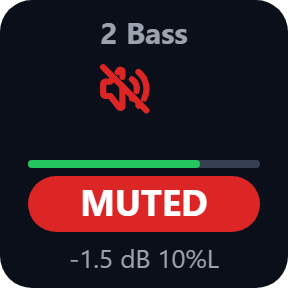
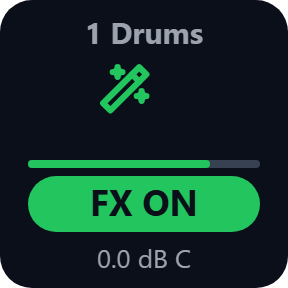
Mute, solo, record arm, monitoring, FX on/off or select for one track, with its name, color and meter. Pick a track by number or the selected track, or master for mute and FX.
Toggle
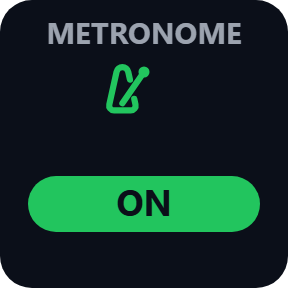
Metronome, repeat and snap light up while on, following REAPER's own on/off state. Ripple editing shows off, per track or all tracks. Press to switch.
Position and Tempo
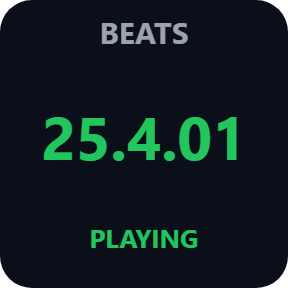
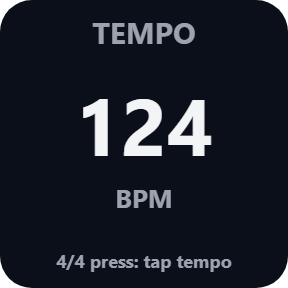
Position shows bars.beats or minutes:seconds. Tempo shows the tempo and time signature at the play position; press it for the metronome or tap tempo.
Marker
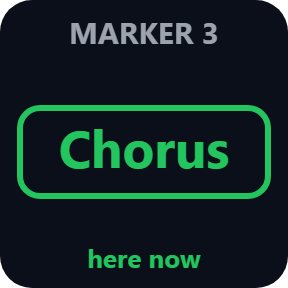
Shows the marker and region at the play position. Press for the next or previous marker, or a marker by its number.
Custom Action
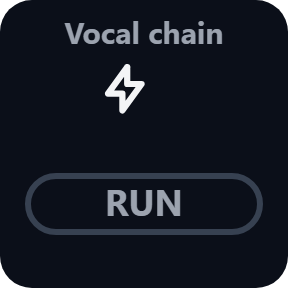
Runs any REAPER action by its command ID, scripts and extensions too. Actions that REAPER marks as on or off light up while on.
Install in OpenDeck
In OpenDeck, open the Plugins tab, install the .streamDeckPlugin file you downloaded, then enter your license key once in a key's settings.
Requirements
- Windows 10 or later, or macOS 12 or later
- REAPER on the same computer, with its web remote (one button in the key settings can turn it on)
- OpenDeck 2.14 or later
Questions
How do I see REAPER record arm, mute and solo on an Ajazz or Mirabox deck with OpenDeck?
Place the Track keys in OpenDeck. Each shows mute, solo, record arm, monitoring or FX of a track with its name, color and meter, and follows changes you make in REAPER.
Do I have to set up REAPER's web remote?
The keys find it and connect by themselves. If REAPER has none yet, close REAPER and press the Turn on the web remote button in a key's settings: it adds one on a free port and keeps a backup of REAPER's settings file.
Can a key run my own REAPER actions and scripts?
Yes. The Custom Action key runs any REAPER action by its command ID, scripts and extensions too, and lights up while on for actions that REAPER marks as on or off.
Purchase details, refunds and seller
- Price
- ¥1,980, paid once. Tax for your country is added at checkout.
- Payment
- Handled by Stripe through Link, Stripe's checkout service. Link appears as the seller on your receipt and card statement, and your card number never reaches GRAMSHIFT.
- Delivery
- Your license key and download link appear right after payment, and the receipt arrives by email.
- Countries
- The direct checkout is not offered in Ascension Island, China, Cuba, Iran, Kosovo, North Korea, Russia, Syria or Tristan da Cunha.
- Seller
- GRAMSHIFT, Tokyo, Japan. Contact: contact@gramshift.com
- Refunds
- If the plugin fails to run on your PC, email contact@gramshift.com within 14 days of purchase for a full refund. The license key stops working after a refund.
- License
- One key for your own use on up to 3 PCs.
Limits
- While a dialog is open in REAPER, REAPER does not answer: the keys show REAPER BUSY and presses are not sent until it is closed.
- A track key follows the track number, so moving tracks changes which track it shows. Custom Action shows on/off only for actions that REAPER marks as on or off.
- The direct version checks its license key with our server when you activate it, at each plugin start and about once a day. If the server cannot be reached, it keeps running for up to 44 days after the last successful check.