OpenDeck plugin for Windows
Record keystrokes and clicks, replay with one OpenDeck key
Macro Recorder Key records what you do on your PC with the keyboard and mouse and plays it back with one press of a key on your Ajazz or Mirabox deck in OpenDeck: for repetitive office work such as forms, reports and file handling.
A macro stops the moment you move the mouse or press a key, lets go of the keys it pressed, and before each click and key it checks that the same program is there. No other software to install.
- Press to record
- Press to play
- Speed and repeat
- Stops when you take over
- Checks the program




What the keys do
Press to record
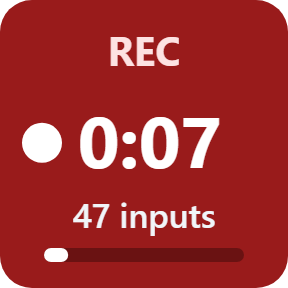
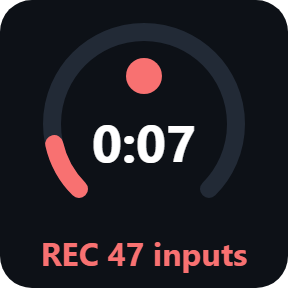
Press the key, do your task, press it again to stop. It records key presses, mouse clicks and the wheel with their timing, and mouse movement if you choose.
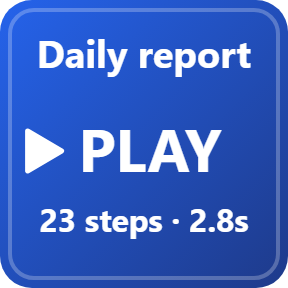
Press to play
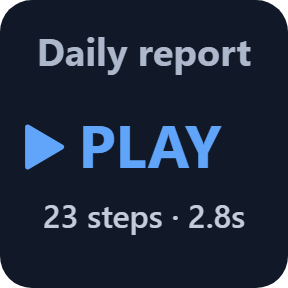
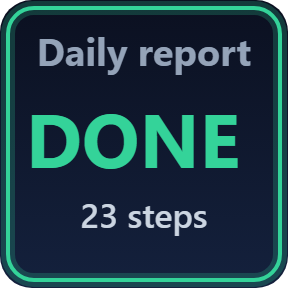
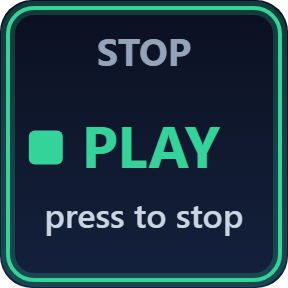
A press plays the recording, a press while it plays stops it. Choose 0.5x to 4x speed or no waits, or the same wait after every step.
Repeat with progress
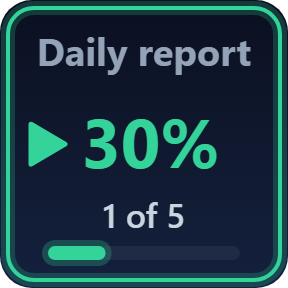
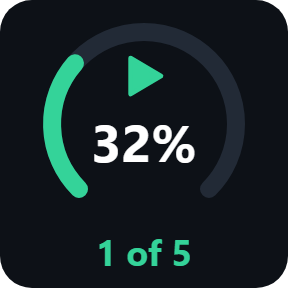
Repeat 1 to 100 times or until you stop it. The key shows how far it has played and which repeat it is on.

Check
Before each click and key, the plugin checks that the same program is there, and stops before that step if not, so a macro does not type into the wrong window.
Position Window
Clicks inside the window where you started recording follow that window when it has moved, and the plugin brings it to the front first.
Stop key
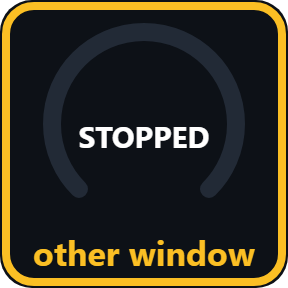
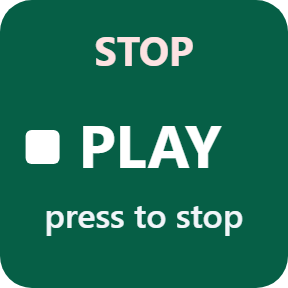
A separate key stops whatever records or plays now. A recording keeps what was recorded until then.
Install in OpenDeck
In OpenDeck, open the Plugins tab, install the .streamDeckPlugin file you downloaded, then enter your license key once in a key's settings.
Requirements
- Windows 10 or later
- No other software to install
- OpenDeck 2.14 or later
Questions
How do I record a macro of keystrokes and mouse clicks on an Ajazz or Mirabox deck with OpenDeck?
Add a Macro key in OpenDeck, press it, do your task with the keyboard and mouse, and press it again to stop. The next press plays the task back.
What happens if I move the mouse while a macro plays?
The macro stops. Moving the mouse by more than 3 pixels, or pressing a key or a mouse button, stops it at once, and the keys and buttons it pressed are let go, so nothing stays held down.
Can a key repeat a macro many times?
Yes. Choose 1, 2, 3, 5, 10, 25 or 100 repeats, or until you stop it, in the key's settings. The key shows how far it has played and which repeat it is on.
Purchase details, refunds and seller
- Price
- ¥980, paid once. Tax for your country is added at checkout.
- Payment
- Handled by Stripe through Link, Stripe's checkout service. Link appears as the seller on your receipt and card statement, and your card number never reaches GRAMSHIFT.
- Delivery
- Your license key and download link appear right after payment, and the receipt arrives by email.
- Countries
- The direct checkout is not offered in Ascension Island, China, Cuba, Iran, Kosovo, North Korea, Russia, Syria or Tristan da Cunha.
- Seller
- GRAMSHIFT, Tokyo, Japan. Contact: contact@gramshift.com
- Refunds
- If the plugin fails to run on your PC, email contact@gramshift.com within 14 days of purchase for a full refund. The license key stops working after a refund.
- License
- One key for your own use on up to 3 PCs.
Limits
- Check compares programs, not windows: two windows of the same program are not told apart.
- Windows does not let it send input to programs that run as administrator.
- A recording is saved on your PC and holds what you typed, so do not type passwords while recording.
- The direct version checks its license key with our server when you activate it, at each plugin start and about once a day. If the server cannot be reached, it keeps running for up to 44 days after the last successful check.