OpenDeck plugin for Windows
Lock your mic volume from an OpenDeck key
Call apps, games and drivers can change your microphone level without asking.
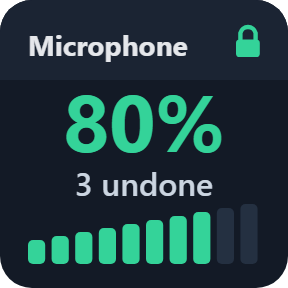
Lock it from a key on your Ajazz or Mirabox deck in OpenDeck and Mic Volume Lock puts it back, usually within a second, and the key shows how many times.
Press to lock, hold for a second to lock at the level you have now. It works for speakers too, and each input of a device can be locked on its own.
- Microphones and speakers
- Changes put back and counted
- Level Scenes
- Five looks
- English and Japanese
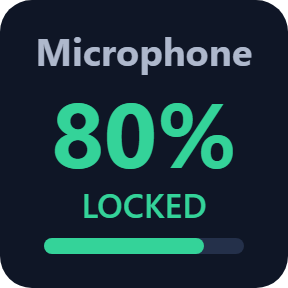
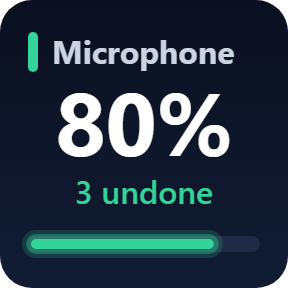
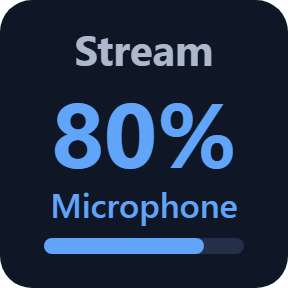
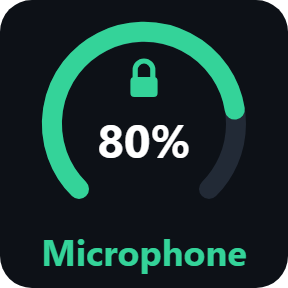

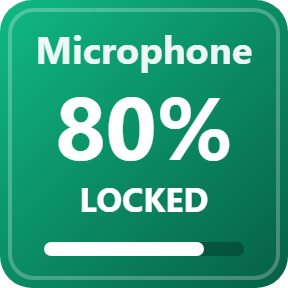
What the keys do
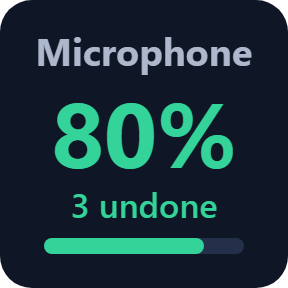
Volume Lock
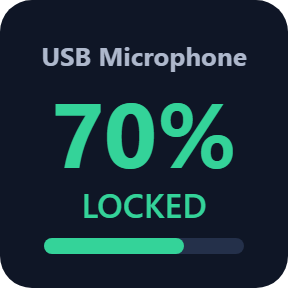
Press to lock a level, or hold for a second to lock the level you have now. When another program changes it, the level is put back, usually within a second, and the key counts each change it undid.
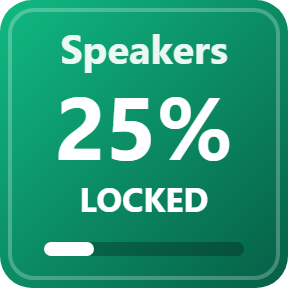
Microphones and speakers
Lock your microphone or your speakers: the default recording device, the default playback device, or one input or output by name. An option turns the sound back on when another program mutes it.
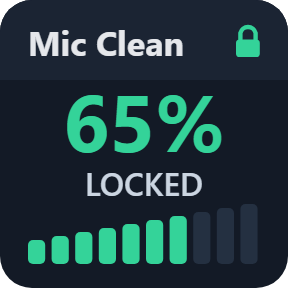
Each input on its own
A device that shows two inputs in Windows lists both, and each gets its own lock and level. Keys and scenes for the same device share one lock.
Level Scenes
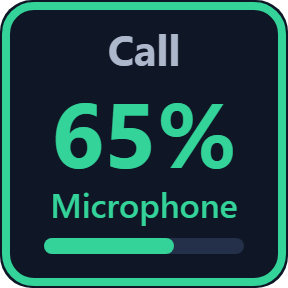
One press sets a device's lock to a level you choose, such as Stream 80% or Call 65%, and turns it on. The scene in use is marked on its key.

Defaults follow Windows
Lock the default communications device your calls use, or the default recording or playback device. Change the default in Windows and the lock moves to the new device.
No endless fight
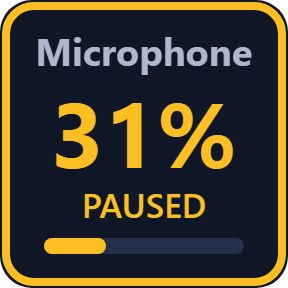
If a program changes the level 7 times within 10 seconds, the lock pauses and the key says PAUSED instead of fighting it. It tries again after 30 seconds, 1 minute and 2 minutes, then waits for you.
Install in OpenDeck
In OpenDeck, open the Plugins tab, install the .streamDeckPlugin file you downloaded, then enter your license key once in a key's settings.
Requirements
- Windows 10 or Windows 11
- Windows PowerShell (part of Windows)
- OpenDeck 2.14 or later
Questions
How do I stop Windows apps from changing my microphone volume with an Ajazz or Mirabox deck on OpenDeck?
Add a Volume Lock key in OpenDeck, choose your microphone and the level in its settings, and press it. When a call app, game or driver changes the level, it is put back, usually within a second, and the key shows how many changes it undid.
Can it lock my speaker volume too?
Yes. Choose the default playback device, or one output by name, in the key's settings. It is locked the same way as a microphone.
What happens if a program keeps changing the level?
If the level is changed 7 times within 10 seconds, the lock pauses and the key says PAUSED instead of fighting it. It tries again after 30 seconds, 1 minute and 2 minutes, then waits for you.
Purchase details, refunds and seller
- Price
- ¥1,500, paid once. Tax for your country is added at checkout.
- Payment
- Handled by Stripe through Link, Stripe's checkout service. Link appears as the seller on your receipt and card statement, and your card number never reaches GRAMSHIFT.
- Delivery
- Your license key and download link appear right after payment, and the receipt arrives by email.
- Countries
- The direct checkout is not offered in Ascension Island, China, Cuba, Iran, Kosovo, North Korea, Russia, Syria or Tristan da Cunha.
- Seller
- GRAMSHIFT, Tokyo, Japan. Contact: contact@gramshift.com
- Refunds
- If the plugin fails to run on your PC, email contact@gramshift.com within 14 days of purchase for a full refund. The license key stops working after a refund.
- License
- One key for your own use on up to 3 PCs.
Limits
- If a device's driver keeps its own level, Windows cannot change it and the key says CAN'T SET; the device's own software sets that level.
- When the deck app closes, the locks stop and the levels stay where they are. Switch a lock off before you delete its key.
- The direct version checks its license key with our server when you activate it, at each plugin start and about once a day. If the server cannot be reached, it keeps running for up to 44 days after the last successful check.