OpenDeck plugin for Windows
Switch your Windows mouse speed with one OpenDeck key
Mouse Speed Switcher puts your pointer speeds on the keys of your Ajazz or Mirabox deck in OpenDeck.
Press for your slow, precise speed and press again for your fast one, each with a name you choose and its own pointer precision setting.
Other keys switch pointer precision and the lines the wheel scrolls. The keys read Windows every 2 seconds and show the real value, also when Windows Settings or another program changes it.
- Pointer speed 1 to 20
- Pointer precision
- Scroll lines
- Your own names
- Follows Windows Settings
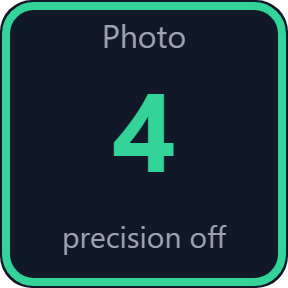
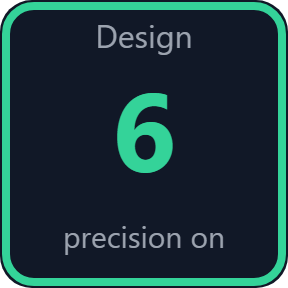
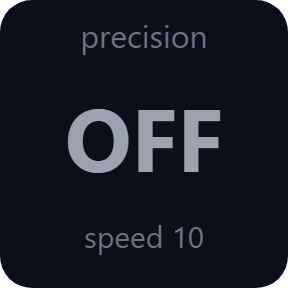
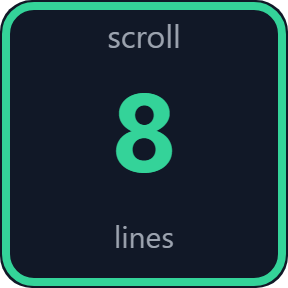
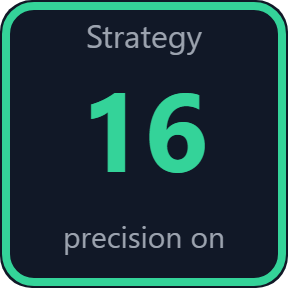
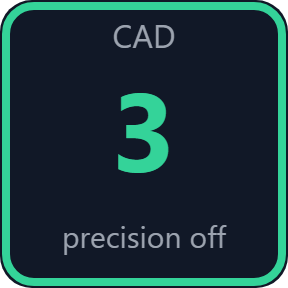
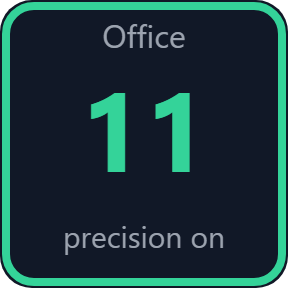
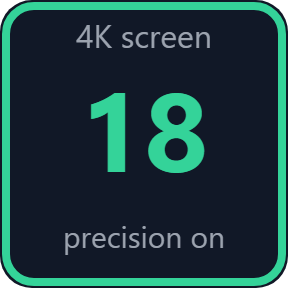
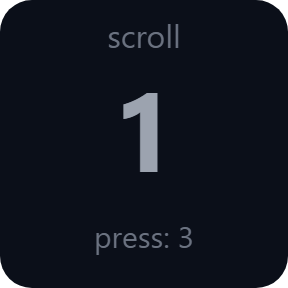
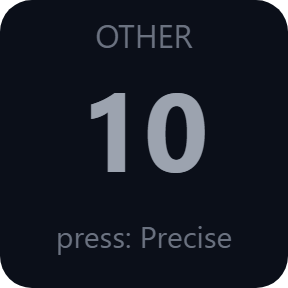
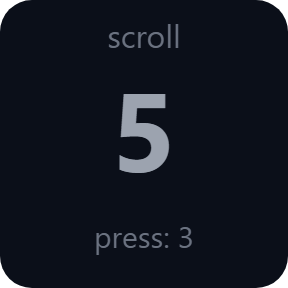
What the keys do
Two speeds on one key
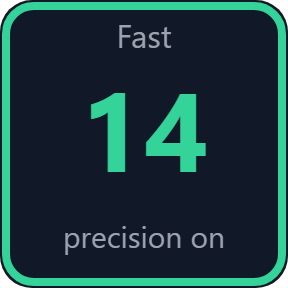
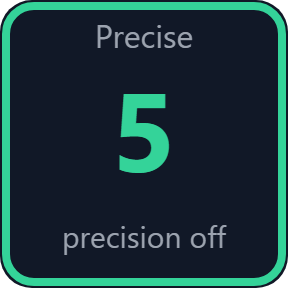
Give the Mouse Speed key two sets, each with a name, a speed from 1 to 20 and pointer precision on, off or left as it is. Each press goes to the other set. It starts with Precise (5, precision off) and Fast (14, precision on).
Always the real value
The key reads Windows every 2 seconds. When the speed or pointer precision was changed elsewhere and matches neither set, the key says OTHER and shows the number. The next press goes to your first set.
Pointer precision
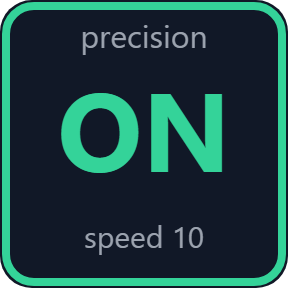
A key for the Windows setting Enhance pointer precision (mouse acceleration). Press to turn it on or off. The key shows which it is.
Scroll lines
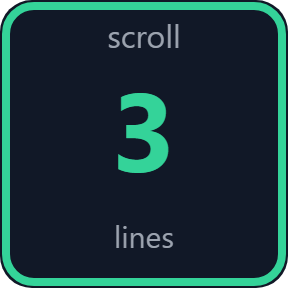
Switch the lines one wheel notch scrolls between two values, such as 3 and 8. Choose 1 to 20, 25, 30, 40, 50 or 100 lines.
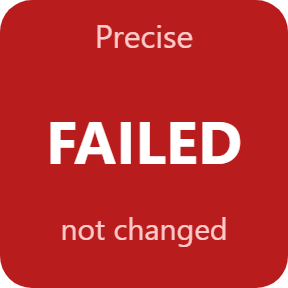
Tells you when a change fails
After each change the plugin reads the value back. If Windows refuses or the value does not stay, the key says so with an alert and shows the real value.
Install in OpenDeck
In OpenDeck, open the Plugins tab, install the .streamDeckPlugin file you downloaded, then enter your license key once in a key's settings.
Requirements
- Windows 10 or later
- No account and no administrator rights
- OpenDeck 2.14 or later
Questions
How do I change my mouse speed with an Ajazz or Mirabox key on OpenDeck?
Add a Mouse Speed key in OpenDeck and choose two speeds in its settings. Each press switches the Windows pointer speed to the other one, and the key shows the name and the number.
Does it change the DPI of my mouse?
No. It changes the Windows pointer speed, like the slider in Windows Settings: 1 is the slowest, 20 the fastest and 10 the Windows default. The DPI of the mouse stays as it is.
Does it work in games?
In games that use the Windows cursor, such as many strategy, MOBA, MMO and card games, the pointer follows this speed. Games that read the mouse directly (Raw Input), such as most FPS games, do not use it, so set the sensitivity inside the game.
Purchase details, refunds and seller
- Price
- ¥780, paid once. Tax for your country is added at checkout.
- Payment
- Handled by Stripe through Link, Stripe's checkout service. Link appears as the seller on your receipt and card statement, and your card number never reaches GRAMSHIFT.
- Delivery
- Your license key and download link appear right after payment, and the receipt arrives by email.
- Countries
- The direct checkout is not offered in Ascension Island, China, Cuba, Iran, Kosovo, North Korea, Russia, Syria or Tristan da Cunha.
- Seller
- GRAMSHIFT, Tokyo, Japan. Contact: contact@gramshift.com
- Refunds
- If the plugin fails to run on your PC, email contact@gramshift.com within 14 days of purchase for a full refund. The license key stops working after a refund.
- License
- One key for your own use on up to 3 PCs.
Limits
- The speed is one Windows setting for the whole PC: it applies to every mouse and every app, not to one app or one mouse.
- Mouse software that sets the pointer speed itself can put the value back. The key then shows not applied or the value that is really there.
- The plugin does not remember your speed from before the first press, and removing it does not restore it. Note your current speed first if you want to go back to it.
- The direct version checks its license key with our server when you activate it, at each plugin start and about once a day. If the server cannot be reached, it keeps running for up to 44 days after the last successful check.