Stream Deck profile for Windows and macOS
Notion shortcuts on your Stream Deck
Put Notion on your Stream Deck: turn a line into a heading, list or to-do, bold or link text, move and indent blocks, and add dividers, dates or embeds with one press.
Block Keys for Notion puts Notion's keyboard shortcuts and slash commands on labeled keys, in the Notion desktop app and in Notion in your browser.
Profiles for Stream Deck MK.2, XL, Neo and + on Windows and macOS, with Mac sets for US and Japanese keyboards. The keys send Notion's default shortcuts, so you can start right after the import. On Stream Deck +, the dials zoom, move blocks, grow the selection and go back / forward.
- Headings, lists and to-dos
- Bold, italic and links
- Move and indent blocks
- Dividers, dates and embeds
- Search and page navigation
- Dials for zoom, move and select
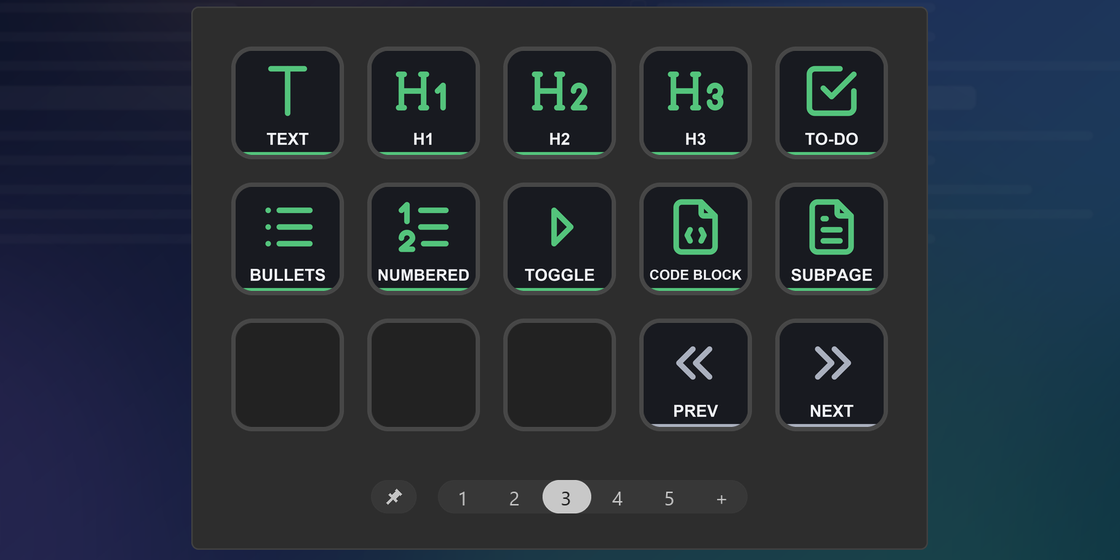
What the pages hold
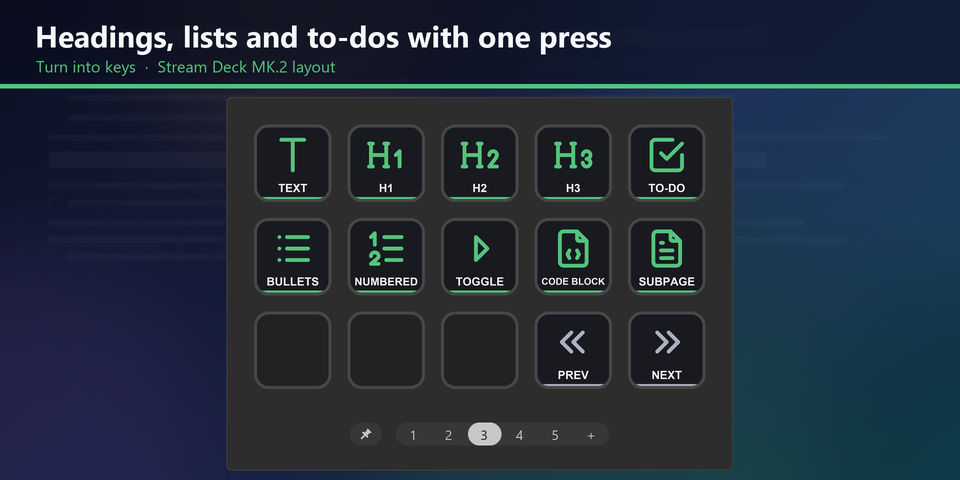
Turn into
Turn the line you are on into text, heading 1, 2 or 3, a to-do, a bulleted, numbered or toggle list, a code block or a page.
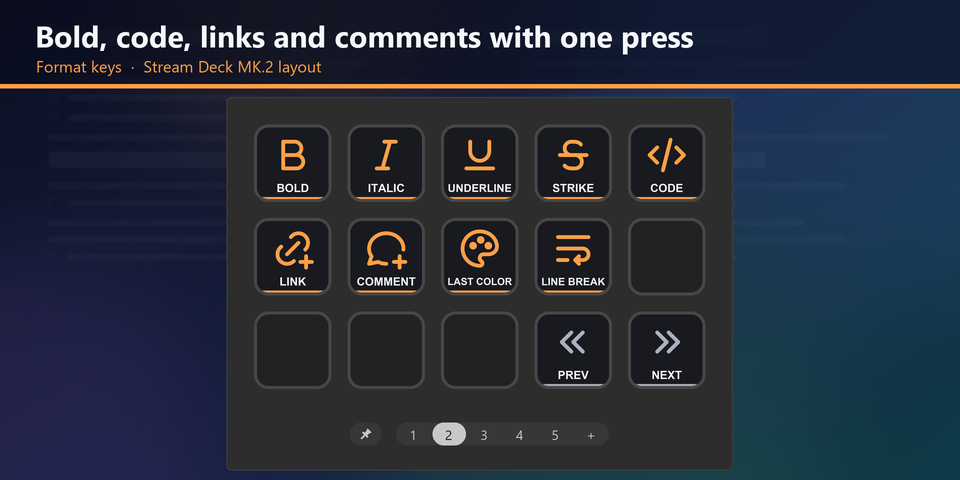
Format
Bold, italic, underline, strikethrough, inline code, link, comment, last used color and line break.
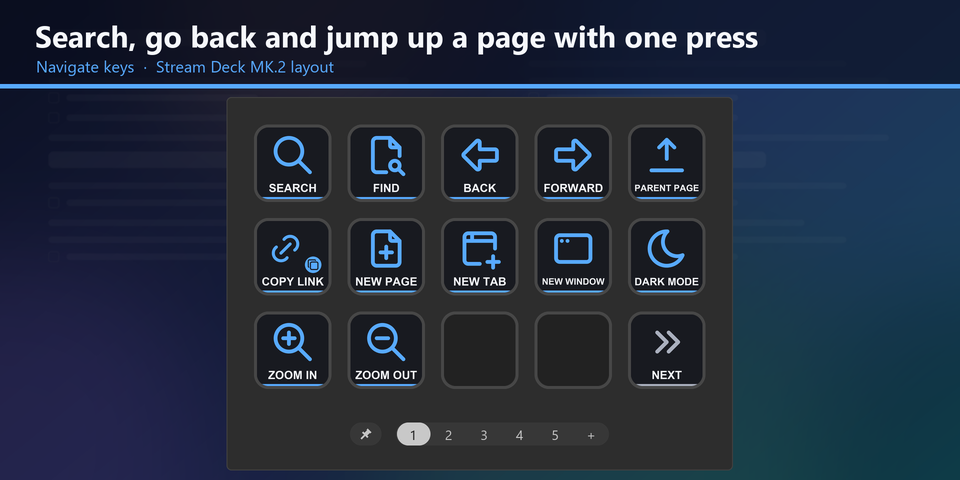
Navigate
Search, find in page, back, forward, parent page, copy page link, new page, new tab, new window, dark mode, and zoom in / out.
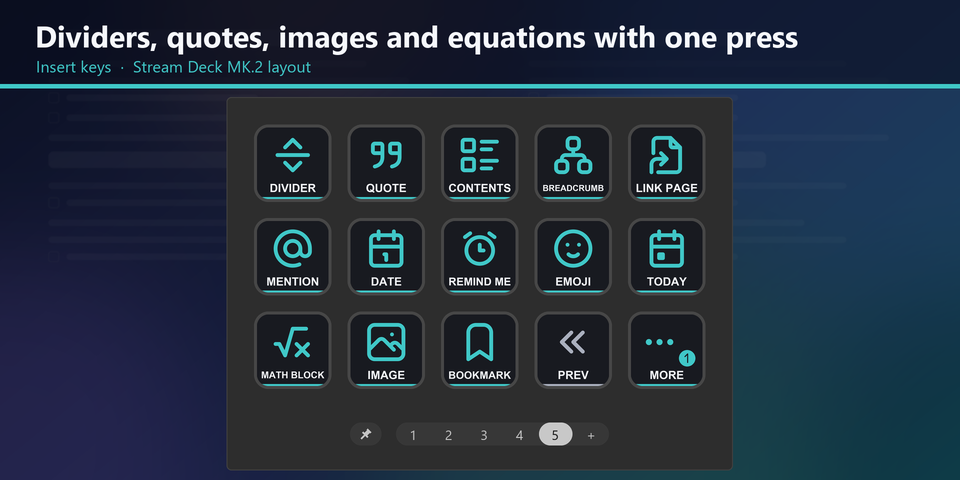
Insert
Divider, quote, table of contents, breadcrumb, link to page, mention, date, reminder, emoji, today's date, math block, image and bookmark, plus embed, video, audio, file, PDF, button and move to.
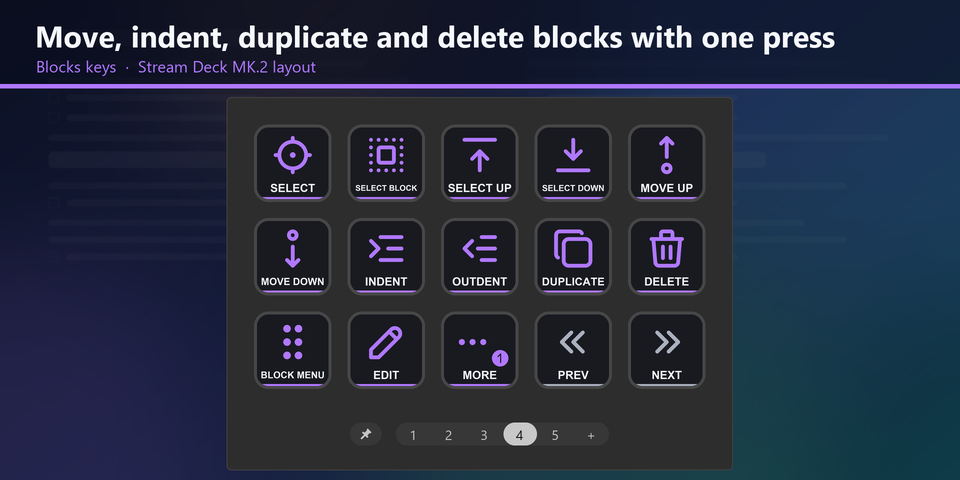
Blocks
Select, select block, grow the selection up / down, move blocks up / down, indent, outdent, duplicate, delete, block menu and edit, plus open a page or check a to-do, and expand or close all toggles.
A profile for each Stream Deck
The download holds a profile for each of these Stream Deck models, for Windows, for macOS with a US keyboard and for macOS with a Japanese keyboard. The same 5 pages on every model: Navigate, Format, Turn into, Blocks and Insert. Double-click the one for yours and the Stream Deck app imports it.
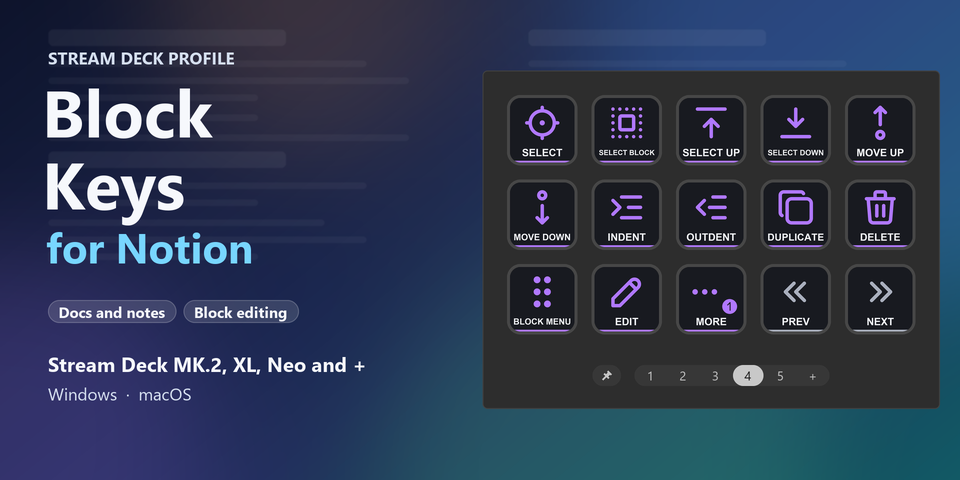
Stream Deck MK.2
15 keys on 5 pages. PREV and NEXT change the pages, and a MORE key opens the rest of the Blocks and Insert pages.
Stream Deck XL
32 keys: every key of a page on one screen, with PREV and NEXT at the bottom right.
Stream Deck Neo
8 keys a page: tap the touch points to change pages, and MORE keys open the rest of a page.
Stream Deck +
8 keys a page (swipe the touch strip to change pages) and four dials: zoom (press for dark mode), move blocks (press to duplicate), grow the selection (press to select the block) and back / forward (press to search).
Built on Notion's own shortcuts
Each shortcut key sends a shortcut from Notion's own keyboard shortcut list to the window in front, so it works as soon as the profile is imported. Nothing is installed into Notion and your Notion settings stay as they are.
The Insert keys type one of Notion's slash or @ commands (for example /div or @today) and press Enter, into the block your cursor is in: click into an empty line first. Remind me sets a reminder for tomorrow; click it to change the time.
On Windows the Turn into keys send Ctrl+Shift+0 to 9, and on a Mac Command+Option+0 to 9, as on Notion's help page. On a Mac, allow Stream Deck once in System Settings > Privacy & Security > Accessibility if the keys do nothing.
If you changed a shortcut, edit that key in the Stream Deck app.
Set up in 3 steps
- Get the profiles from the Elgato Marketplace, or download the zip after buying direct and unzip it.
- Double-click the .streamDeckProfile file for your Stream Deck. On macOS, pick the file for your keyboard (US or Japanese). The Stream Deck app imports it.
- Select the profile on your Stream Deck, click into a Notion page and press a key. On a Mac, allow Stream Deck once under Accessibility if the keys do nothing.
Two places to buy
| Elgato Marketplace | Direct from GRAMSHIFT | |
|---|---|---|
| Amount | Same amount | Same amount, tax added at checkout |
| Checkout | Elgato Marketplace | Stripe (card) |
| How you get it | Installed through the Stream Deck app | A zip with a profile file for each device and computer |
| Devices | MK.2, XL, Neo and + | MK.2, XL, Neo and + |
| Account | Your Elgato account | None needed |
| Key labels | English | English |
Requirements
- Windows 10 or later, or macOS
- Stream Deck MK.2, XL, Neo or +
- Stream Deck app 6.4 or later
- The Notion desktop app, or Notion in a web browser
Questions
How do I use Notion shortcuts on a Stream Deck?
Double-click the Block Keys for Notion profile file for your Stream Deck. The Stream Deck app imports it. Then select the profile, click into a Notion page and press a key: each key sends a Notion shortcut or slash command, such as Heading 1, to-do, bold, move block or divider.
Does it work with Notion in a web browser?
Yes. The keys work in the Notion desktop app and in Notion in a web browser. New page, new tab, new window and copy page link are keys of the desktop app: in a browser, the browser itself uses those keys. Zoom in / out zooms the browser page.
Can I use it on a Mac?
Yes. The download has macOS profiles for US and Japanese keyboards, with the Mac keys from Notion's help page. If the keys do nothing, allow Stream Deck once in System Settings > Privacy & Security > Accessibility.
Which Stream Deck models does it support?
Stream Deck MK.2, XL, Neo and +, on Windows and macOS. The Elgato Marketplace and the direct download hold the same profiles.
What do I get when I buy direct?
A zip with the profile files and a README, ready to use after the import. There is no account to make.
How do I get the files again?
Email contact@gramshift.com from the address you paid with, and include your order number, or the date and amount you paid. We check the purchase and reply with a new link to your download page.
Can I get a refund?
Yes, for a direct purchase. If the profiles do not work with your Stream Deck and Notion, email us within 14 days of purchase and we refund the full amount. The download closes after the refund.
Direct purchase details
- Price
- ¥980, the same amount as on the Elgato Marketplace. Tax for your country is added at checkout.
- Payment
- Handled by Stripe through Link, Stripe's checkout service. Link appears as the seller on your receipt and card statement, and your card number never reaches GRAMSHIFT.
- Delivery
- A download link appears right after payment, and the receipt arrives by email. You get the profile files and a README, ready to use.
- Refunds
- If the profiles do not work with your Stream Deck and Notion, email us within 14 days of purchase for a full refund. You can also ask Link support. The download closes after a refund.
- Use
- For your own use. Please do not share, resell or upload the files.
- Countries
- The direct checkout is not offered in Ascension Island, China, Cuba, Iran, Kosovo, North Korea, Russia, Syria or Tristan da Cunha.
- Seller
- GRAMSHIFT, Tokyo, Japan. Contact: contact@gramshift.com
Limitations
- New page, new tab, new window and copy page link are keys of the Notion desktop app. In a web browser, the browser itself uses those keys (new browser window, address bar and so on). Zoom in / out zooms the browser page there.
- The Insert keys type Notion's English slash and @ commands into the block your cursor is in, so click into an empty line first.
- On a Mac, Stream Deck needs the Accessibility permission once (System Settings > Privacy & Security > Accessibility) before the keys work.
- macOS: if "Use keyboard shortcuts to zoom" is on in System Settings > Accessibility > Zoom, Command+Option+8 (CODE BLOCK) turns the screen zoom on or off instead. Turn that option off, or edit the CODE BLOCK key in the Stream Deck app.
- Made for US and Japanese keyboard layouts. On other layouts the [ ] (back / forward) and zoom keys may be in other places. Keys send the default shortcuts: a shortcut you changed needs the same change on its key in the Stream Deck app.
- Not for Stream Deck Mini or Studio. Key labels are in English.