OpenDeck plugin for Windows
StarCraft II Build Order on Ajazz with OpenDeck
StarCraft II on an Ajazz or Mirabox deck: with OpenDeck, the keys show the supply to build at, what to make in the current step, its notes and what comes next.
One press moves to the next step.
Start with Reaper Expand, Gateway Expand or Hatch First, or paste a build order table as build order sites show it (14 0:18 Supply Depot). A timer key shows the goal time of each step next to your own time.
- Supply to build at
- One press for the next step
- Notes in words
- Timer with goal times
- Paste your own build
What the keys do
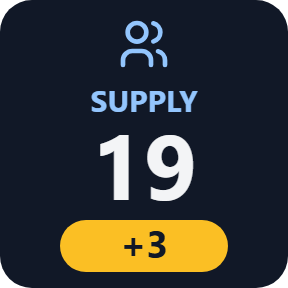
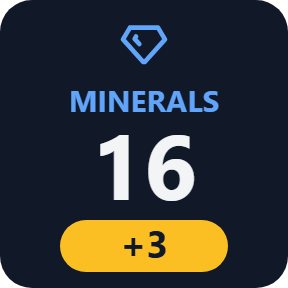
Supply
The supply of the current step. Make the step when your supply in the game reaches this number. A yellow band shows how far it is from the step before.
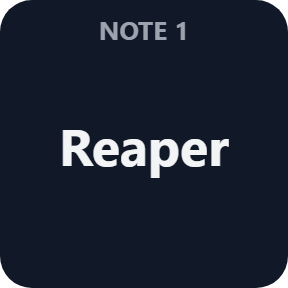
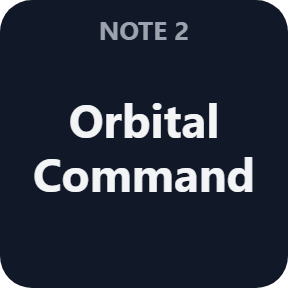
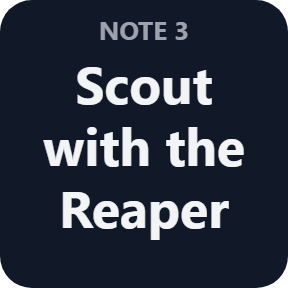
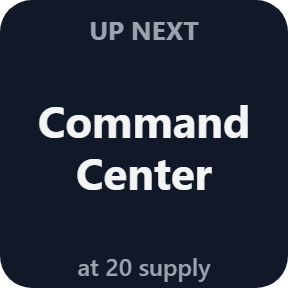
Note and Up Next
What to make in the step and its notes in words, such as "Scout with the Reaper"; a long note is split into pages. Up Next shows the next step and the supply to make it at.
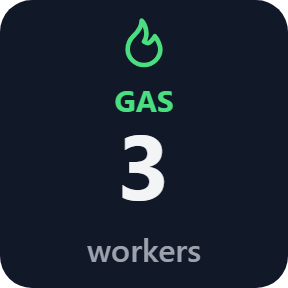
Workers
The workers on minerals and on gas in the step, one key each, for a build order that gives these numbers. Whatever differs from the previous step is highlighted with a yellow band.
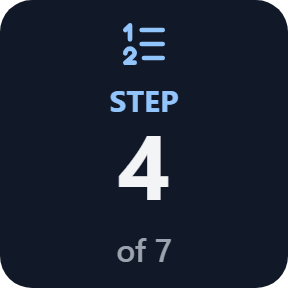
Step
Where you are in the build, such as 4 of 7. Next and Back move one step, and Restart goes back to the first step when you press it twice.
Timer
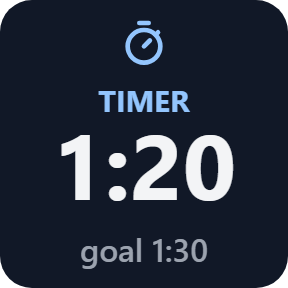
A tap starts or pauses the clock and a long hold resets it to 0:00. Next to it you see the target time for the current step, and with Auto-advance on, the keys go to the next step once the clock hits that time.
Build
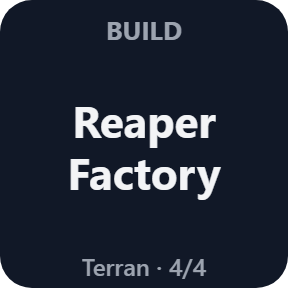
The build in use, with its race. Press to switch to your next build. Paste your own build orders in its settings; the plugin says what to fix if it cannot read one.
Install in OpenDeck
In OpenDeck, open the Plugins tab, install the .streamDeckPlugin file you downloaded, then enter your license key once in a key's settings.
Requirements
- Windows 10 or later
- StarCraft II on the same PC (the plugin leaves the game and its files alone)
- OpenDeck 2.14 or later
Questions
How do I follow a StarCraft II build order on an Ajazz or Mirabox deck with OpenDeck?
Place the keys in OpenDeck: the supply to build at, what to make and the notes stay in front of you while you play, and one press goes to the next step.
Where do I get StarCraft II build orders for the keys?
Start with the openings that come with the plugin (Reaper Expand, Gateway Expand and Hatch First), or copy a build order table from a build order site and paste it into the settings of the Build key.
Can I write my own build order and does it cover Terran, Protoss and Zerg?
Yes to both. Write one step per line, supply first (14 Supply Depot) and paste it; the plugin finds the race from the build order and you can set it in the Build key settings. You can keep several builds and switch with the Build key.
Purchase details, refunds and seller
- Price
- ¥780, paid once. Tax for your country is added at checkout.
- Payment
- Handled by Stripe through Link, Stripe's checkout service. Link appears as the seller on your receipt and card statement, and your card number never reaches GRAMSHIFT.
- Delivery
- Your license key and download link appear right after payment, and the receipt arrives by email.
- Countries
- Checkout is not offered in Ascension Island, China, Cuba, Iran, Kosovo, North Korea, Russia, Syria or Tristan da Cunha.
- Seller
- GRAMSHIFT, Tokyo, Japan. Contact: contact@gramshift.com
- Refunds
- If the plugin fails to run on your PC, email contact@gramshift.com within 14 days of purchase for a full refund. The license key stops working after a refund.
- License
- One key for your own use on up to 3 PCs.
Limits
- Nothing is read from StarCraft II and no keys are sent to it, so you step forward with Next while you play, or let Auto-advance follow the timer.
- Auto-advance only works with a build order that has times in it, and the timer carries on counting while the game is paused.
- Build orders are read as a table (one step per line, supply first) or in the RTS Overlay format. The Workers keys need a build order with worker numbers.
- The direct version checks its license key with our server when you activate it, at each plugin start and about once a day. If the server cannot be reached, it keeps running for up to 44 days after the last successful check.