OpenDeck plugin for Windows
Copy Text from Screen (OCR) with OpenDeck
Press a key on your Ajazz or Mirabox deck with OpenDeck, drag over any text on your Windows screen, and paste it anywhere.
It reads text you cannot select, such as pictures, paused videos, scanned PDFs, error messages, games and remote desktops, and puts plain text on your clipboard.
Japanese and English are read together, even in one line. A second key reads the same spot on every press, such as a subtitle line, a game's chat box or a field in a remote app.
- Pictures and paused videos
- Error messages and scanned PDFs
- Japanese and English together
- Read Fixed Area
- Optional Google Translate
What the keys do
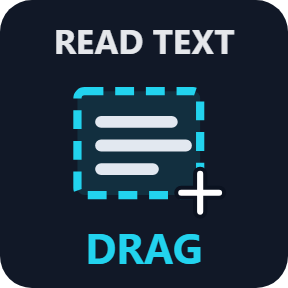
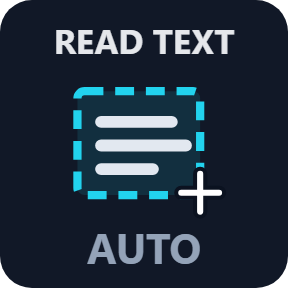
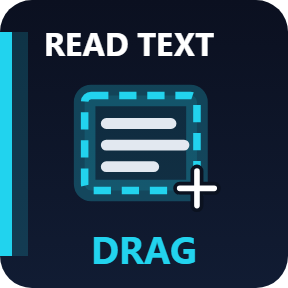
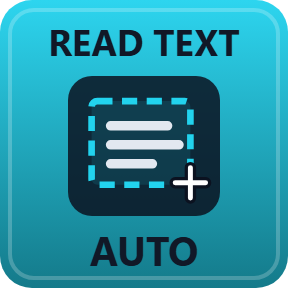
Read Text from Area
Press the key and the screen dims. Drag over the text, let go, and paste with Ctrl+V. The selection shows its size as you drag.
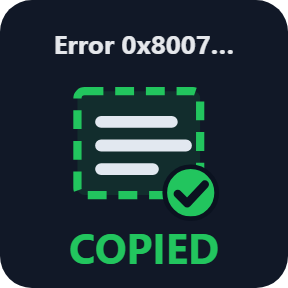
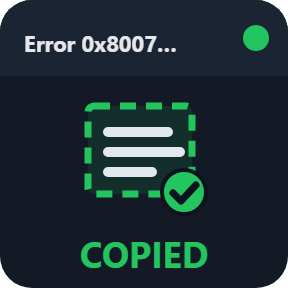
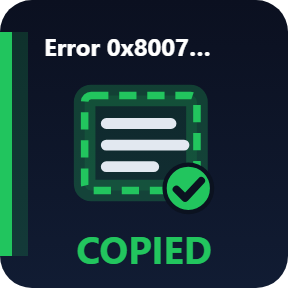
COPIED with the first words
The key turns green and shows the first words it copied, so you know the text is ready to paste. The key's settings show the last read: characters, lines and language.
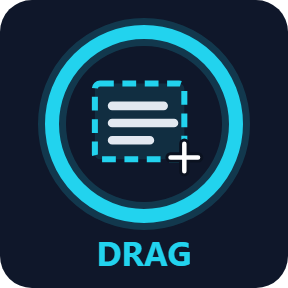
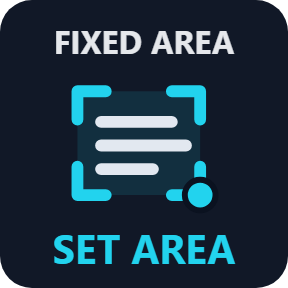
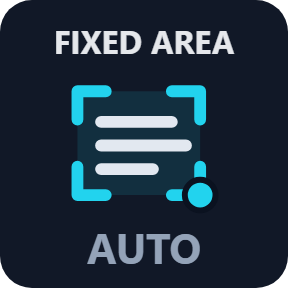
Read Fixed Area
The first press sets the area, such as a subtitle line, a game's chat box or a field in a remote app. After that, each press reads it again in one go. Hold the key for 0.6 seconds to pick a new area.
Japanese and English together
Auto reads Japanese and English in one pass, including English words and numbers inside a Japanese line. Or pick one text recognition language installed in Windows.
Also open in Google Translate
Turn it on in the key's settings to see the copied text in the language you choose right away. Keep the line breaks as on the screen, or join them into one paragraph.
Your clipboard is safe
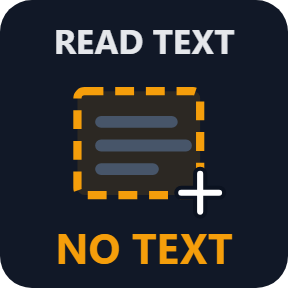
Right-click, Esc or a second press cancels. When no text is found, the key shows NO TEXT and your clipboard stays as it was.
Install in OpenDeck
In OpenDeck, open the Plugins tab, install the .streamDeckPlugin file you downloaded, then enter your license key once in a key's settings.
Requirements
- Windows 10 or later
- Windows PowerShell (part of Windows)
- A text recognition language installed in Windows. Japanese and English Windows have one; to read Japanese on an English Windows, add Japanese in Settings > Time & language > Language & region
- OpenDeck 2.14 or later
Questions
How do I copy text from an image or video with an Ajazz or Mirabox deck and OpenDeck?
Place the Read Text from Area key in OpenDeck, press it, drag over the text in the picture or the paused video, and paste with Ctrl+V.
Can I copy the text of an error message?
Yes. Drag over the message box and the code, for example 0x80070005, is copied as text, ready to paste into a search.
Does the OCR key read Japanese?
Yes. Auto reads Japanese and English together, including English words and numbers inside a Japanese line, when Windows has the Japanese language added.
Purchase details, refunds and seller
- Price
- ¥780, paid once. Tax for your country is added at checkout.
- Payment
- Handled by Stripe through Link, Stripe's checkout service. Link appears as the seller on your receipt and card statement, and your card number never reaches GRAMSHIFT.
- Delivery
- Your license key and download link appear right after payment, and the receipt arrives by email.
- Countries
- The direct checkout is not offered in Ascension Island, China, Cuba, Iran, Kosovo, North Korea, Russia, Syria or Tristan da Cunha.
- Seller
- GRAMSHIFT, Tokyo, Japan. Contact: contact@gramshift.com
- Refunds
- If the plugin fails to run on your PC, email contact@gramshift.com within 14 days of purchase for a full refund. The license key stops working after a refund.
- License
- One key for your own use on up to 3 PCs.
Limits
- Reading is a best guess: very small text, thin gray text, decorated fonts and busy backgrounds can come out with mistakes, so check a code before you use it. Handwriting is read poorly, if at all.
- Games in exclusive full screen may cover the selection: use windowed or borderless mode. Text is copied as plain text, without fonts or layout.
- Needs Windows PowerShell, which is part of Windows; some managed PCs block it.
- The direct version checks its license key with our server when you activate it, at each plugin start and about once a day. If the server cannot be reached, it keeps running for up to 44 days after the last successful check.