OpenDeck plugin for Windows and Mac
Slot Machine Game on One Key for OpenDeck
Put Slot Machine Key on an empty key of your Ajazz or Mirabox deck in OpenDeck and press it: three reels spin and stop one by one, left to right, right on that key.
Winning reels light up, and BIG WIN and JACKPOT flash.
It plays with play credits only, a little game for a short break beside your other keys. You start with 1,000 credits, and a press refills them when they run out.
- Three reels on one key
- Four looks
- Stats on a long press
- Play credits only
- Bet 10 to 100
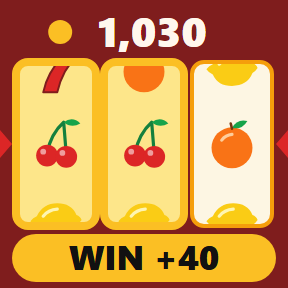
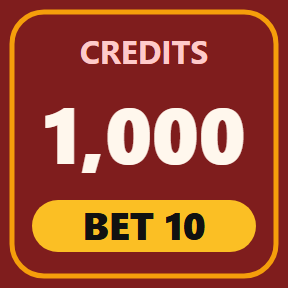
What the keys do
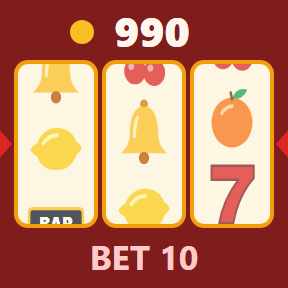
One key, a whole machine
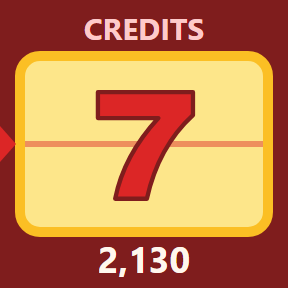
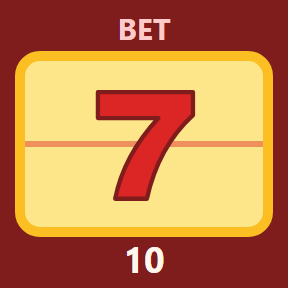
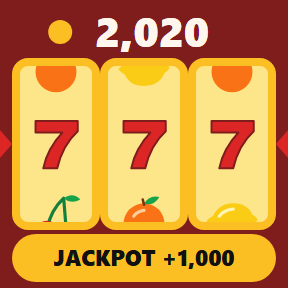
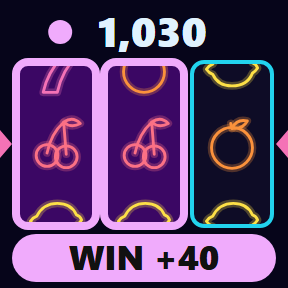
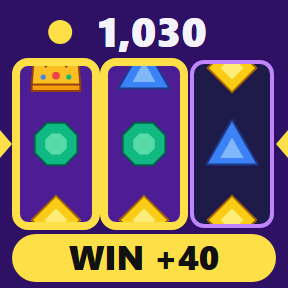
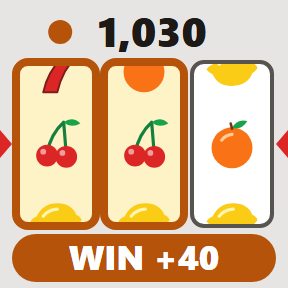
Credits on top, three reels in the middle, the bet below. Press to spin: the reels stop left to right, and a press while they turn stops them sooner.
Wins you can see
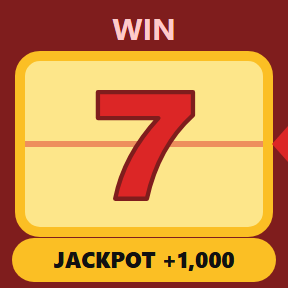
Winning reels light up and the credits won show below them. BIG WIN and JACKPOT flash on the key.
Bet & Credits
A key that shows your credits. Press it for the next bet: 10, 20, 50 or 100. All keys share the credits, the bet and the look.
Stats on a long press
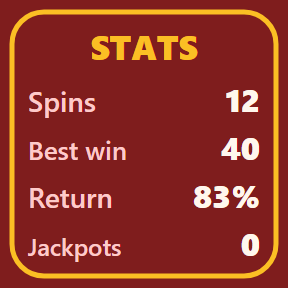
Hold the key for about 0.6 seconds to see your spins, best win, return and jackpots. The settings show the full paytable.
Four looks
Classic, Neon, Gems or Paper, with Normal or Fast spins. The look is set once for all keys.
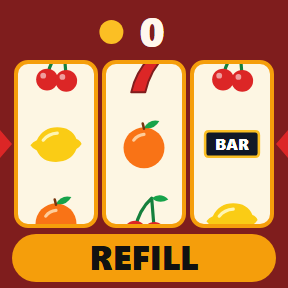
Play credits only
No in-app purchases, no prizes, no ads, and credits cannot be cashed out. When the credits run out the key says REFILL.
Install in OpenDeck
In OpenDeck, open the Plugins tab, install the .streamDeckPlugin file you downloaded, then enter your license key once in a key's settings.
Requirements
- Windows 10 or later, or macOS 13 or later (Apple silicon or Intel)
- OpenDeck 2.14 or later
Questions
Is there a slot machine game for an Ajazz or Mirabox deck with OpenDeck?
Yes. Slot Machine Key puts a whole slot machine on one key: press it and three reels spin and stop one by one on that key. It plays with play credits only.
Does the slot machine key use real money?
No. It plays with play credits only. There are no in-app purchases, no prizes and no ads, and credits cannot be cashed out. You start with 1,000 credits and a press refills them when they run out.
Does it send anything about my computer?
No. Credits and statistics are saved in the settings on your computer and never sent. The only thing that goes online is the license key check.
Purchase details, refunds and seller
- Price
- ¥780, paid once. Tax for your country is added at checkout.
- Payment
- Handled by Stripe through Link, Stripe's checkout service. Link appears as the seller on your receipt and card statement, and your card number never reaches GRAMSHIFT.
- Delivery
- Your license key and download link appear right after payment, and the receipt arrives by email.
- Countries
- The direct checkout is not offered in Ascension Island, China, Cuba, Iran, Kosovo, North Korea, Russia, Syria or Tristan da Cunha.
- Seller
- GRAMSHIFT, Tokyo, Japan. Contact: contact@gramshift.com
- Refunds
- If the plugin fails to run on your PC, email contact@gramshift.com within 14 days of purchase for a full refund. The license key stops working after a refund.
- License
- One key for your own use on up to 3 PCs.
Limits
- Keys only: the plugin makes no sound. The reels move at about 10 frames a second.
- Credits are play credits with no cash value, saved on the computer you play on.
- The direct version checks its license key with our server when you activate it, at each plugin start and about once a day. If the server cannot be reached, it keeps running for up to 44 days after the last successful check.