Stream Deck plugin for Windows
See your PC at a glance on your Stream Deck
System Monitor for Windows shows CPU, GPU, memory, disk space and network speed as live numbers on your Stream Deck keys.
Drag a key into place and it updates every 2 seconds with readings taken from Windows itself, GPU temperature included.
- CPU
- GPU
- Memory
- Disk
- Network
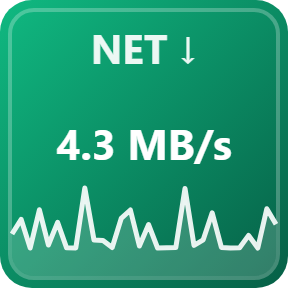
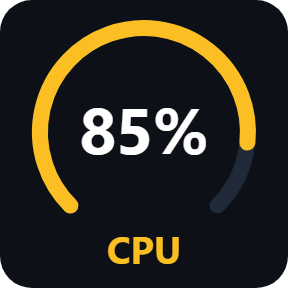
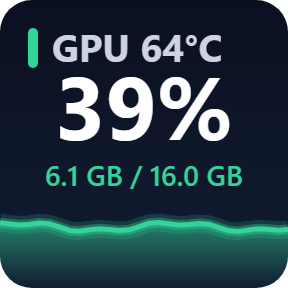
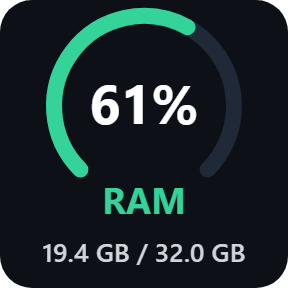
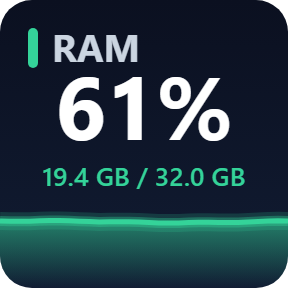
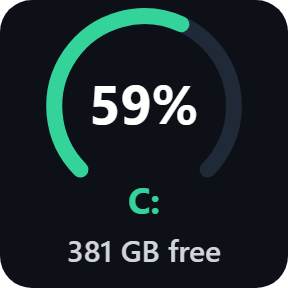
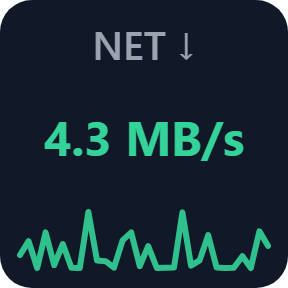
What each key shows
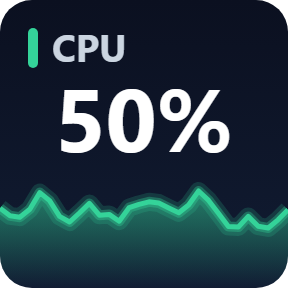
CPU
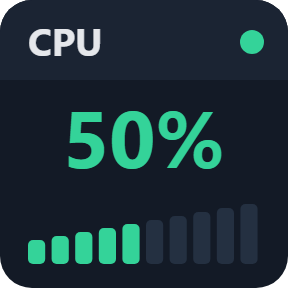
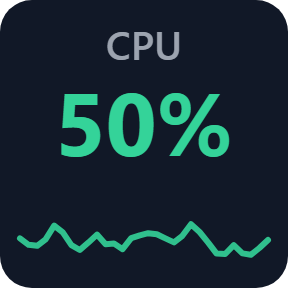
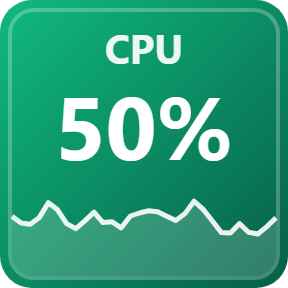
Total usage in % with a 60-second graph.
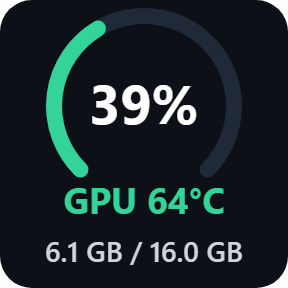
GPU
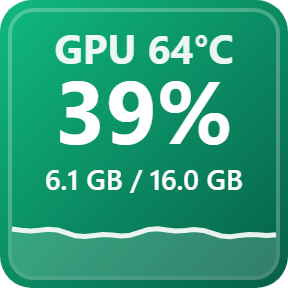
Usage, temperature and video memory (VRAM) in use, with a 60-second graph. Pick the GPU if your PC has more than one, and °C or °F.
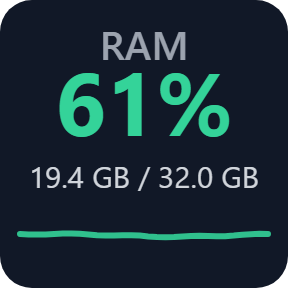
Memory
Percent in use and GB used of your total, with a 60-second graph.
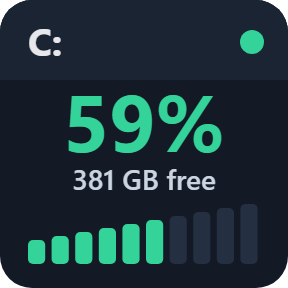
Disk
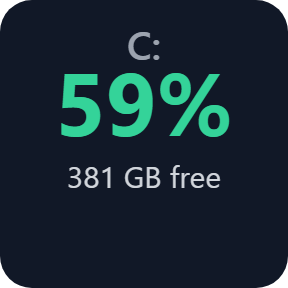
How full a drive is and the space left. Press the key for the next drive (C:, D:, ...).
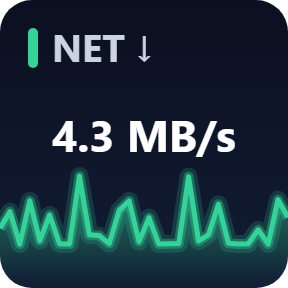
Network
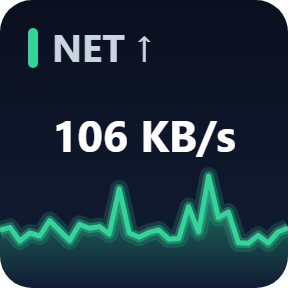
Download or upload speed of your Ethernet and Wi-Fi adapters. Press the key to switch between the two.
Five looks, chosen per key
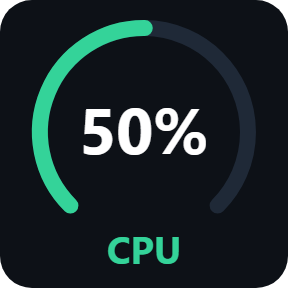
Ring and Bars show a gauge instead of the graph. Mix them on one Stream Deck.
Warning colors at a glance
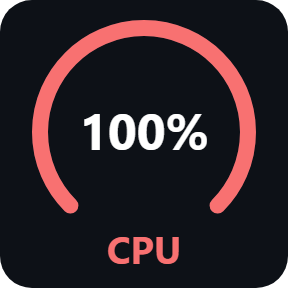
CPU, GPU and memory keys turn yellow at 70% and red at 90%. Disk keys change at 80% and 95%.
Light and local
One shared timer for every key, and measuring pauses while no System Monitor key is on screen.
Every reading, GPU temperature included, comes from Windows itself, so there is nothing else to install.
Readings stay on your PC. The plugin works without an account or an online service.
Set up in 3 steps
- Install the plugin from the Elgato Marketplace, or open the file you downloaded after buying direct.
- In the Stream Deck app, drag CPU, GPU, Memory, Disk or Network onto a key. It shows a live number within a few seconds.
- Select the key to choose a look, and on a GPU key which GPU and °C or °F.
Two places to buy
| Elgato Marketplace | Direct from GRAMSHIFT | |
|---|---|---|
| Amount | Same amount | Same amount, tax added at checkout |
| Checkout | Elgato Marketplace | Stripe (card) |
| New versions | Installed through the Stream Deck app | Download from your key page |
| Use on | Your Elgato account | Up to 3 PCs per license key |
| Plugin display | English and Japanese | English and Japanese |
Requirements
- Windows 10 or later
- Stream Deck app 6.9 or later
Questions
How do I show CPU and RAM usage on my Stream Deck?
Drag the CPU and Memory actions onto two keys. CPU shows total usage in % and Memory shows percent in use and GB used, each with a 60-second graph, updated every 2 seconds.
How do I show my GPU temperature on a Stream Deck?
Drag the GPU action onto a key. It shows the temperature at the top, GPU usage in the middle and VRAM in use at the bottom, read from Windows itself. A GPU that does not report a temperature to Windows shows --°C.
Which GPU does the GPU key show?
Automatic shows the GPU with the most video memory, usually the graphics card. If your PC has more than one GPU, select the key and pick one in its list.
Why is the CPU number lower than in Task Manager?
The plugin shows Windows "% Processor Time". Task Manager on Windows 11 uses a different measure ("Processor Utility"), which can read higher, especially when the CPU is boosting.
How many PCs can I use with one license key?
Up to 3 of your own PCs. If you replace a PC, write to us and we free up a place for the new one.
How do I get new versions if I buy direct?
Download the latest version from your thank-you page or the key page you received. Your license key keeps working. If you cannot open your key page, email us as the "Recover a lost key" page explains.
What if I lose my license key?
Email contact@gramshift.com from the address you paid with, and include your order number or the date you paid. We check the purchase and reply with a link to your key page.
Can I get a refund?
Yes. If the plugin does not work on your PC, email us within 14 days of purchase and we refund the full amount. The license key stops working after the refund.
Does it work on Mac?
No. It is for Windows 10 or later only.
Direct purchase: details, refunds and seller
- Price
- ¥780, the same amount as on the Elgato Marketplace. Tax for your country is added at checkout.
- Payment
- Handled by Stripe through Link, Stripe's checkout service. Link appears as the seller on your receipt and card statement, and your card number never reaches GRAMSHIFT.
- Delivery
- Your license key and download link appear right after payment, and the receipt arrives by email.
- Refunds
- If the plugin does not work on your PC, email us within 14 days of purchase for a full refund. You can also ask Link support. The license key stops working after a refund.
- License
- One key for your own use on up to 3 PCs.
- Countries
- The direct checkout is not offered in Ascension Island, China, Cuba, Iran, Kosovo, North Korea, Russia, Syria or Tristan da Cunha.
- Seller
- GRAMSHIFT, Tokyo, Japan. Contact: contact@gramshift.com
Limits
- Network speed and GPU readings come through Windows PowerShell, which is part of Windows. If it is blocked, those keys show "--" and the other keys keep working.
- GPU temperature appears when the GPU reports it to Windows; otherwise the key shows --°C. On a laptop, a graphics card that is switched off to save battery shows idle until it is in use again.
- Traffic that stays inside your PC is not counted; only physical adapters (Ethernet, Wi-Fi) are.
- Windows only (Windows 10 or later). Not for Mac.
- The direct version checks its license key with our server once when you activate it and then about every 30 days. It keeps working offline for 14 days past that check.