OpenDeck plugin for Windows and Mac
Safely Eject USB Drive with One Key on OpenDeck
On an Ajazz or Mirabox deck with OpenDeck, one key safely ejects your USB flash drive, external hard drive or external SSD.
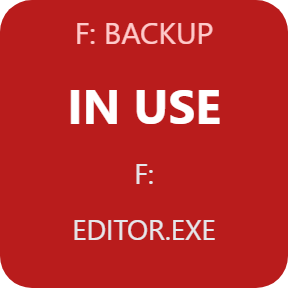
If a program still has files open on it, the key names that program instead of leaving you guessing.
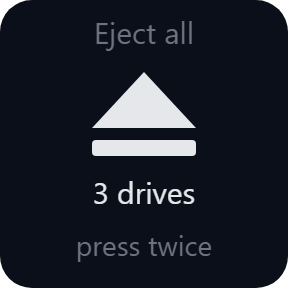
Eject one drive by name, or eject all your USB drives in a row while the ones you check under Leave connected, such as your backup, stay plugged in. Press again within 3 seconds, or hold for 1 second, so one stray tap never pulls a drive.
- Eject a USB drive
- Eject all, keep the backup
- Shows what blocks it
- Confirm before eject
- Windows and Mac

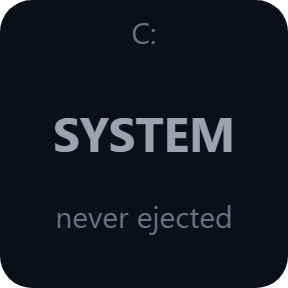
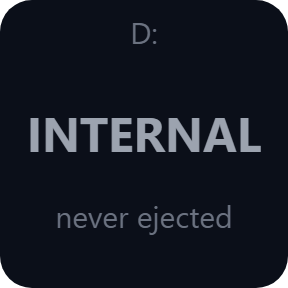
What the keys do
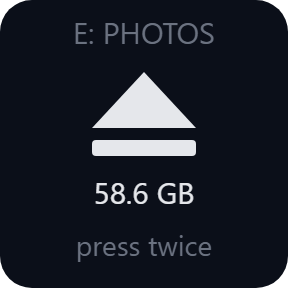
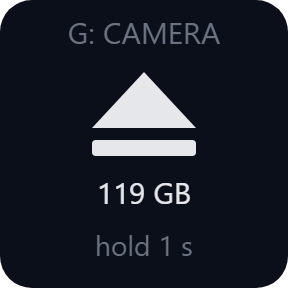
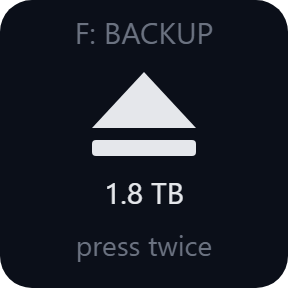
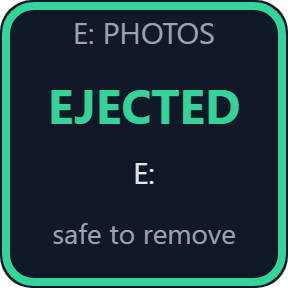
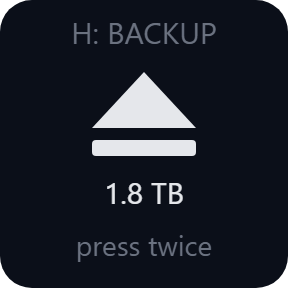
Eject Drive
Ejects one USB drive: a flash drive, thumb drive, external hard drive or external SSD. On Windows, the key shows its letter, name and size; on a Mac, it shows the drive's name.
Follows the drive, not the letter
Choose the drive by name (its volume name and model, for example BACKUP) and the key stays on it, even when Windows gives it another letter. On Windows, a drive letter also works. Automatic picks the drive when one USB drive is connected.
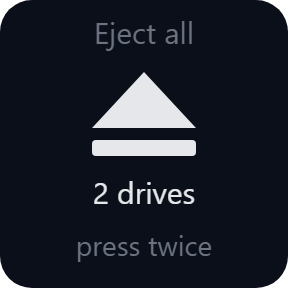
Eject All, keep your backup
Ejects your USB drives one after another. Drives checked under Leave connected stay plugged in, whatever their drive letter.
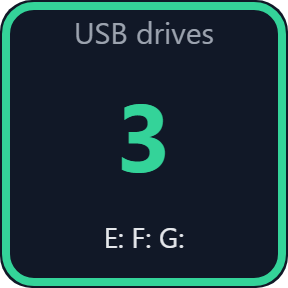
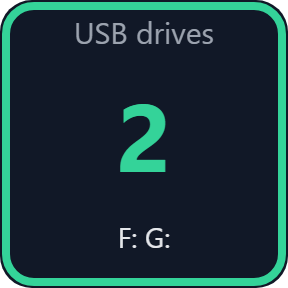
Drive Count
Shows how many USB drives can be ejected and their names (drive letters on Windows), updated every few seconds.
If in use
The key shows the program at once, or set it to keep trying for up to 30 seconds or 2 minutes. It tries again every 2 seconds, so the drive is ejected within a few seconds of being free. Press the key to stop waiting.
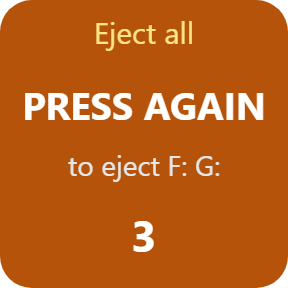
Confirm first
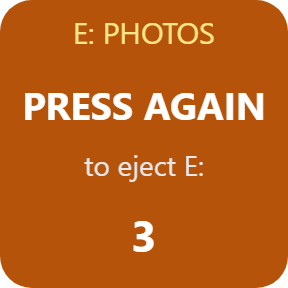
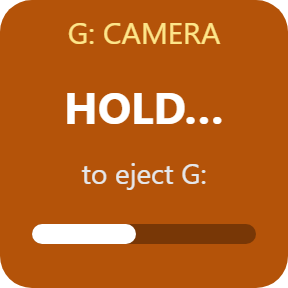
Press again within 3 seconds, or hold for 1 second. One tap alone keeps the drive connected. You can also put your own label on the key, for example Backup.
Install in OpenDeck
In OpenDeck, open the Plugins tab, install the .streamDeckPlugin file you downloaded, then enter your license key once in a key's settings.
Requirements
- Windows 10 or later, or macOS 13 or later (Apple silicon or Intel)
- OpenDeck 2.14 or later
Questions
How do I safely eject a USB drive from an Ajazz or Mirabox deck with OpenDeck?
Place the Eject Drive key in OpenDeck and choose the drive by name. Press again within 3 seconds, or hold for 1 second, to eject it.
What if a program is still using the drive?
A drive is ejected only when no program has files open on it. The key names the program, or you can set it to keep trying for up to 30 seconds or 2 minutes and eject as soon as the drive is free.
Can I eject every USB drive but keep my backup drive connected?
Yes. Eject All ejects your USB drives one after another, and the drives you check under Leave connected stay plugged in, whatever their drive letter.
Purchase details, refunds and seller
- Price
- ¥780, paid once. Tax for your country is added at checkout.
- Payment
- Handled by Stripe through Link, Stripe's checkout service. Link appears as the seller on your receipt and card statement, and your card number never reaches GRAMSHIFT.
- Delivery
- Your license key and download link appear right after payment, and the receipt arrives by email.
- Countries
- The direct checkout is not offered in Ascension Island, China, Cuba, Iran, Kosovo, North Korea, Russia, Syria or Tristan da Cunha.
- Seller
- GRAMSHIFT, Tokyo, Japan. Contact: contact@gramshift.com
- Refunds
- If the plugin fails to run on your PC, email contact@gramshift.com within 14 days of purchase for a full refund. The license key stops working after a refund.
- License
- One key for your own use on up to 3 PCs.
Limits
- Ejects drives connected over USB. The system drive, internal drives, drives holding the page file (Windows) and card readers built into the computer are left connected.
- On a Mac, Time Machine backup disks and disk images are never ejected, and drives are chosen by name because Macs have no drive letters.
- One eject at a time: while one key ejects or waits, another key you press shows WAITING or BUSY for 3 seconds. On Windows it runs through PowerShell, so it does not work where IT has locked PowerShell down (Constrained Language mode).
- The direct version checks its license key with our server when you activate it, at each plugin start and about once a day. If the server cannot be reached, it keeps running for up to 44 days after the last successful check.