OpenDeck plugin for Windows
Save and Restore Window Layouts on OpenDeck
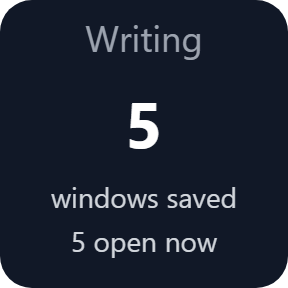
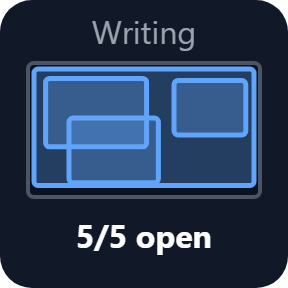
On an Ajazz or Mirabox deck with OpenDeck, hold a key for 2 seconds to save where your windows are, and press it later to put them back after a monitor change, a reboot or a messy session.
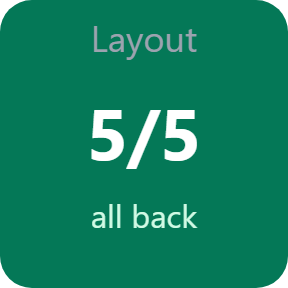
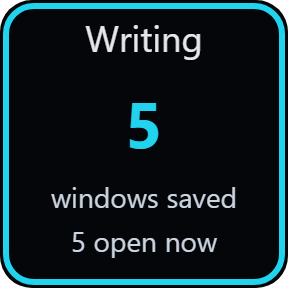
The key shows how many came back.
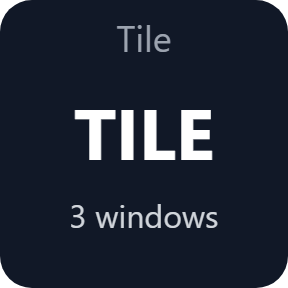
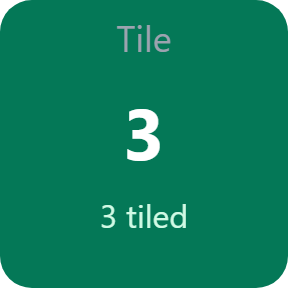
Keep one layout for writing, one for a stream and one for a meeting, each on its own key. A tile key arranges the windows of one screen into a grid, and the next press undoes it.
- Hold to save layout
- Press to restore
- One layout per key
- Tile windows in a grid
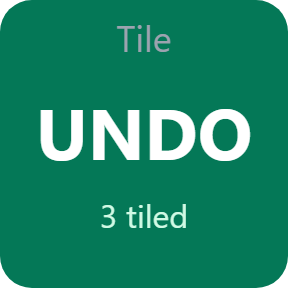
- Press again to undo

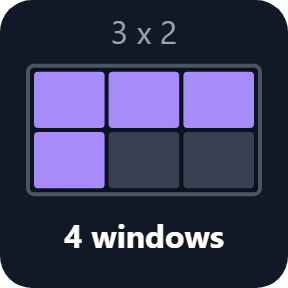
What the keys do
Hold to save
Arrange your windows, hold the key for 2 seconds and release. It saves up to 60 windows: which program, where, how large, and whether each one is maximized or minimized.
Press to put them back
A short press moves the saved windows that are open now back to their place and size. The key shows how many came back.
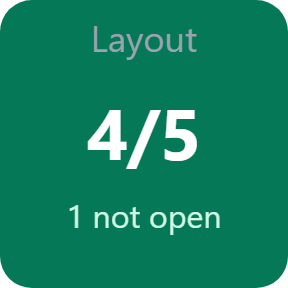
Closed windows are counted
Saved windows that are not open are skipped, and the key says how many. Another window of the same program can take a closed one's place.
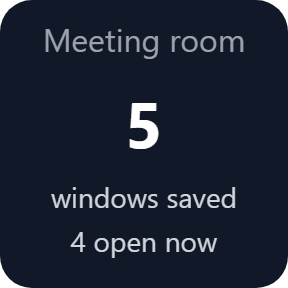
One layout per key
Keep one layout for writing, one for a stream and one for a meeting. Name each key; copy a key to copy its layout.
Tile Windows
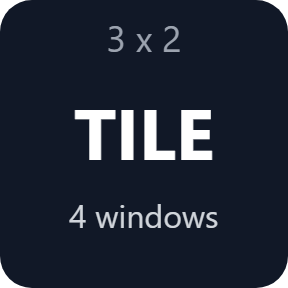
Arranges the windows of one screen into a grid: automatic, 2 side by side, 2 stacked, 3 columns, 1 large + 2, 2 x 2, 3 x 2 or 3 x 3, with an optional gap. Each window takes the nearest free cell.
Press again to undo
The next press puts the tiled windows back at their old position and size, maximized ones too, and also the windows you moved since.
Install in OpenDeck
In OpenDeck, open the Plugins tab, install the .streamDeckPlugin file you downloaded, then enter your license key once in a key's settings.
Requirements
- Windows 10 or later
- OpenDeck 2.14 or later
Questions
How do I save and restore my window layout from an Ajazz or Mirabox deck with OpenDeck?
Place a layout key in OpenDeck, arrange your windows and hold the key for 2 seconds to save. A short press later moves the open windows back to their place and size, and the key shows how many came back.
Can I keep different layouts for writing, streaming and meetings?
Yes. Each key holds its own layout. Name each key, and copy a key to copy its layout.
Can one key tile my windows into a grid?
Yes. Tile Windows arranges the windows of one screen into 2 side by side, 2 x 2, 3 x 3 and more, and the next press puts them back.
Purchase details, refunds and seller
- Price
- ¥980, paid once. Tax for your country is added at checkout.
- Payment
- Handled by Stripe through Link, Stripe's checkout service. Link appears as the seller on your receipt and card statement, and your card number never reaches GRAMSHIFT.
- Delivery
- Your license key and download link appear right after payment, and the receipt arrives by email.
- Countries
- The direct checkout is not offered in Ascension Island, China, Cuba, Iran, Kosovo, North Korea, Russia, Syria or Tristan da Cunha.
- Seller
- GRAMSHIFT, Tokyo, Japan. Contact: contact@gramshift.com
- Refunds
- If the plugin fails to run on your PC, email contact@gramshift.com within 14 days of purchase for a full refund. The license key stops working after a refund.
- License
- One key for your own use on up to 3 PCs.
Limits
- Windows only.
- Windows of programs that run as administrator may stay where they are; the key counts them.
- Windows of a fixed size are left out of tiling.
- The direct version checks its license key with our server when you activate it, at each plugin start and about once a day. If the server cannot be reached, it keeps running for up to 44 days after the last successful check.