OpenDeck plugin for Windows
Make Windows See-Through with Keys on OpenDeck
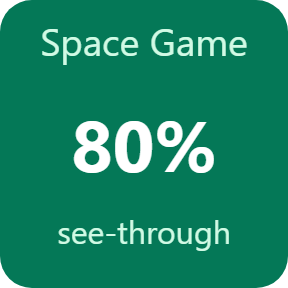
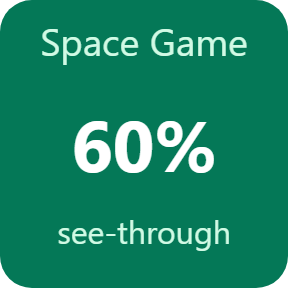
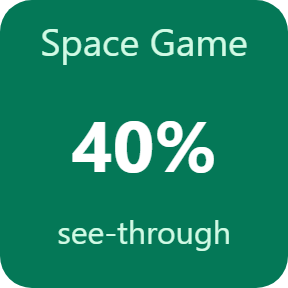
On an Ajazz or Mirabox deck with OpenDeck, one key makes the window in front more see-through with each press, to 80, 60 and 40 percent, and the press after the last step puts it back as it was.
Keep a guide, a chart or a video visible behind what you work on.
A Click-Through key lets mouse clicks pass through the see-through window to the one underneath, and a Restore Windows key puts every changed window back with one press.
- See-through in steps
- Clicks pass through
- Dim all windows of an app
- Restore all windows
- Your own steps (20-99%)

What the keys do
More see-through with each press
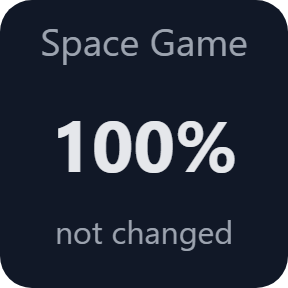
Front Window Opacity takes the window in front to 80, 60 and 40 %, one step per press, and the press after the last step puts it back as it was. Set your own steps from 20 to 99 %. The key shows the percent Windows reports for the window, not the one the plugin asked for.
Let clicks pass through
Click-Through makes the window in front see-through (60 % unless you choose another value) and lets mouse clicks go through it to the window underneath. Since you can no longer click that window, the key keeps showing its name, and pressing the same key again puts it back, whatever window is in front.
All visible windows of one app
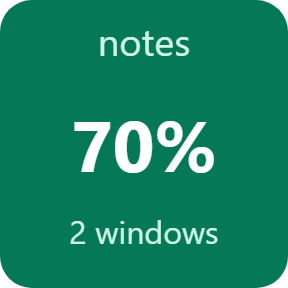
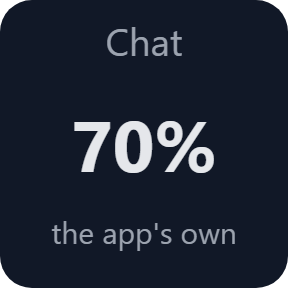
App Opacity dims every visible window of the app you choose (70 % unless you choose another value). Pick the app from the list of programs that have a window open now. Windows that are minimized or hidden, and small tool windows, are skipped. The next press puts them back.
Put everything back
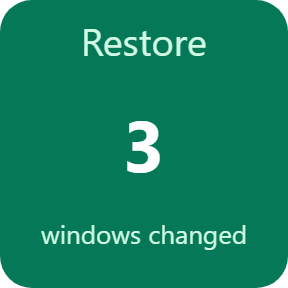
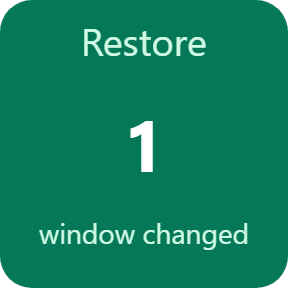
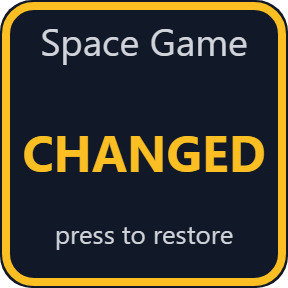
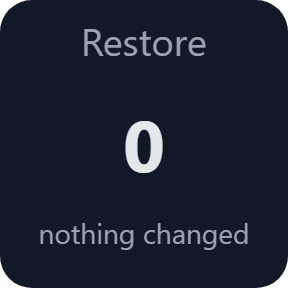
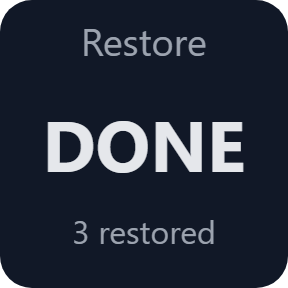
The Restore Windows key counts the windows changed so far and brings every one back to normal in a single press.
Shows a window's own opacity
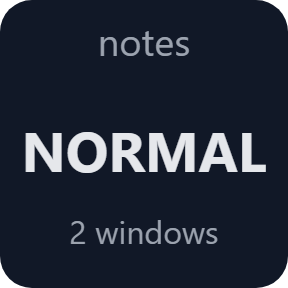
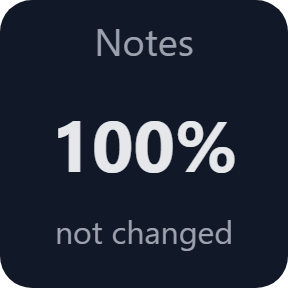
Some programs make their own window see-through. The key reads that and says so, and the next press goes to the next step below it. When you put the window back, it returns to its own opacity.
Tells you when it leaves a window alone
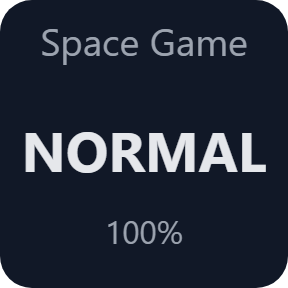
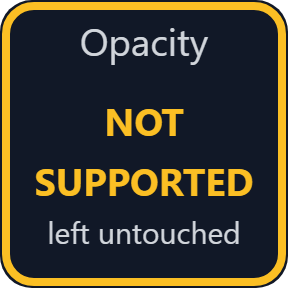
A window drawn in a way an outside opacity would break is left untouched and the key says NOT SUPPORTED. A press Windows does not allow, for example on a program running as administrator, changes nothing and the key says DENIED.
Install in OpenDeck
In OpenDeck, open the Plugins tab, install the .streamDeckPlugin file you downloaded, then enter your license key once in a key's settings.
Requirements
- Windows 10 or later
- OpenDeck 2.14 or later
Questions
How do I make a window transparent with a key on an Ajazz or Mirabox deck with OpenDeck?
Place the Front Window Opacity key in OpenDeck. Each press takes the window in front to 80, 60 and 40 percent, and the press after the last step puts it back as it was.
Can I still click the programs behind a see-through window?
Yes. A Click-Through key makes the window in front see-through and lets mouse clicks go through it to the window underneath. Pressing that key a second time restores the window.
How do I put all my windows back to normal?
Press a Restore Windows key. It displays the number of windows the plugin has changed, and one press returns all of them to normal.
Purchase details, refunds and seller
- Price
- ¥780, paid once. Tax for your country is added at checkout.
- Payment
- Handled by Stripe through Link, Stripe's checkout service. Link appears as the seller on your receipt and card statement, and your card number never reaches GRAMSHIFT.
- Delivery
- Your license key and download link appear right after payment, and the receipt arrives by email.
- Countries
- The direct checkout is not offered in Ascension Island, China, Cuba, Iran, Kosovo, North Korea, Russia, Syria or Tristan da Cunha.
- Seller
- GRAMSHIFT, Tokyo, Japan. Contact: contact@gramshift.com
- Refunds
- If the plugin fails to run on your PC, email contact@gramshift.com within 14 days of purchase for a full refund. The license key stops working after a refund.
- License
- One key for your own use on up to 3 PCs.
Limits
- Windows only. A Click-Through key holds one window at a time. The plugin does not keep a window on top and does not change windows by itself when an app comes to the front.
- Windows drawn with UpdateLayeredWindow are not supported (the key says NOT SUPPORTED). A program running as administrator may refuse the change (the key says DENIED).
- A program that does not answer is not changed, and a window whose program stops answering after it was changed cannot be put back and stays in the Restore Windows count.
- The direct version checks its license key with our server when you activate it, at each plugin start and about once a day. If the server cannot be reached, it keeps running for up to 44 days after the last successful check.