OpenDeck plugin for Windows
Live Window Preview on Ajazz and Mirabox with OpenDeck
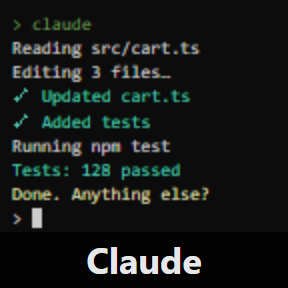
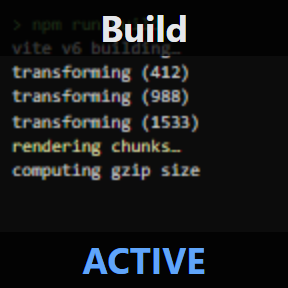
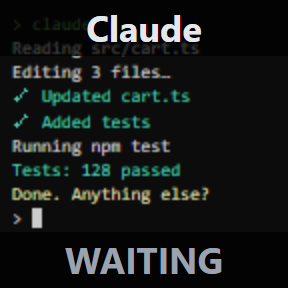
On an Ajazz or Mirabox deck with OpenDeck, a key shows a window live, even when other windows cover it: a render, a build, a download, a chart or a chat.
Press the key to bring that window to the front.
Show the whole window or a part of it, spread one window as one big picture across several keys, or watch a rectangle of your screen. An Alert When Idle key blinks when the window has stopped changing.
- Live window on a key
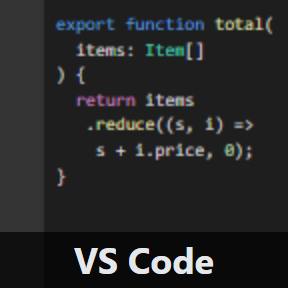
- Part of a window
- One picture across keys
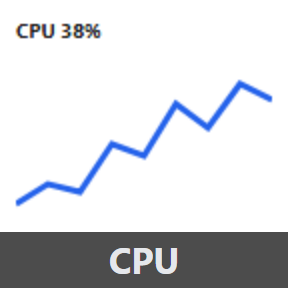
- Screen region
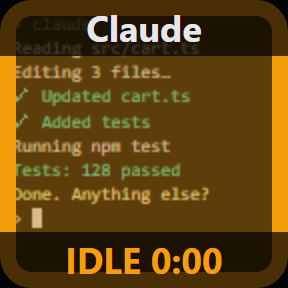
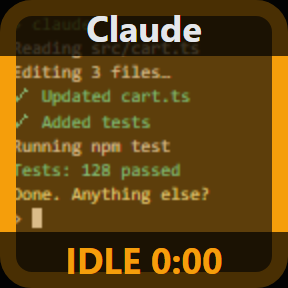
- Alert when idle

What the keys do
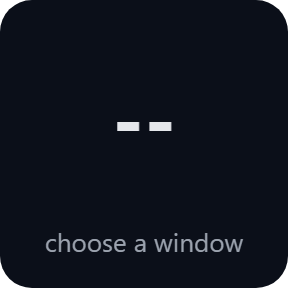
Peek Window
Shows a window live on the key, even when other windows cover it. Show the whole window or a part of it, with a new picture every 0.5 to 30 seconds. Press the key to bring the window to the front.
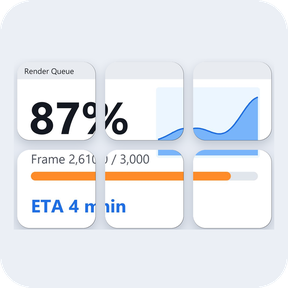
Peek Across Keys
Shows one window as one big picture across keys next to each other, for example 3 keys wide and 2 high: each key shows its own piece. Press any of them to bring the window to the front.
Screen Region
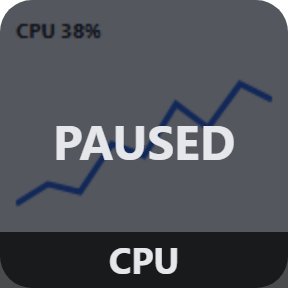
Shows a rectangle of your screen live, such as a chart or a counter. Set its corners by pointing with the mouse.
Alert When Idle
Blinks amber once the window has changed and then stayed still for the time you choose, from 5 seconds to 10 minutes. A blinking text cursor does not count as a change. Press to clear it and jump to the window.
Pick the window from a list
Choose an open window in the key's settings. After a restart, the key finds it again by its program and title.
Pause and go on
Press a Screen Region key to pause it: the last picture stays, dimmed. Press again to go on.
Install in OpenDeck
In OpenDeck, open the Plugins tab, install the .streamDeckPlugin file you downloaded, then enter your license key once in a key's settings.
Requirements
- Windows 10 or later
- Windows PowerShell 5.1 (part of Windows)
- OpenDeck 2.14 or later
Questions
How do I watch a window live on an Ajazz or Mirabox deck with OpenDeck?
Place the Peek Window key in OpenDeck and choose an open window in the key's settings. It shows the window live, even when other windows cover it, and a press brings it to the front.
Can a key tell me when a render or download has finished?
Yes. Alert When Idle blinks amber once the window or screen region has changed and then stayed still for the time you choose, from 5 seconds to 10 minutes. Press the key to clear it and jump to the window.
Can one window span several keys?
Yes. Peek Across Keys shows one window as one big picture across keys next to each other, for example 3 keys wide and 2 high.
Purchase details, refunds and seller
- Price
- ¥780, paid once. Tax for your country is added at checkout.
- Payment
- Handled by Stripe through Link, Stripe's checkout service. Link appears as the seller on your receipt and card statement, and your card number never reaches GRAMSHIFT.
- Delivery
- Your license key and download link appear right after payment, and the receipt arrives by email.
- Countries
- The direct checkout is not offered in Ascension Island, China, Cuba, Iran, Kosovo, North Korea, Russia, Syria or Tristan da Cunha.
- Seller
- GRAMSHIFT, Tokyo, Japan. Contact: contact@gramshift.com
- Refunds
- If the plugin fails to run on your PC, email contact@gramshift.com within 14 days of purchase for a full refund. The license key stops working after a refund.
- License
- One key for your own use on up to 3 PCs.
Limits
- Windows only.
- Minimized windows, copy-protected video and some full-screen games cannot be captured; the key says so.
- Needs Windows PowerShell 5.1, which is part of Windows.
- The direct version checks its license key with our server when you activate it, at each plugin start and about once a day. If the server cannot be reached, it keeps running for up to 44 days after the last successful check.