OpenDeck plugin for Windows
Snap Windows to Halves and Thirds with OpenDeck
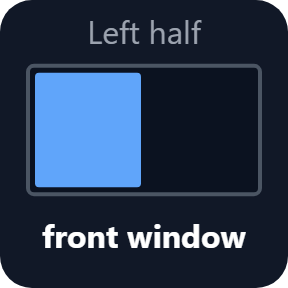
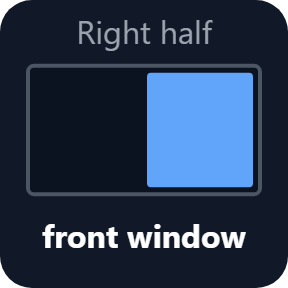
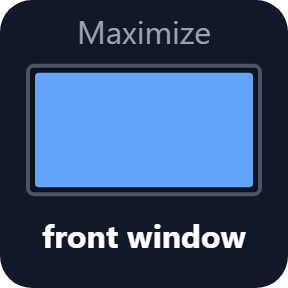
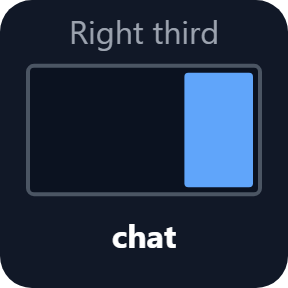
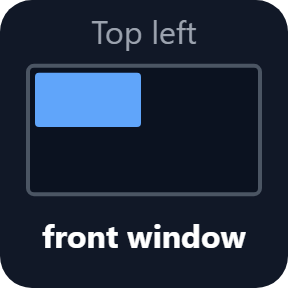
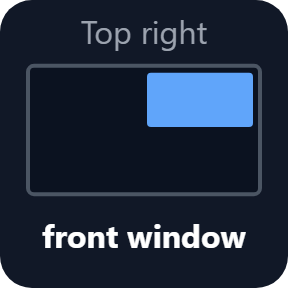
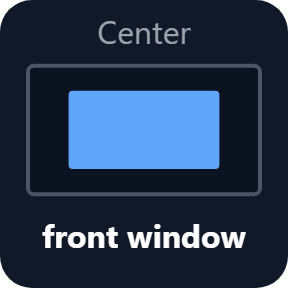
On an Ajazz or Mirabox deck with OpenDeck, one key snaps the window in front to a place on your screen: a half, a third, a quarter, the center or maximize.
Press again to put it back where it was.
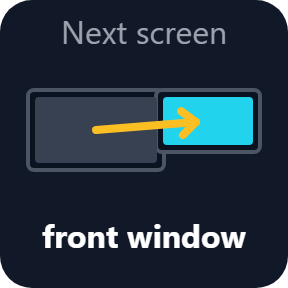
Set a key for a program that is not in front and it moves that window without bringing it forward. Custom Position places a window at an exact size, such as 1280 x 720 for a capture window, and Next Screen sends it to another monitor.
- 15 places on one key each
- Exact position and size
- Next screen
- Move a window behind others
- Press again to undo
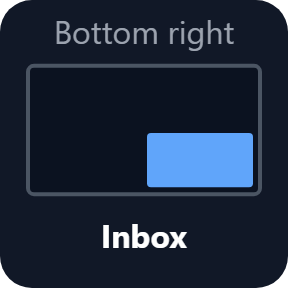
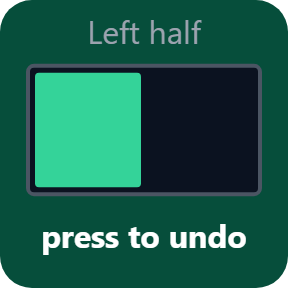
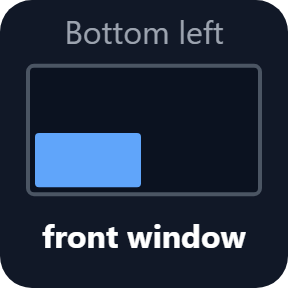
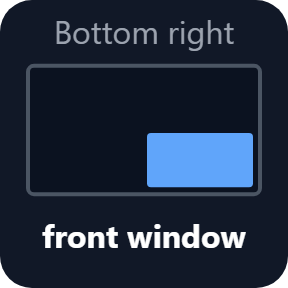
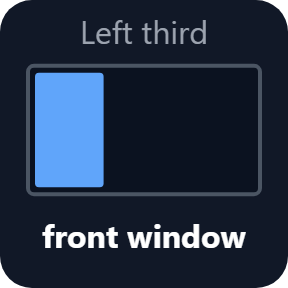
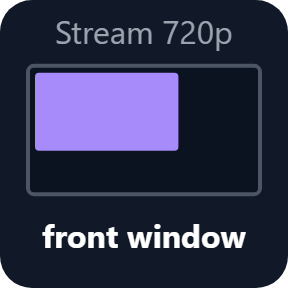
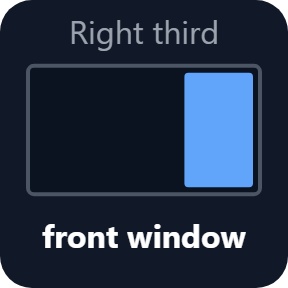
What the keys do
15 places on your screen
Pick one per key: four halves, three thirds, two two-thirds, four quarters, the center and maximize. The center can keep the window's own size or use 50 to 90% of the screen. The part of the window you see fills the place, on the screen without the taskbar, so windows line up edge to edge. You can add a small or large gap.
Press again to put it back
While the window is still where the key put it, the next press returns it to its old position and size, maximized or minimized too. The map on the key turns green to show it. On a half, the next press can instead step through 2/3 and 1/3.
Move a program that is not in front
Set a key to a program, and to words from its title if you like. The key moves that window even when it is behind other windows or minimized, without bringing it to the front.
An exact position and size
Custom Position places the window in percent of the screen or in pixels, like 1280 x 720 for a capture window. If the size does not fit the screen, the window is fitted inside it. You can put your own name on the key.
Send it to the next screen
Next Screen sends the window to the next or previous screen at the same share of it: a left half stays a left half, and a maximized window is maximized there.
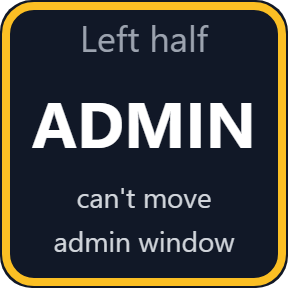
Tells you what happened
After each press the plugin reads the window again and the key says so when it could not go exactly there: ADMIN for a window of a program running as administrator, MOVED for a program with its own minimum size, FULLSCREEN when it was left as it is.
Install in OpenDeck
In OpenDeck, open the Plugins tab, install the .streamDeckPlugin file you downloaded, then enter your license key once in a key's settings.
Requirements
- Windows 10 or later
- OpenDeck 2.14 or later
Questions
How do I snap a window to half the screen with a key on an Ajazz or Mirabox deck with OpenDeck?
Place a Snap Window key in OpenDeck and choose a place, such as left half. A press moves the window in front there, and the next press puts it back where it was.
Can a key place a window at an exact size like 1280 x 720?
Yes. Custom Position places the window in percent of the screen or in pixels. If the size does not fit the screen, the window is fitted inside it.
Can I move a window that is behind others?
Yes. Set a key to a program, and to words from its title if you like. The key moves that window even when it is behind other windows or minimized, without bringing it to the front.
Purchase details, refunds and seller
- Price
- ¥780, paid once. Tax for your country is added at checkout.
- Payment
- Handled by Stripe through Link, Stripe's checkout service. Link appears as the seller on your receipt and card statement, and your card number never reaches GRAMSHIFT.
- Delivery
- Your license key and download link appear right after payment, and the receipt arrives by email.
- Countries
- The direct checkout is not offered in Ascension Island, China, Cuba, Iran, Kosovo, North Korea, Russia, Syria or Tristan da Cunha.
- Seller
- GRAMSHIFT, Tokyo, Japan. Contact: contact@gramshift.com
- Refunds
- If the plugin fails to run on your PC, email contact@gramshift.com within 14 days of purchase for a full refund. The license key stops working after a refund.
- License
- One key for your own use on up to 3 PCs.
Limits
- Windows only. Each key moves one window; the plugin does not save a whole layout, or open programs.
- A window of a program running as administrator may stay put unless OpenDeck runs as administrator too; the key shows ADMIN. A window that fills the whole screen without a title bar is left as it is, and a program that does not respond is not moved.
- A program with a minimum size of its own may stay larger than the place, and the key says so. A window of a fixed size keeps its size and goes to the middle of the place. Pressing again to put a window back works only while it is still where the key put it, and until the plugin restarts.
- The direct version checks its license key with our server when you activate it, at each plugin start and about once a day. If the server cannot be reached, it keeps running for up to 44 days after the last successful check.