Stream Deck
Temp & Cache Cleaner (Stream Deck)
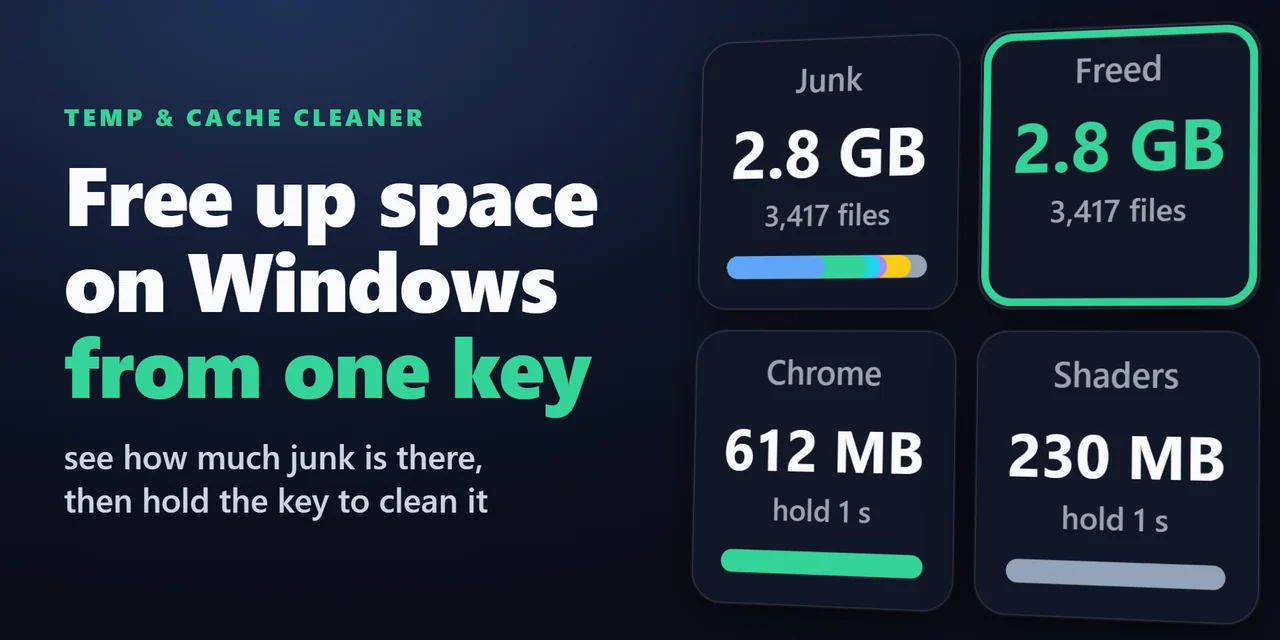
Stream Deck plugin for Windows that shows how much space your Temp folder, browser caches, thumbnail cache, crash dumps and shader cache take, and cleans them …
¥680
Released Nov 20, 2026
Checkout happens on the GRAMSHIFT direct shop. Your license key and refunds are handled there too.
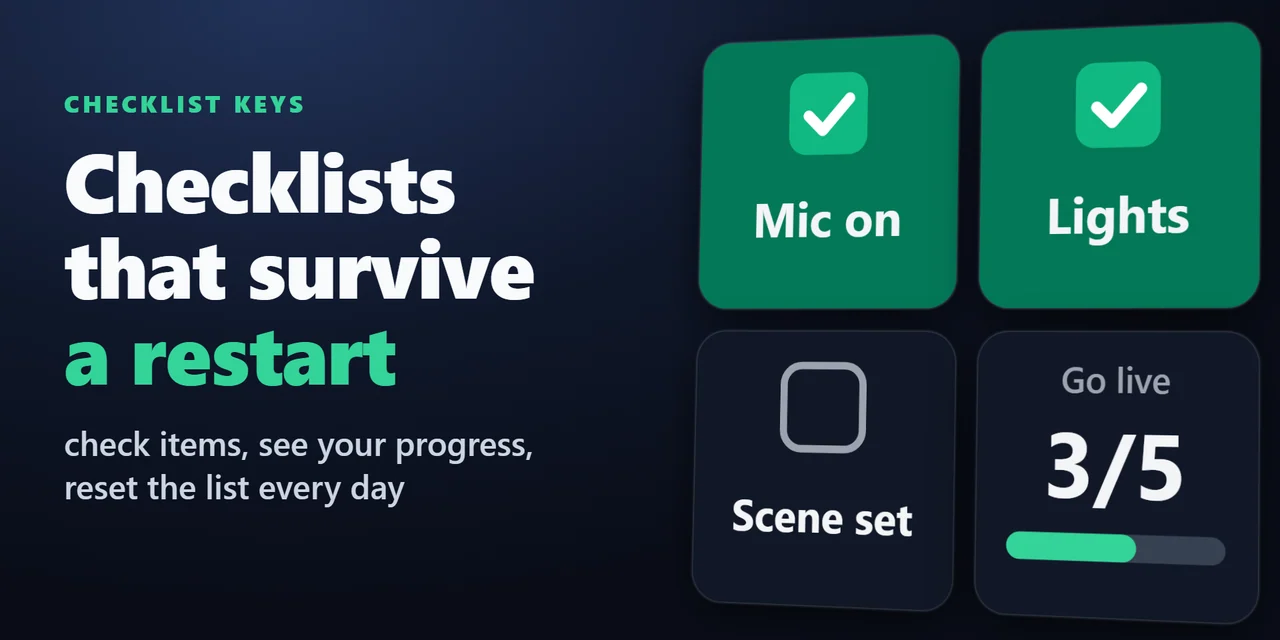
Stream Deck plugin for Windows and Mac that turns keys into a checklist. Press a key to check an item, see your progress such as 3/7 on one key, and reset the …
Stream Deck plugin for Windows and Mac
Before you go live, shut down or start the day, press a key to check each item.
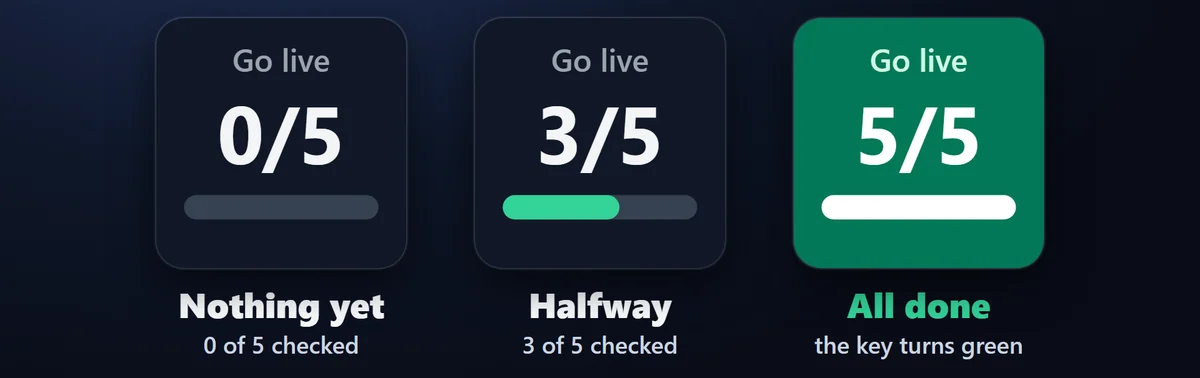
One key counts how many are done, such as 3/7, on every page and profile, and turns green when every item is checked.
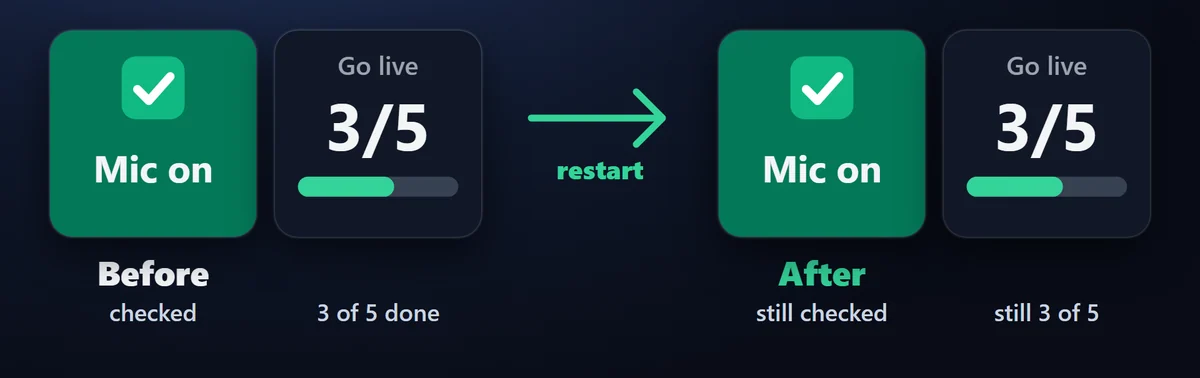
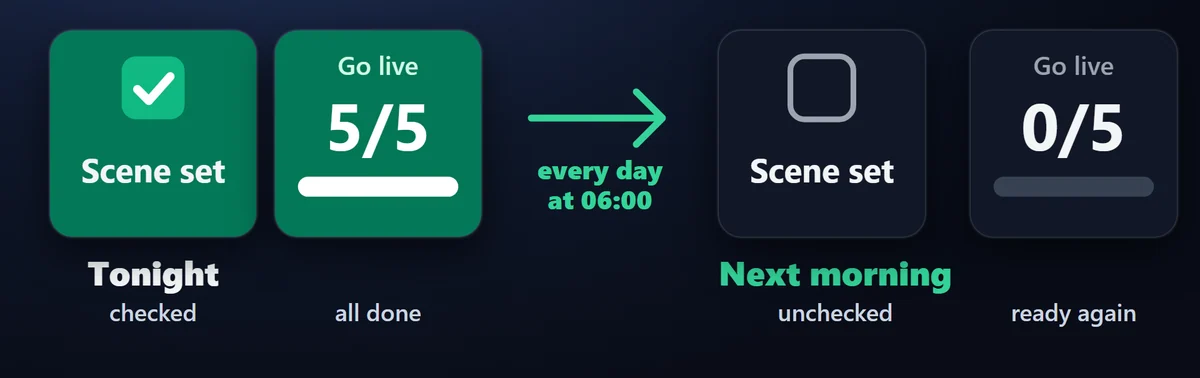
Check marks are saved on your computer and stay after Stream Deck or the computer restarts, unless you set an automatic reset. Reset a list by pressing twice or holding, or automatically every day at your time.
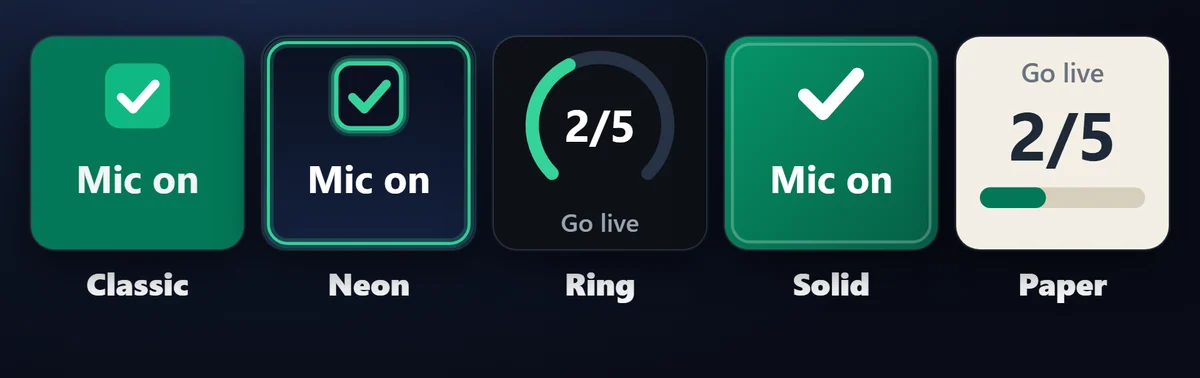
Pick a look in each key's settings and mix them on one Stream Deck.
An unchecked item stays dark, a checked item turns green, and the Progress key turns fully green when every item is done.
A single press on Reset List does nothing; press twice or hold to reset.
Labels, list names and check marks stay on your computer.
The only thing that goes online is the license key check.
How AI was used: Made by GRAMSHIFT with the help of AI tools.
No published questions yet.
Checkout happens on the GRAMSHIFT direct shop. Your license key and refunds are handled there too. Buy on the GRAMSHIFT direct shop
For how to use this item, ask GRAMSHIFT in "Questions and answers" above.
For help with payment or downloads, just email contact
Stream Deck
Stream Deck plugin for Windows that shows how much space your Temp folder, browser caches, thumbnail cache, crash dumps and shader cache take, and cleans them …
Stream Deck
Stream Deck plugin for Todoist on Windows and Mac: see your next task and its due date on a key, hold the key to complete it, count overdue tasks, add a task w…
Stream Deck
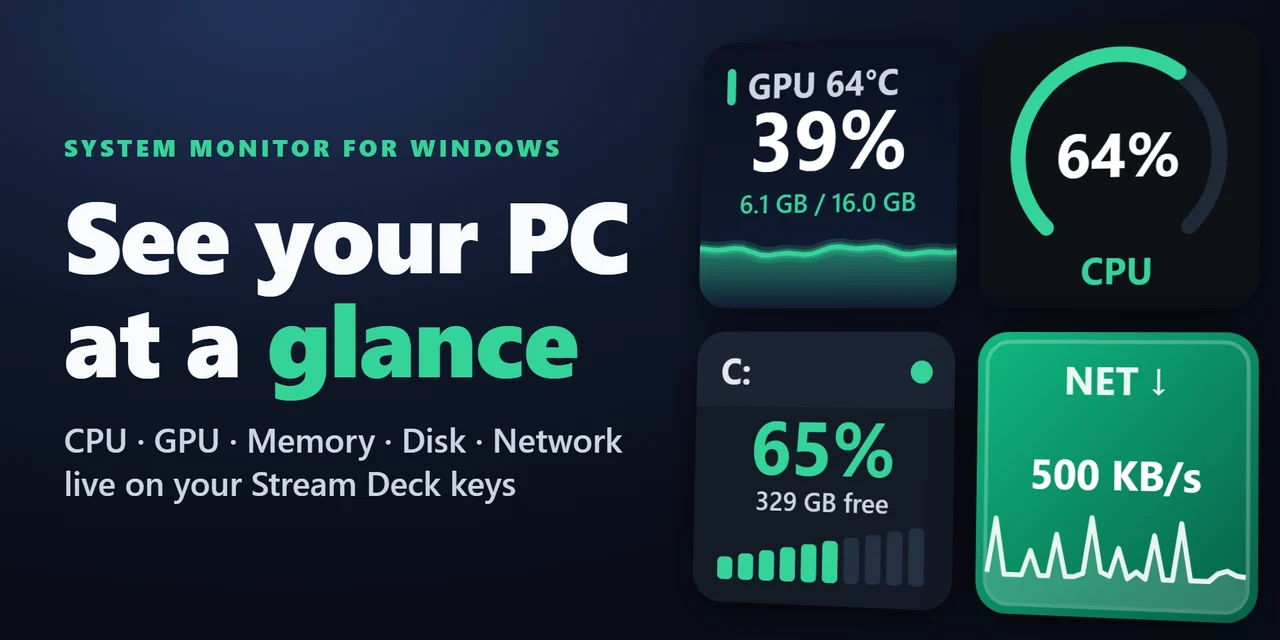
Show CPU, GPU usage and temperature, memory, disk space and network speed live on Stream Deck keys and Stream Deck + dials, on Windows and Mac.
Stream Deck
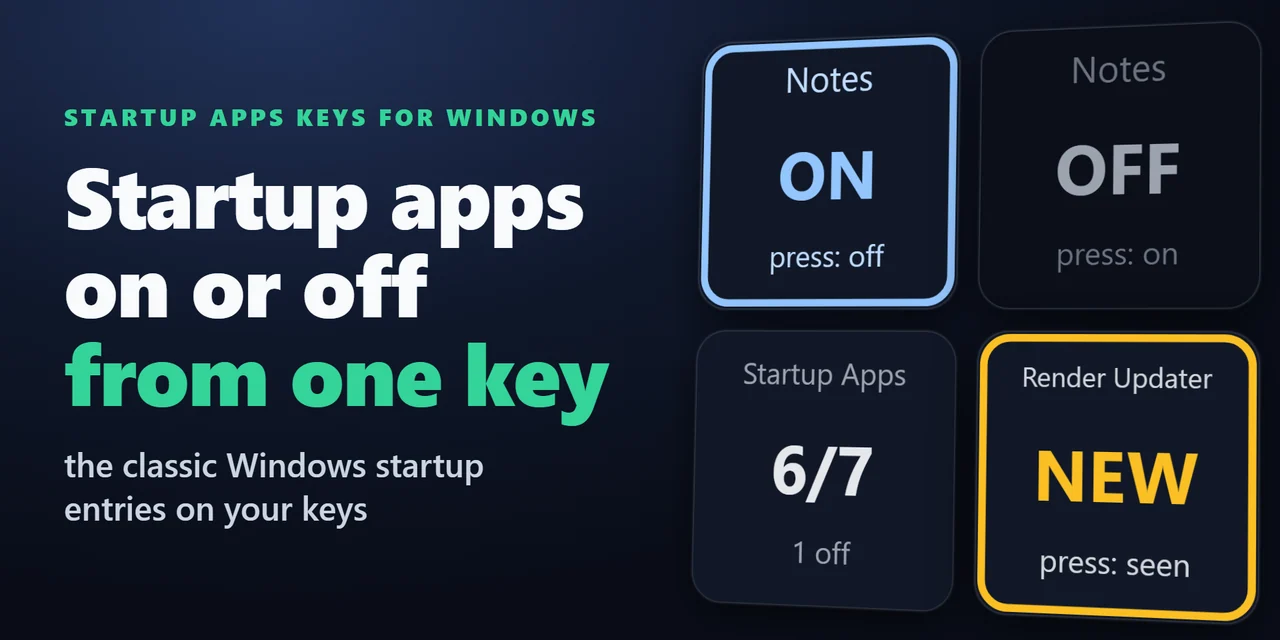
Stream Deck plugin for Windows that shows how many startup apps are on, turns one startup program off or on with a press, and shows NEW with the name when a pr…
Stream Deck
Stream Deck plugin for Windows: see the health (Good, Caution or Bad), life left, temperature with a graph, data written in TB and power-on hours of your SSDs …
Stream Deck
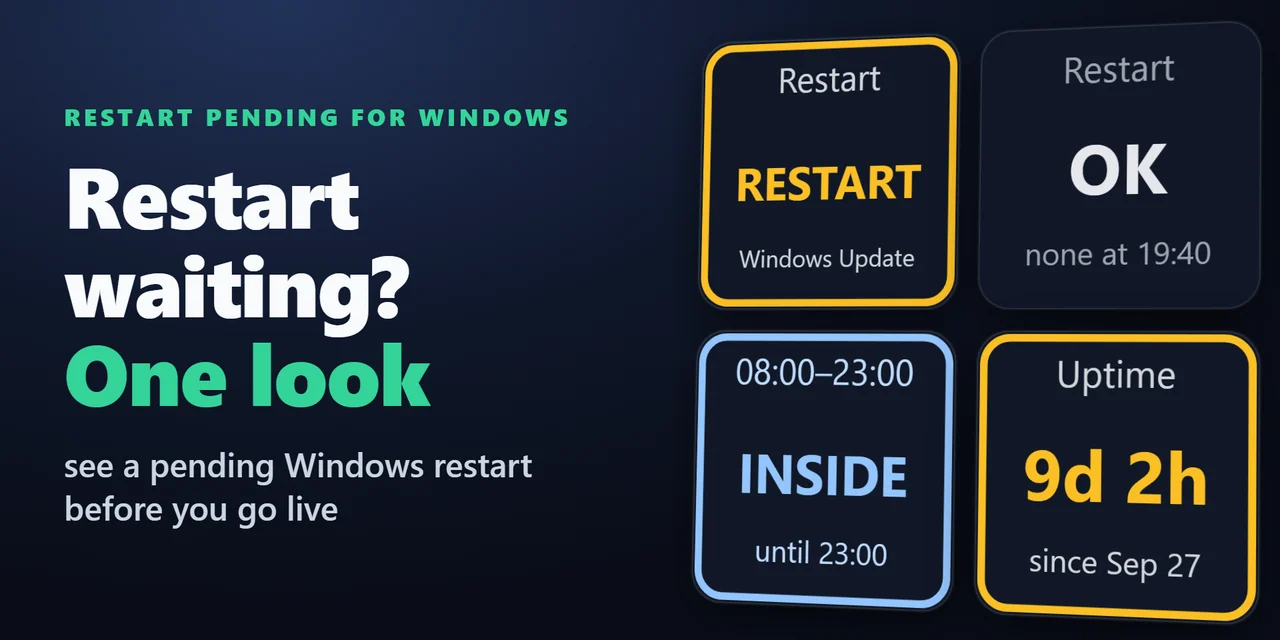
Stream Deck plugin for Windows that shows whether a Windows Update restart is waiting, with the reason, whether you are inside your active hours, and how long …
Stream Deck
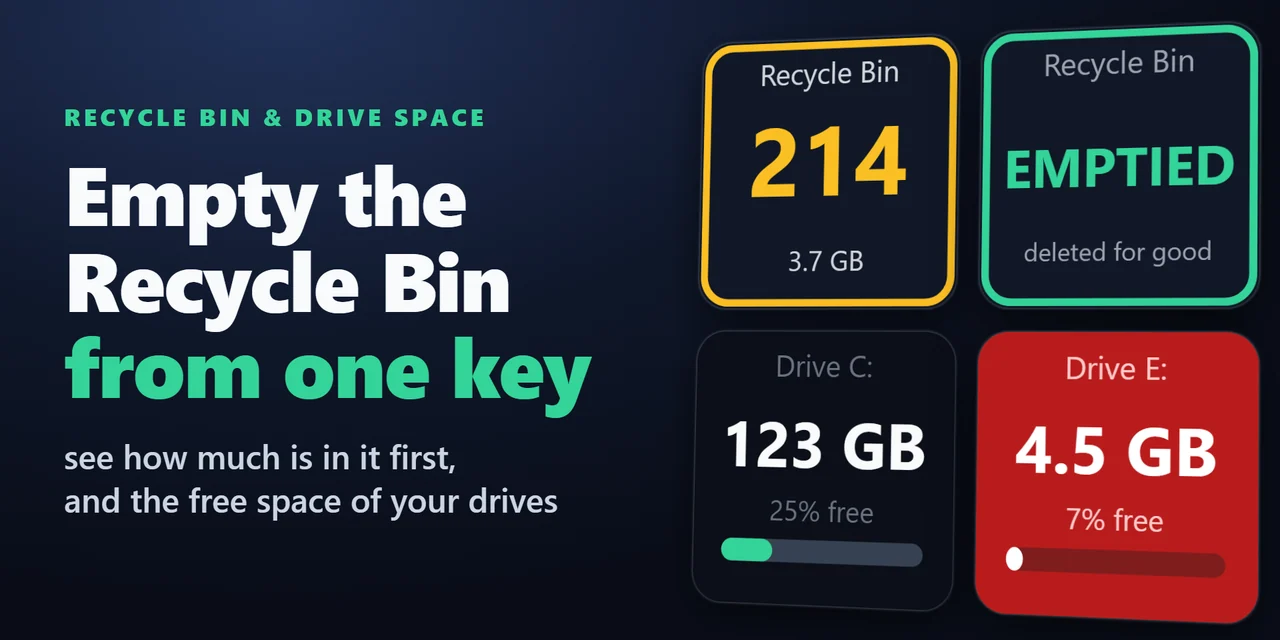
A Stream Deck key for the Recycle Bin on Windows and the Trash on Mac: see how many items are in it and their total size, open it with a press and empty it wit…
Stream Deck
Stream Deck plugin for Windows that switches the default printer with one key: home, office or PDF.