Blender tools
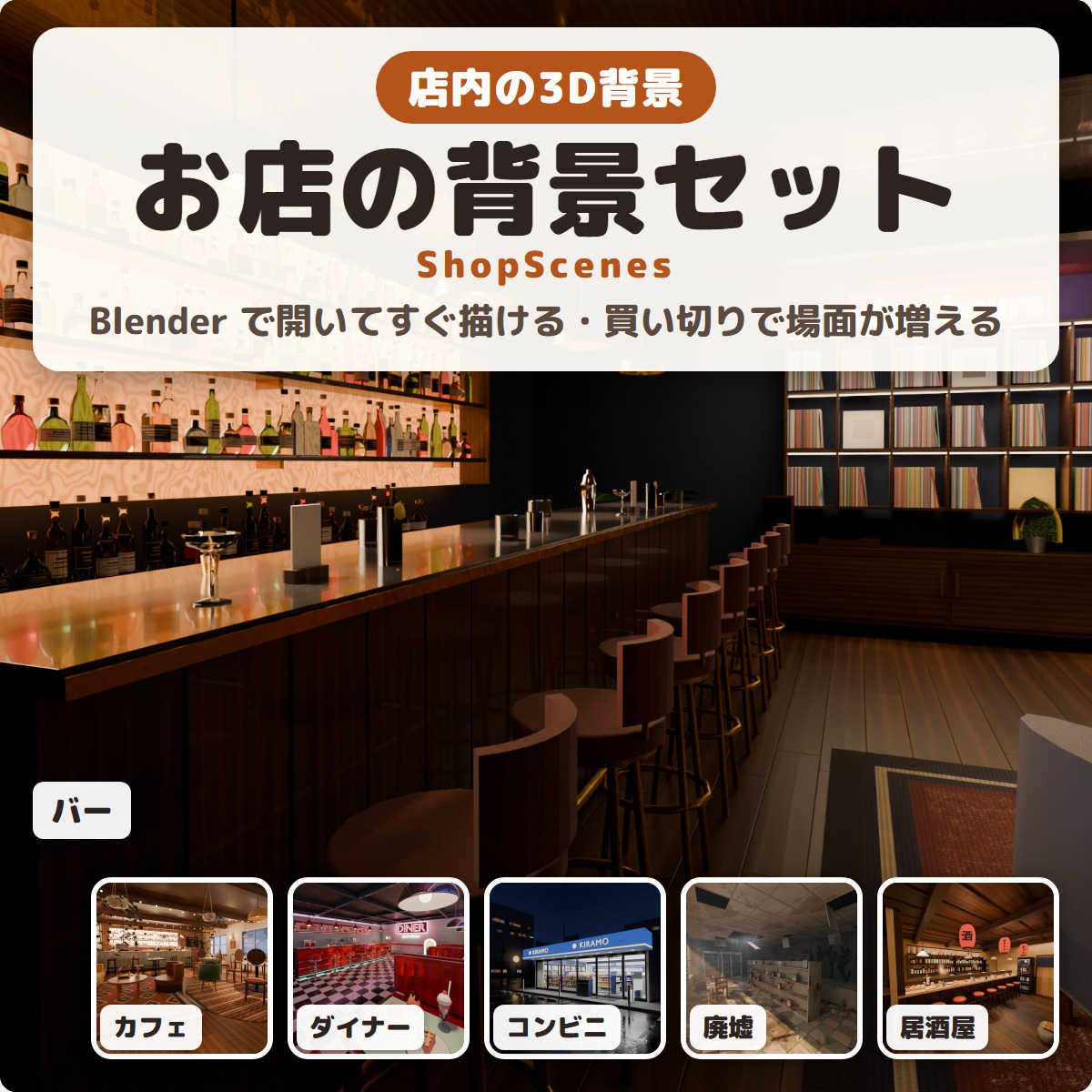
ShopScenes - ready-to-render 3D shop interiors for Blender
Ready-to-render 3D shop interiors for Blender: a cafe, bar, diner, convenience store, abandoned shop and izakaya, with lights and cameras set.
¥1,200
The official GRAMSHIFT store
Unity tools for VRChat avatars made by GRAMSHIFT, plus Blender, streaming and Stream Deck tools. Download right after you pay, and get them again from your library at any time.
Blender tools
Ready-to-render 3D shop interiors for Blender: a cafe, bar, diner, convenience store, abandoned shop and izakaya, with lights and cameras set.
Streaming tools
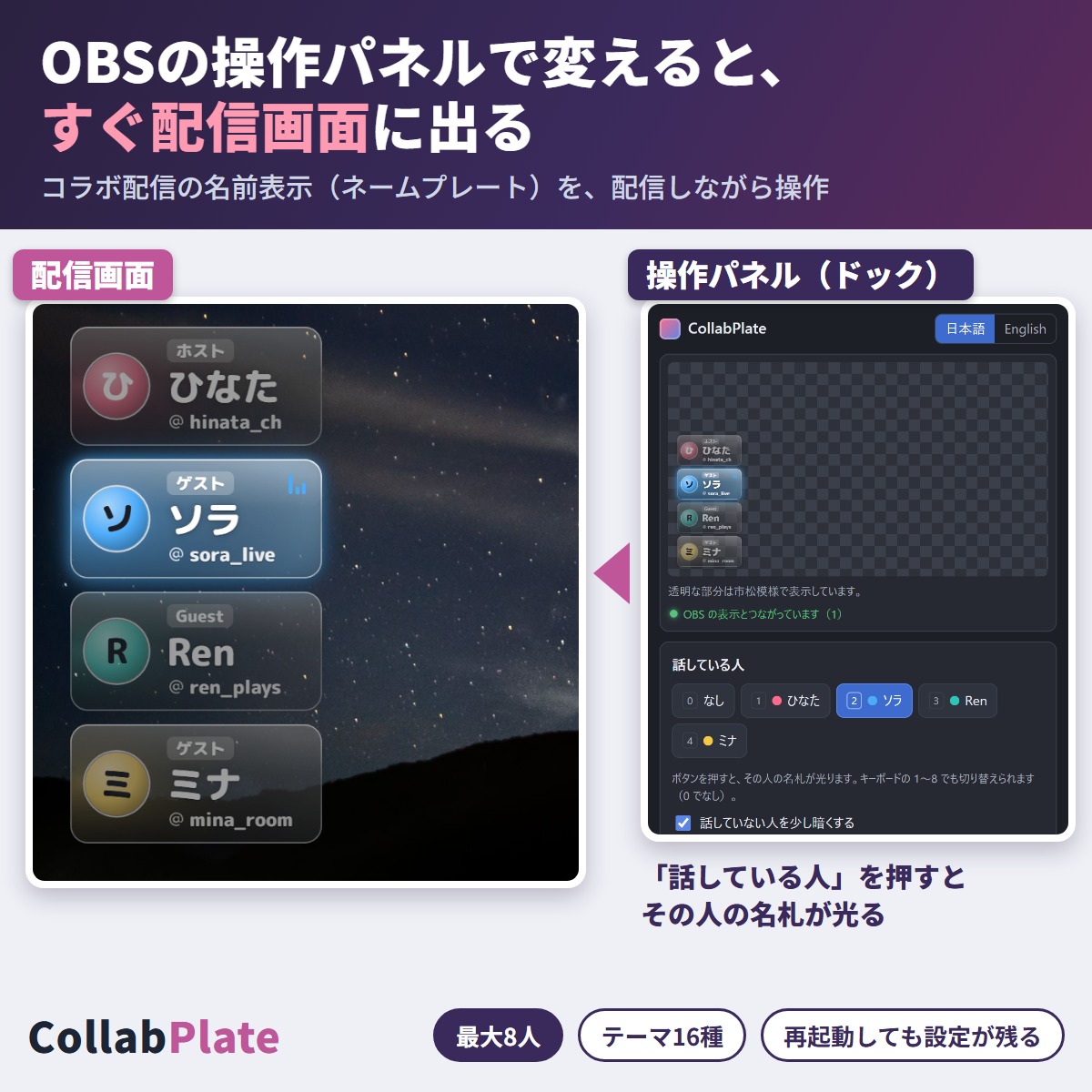
Name plates for collab streams in OBS. Change a name or the speaker in the panel and it shows on stream right away.
Avatar tools
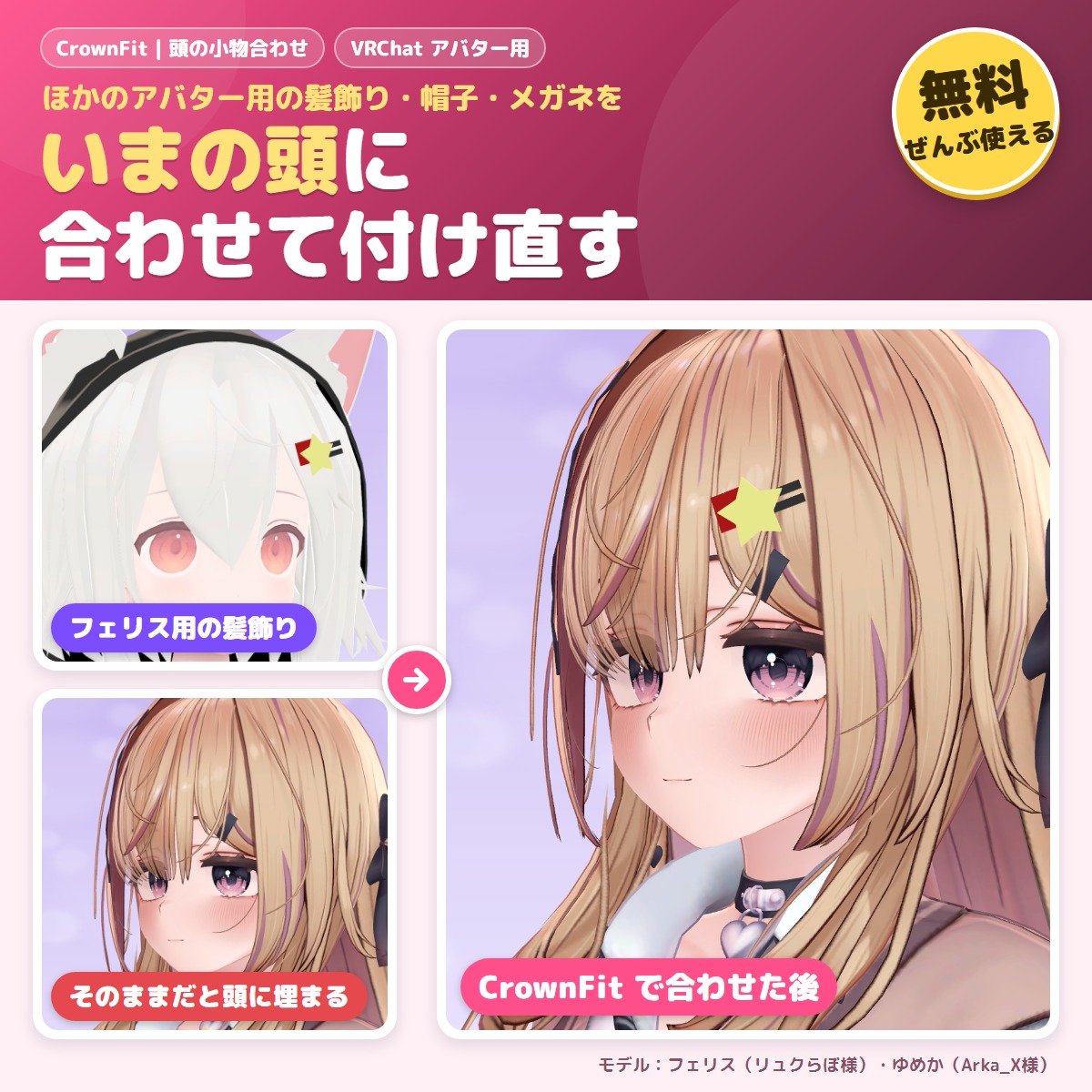
A free tool that fits hair ornaments, hairpins, hats and glasses made for another avatar to your avatar's head.
Blender tools
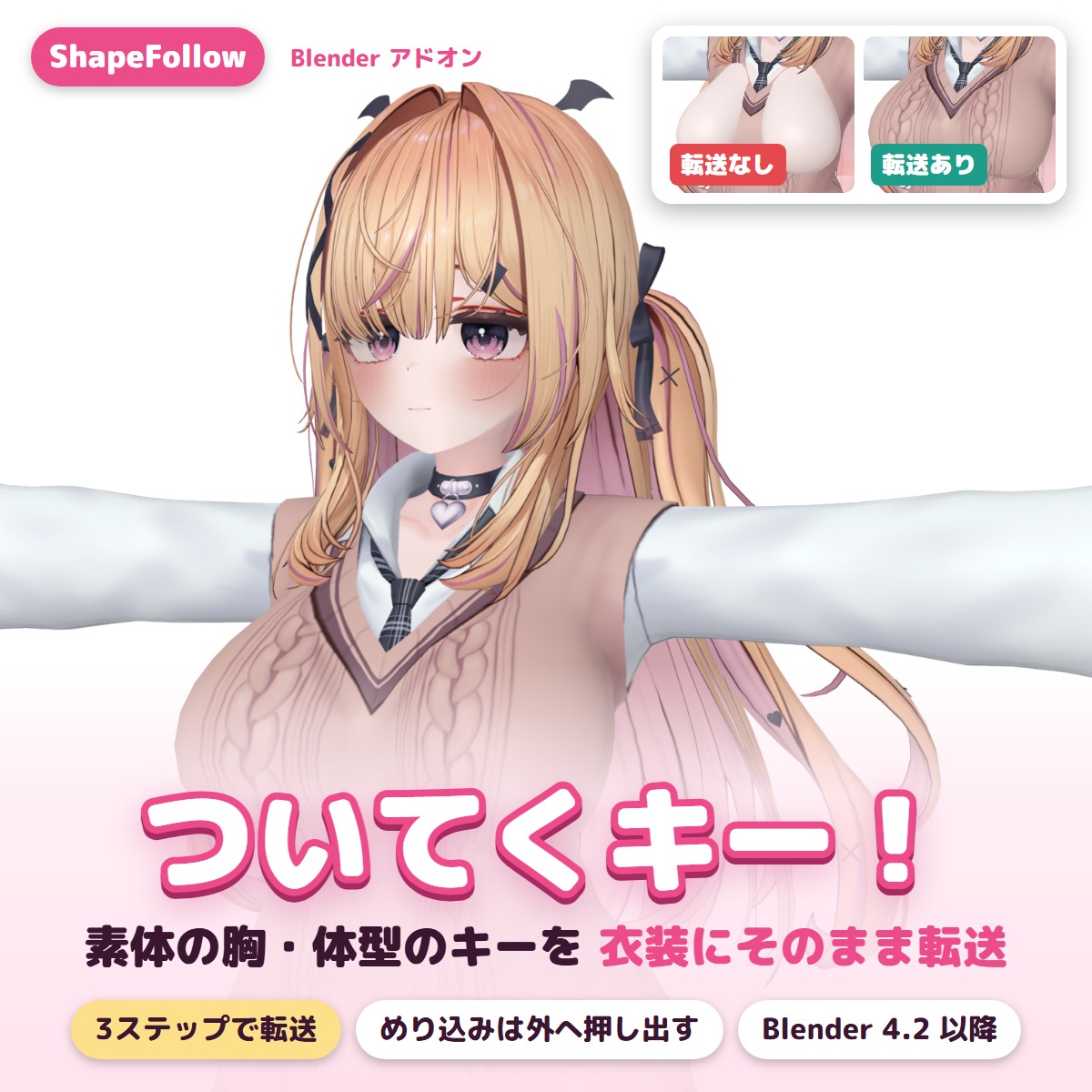
A Blender add-on that copies the body's shape keys (bust, body shape) to outfits in two clicks and pushes clipping back out.
Avatar tools
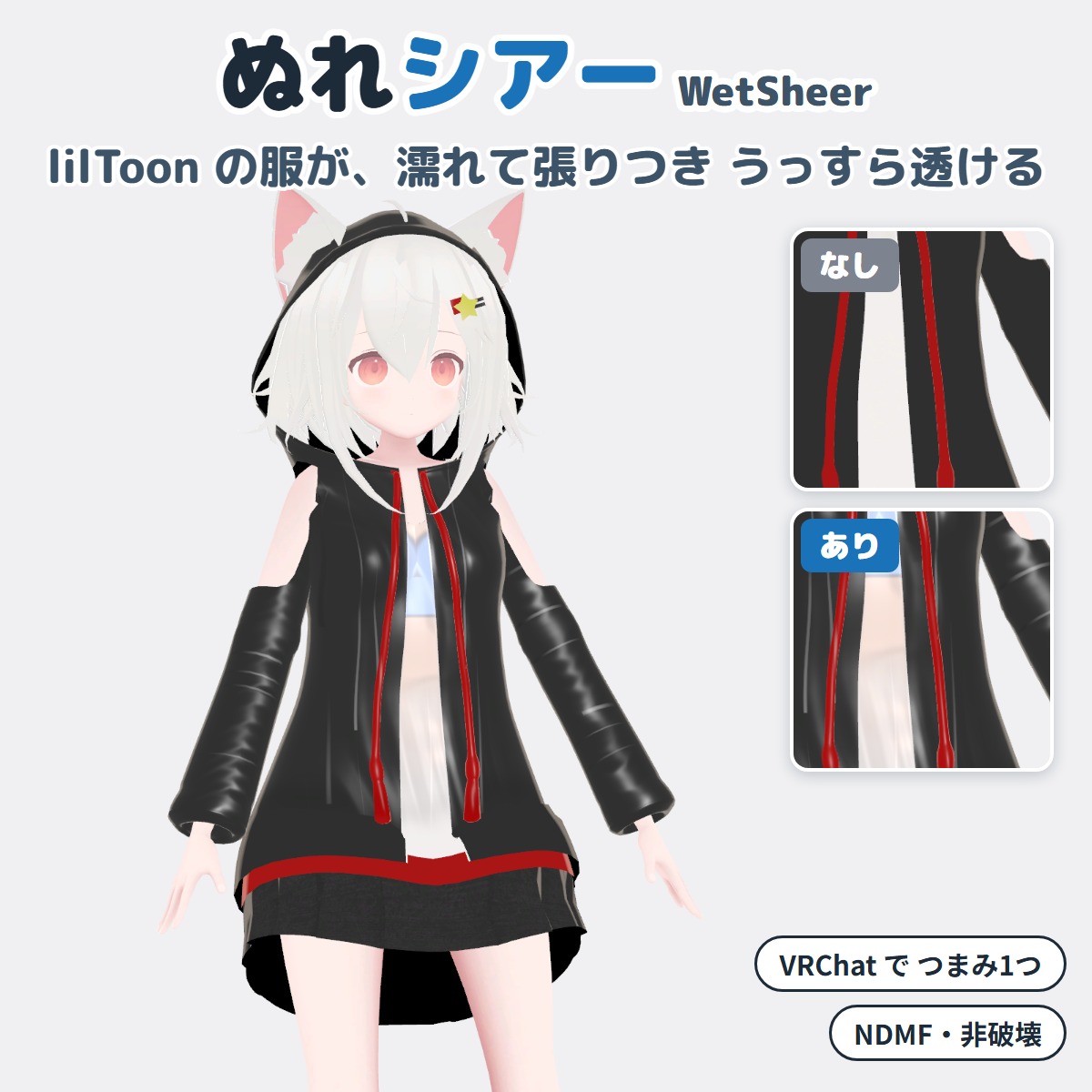
A Unity editor extension that makes your VRChat avatar's lilToon clothing look wet and see-through (won't change your original avatar).
Avatar tools
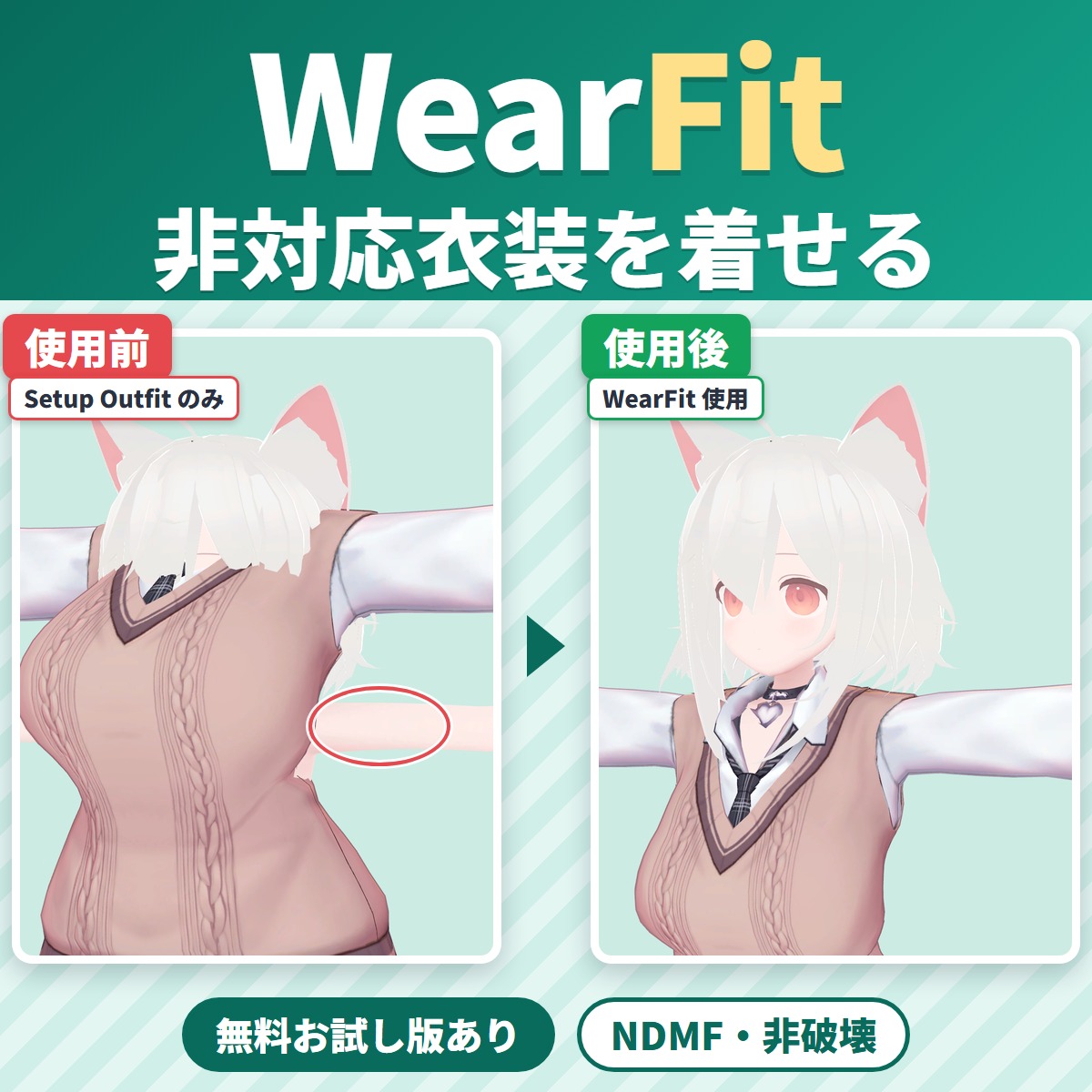
WearFit fits an outfit made for another avatar (an unsupported outfit) to your VRChat avatar's body.
Avatar tools
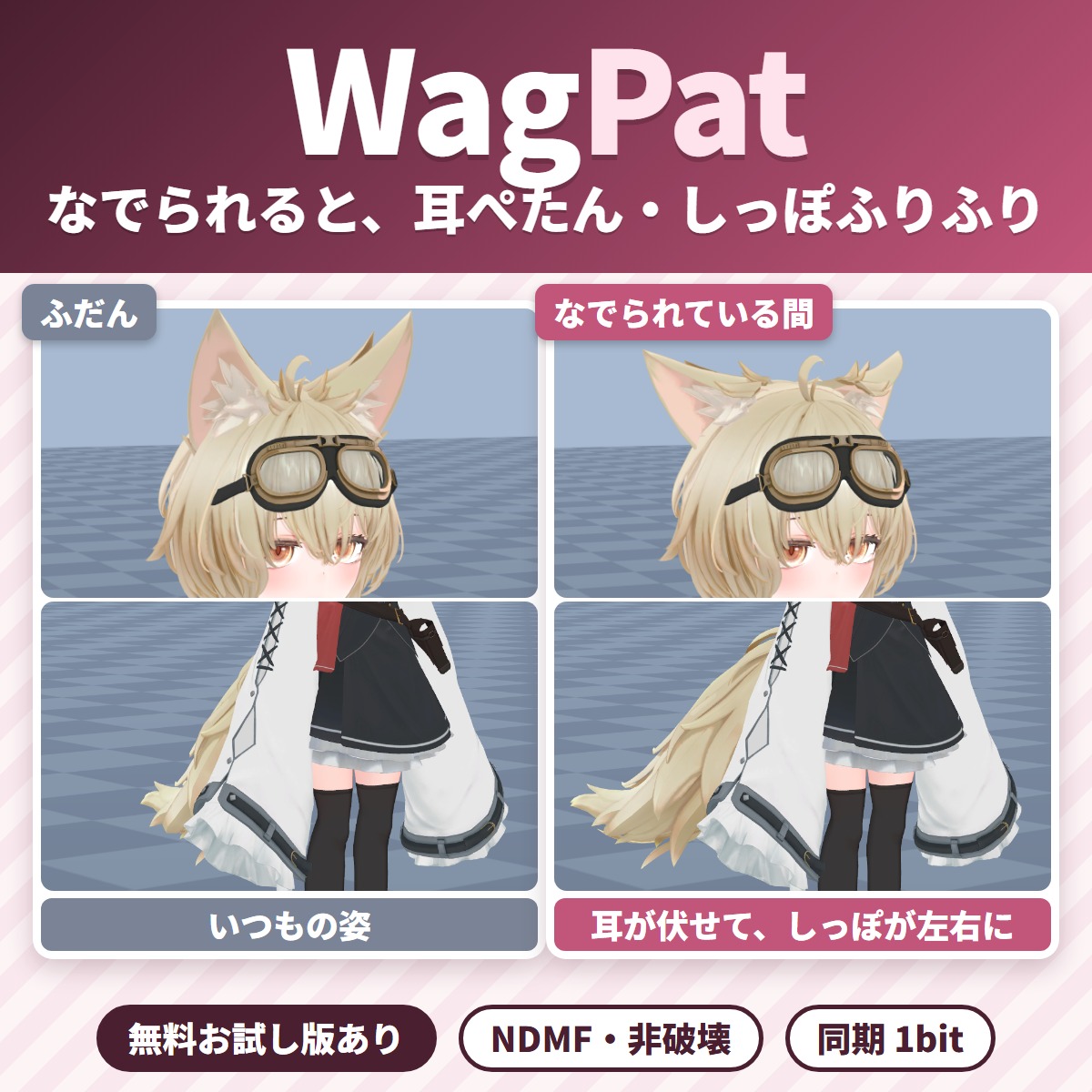
Pat your VRChat avatar's head and its ears fold down and its tail wags; take the hand away and everything goes back.
Avatar tools
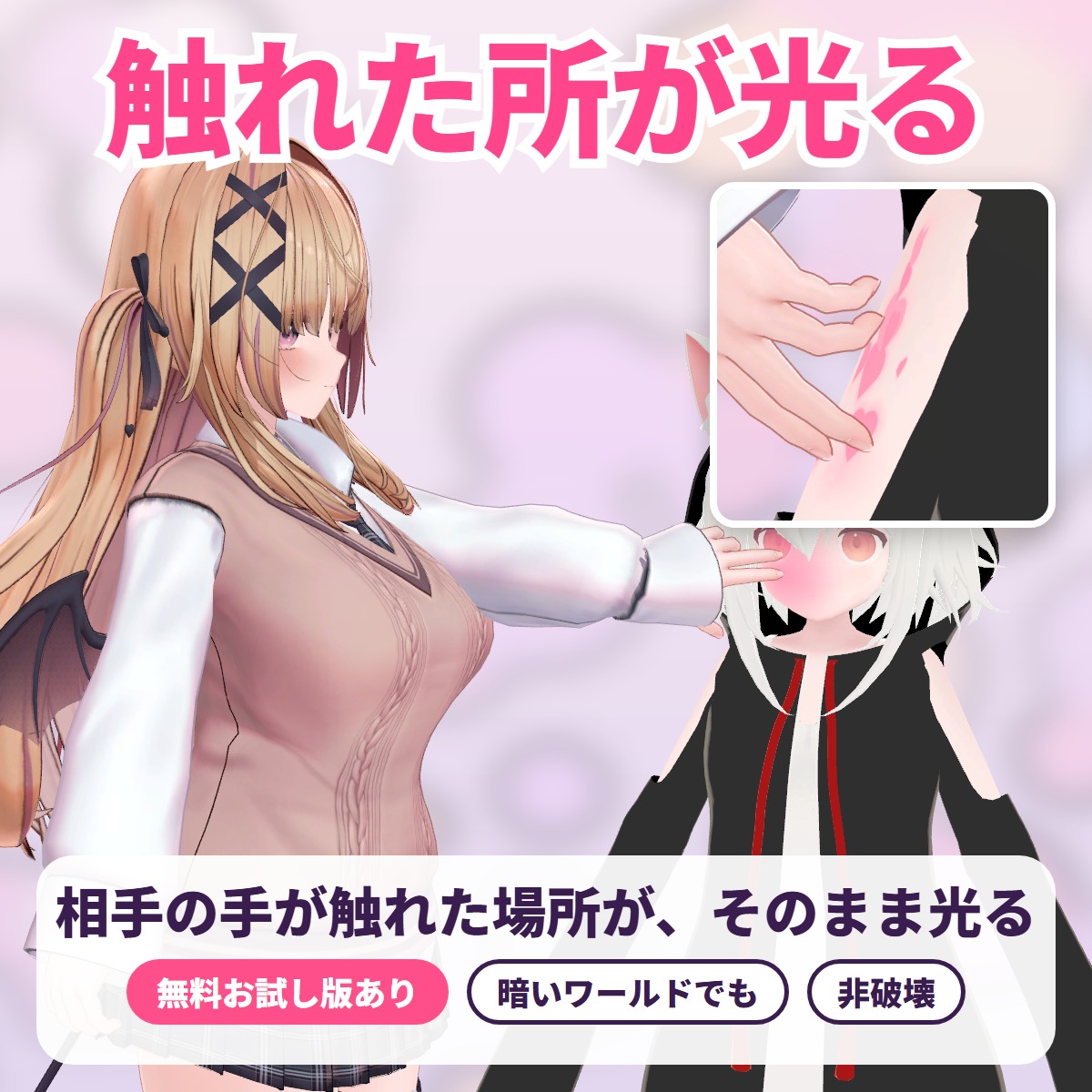
The exact spot another player's hand or finger touches lights up with a soft color glow, ripples or hearts: a tool for VRChat avatars.
Avatar tools
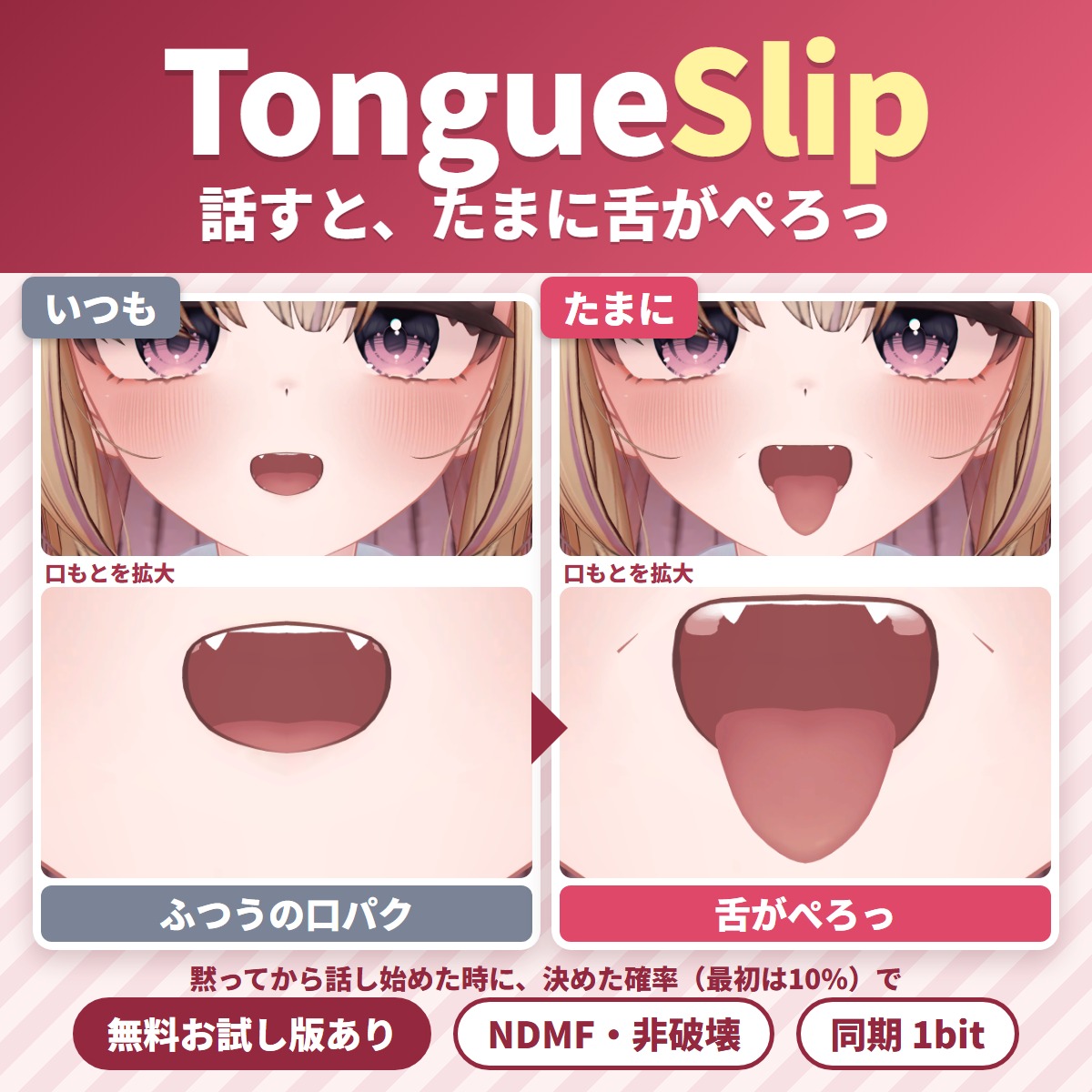
A Unity editor extension that makes your tongue slip out now and then while you talk in VRChat.
Avatar tools
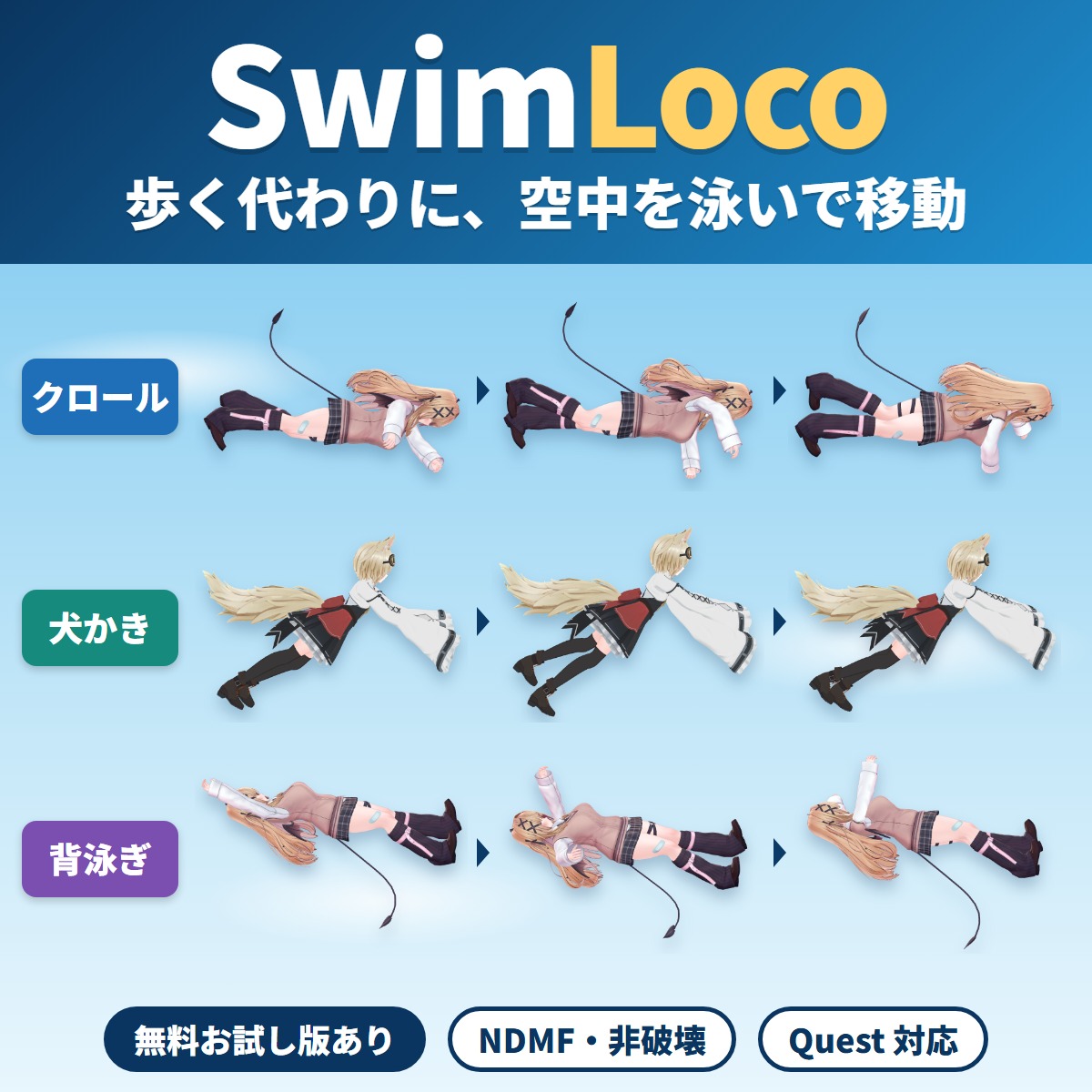
Your VRChat avatar swims through the air anywhere instead of walking or running: a swim locomotion gimmick you add with Modular Avatar by attaching one compone.
Avatar tools
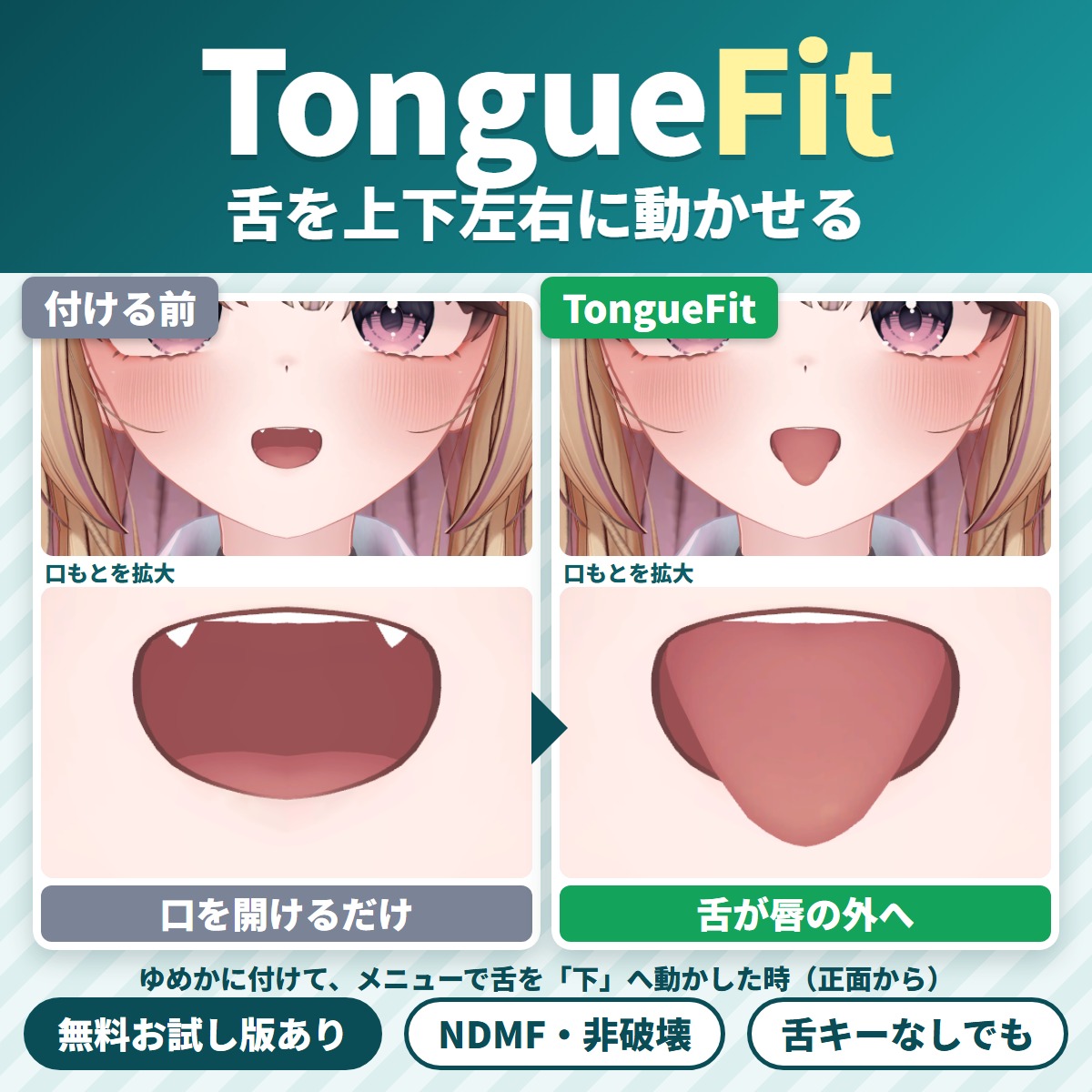
TongueFit is a Unity editor extension that lets your VRChat avatar move its tongue up, down, left and right from the Expressions menu.
Gimmicks
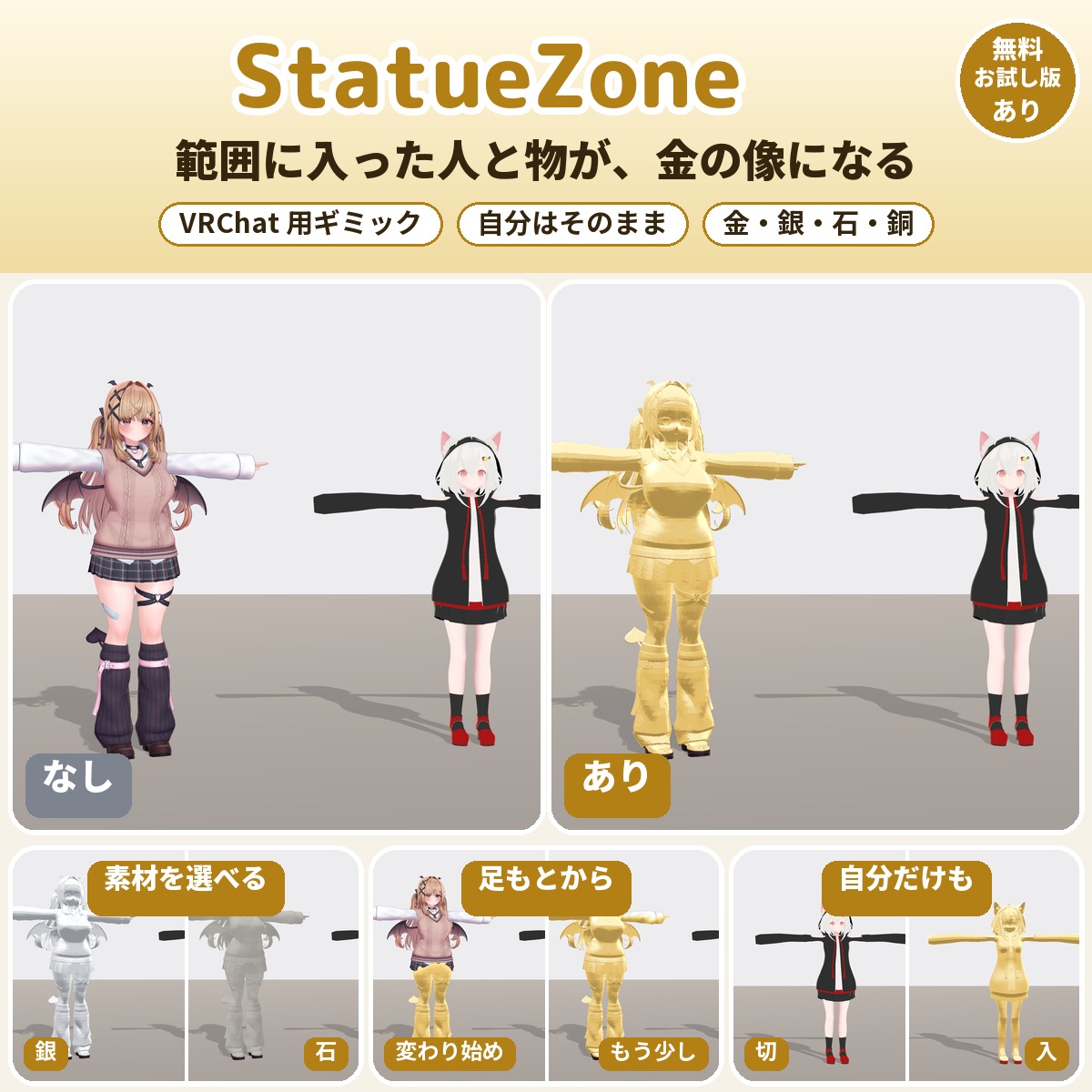
A VRChat avatar gimmick that turns people and objects entering the area around you into gold, silver, stone or bronze statues, rising from their feet.
Avatar tools
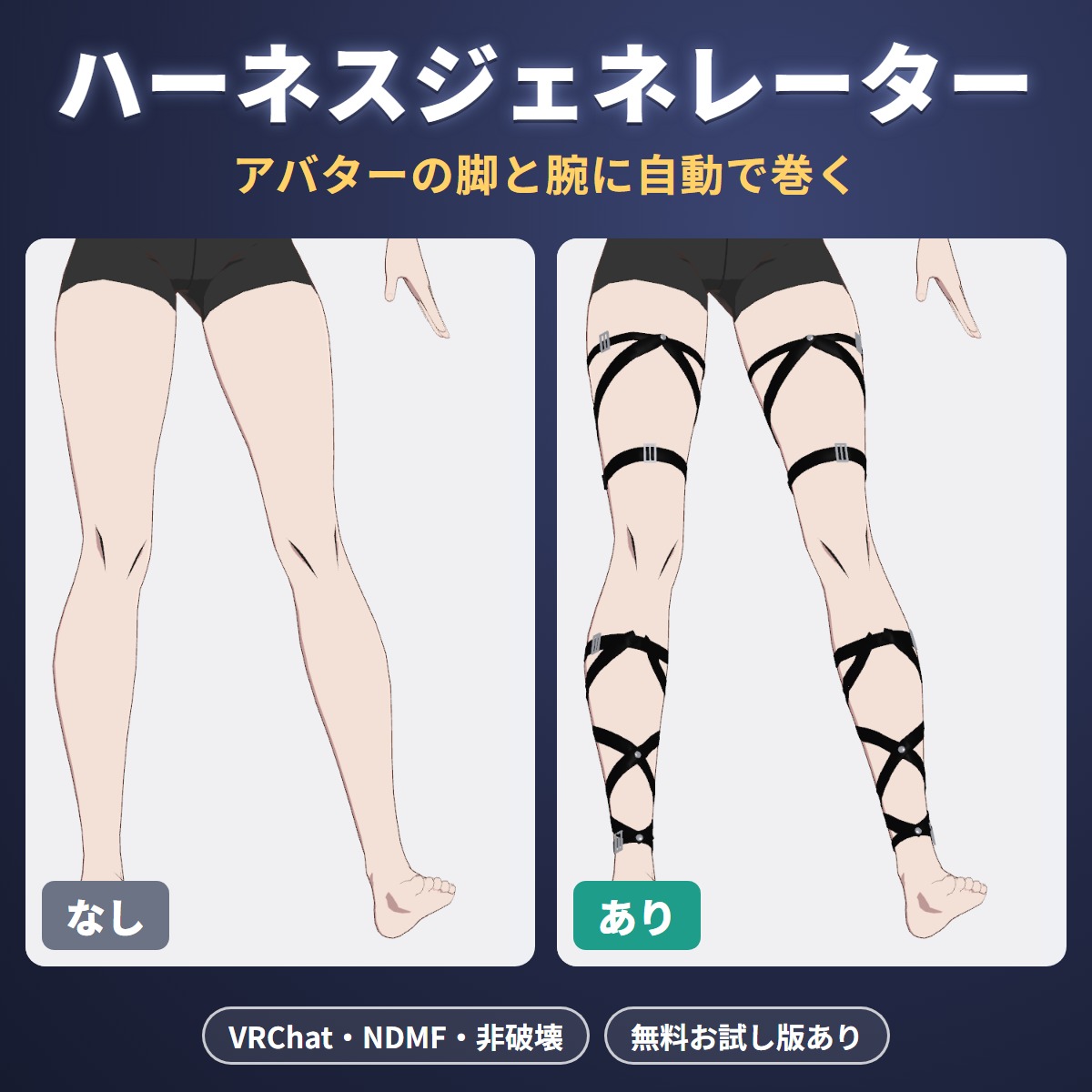
A Unity editor extension that automatically builds leg and arm harnesses, crossed straps wrapped along the surface of your VRChat avatar's legs and arms.
Avatar tools
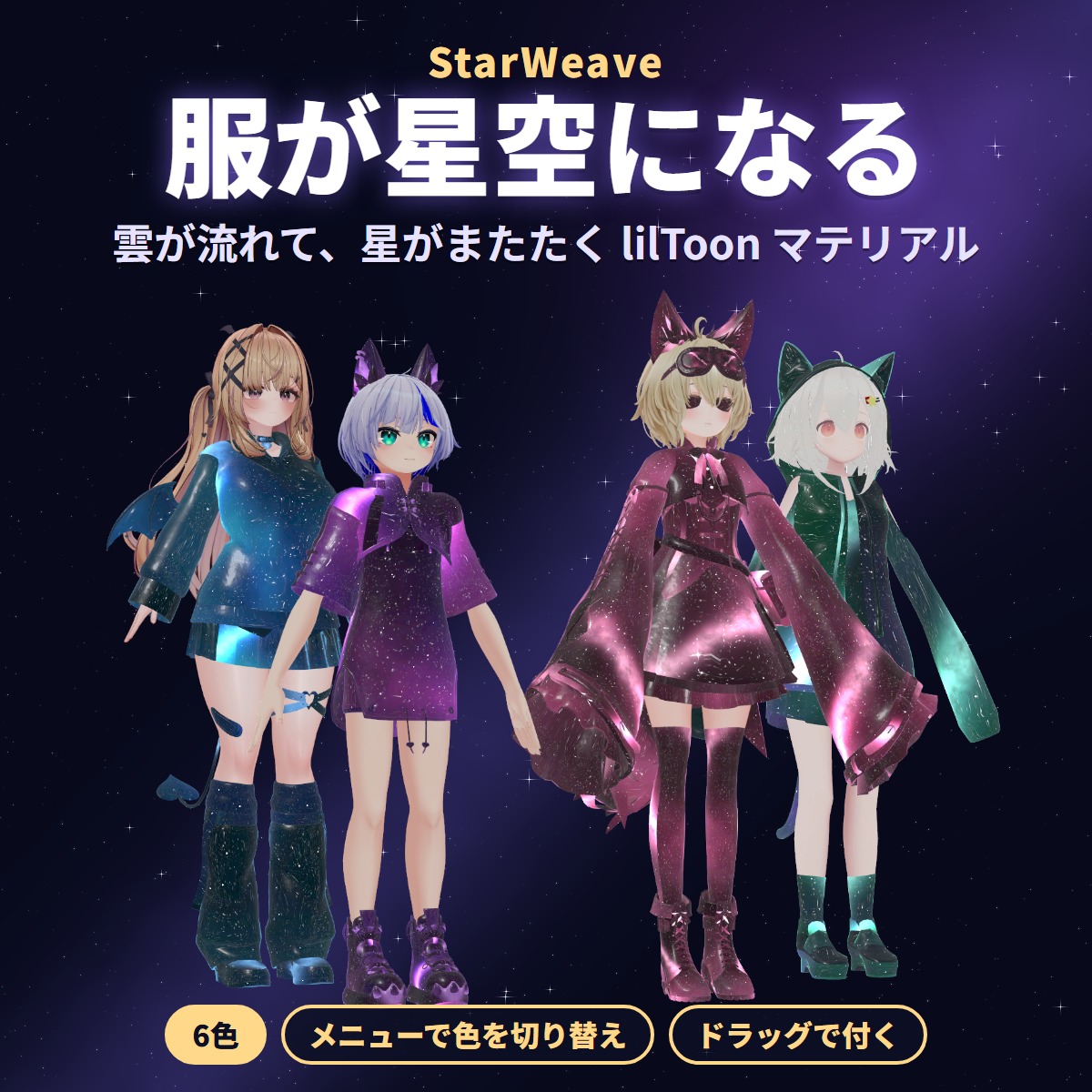
Six lilToon materials (Blue, Purple, Pink, Aurora, Gold, Silver) that turn the outfit you wear into a starry night sky: clouds drift slowly and stars twinkle.
Avatar tools
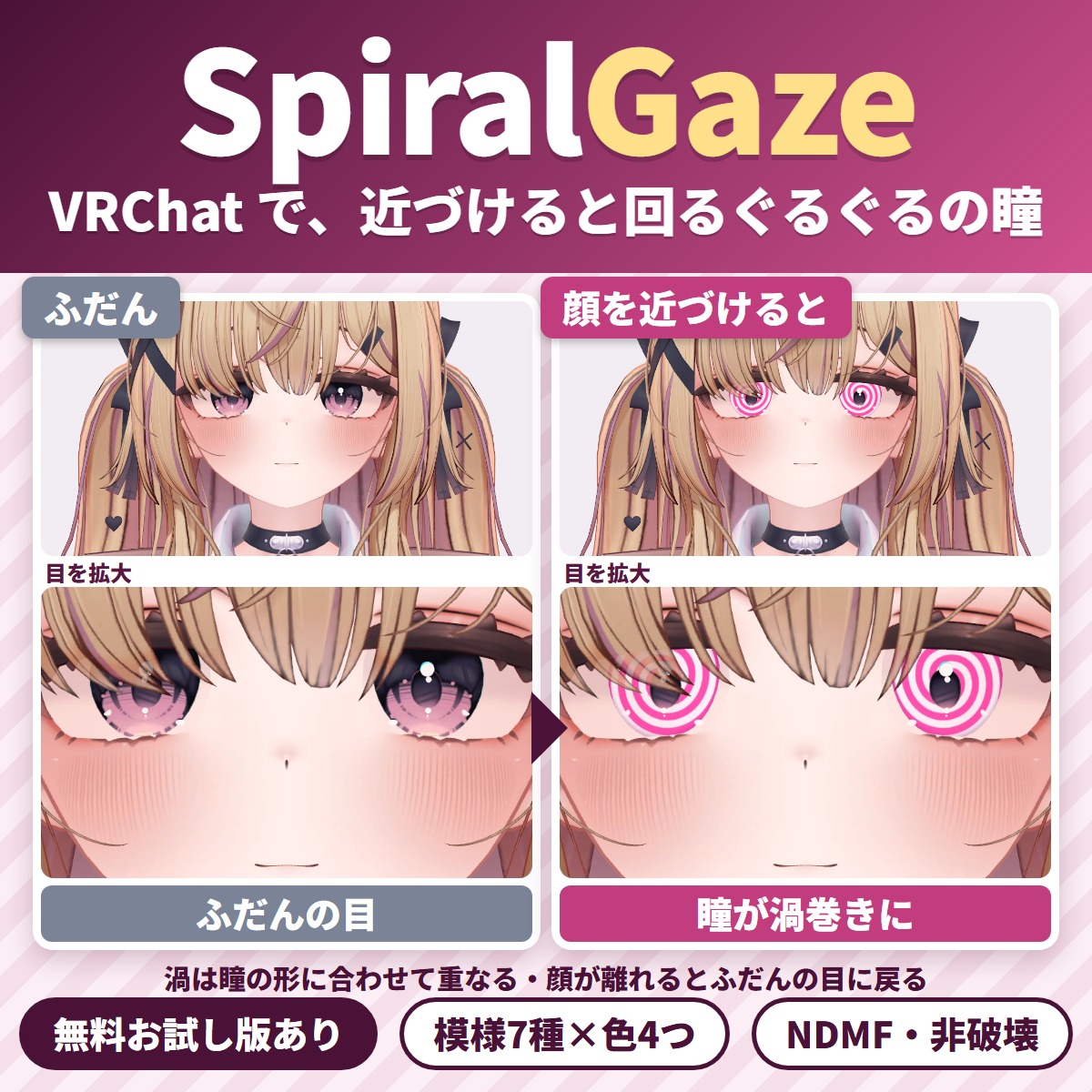
Your VRChat avatar's pupils spin into spirals when someone brings their face close: a face gimmick (Unity editor extension).
Avatar tools
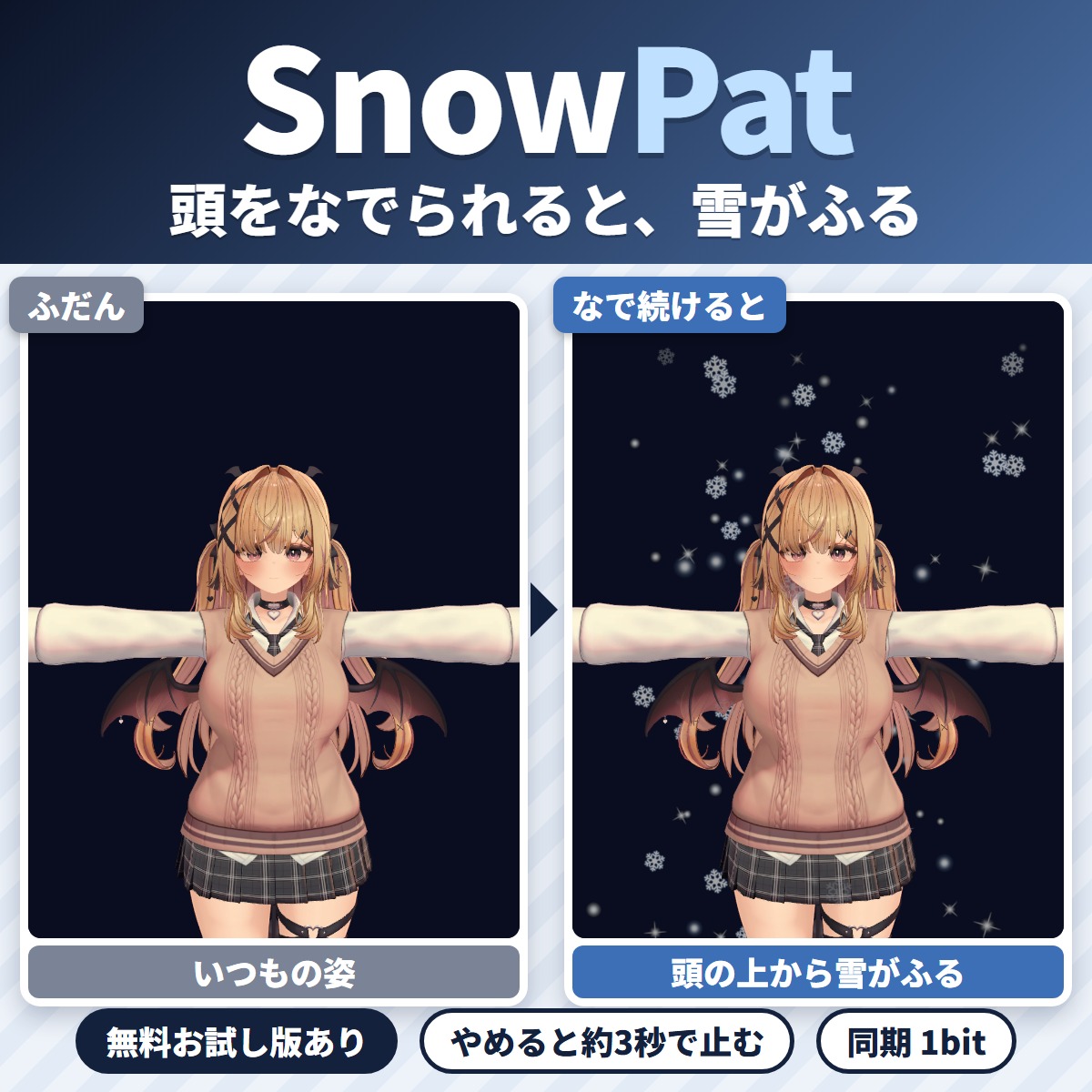
Keep patting your VRChat avatar's head and soft snow starts falling from above it; stop patting and it stops a few seconds later.
Avatar tools
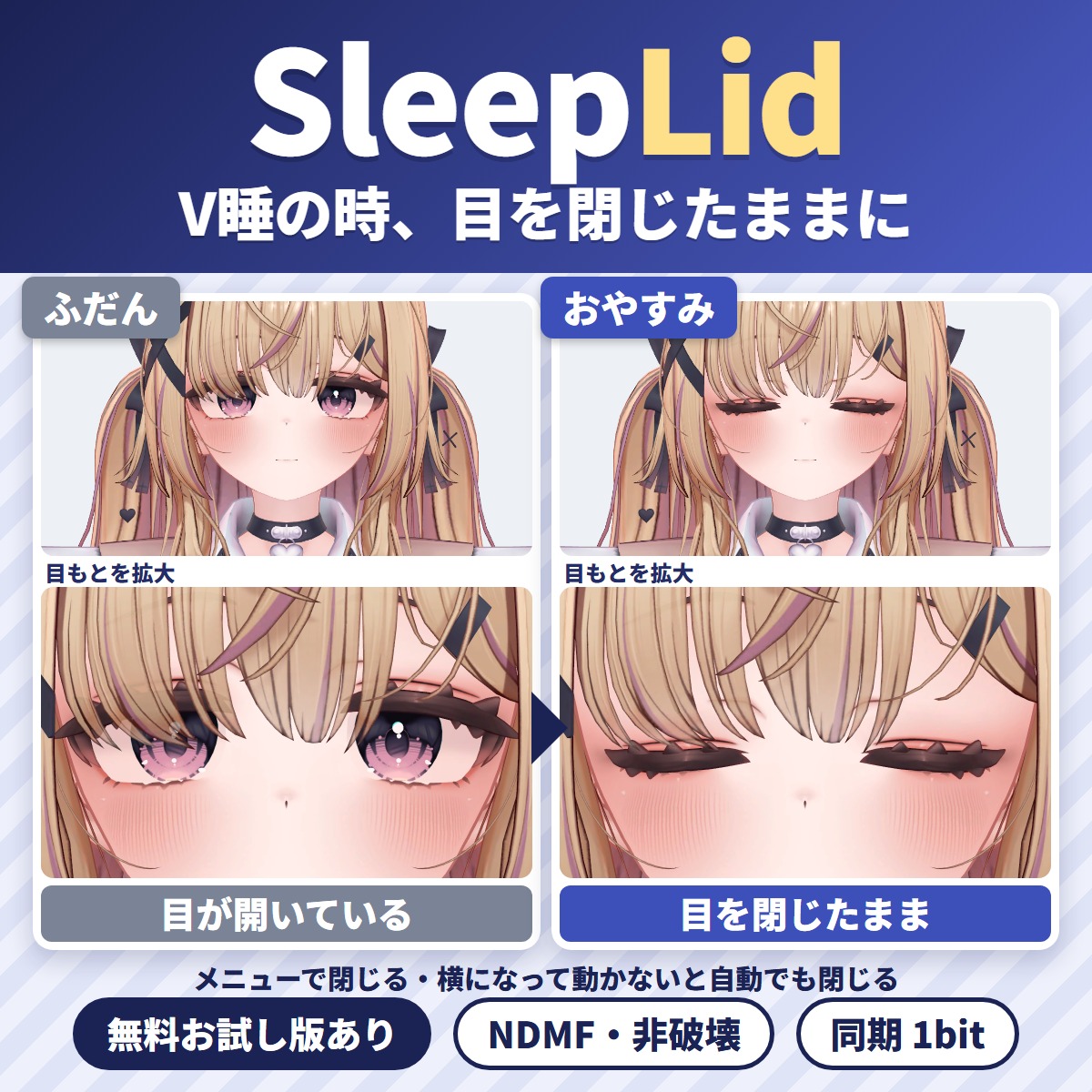
A Unity editor extension that keeps your avatar's eyes closed while you sleep or fall asleep in VRChat (VR sleep).
Avatar tools
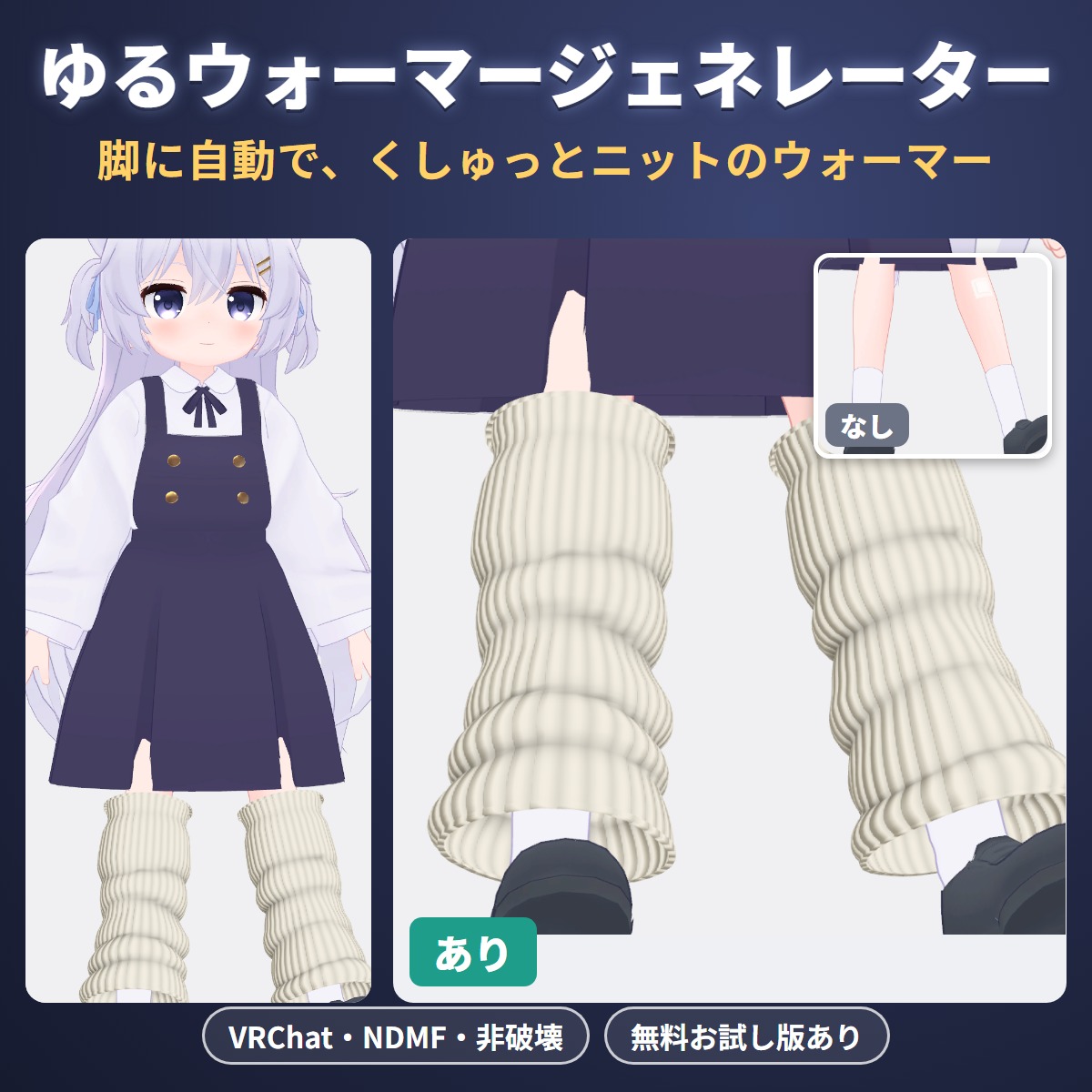
A Unity editor extension that automatically puts slouchy, scrunched knit leg warmers on your VRChat avatar's legs.
Avatar tools
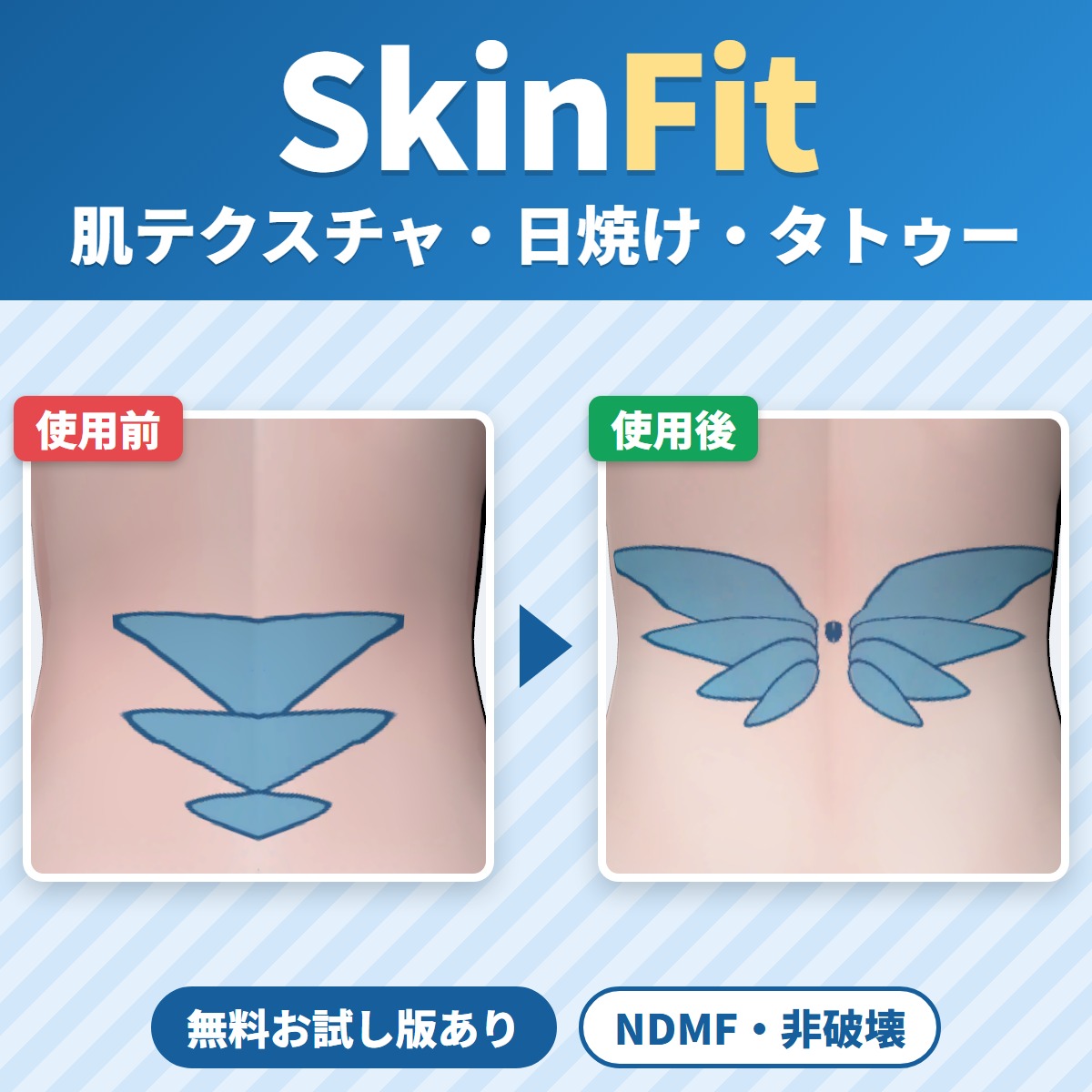
SkinFit transfers skin textures made for another avatar (tan lines, tattoos, shading, full-body suit patterns) to your VRChat avatar's body.
Avatar tools
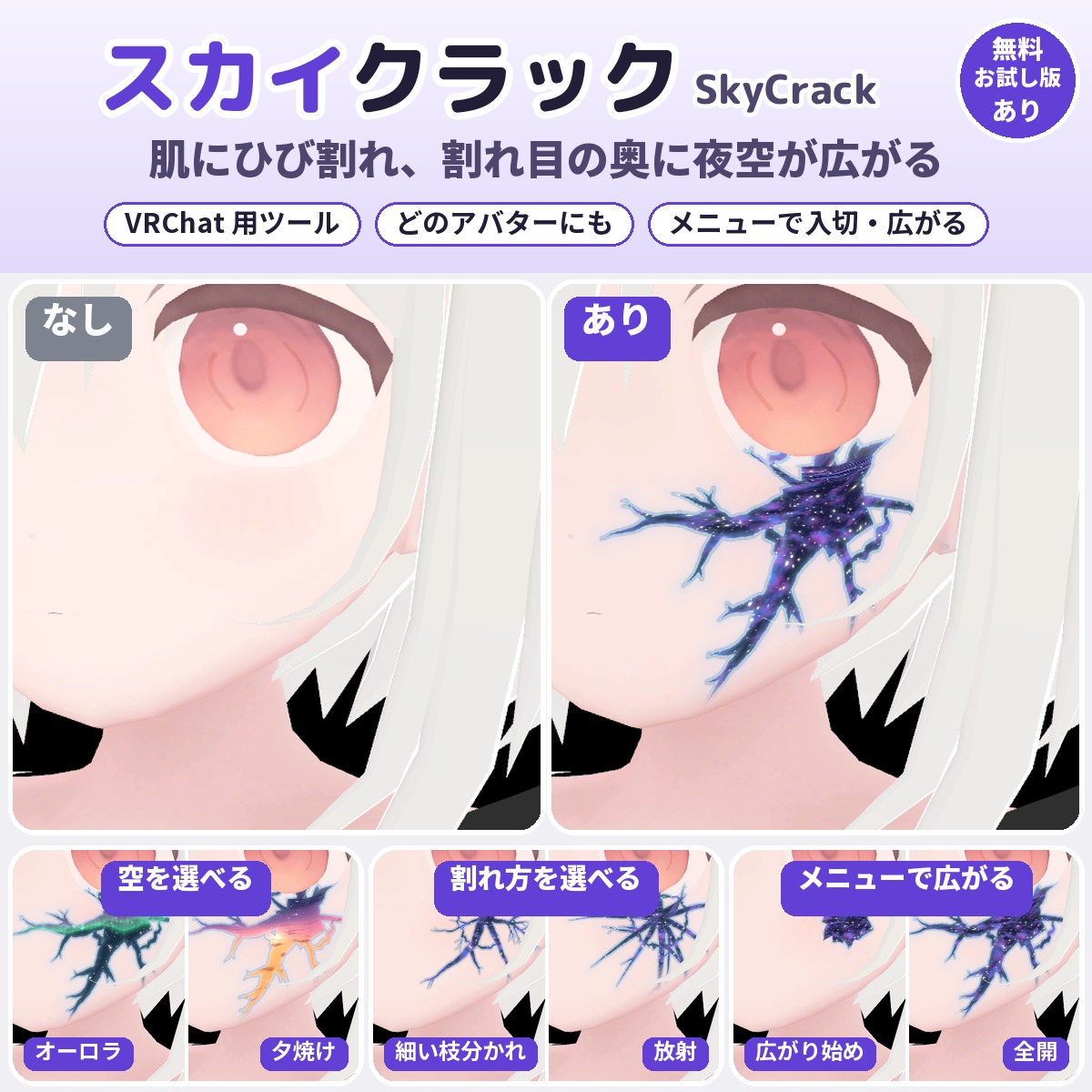
A Unity tool that puts cracks on your VRChat avatar's skin and shows a night sky, galaxy, aurora and more deep inside them (won't change your original avatar).
Streaming tools
Name plates for collab streams in OBS. Change a name or the speaker in the panel and it shows on stream right away.
Avatar tools
A free tool that fits hair ornaments, hairpins, hats and glasses made for another avatar to your avatar's head.
Blender tools
A Blender add-on that copies the body's shape keys (bust, body shape) to outfits in two clicks and pushes clipping back out.
Avatar tools
A Unity editor extension that makes your VRChat avatar's lilToon clothing look wet and see-through (won't change your original avatar).
Avatar tools
WearFit fits an outfit made for another avatar (an unsupported outfit) to your VRChat avatar's body.
Avatar tools
Pat your VRChat avatar's head and its ears fold down and its tail wags; take the hand away and everything goes back.
Avatar tools
The exact spot another player's hand or finger touches lights up with a soft color glow, ripples or hearts: a tool for VRChat avatars.
Avatar tools
A Unity editor extension that makes your tongue slip out now and then while you talk in VRChat.
Avatar tools
Your VRChat avatar swims through the air anywhere instead of walking or running: a swim locomotion gimmick you add with Modular Avatar by attaching one compone.
Avatar tools
TongueFit is a Unity editor extension that lets your VRChat avatar move its tongue up, down, left and right from the Expressions menu.
Gimmicks
A VRChat avatar gimmick that turns people and objects entering the area around you into gold, silver, stone or bronze statues, rising from their feet.
Avatar tools
A Unity editor extension that automatically builds leg and arm harnesses, crossed straps wrapped along the surface of your VRChat avatar's legs and arms.
Avatar tools
Your VRChat avatar's pupils spin into spirals when someone brings their face close: a face gimmick (Unity editor extension).
Avatar tools
Keep patting your VRChat avatar's head and soft snow starts falling from above it; stop patting and it stops a few seconds later.
Avatar tools
A Unity editor extension that keeps your avatar's eyes closed while you sleep or fall asleep in VRChat (VR sleep).
Avatar tools
A Unity editor extension that automatically puts slouchy, scrunched knit leg warmers on your VRChat avatar's legs.
Avatar tools
SkinFit transfers skin textures made for another avatar (tan lines, tattoos, shading, full-body suit patterns) to your VRChat avatar's body.
Avatar tools
A Unity tool that puts cracks on your VRChat avatar's skin and shows a night sky, galaxy, aurora and more deep inside them (won't change your original avatar).
Avatar tools
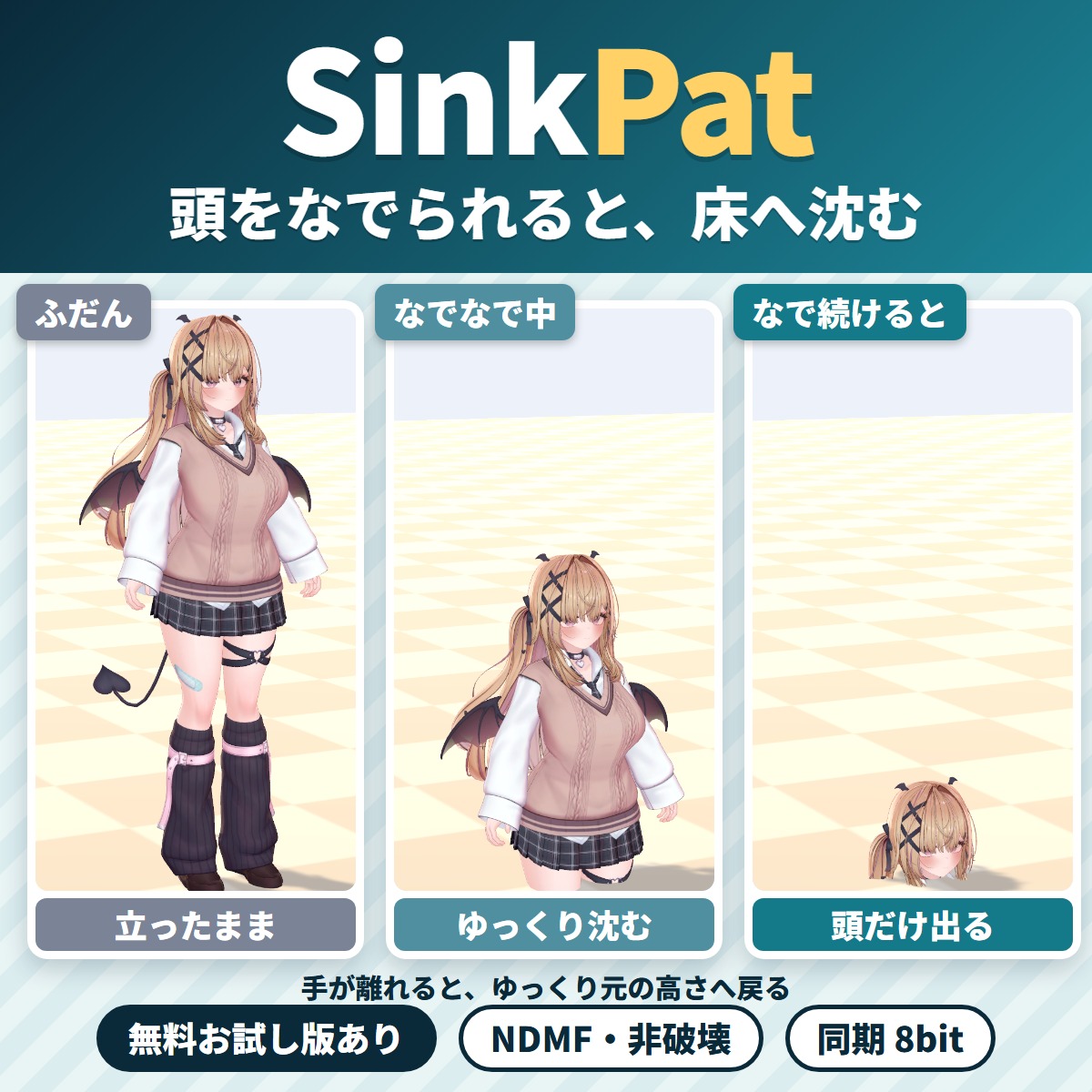
Make a funny headpat reaction: when someone pats your VRChat avatar's head, it slowly sinks into the floor until only the head is left.
Avatar tools
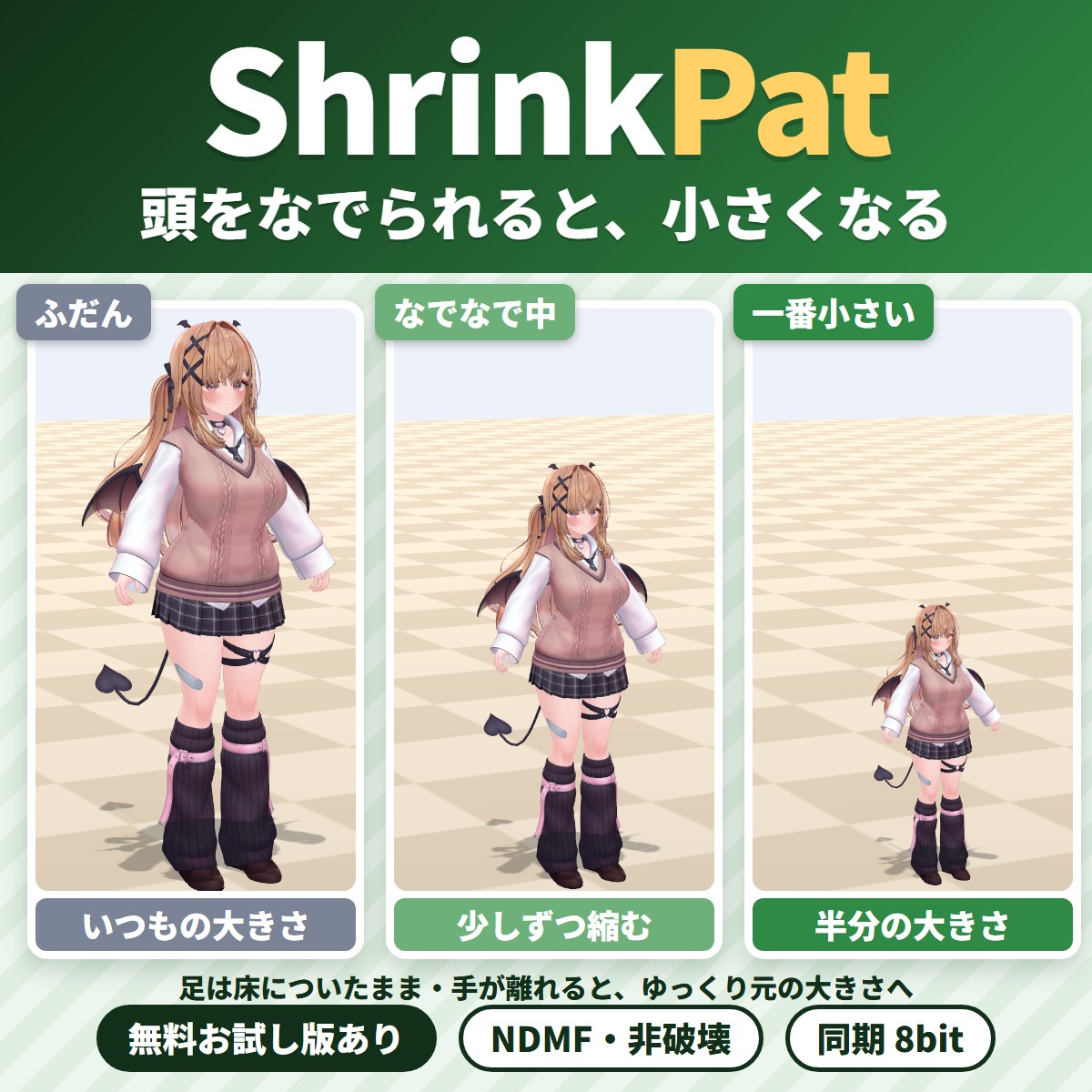
Make a headpat reaction: when someone pats your VRChat avatar's head, it shrinks down little by little with its feet on the floor.
When a new version comes out, VCC and ALCOM show an update.
Avatar tools
A free tool that fits hair ornaments, hairpins, hats and glasses made for another avatar to your avatar's head.
Avatar tools
A Unity editor extension that makes your VRChat avatar's lilToon clothing look wet and see-through (won't change your original avatar).
Avatar tools
WearFit fits an outfit made for another avatar (an unsupported outfit) to your VRChat avatar's body.
Avatar tools
Pat your VRChat avatar's head and its ears fold down and its tail wags; take the hand away and everything goes back.
Avatar tools
The exact spot another player's hand or finger touches lights up with a soft color glow, ripples or hearts: a tool for VRChat avatars.
Check a free version or trial in your own setup before buying.
Streaming tools
Name plates for collab streams in OBS. Change a name or the speaker in the panel and it shows on stream right away.
Blender tools
A Blender add-on that copies the body's shape keys (bust, body shape) to outfits in two clicks and pushes clipping back out.
Avatar tools
A Unity editor extension that makes your tongue slip out now and then while you talk in VRChat.
Avatar tools
Your VRChat avatar swims through the air anywhere instead of walking or running: a swim locomotion gimmick you add with Modular Avatar by attaching one compone.
Avatar tools
TongueFit is a Unity editor extension that lets your VRChat avatar move its tongue up, down, left and right from the Expressions menu.
Keys for streaming, work and games. Payment and license keys are handled on the GRAMSHIFT Stream Deck shop pages.
Stream Deck
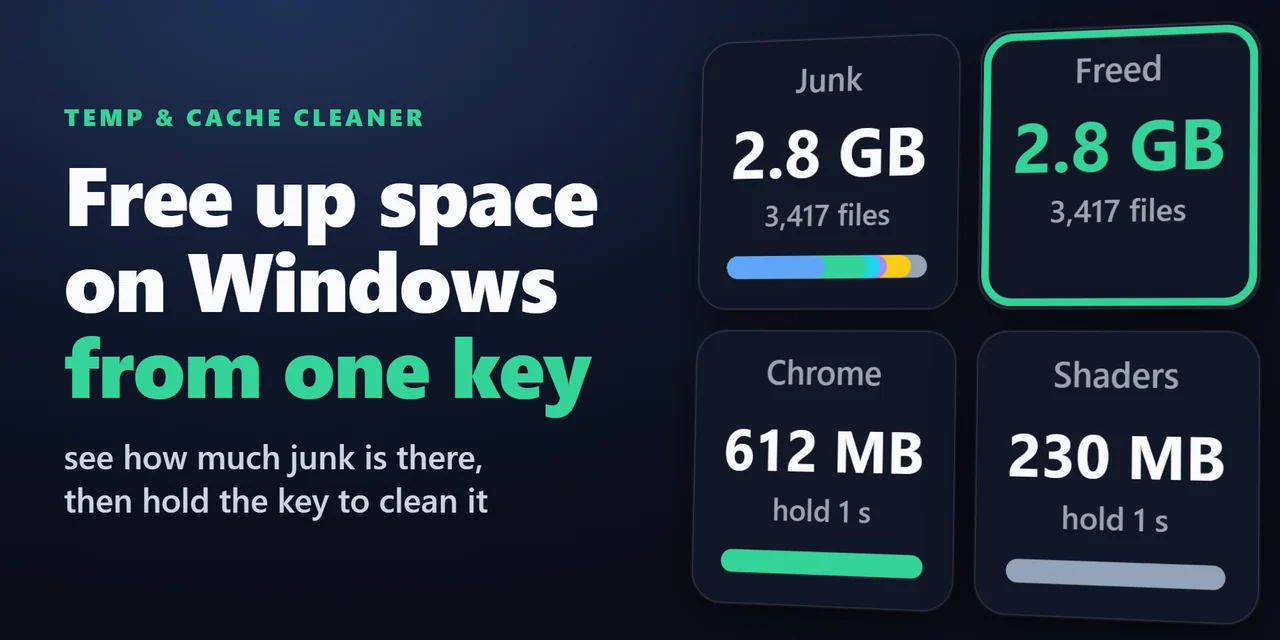
Stream Deck plugin for Windows that shows how much space your Temp folder, browser caches, thumbnail cache, crash dumps and shader cache take, and cleans them …
Stream Deck
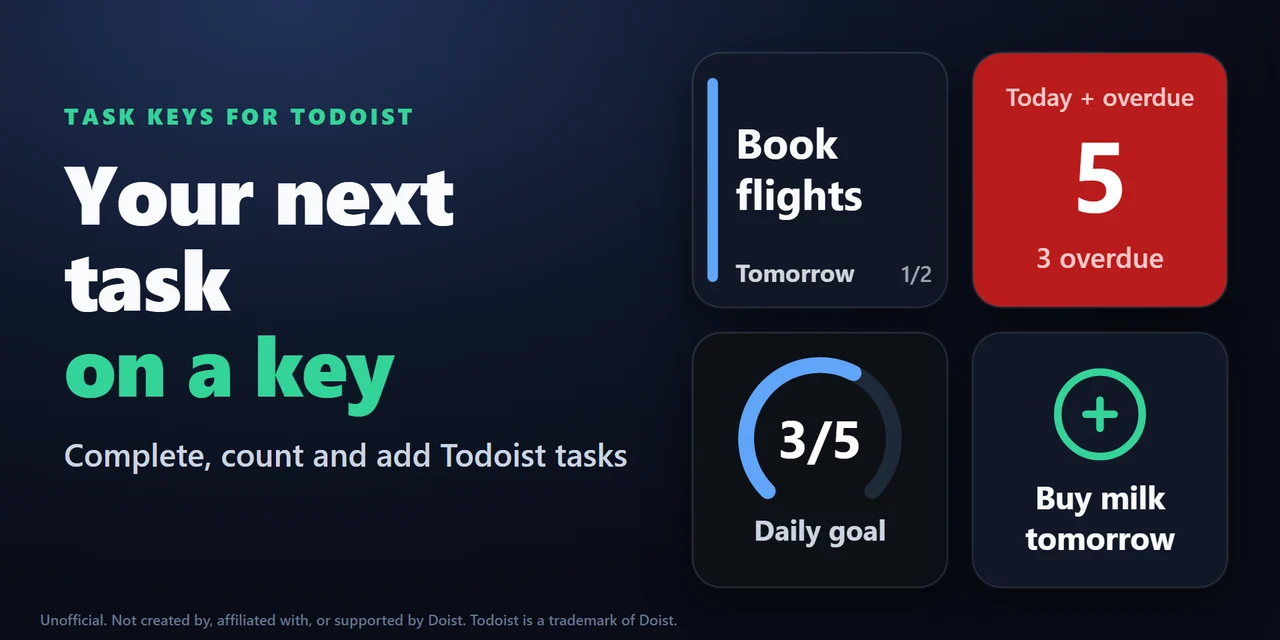
Stream Deck plugin for Todoist on Windows and Mac: see your next task and its due date on a key, hold the key to complete it, count overdue tasks, add a task w…
Stream Deck
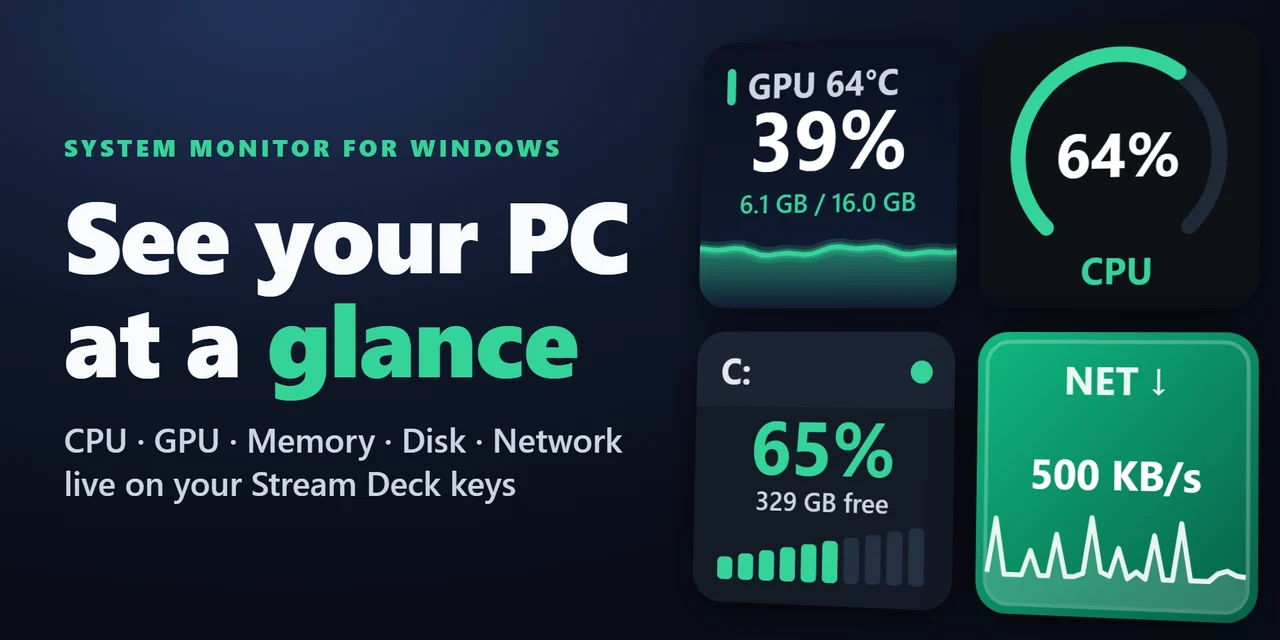
Show CPU, GPU usage and temperature, memory, disk space and network speed live on Stream Deck keys and Stream Deck + dials, on Windows and Mac.
Stream Deck
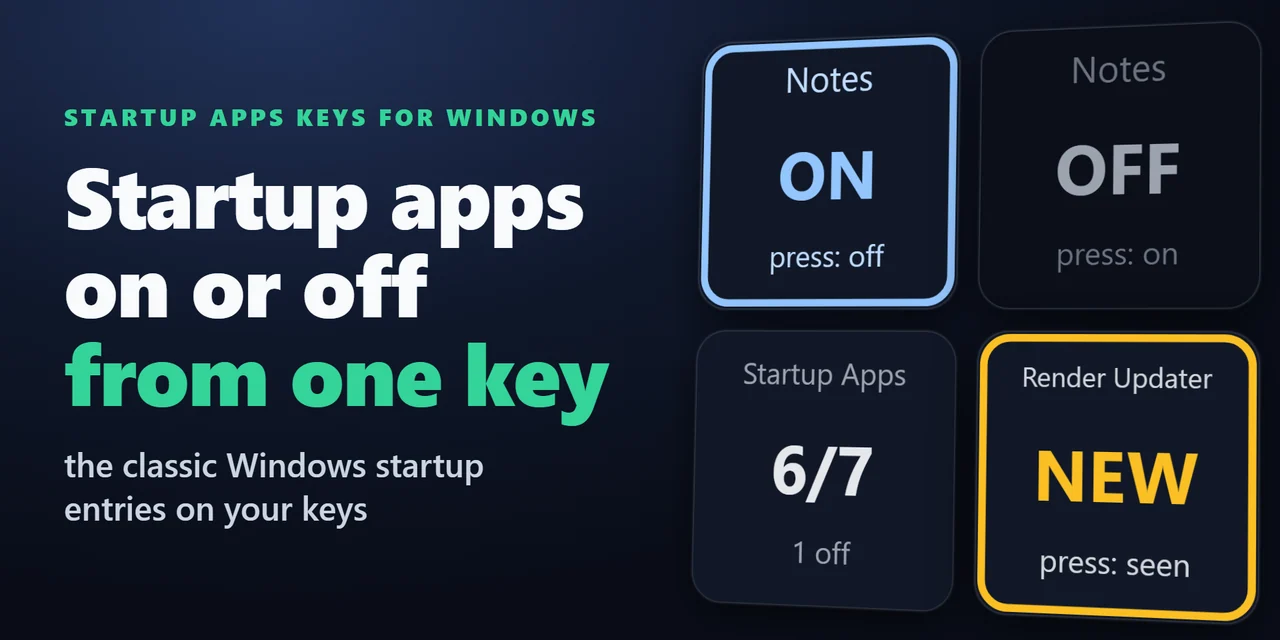
Stream Deck plugin for Windows that shows how many startup apps are on, turns one startup program off or on with a press, and shows NEW with the name when a pr…
Stream Deck
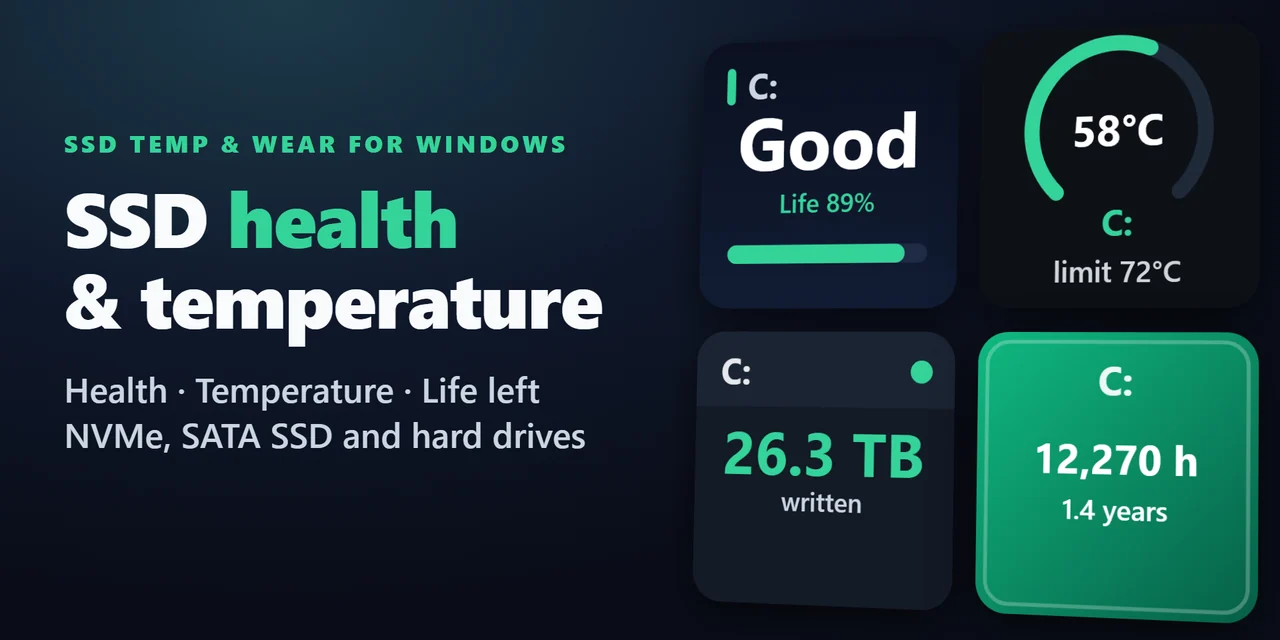
Stream Deck plugin for Windows: see the health (Good, Caution or Bad), life left, temperature with a graph, data written in TB and power-on hours of your SSDs …
Everything you buy collects in one library. For Unity tools, you add it to VCC only once.
When a new version comes out, VCC and ALCOM show an update in your package list. No downloading and re-importing.
Items with a free version or trial can be checked in your own setup before you buy.
Our server does not keep your name, address, card number or email address. Link, Stripe’s checkout service, handles payment, and all we keep is your purchase record and a one-way mark made from your email address.
For help with payment or downloads, just email contact