Blender tools
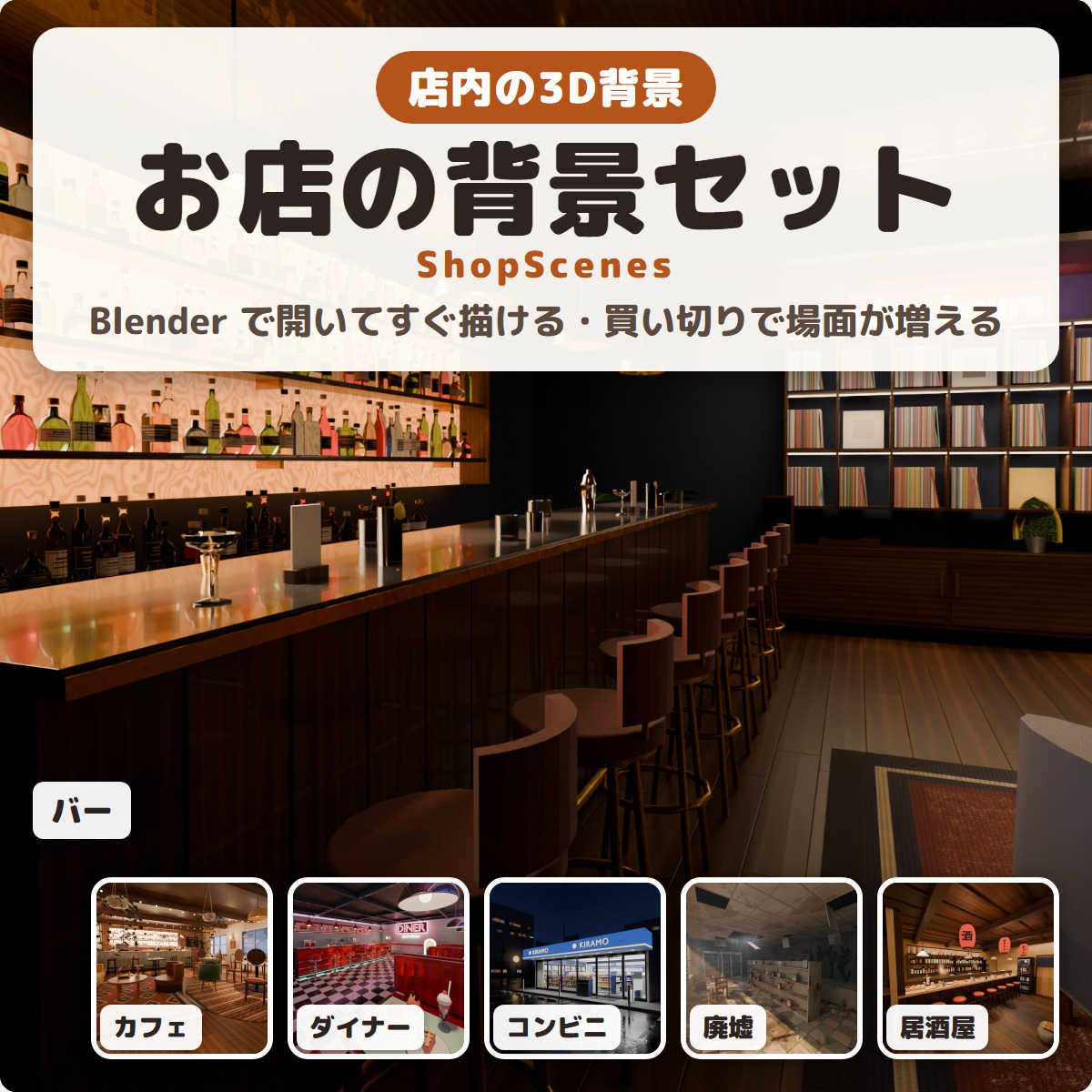
ShopScenes - ready-to-render 3D shop interiors for Blender
Ready-to-render 3D shop interiors for Blender: a cafe, bar, diner, convenience store, abandoned shop and izakaya, with lights and cameras set.
¥1,200
Released Nov 20, 2026 · latest version 1.0.0
You pay when you confirm the order. Refunds: the full amount within 14 days of purchase if a tool does not work in your setup. Legal notice (Japan)
Checkout is not offered in your region. Free items (such as trials) are still available on this page.
Estimate: the ECB rate of 2026-11-20 plus the Stripe conversion fee (about 4%). Checkout shows the exact amount, or you can choose to pay in Japanese yen.
Prices include Japanese tax. In some countries, local tax may be added at checkout; you see the total before you pay. Right after payment you get a zip download. You can download it again any time from your Library.
Added to your cart.View cart
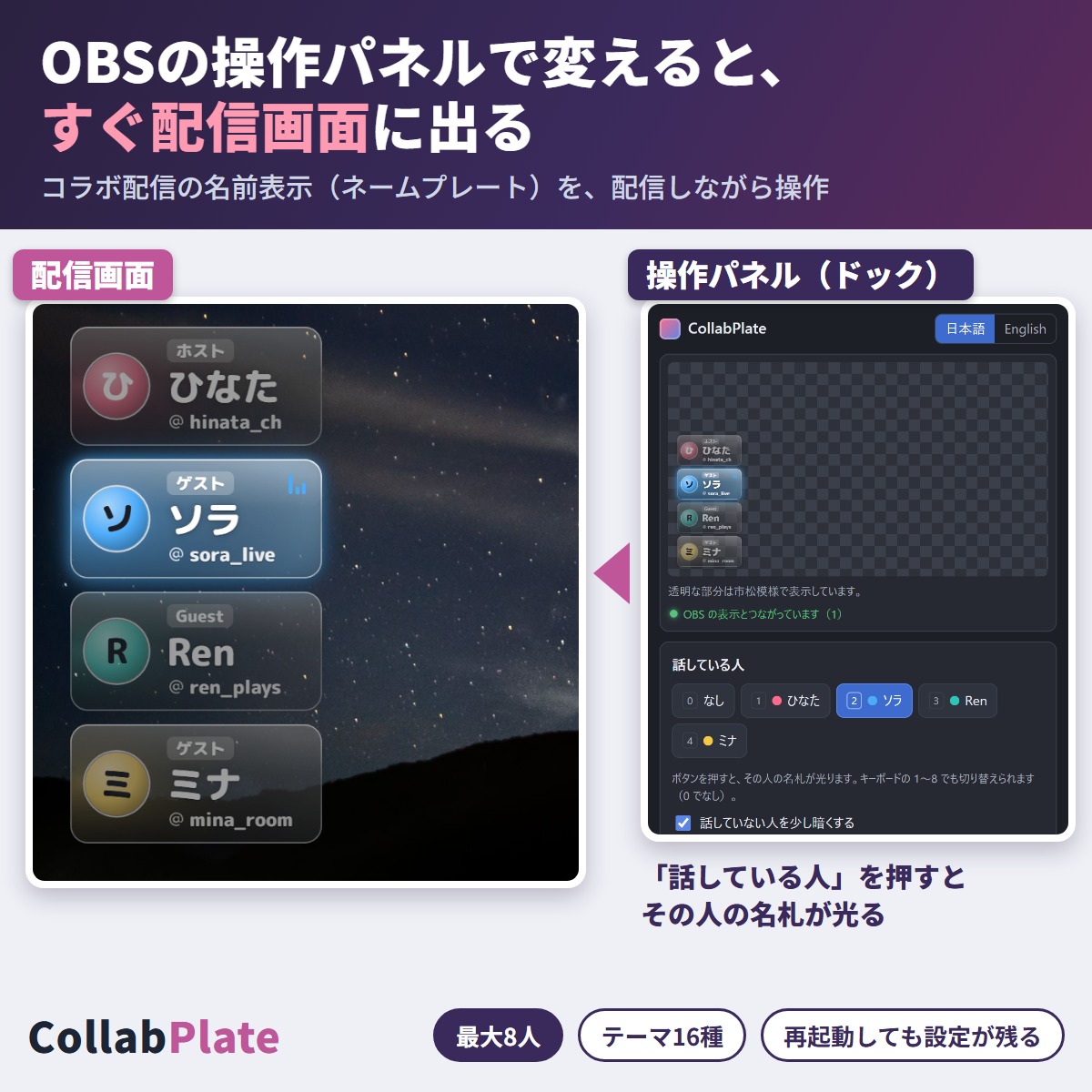
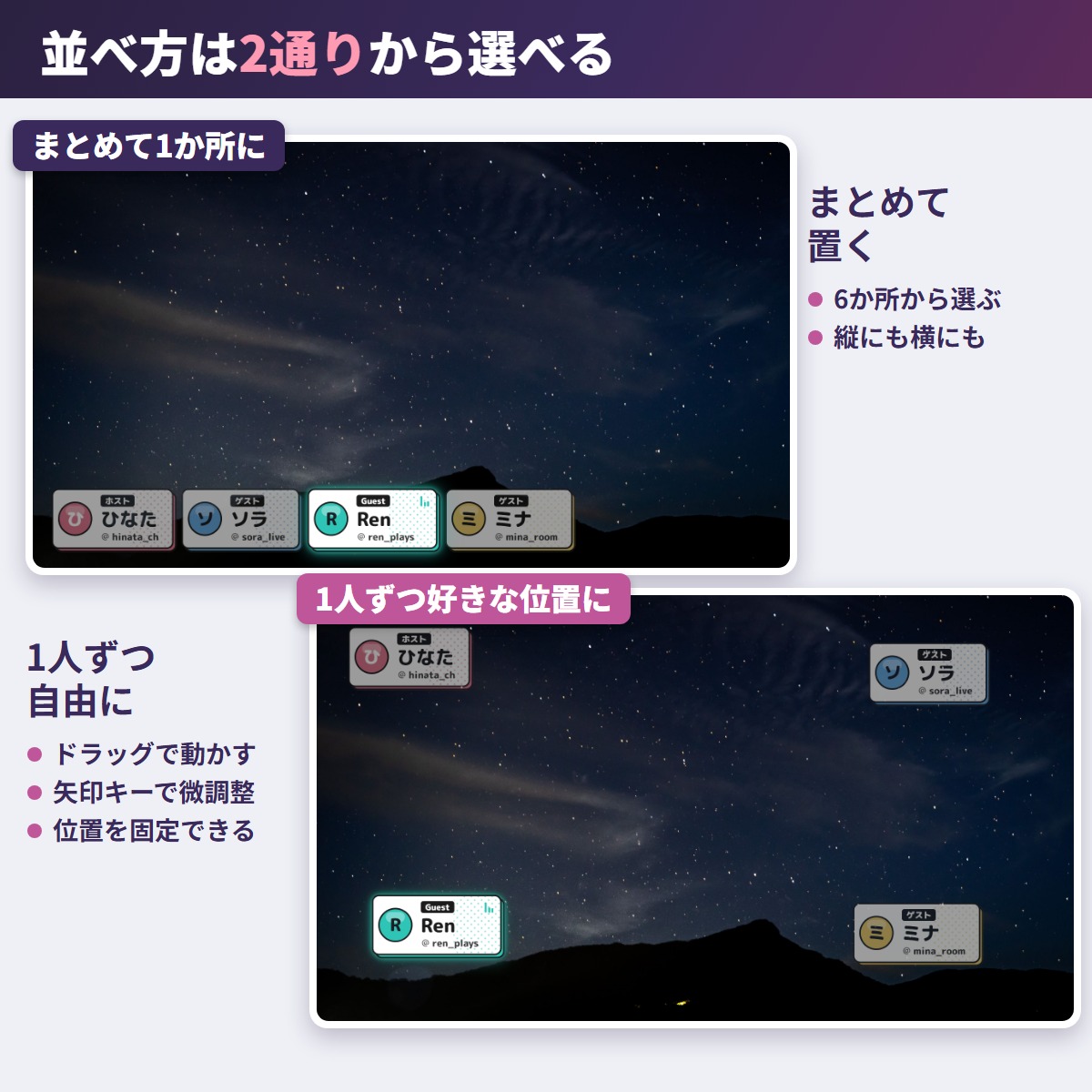
Name plates for collab streams in OBS. Change a name or the speaker in the panel and it shows on stream right away.
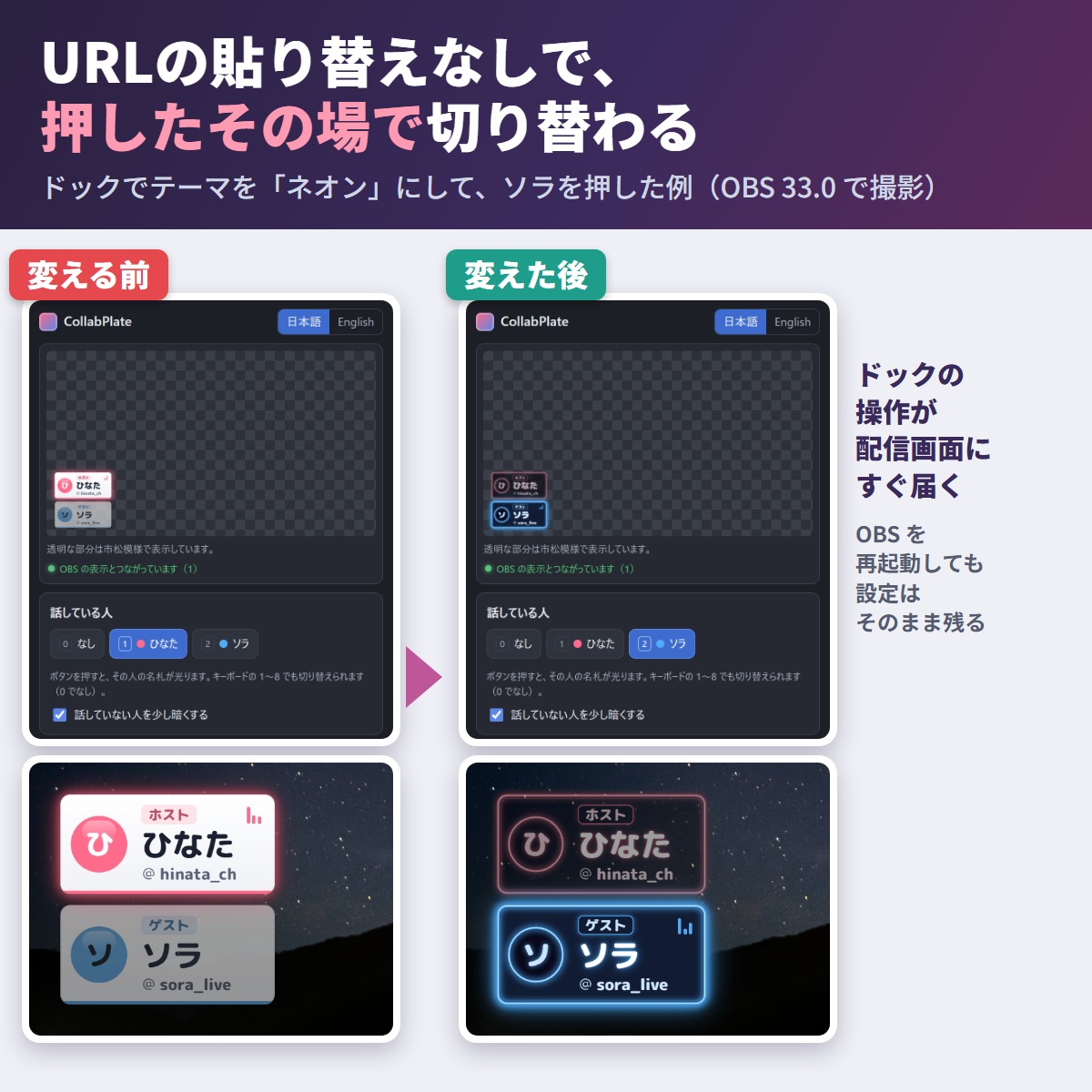
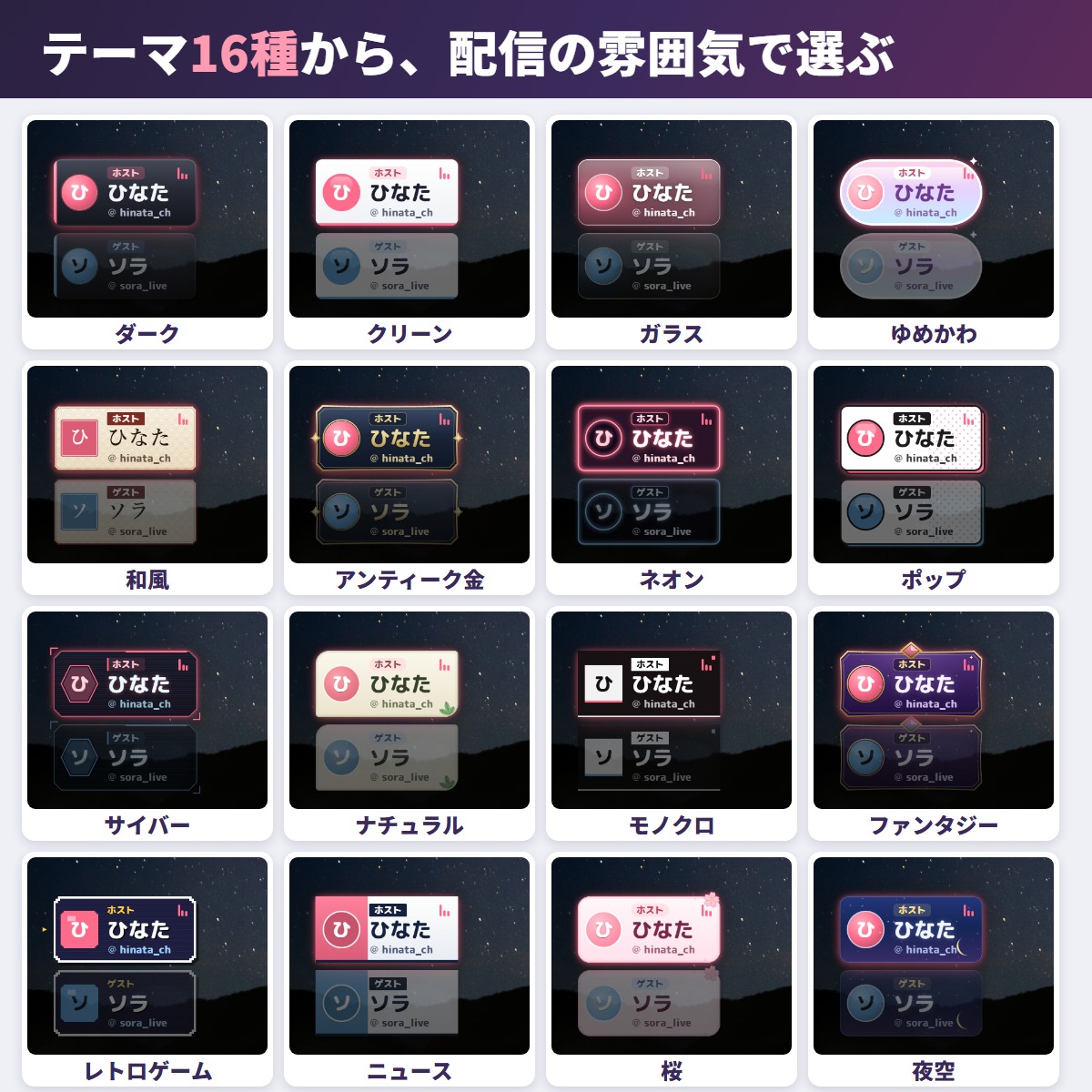
CollabPlate puts name plates for your collab guests on your OBS stream. Change a name, theme or the active speaker from a panel inside OBS (a "dock") and the stream updates instantly – no re-pasting URLs. Your settings survive an OBS restart.
The trial (free) has 2 themes (Dark, Clean), up to 2 people and a small "Trial" mark at the top of the stream, and works from the dock just like the full edition. The full edition copies your trial settings once, on first open. To switch, copy both URLs again from the full edition folder (steps 2-3) and paste them into OBS.
1. Unzip and put the folder in a fixed place (e.g. Documents\CollabPlate)
2. Open index.html, press "Copy overlay URL" and paste it into an OBS Browser source (untick "Local file")
3. Press "Copy control URL" and add it in OBS under Docks > Custom Browser Docks (the control panel opens inside OBS)
Everything runs from the local files (no account, no outside service), even offline. Step-by-step screenshots are in README.html.
Free for streams (monetized too), videos, archives, clips and thumbnails; personal or company; no credit needed. No redistribution or resale, modified or not. Ask your partners before showing their names. terms.txt is authoritative.
The program and the plate shapes were made with AI (Claude). No image-generation AI was used. The plate font is Rounded Mplus 1c ExtraBold (SIL Open Font License 1.1).
If something does not work, feel free to contact the shop (with any message shown). The most-requested features go into the next version.
Partly AI-assisted
First release
First release
No reviews yet.
Only people who bought this item here can review it (from the Library after buying).
No published questions yet.
For how to use this item, ask GRAMSHIFT in "Questions and answers" above.
For help with payment or downloads, just email contact
Blender tools
Ready-to-render 3D shop interiors for Blender: a cafe, bar, diner, convenience store, abandoned shop and izakaya, with lights and cameras set.
Avatar tools
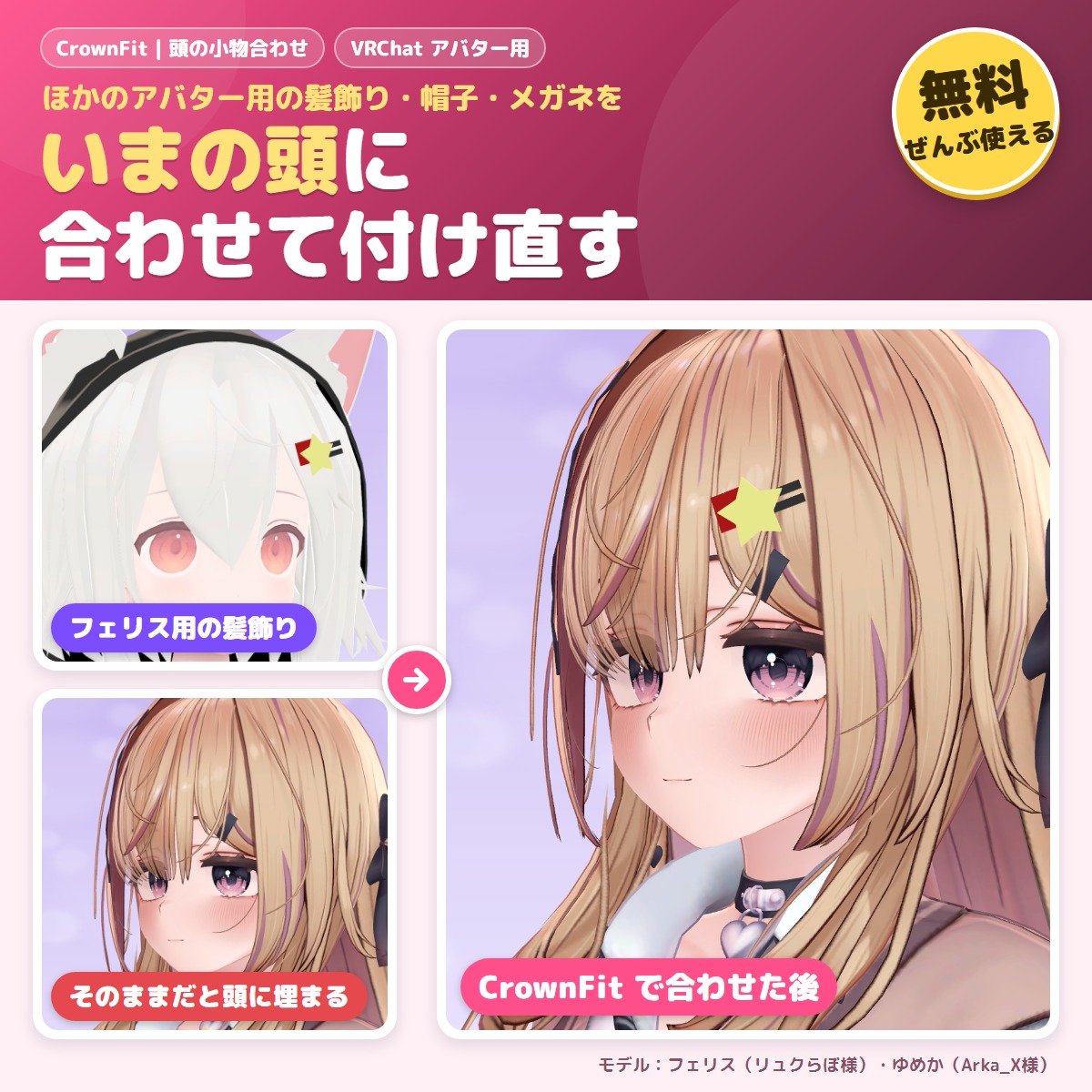
A free tool that fits hair ornaments, hairpins, hats and glasses made for another avatar to your avatar's head.
Blender tools
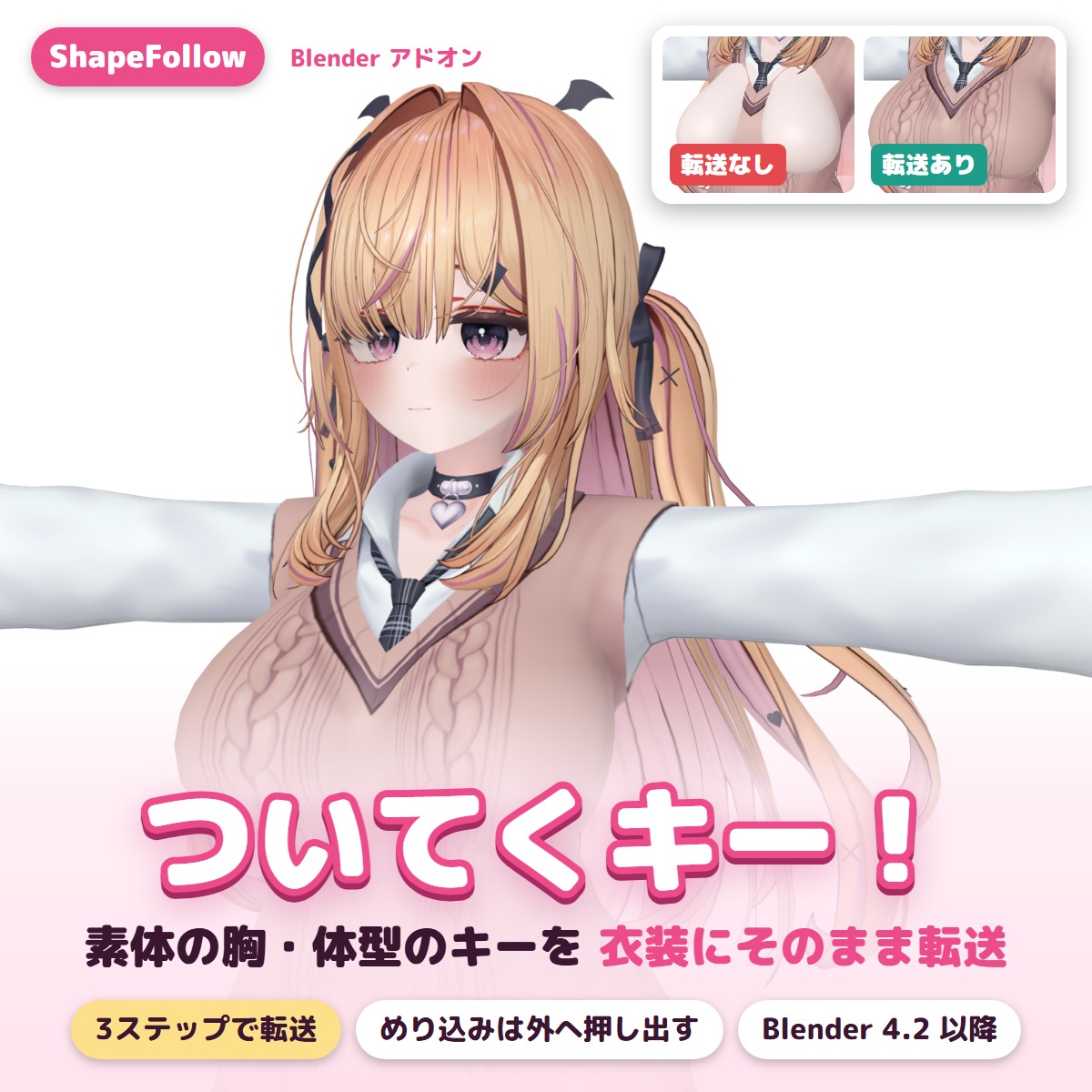
A Blender add-on that copies the body's shape keys (bust, body shape) to outfits in two clicks and pushes clipping back out.
Avatar tools
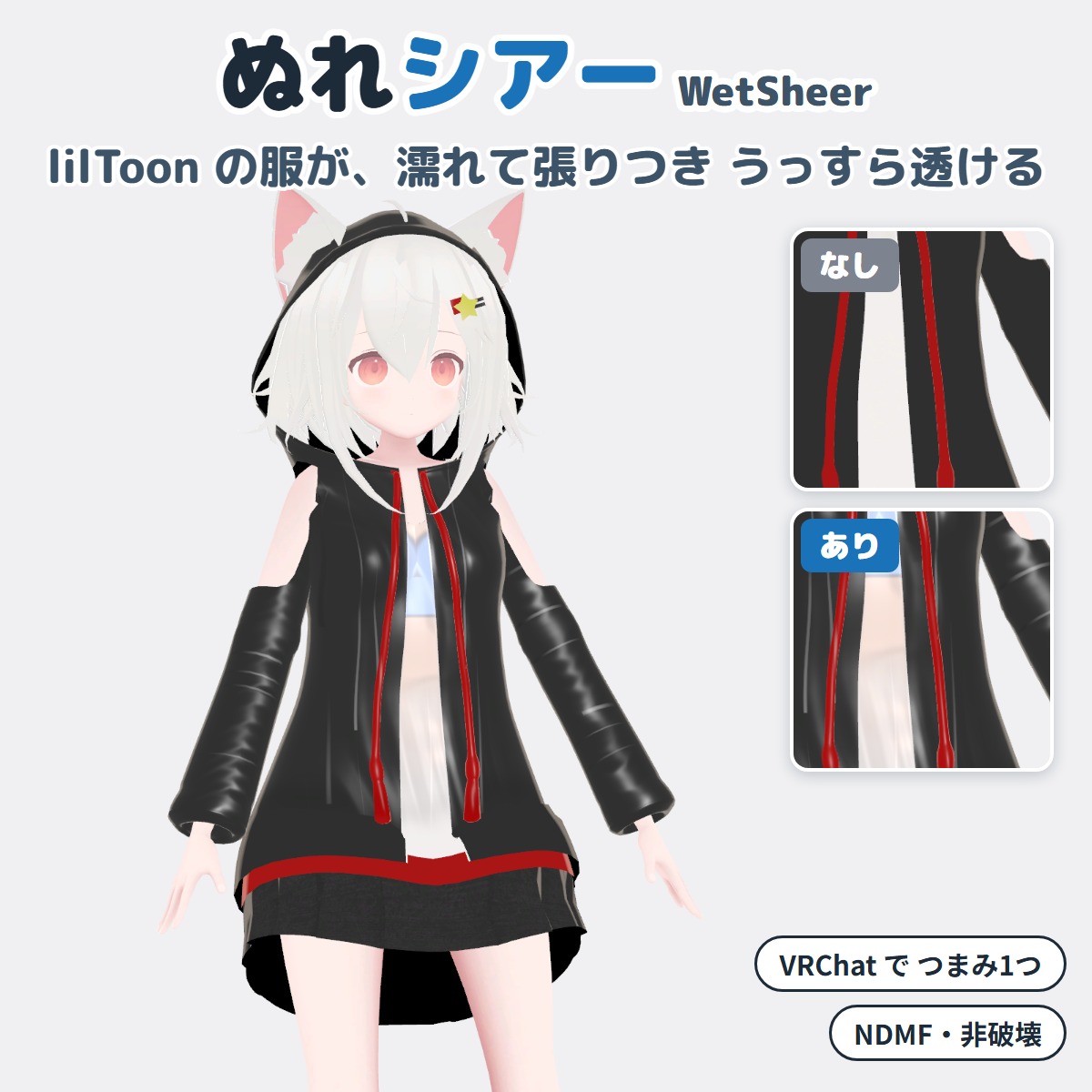
A Unity editor extension that makes your VRChat avatar's lilToon clothing look wet and see-through (won't change your original avatar).
Avatar tools
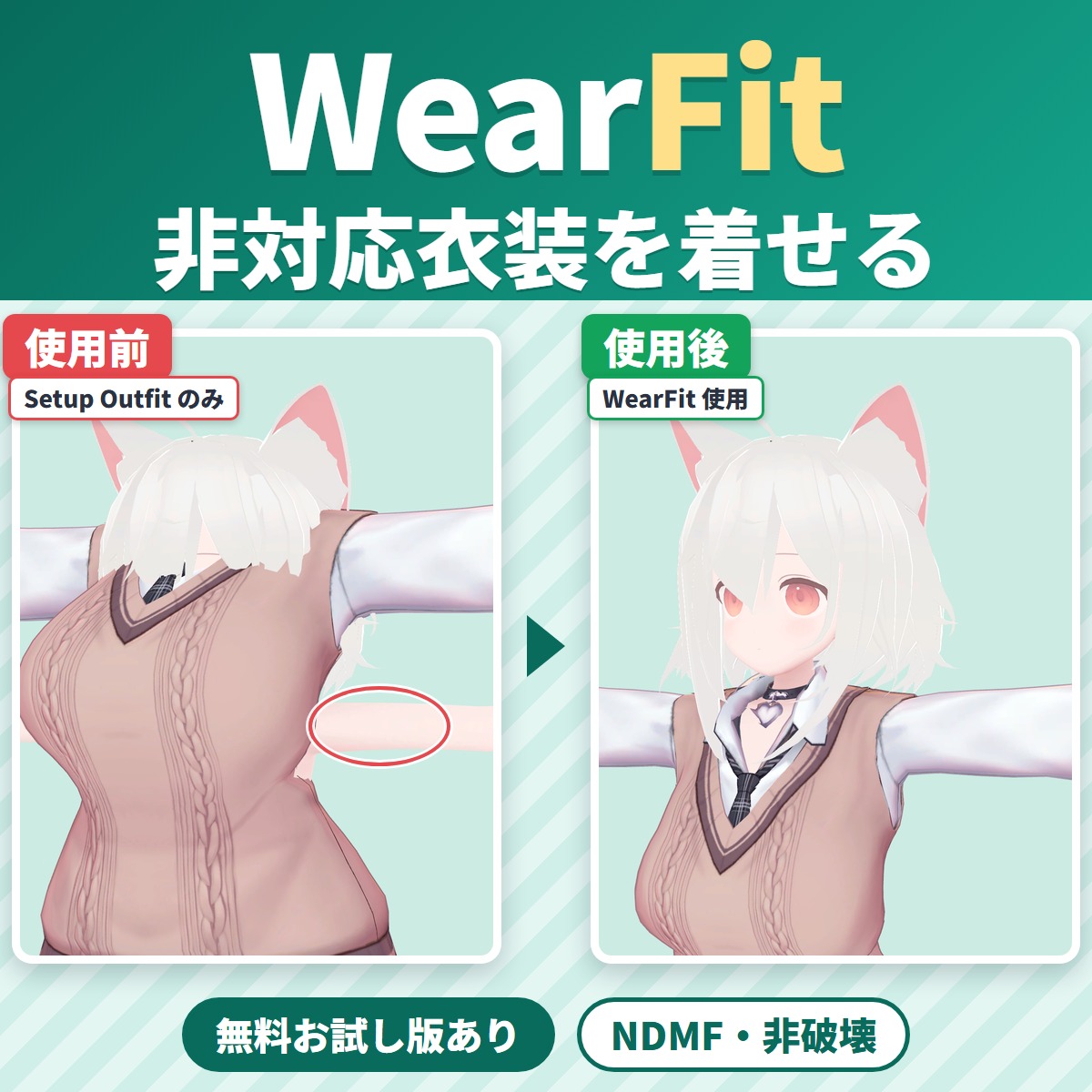
WearFit fits an outfit made for another avatar (an unsupported outfit) to your VRChat avatar's body.
Avatar tools
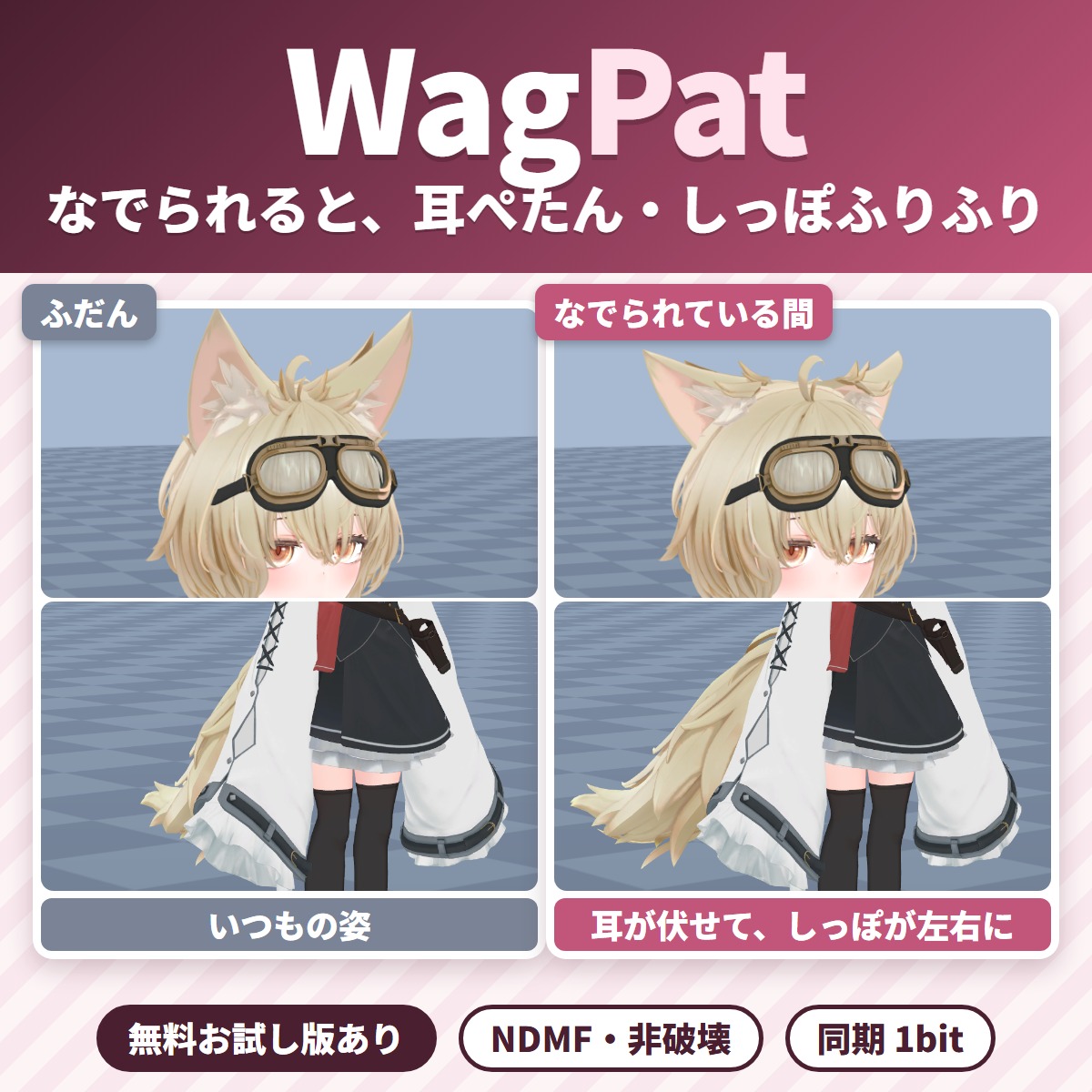
Pat your VRChat avatar's head and its ears fold down and its tail wags; take the hand away and everything goes back.
Avatar tools
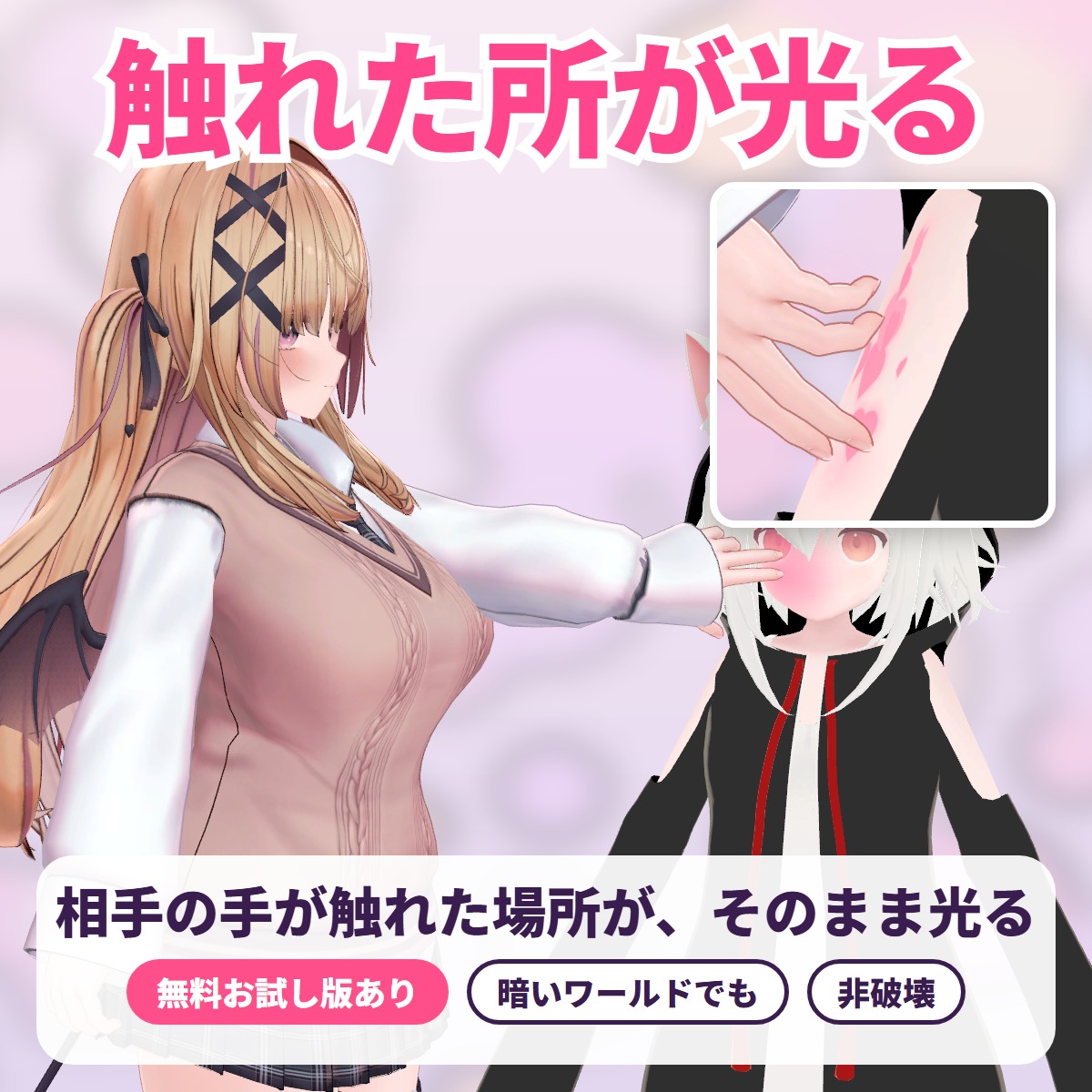
The exact spot another player's hand or finger touches lights up with a soft color glow, ripples or hearts: a tool for VRChat avatars.
Avatar tools
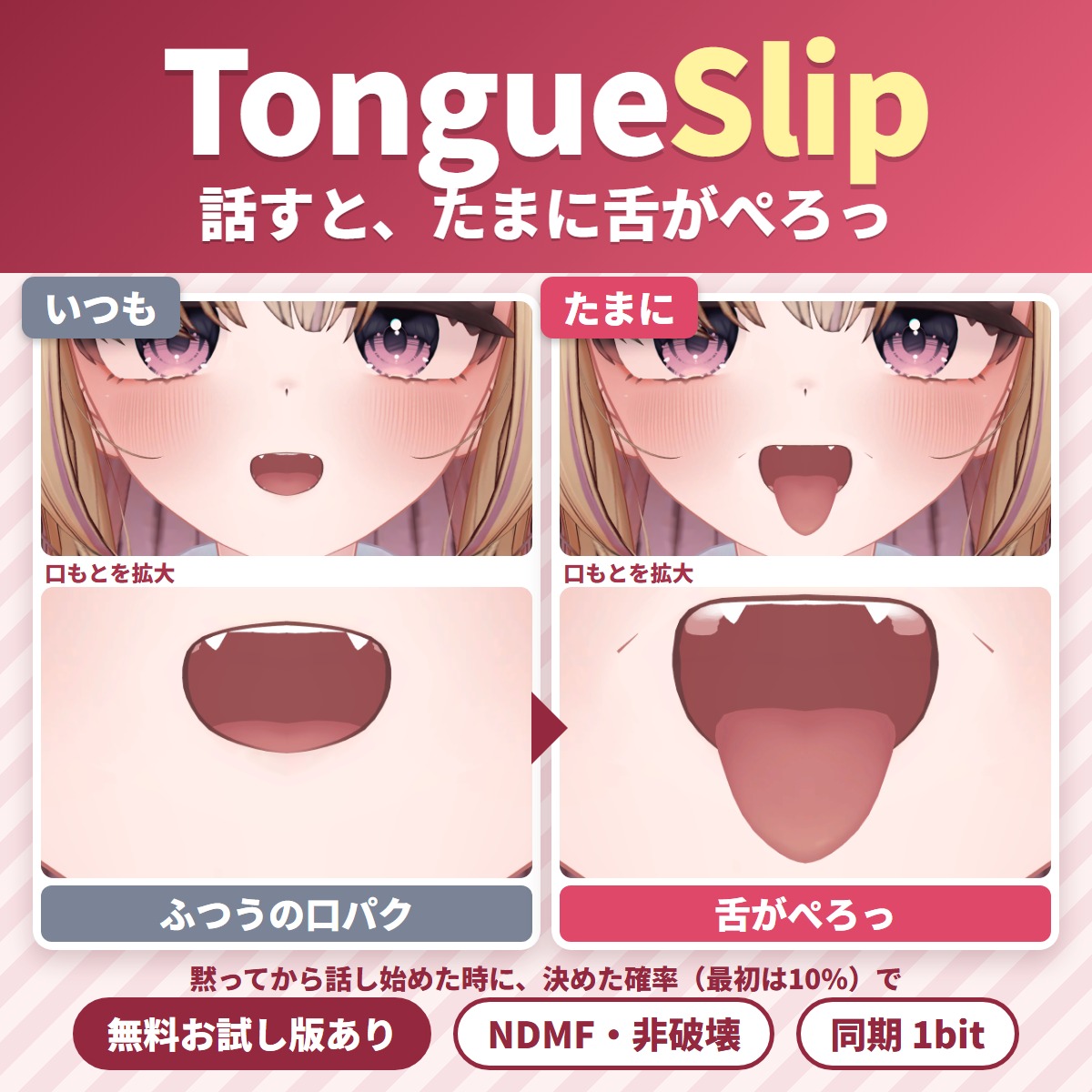
A Unity editor extension that makes your tongue slip out now and then while you talk in VRChat.