Avatar tools
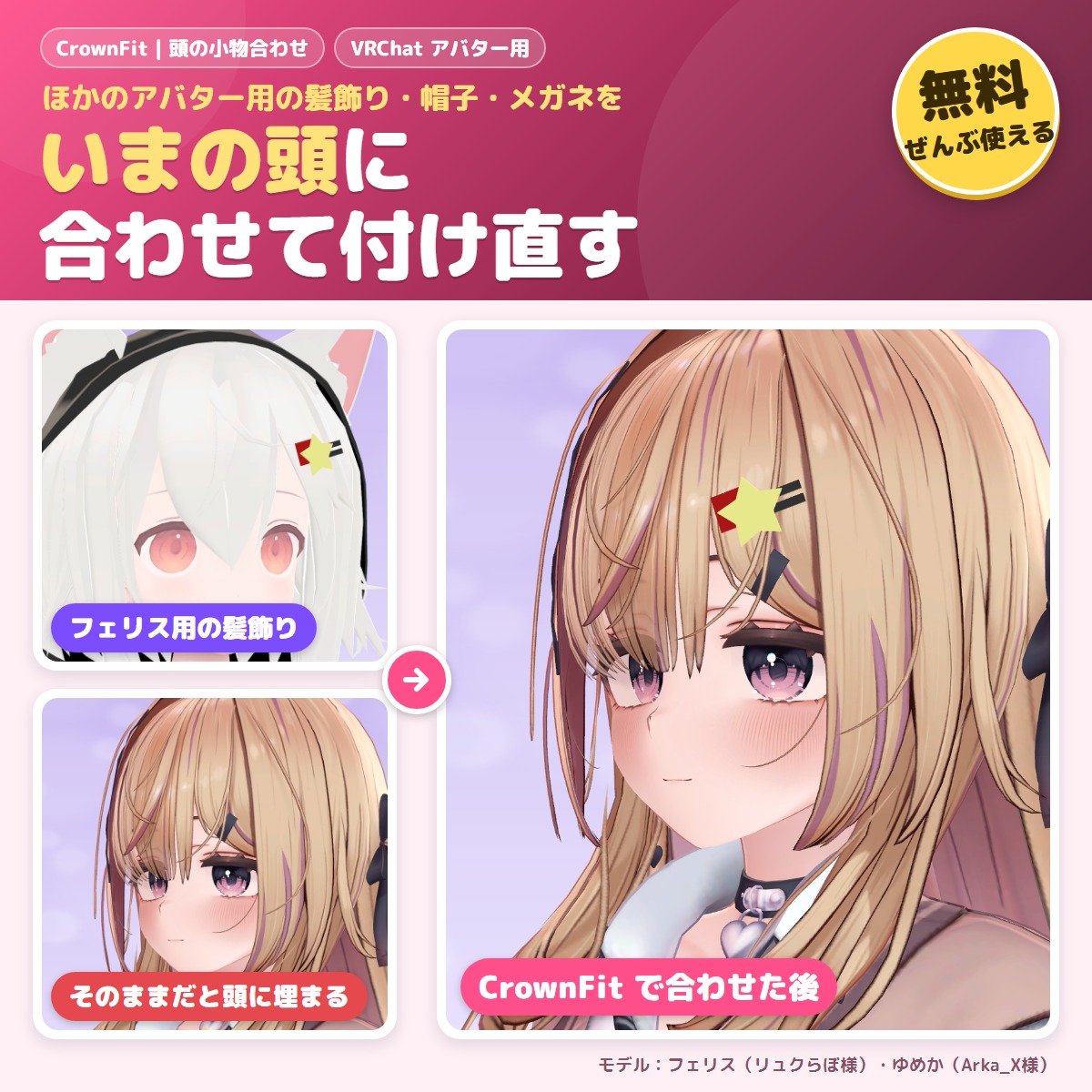
CrownFit - free: fit hats, glasses and hair ornaments to your avatar
A free tool that fits hair ornaments, hairpins, hats and glasses made for another avatar to your avatar's head.
FreeUpdates in VCC
Released Nov 20, 2026 · latest version 1.0.1
You pay when you confirm the order. Refunds: the full amount within 14 days of purchase if a tool does not work in your setup. Legal notice (Japan)
Check it on your own avatar before you buy.
Not in the trial: If an older trial (unitypackage) is in your Assets, delete Assets/GRAMSHIFT/KujiPat first, then add this one.
This tool uses Modular Avatar (free, the standard tool for avatar edits). If Modular Avatar is not in your VCC yet, press the button below first. You only do this once; after that, VCC installs it together with the tool.
Add Modular Avatar to VCC (free)
For ALCOM or manual setup: https://vpm.nadena.dev/vpm.json
https://gramshift.com/vpm-shop/free/index.jsonCheckout is not offered in your region. Free items (such as trials) are still available on this page.
Estimate: the ECB rate of 2026-11-20 plus the Stripe conversion fee (about 4%). Checkout shows the exact amount, or you can choose to pay in Japanese yen.
Prices include Japanese tax. In some countries, local tax may be added at checkout; you see the total before you pay. Right after payment you get an "Add to VCC" button and a zip download. Add it to VCC (the free official app from VRChat) or ALCOM (a free app that does the same), and new versions install with one click.
Added to your cart.View cart
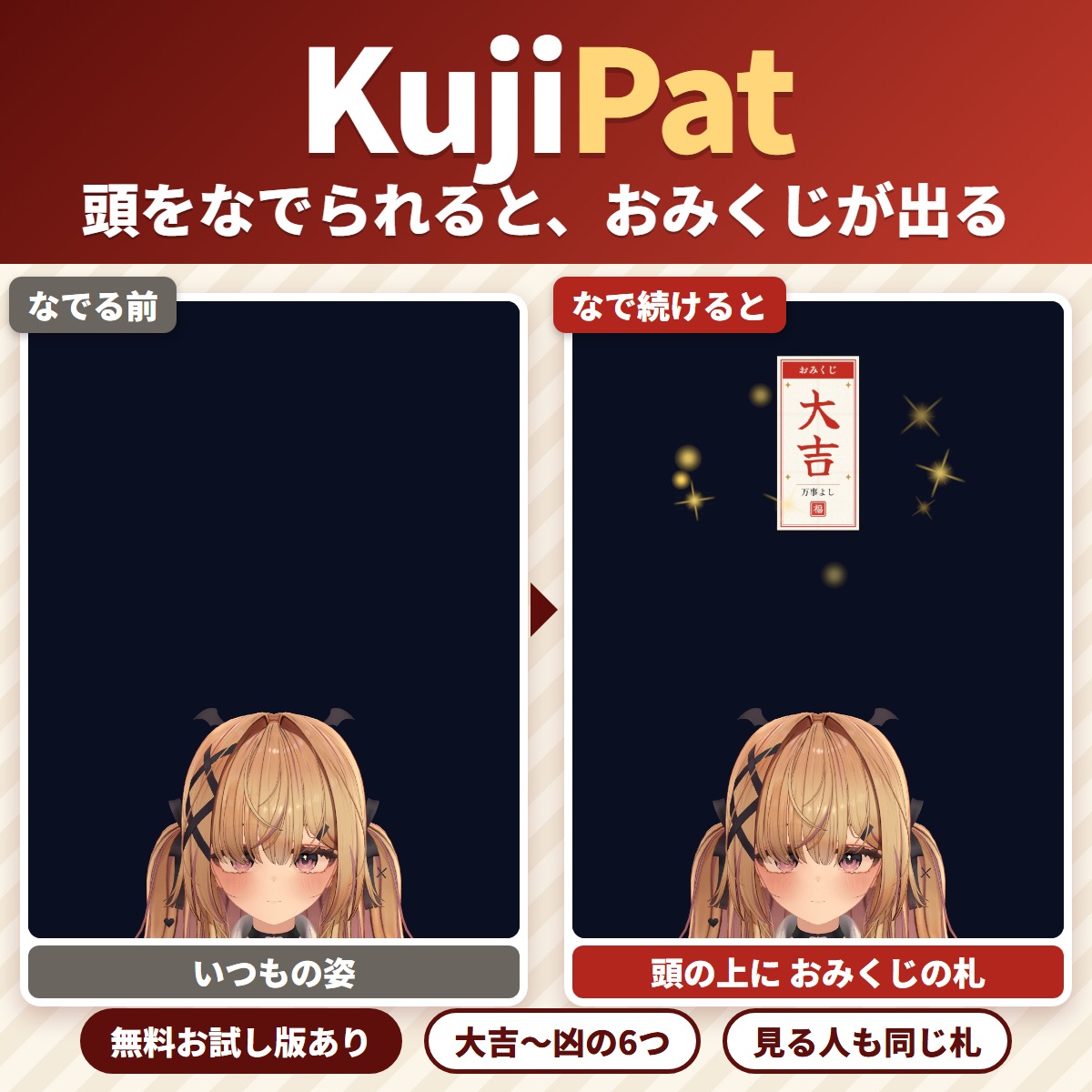
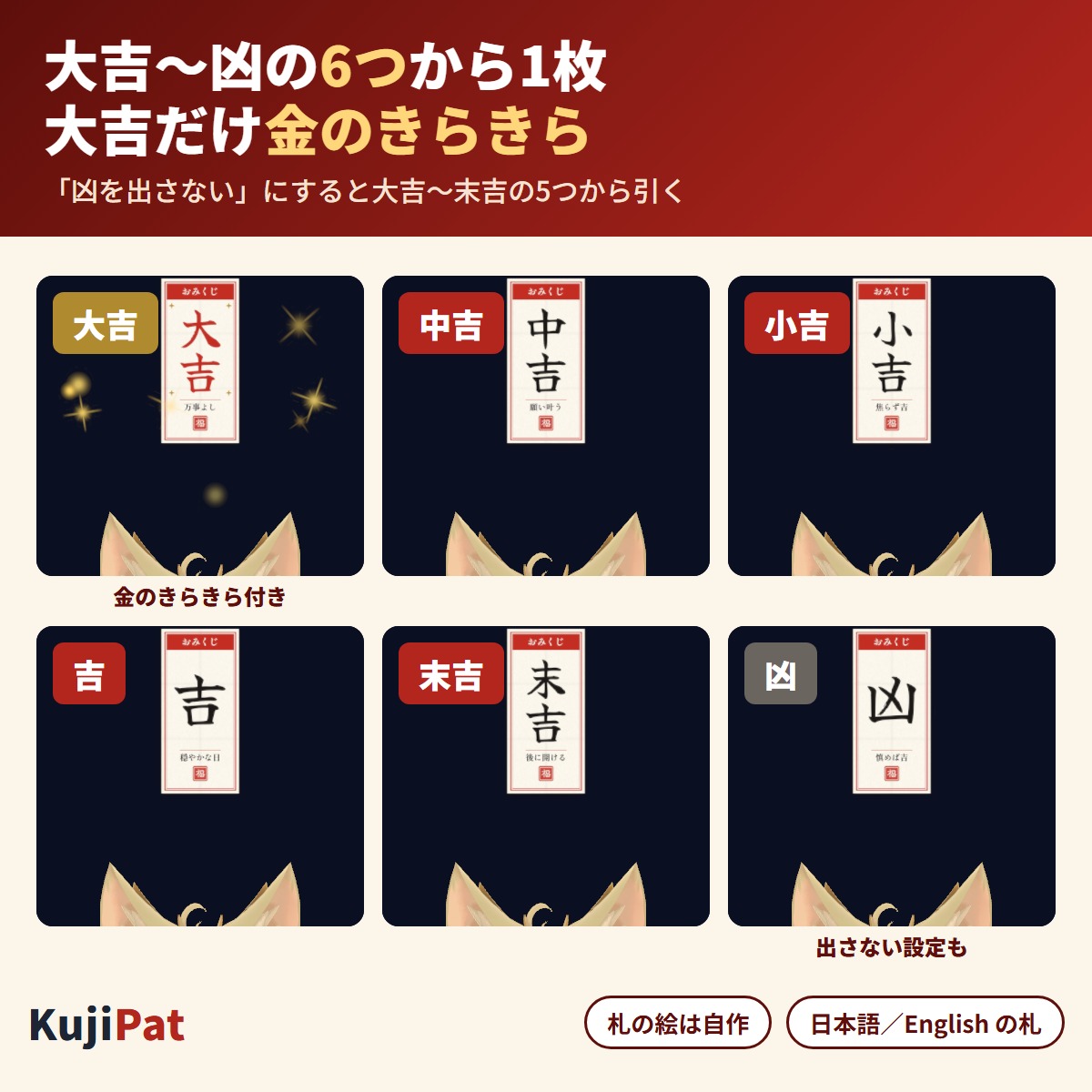
Keep patting your VRChat avatar's head and an omikuji fortune slip (Great Luck, Good Luck, Small Luck, Luck, Future Luck or Bad Luck) pops up above it.
Keep patting your VRChat avatar's head and an omikuji fortune slip (Great Luck, Good Luck, Small Luck, Luck, Future Luck or Bad Luck) pops up above it, then fades after a few seconds. Perfect for New Year gatherings: keep patting, then take the hand away and pat again to draw another fortune. It is built so that people watching see the same slip too. The slips are our own artwork of paper omikuji in red and black ink on white, and gold sparkles fall only with Great Luck.
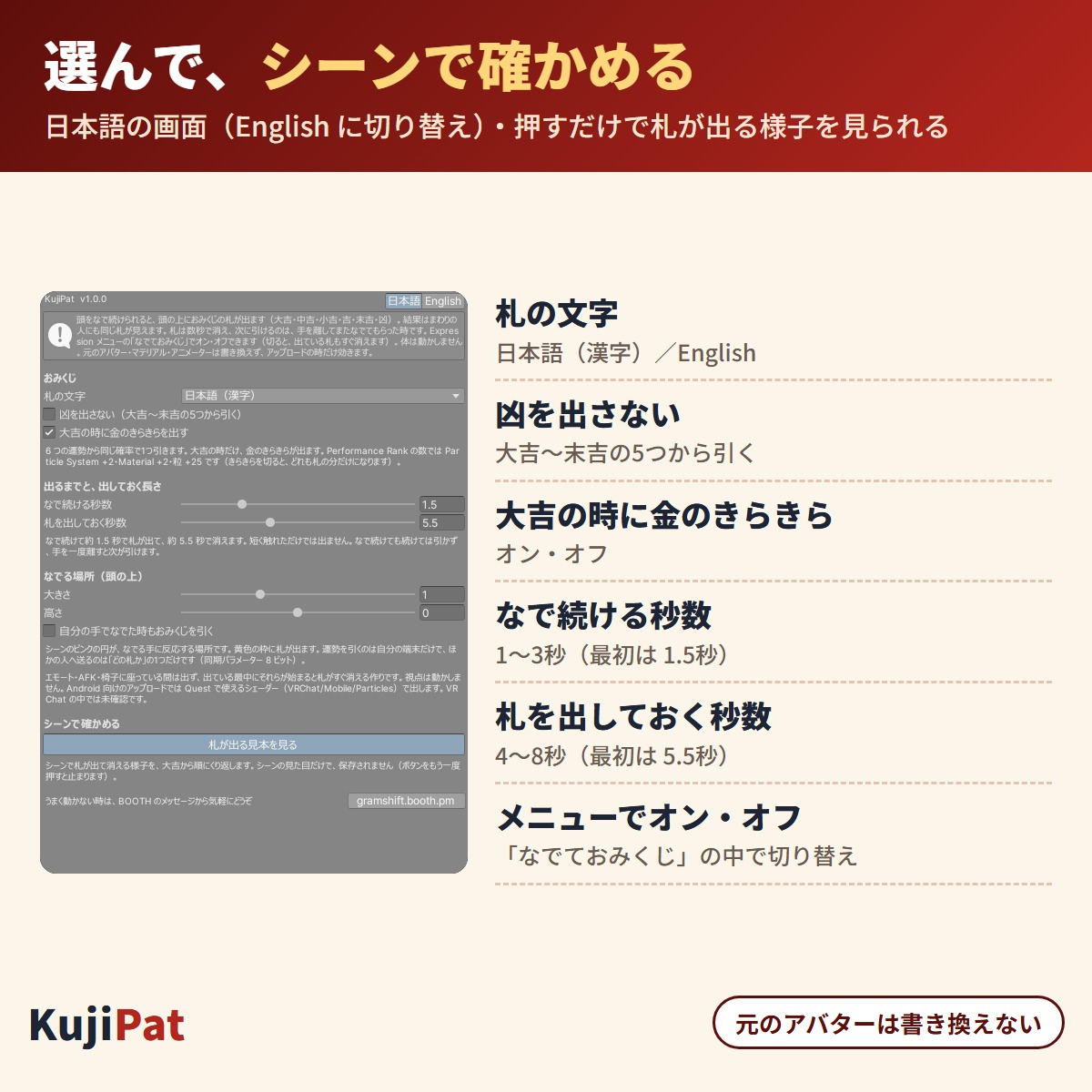
It works as a headpat gimmick: someone else patting your head sets it off. In the full version, "Pat omikuji" in the Expressions menu turns it on or off. The slip text can be Japanese (kanji) or English (Great Luck etc.), and you can choose "No Bad Luck". You can change the seconds of patting (1.5 by default) and the seconds the slip shows (5.5 by default). It uses 8 synced parameter bits. It does not move your body. Japanese / English UI. Your original avatar files are not changed (Modular Avatar / NDMF, non-destructive). For Humanoid avatars; Modular Avatar 1.18 or later and below 2.0 is required.
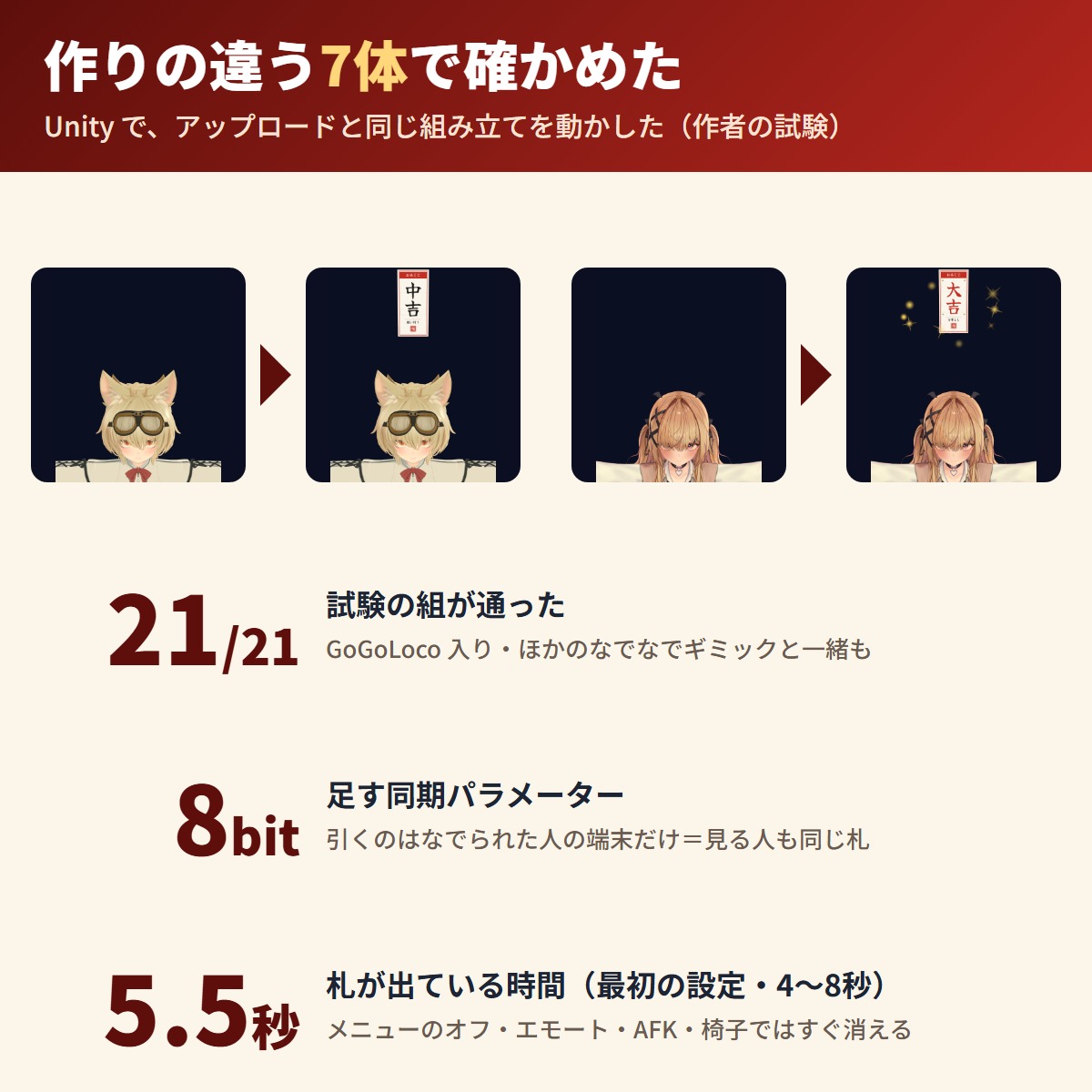
Tested on 7 avatars with different structures:
1. Add this tool in VCC (or ALCOM) (Modular Avatar and NDMF are added with it)
2. On the top of your avatar (the object with VRC Avatar Descriptor), use "Add Component → GRAMSHIFT → KujiPat" (or right-click in the Hierarchy → GRAMSHIFT → KujiPat)
3. Choose the slip text and "No Bad Luck", then use "Check in the scene" → "Preview the slips" to see it (change the seconds if needed)
4. Upload as usual and have someone pat your head in VRChat
Q. Can the slip get stuck and never disappear?
A. In the author's tests it disappeared after the set seconds, hid at once when turned off in the menu or with an emote, AFK or a chair, and started with no slip right after a reload.
Q. Does everyone see the same fortune?
A. Only the patted person's client draws the fortune, and the result number is synced to others. In the author's tests, viewers saw the same slip.
Q. Does it work on Quest (Android)?
A. In an Android upload it uses a Quest-compatible shader. The Quest Performance Rank becomes Poor.
If something does not work, feel free to contact the shop (your avatar name and any message shown). The most-requested features go into the next version.
Partly AI-assisted
First release
First release
No reviews yet.
Only people who bought this item here can review it (from the Library after buying).
No published questions yet.
For how to use this item, ask GRAMSHIFT in "Questions and answers" above.
For help with payment or downloads, just email contact
Avatar tools
A free tool that fits hair ornaments, hairpins, hats and glasses made for another avatar to your avatar's head.
Avatar tools
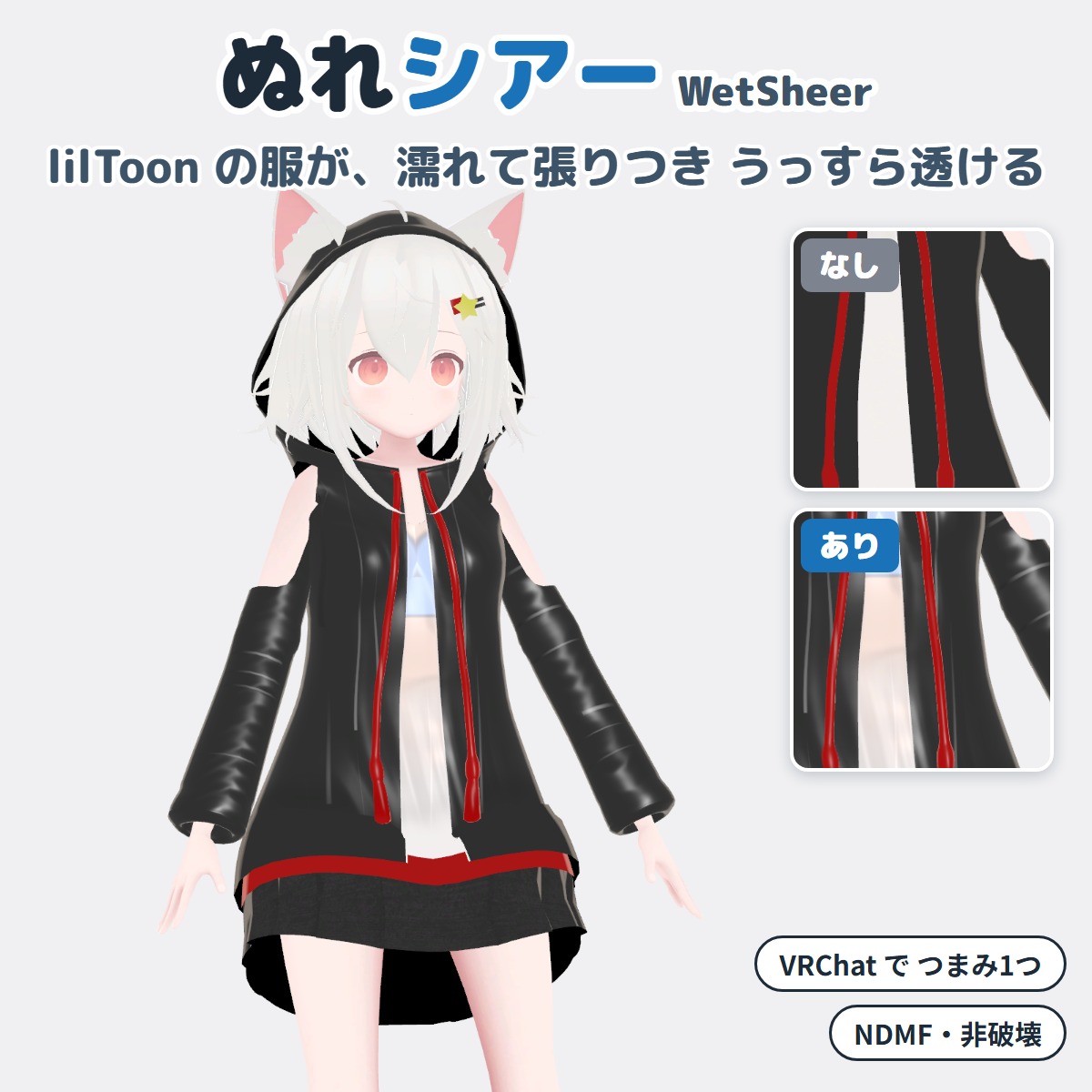
A Unity editor extension that makes your VRChat avatar's lilToon clothing look wet and see-through (won't change your original avatar).
Avatar tools
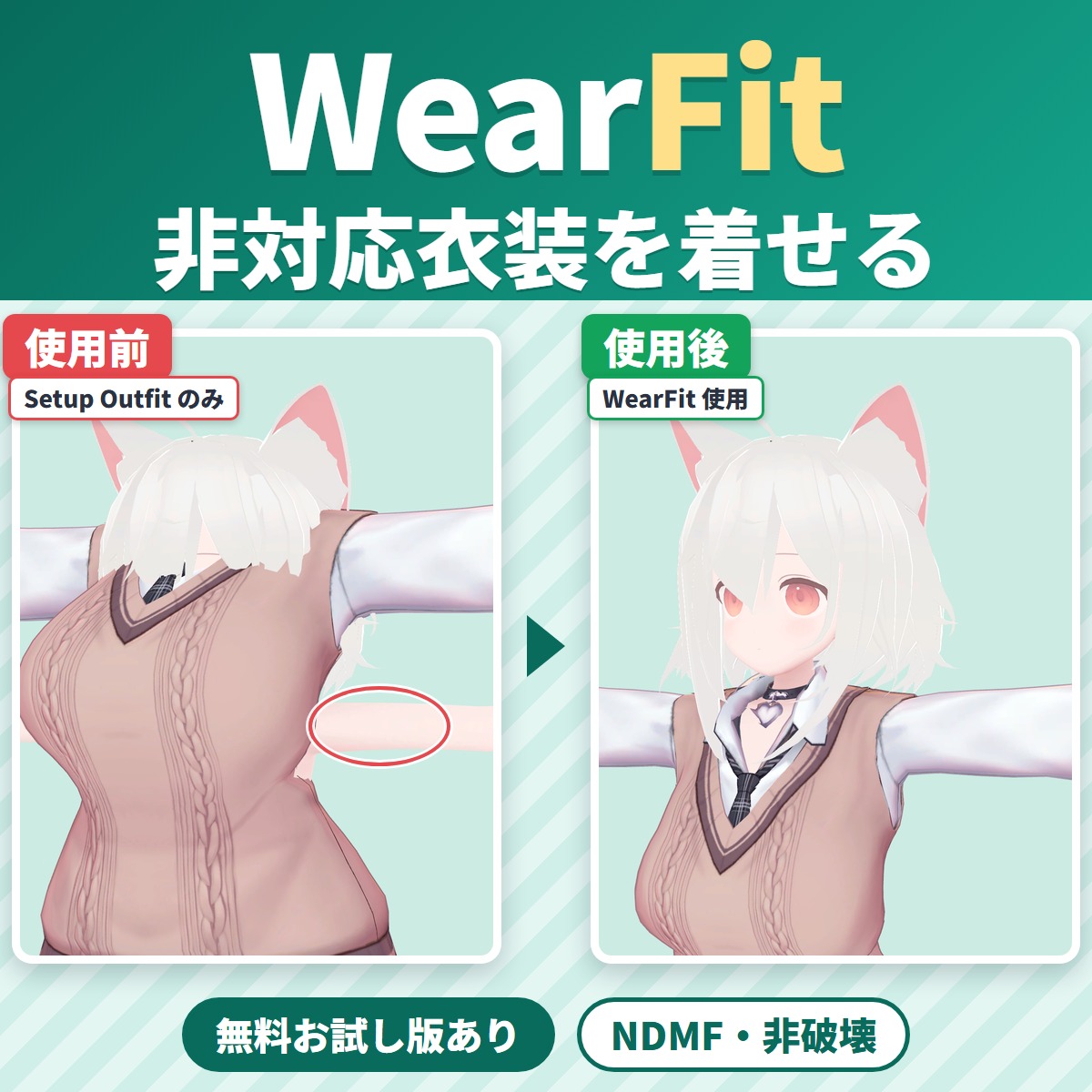
WearFit fits an outfit made for another avatar (an unsupported outfit) to your VRChat avatar's body.
Avatar tools
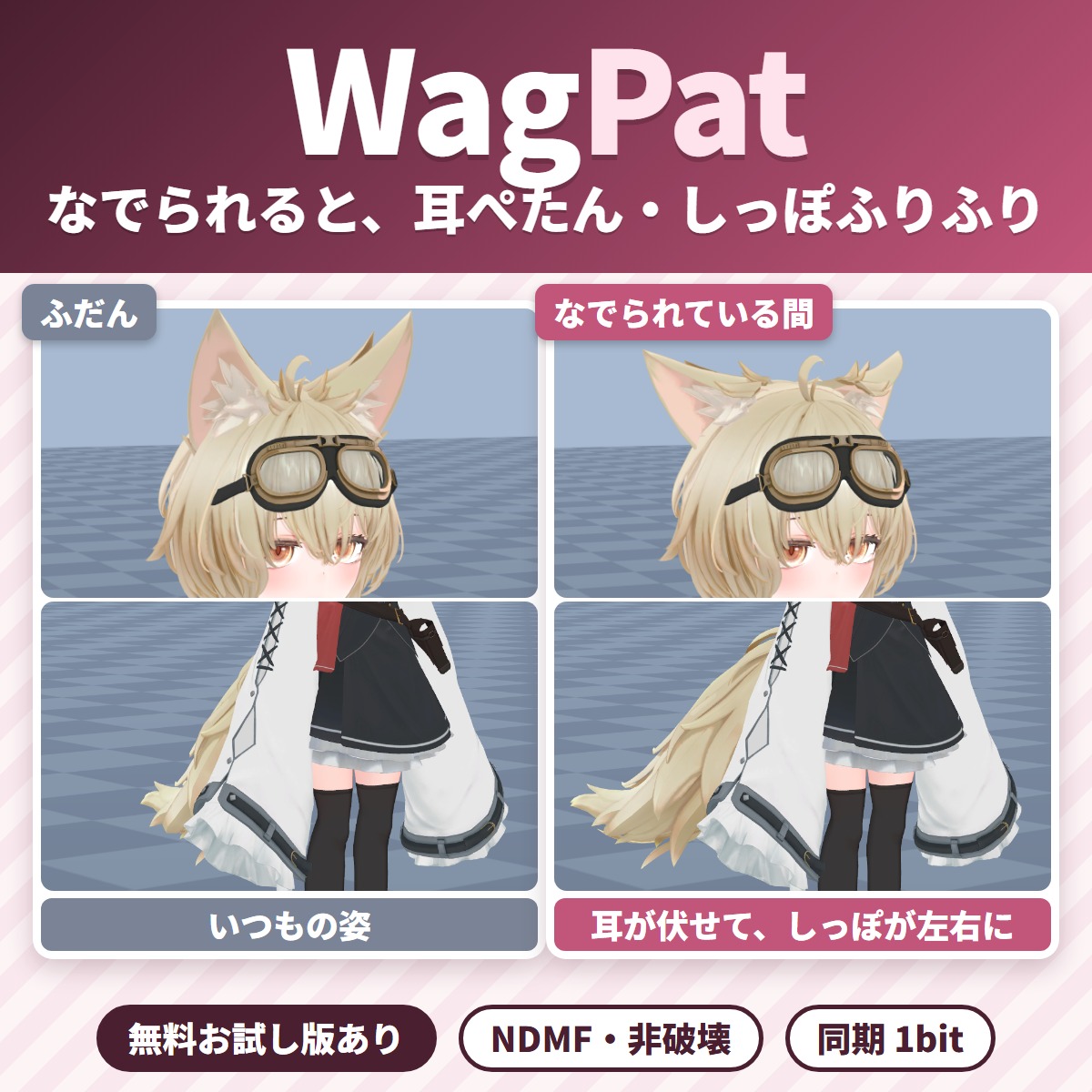
Pat your VRChat avatar's head and its ears fold down and its tail wags; take the hand away and everything goes back.
Avatar tools
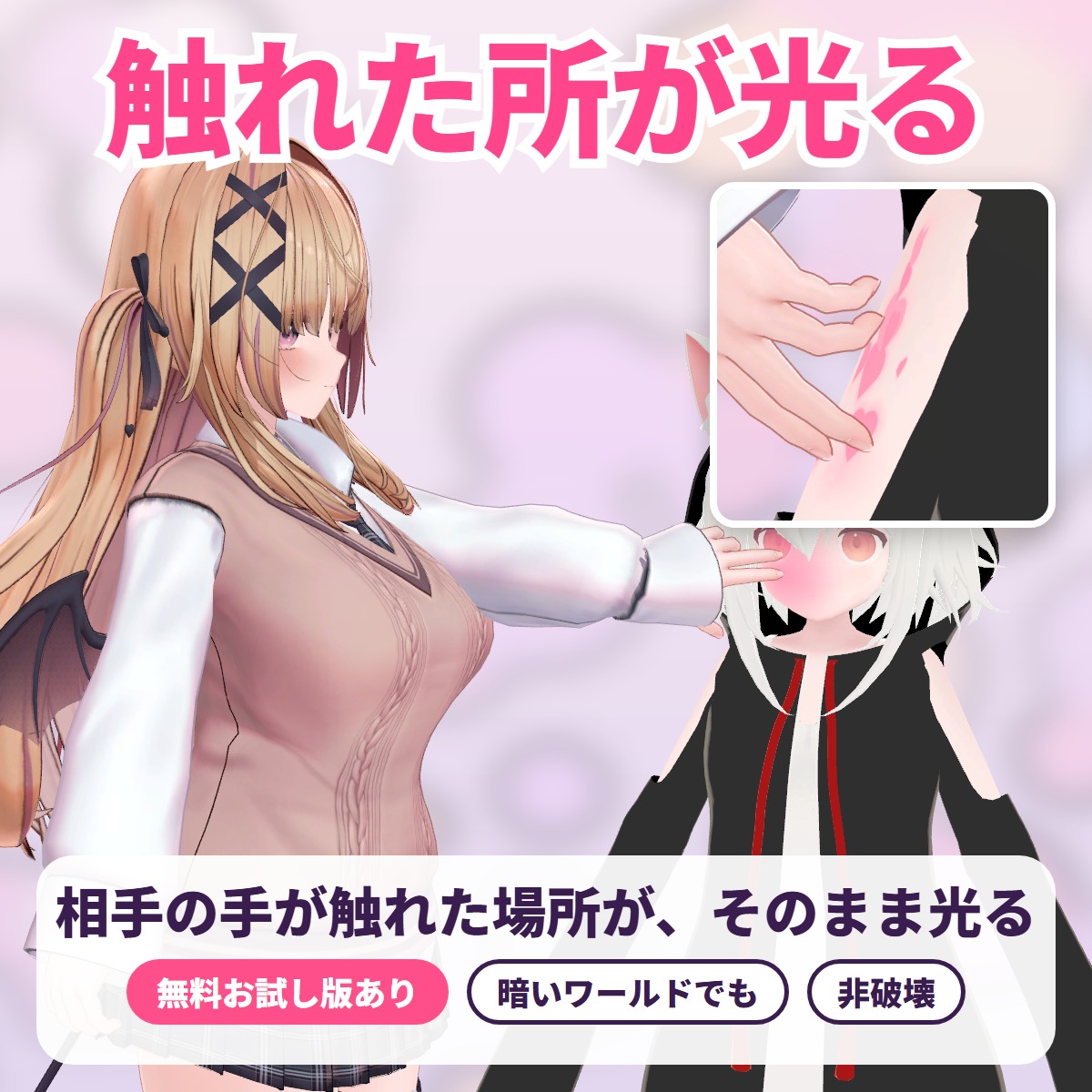
The exact spot another player's hand or finger touches lights up with a soft color glow, ripples or hearts: a tool for VRChat avatars.
Avatar tools
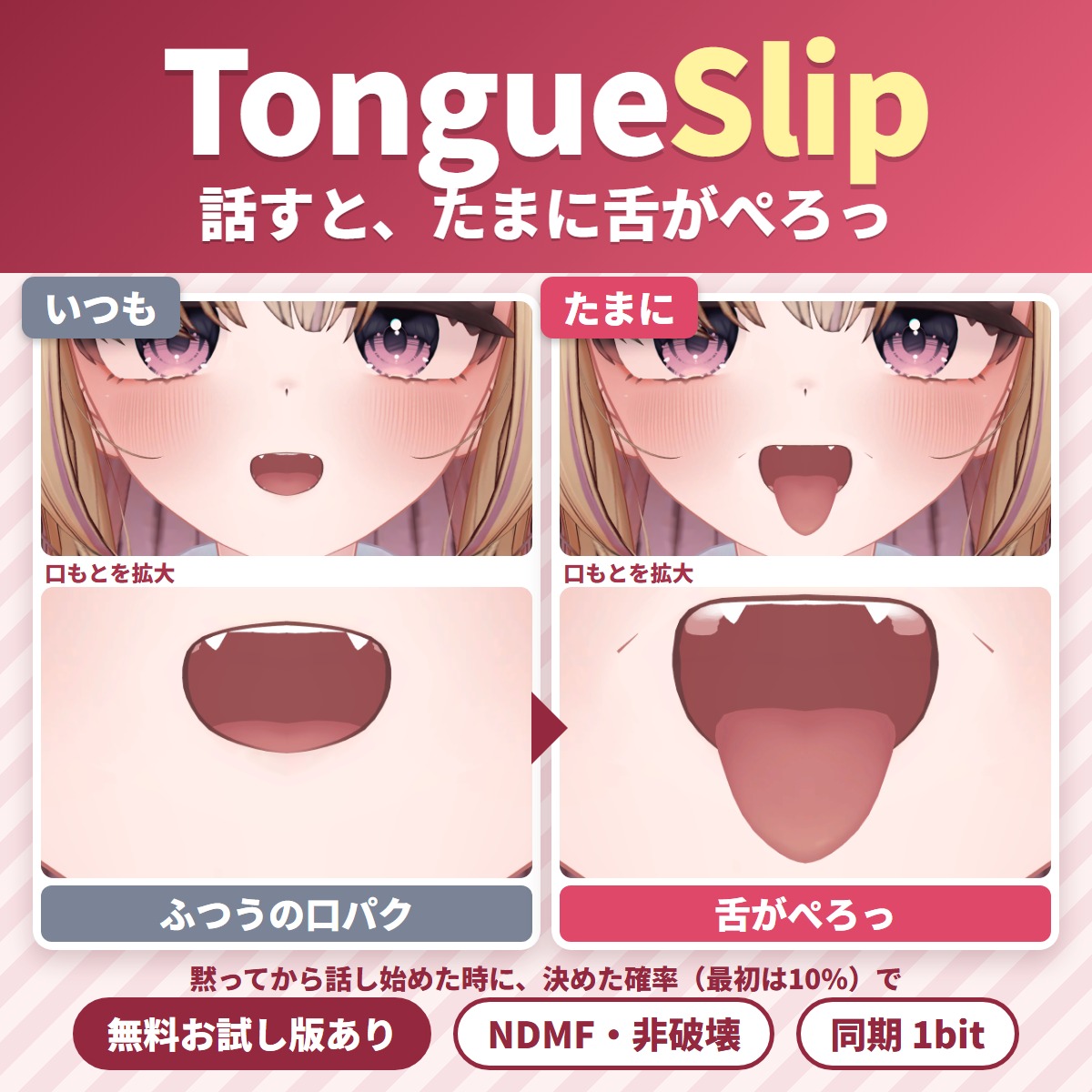
A Unity editor extension that makes your tongue slip out now and then while you talk in VRChat.
Avatar tools
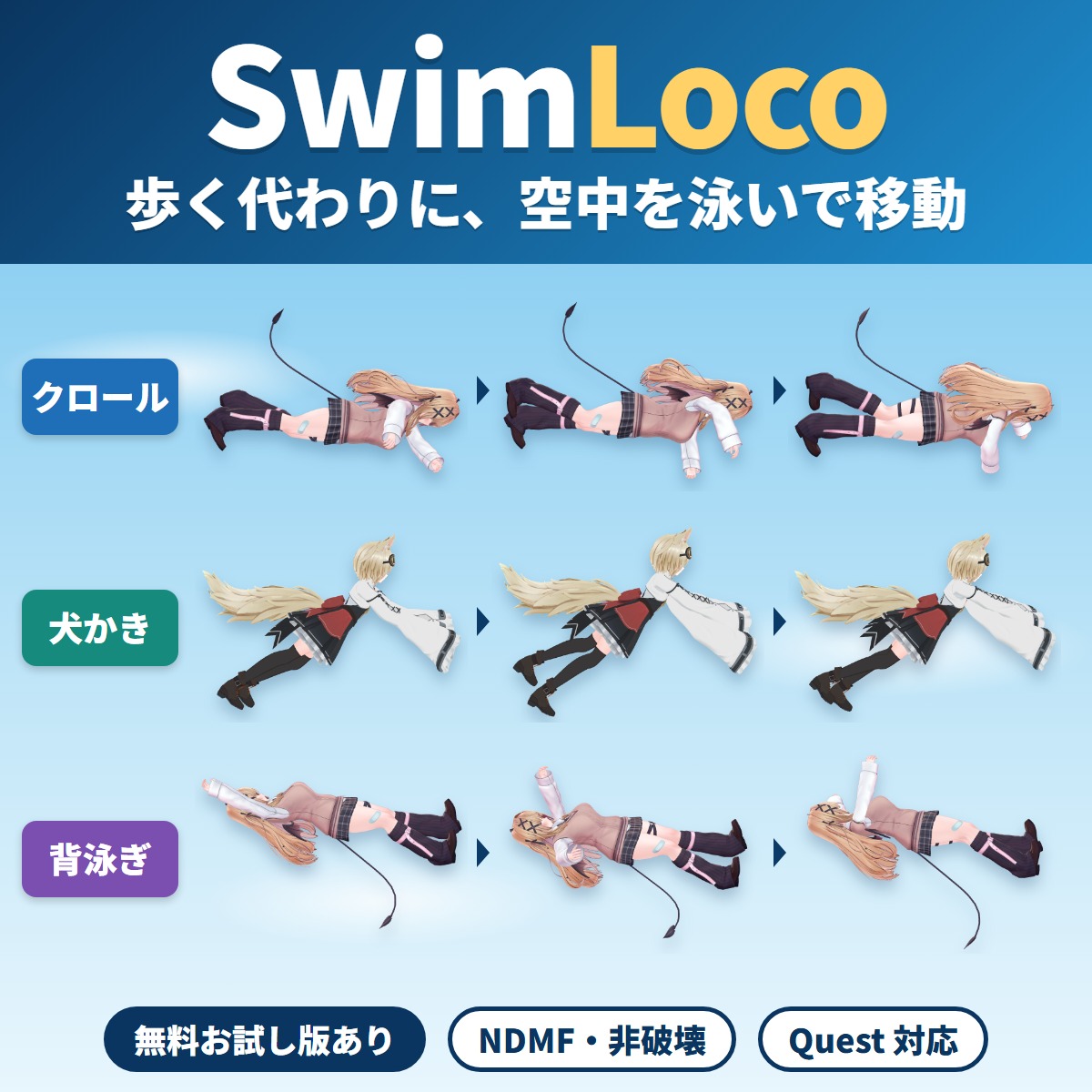
Your VRChat avatar swims through the air anywhere instead of walking or running: a swim locomotion gimmick you add with Modular Avatar by attaching one compone.
Avatar tools
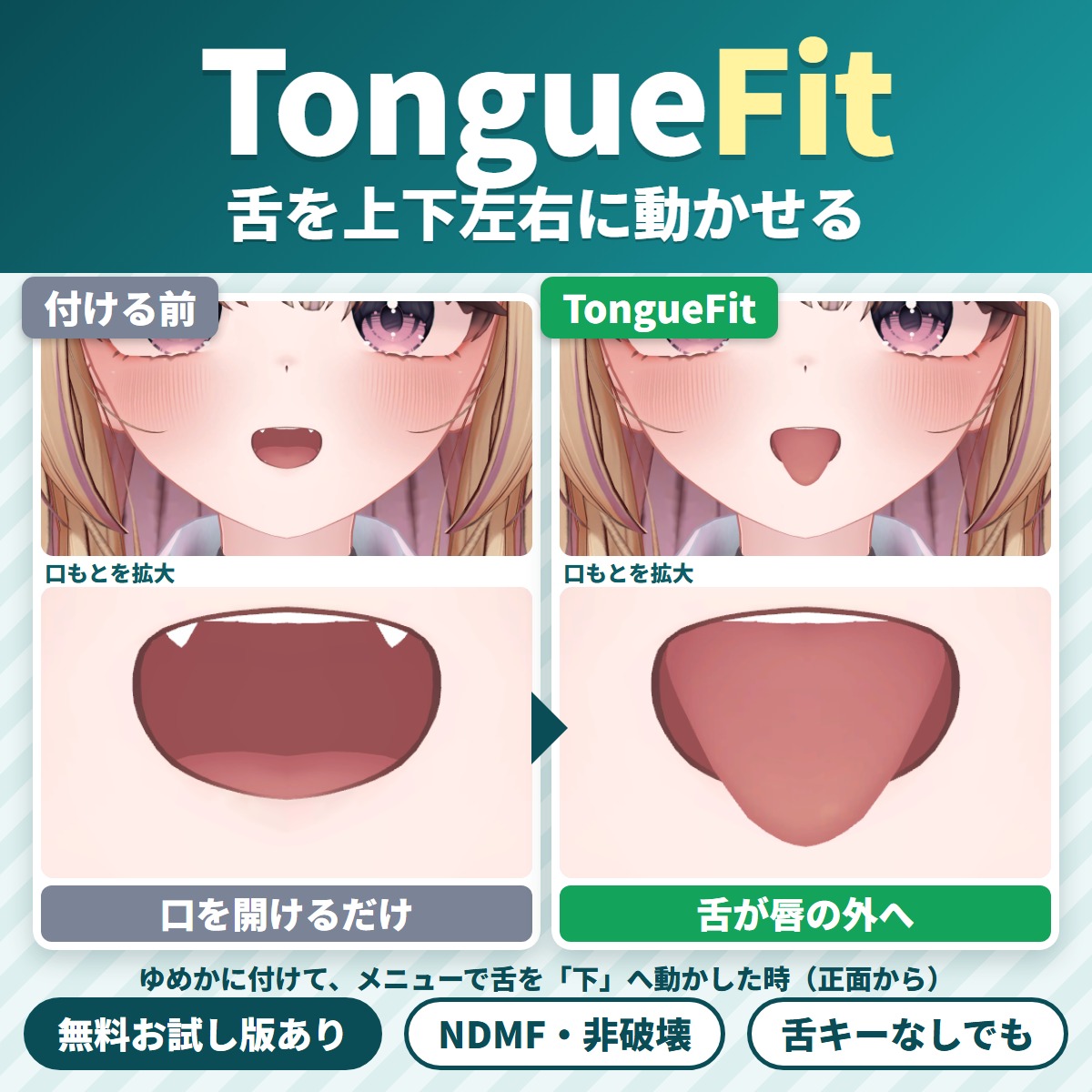
TongueFit is a Unity editor extension that lets your VRChat avatar move its tongue up, down, left and right from the Expressions menu.