GRAMSHIFTSTORE
  • RTS Deck: Age of Empires III on Stream Deck (1/6)
  • RTS Deck: Age of Empires III on Stream Deck (2/6)
  • RTS Deck: Age of Empires III on Stream Deck (3/6)
  • RTS Deck: Age of Empires III on Stream Deck (4/6)
  • RTS Deck: Age of Empires III on Stream Deck (5/6)
  • RTS Deck: Age of Empires III on Stream Deck (6/6)
  1. Home
  2. Stream Deck

RTS Deck: Age of Empires III on Stream Deck

Released Nov 20, 2026

    Full version

    ¥1,500
    Buy on the GRAMSHIFT direct shop

    Checkout happens on the GRAMSHIFT direct shop. Your license key and refunds are handled there too.

    A Stream Deck profile for Age of Empires III: Definitive Edition on Windows: idle villagers, your army, command panel buttons, buildings and training on keys s…

    Stream Deck profile for Windows
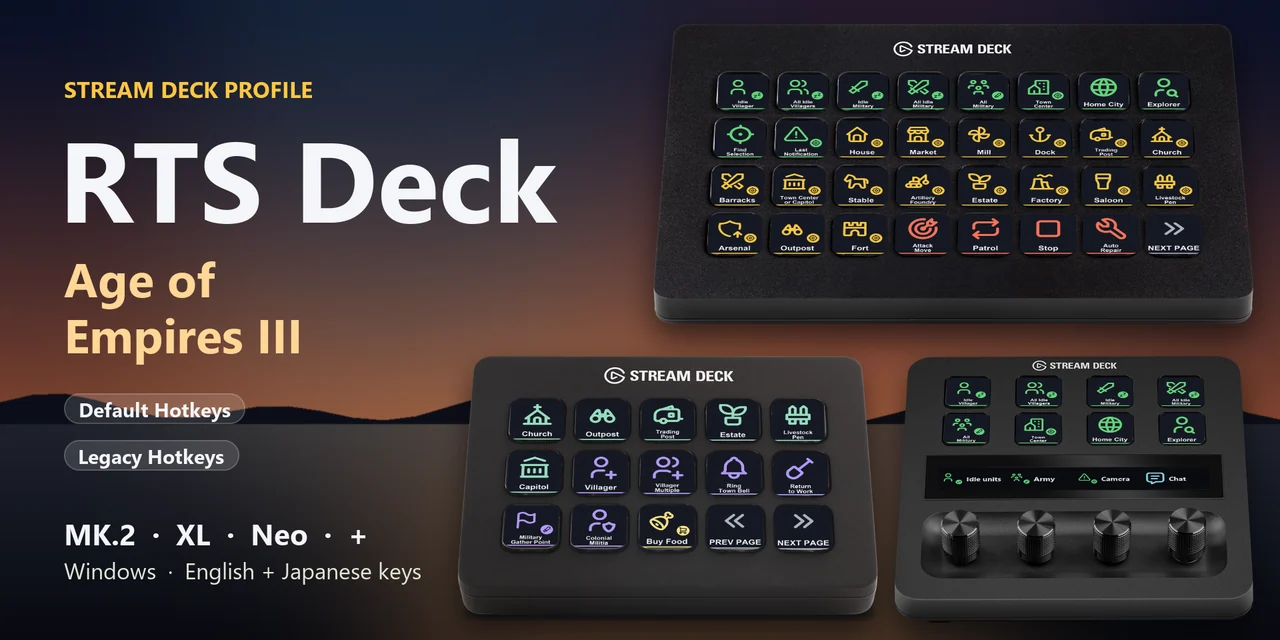
    A Stream Deck profile for Age of Empires III: Definitive Edition (AoE3 DE) on Windows: find idle villagers, select your army, jump to your buildings, press command panel buttons, build and train with one press of a labeled key.
    One purchase covers Stream Deck MK.2, XL, Neo and +, with English or Japanese key labels.
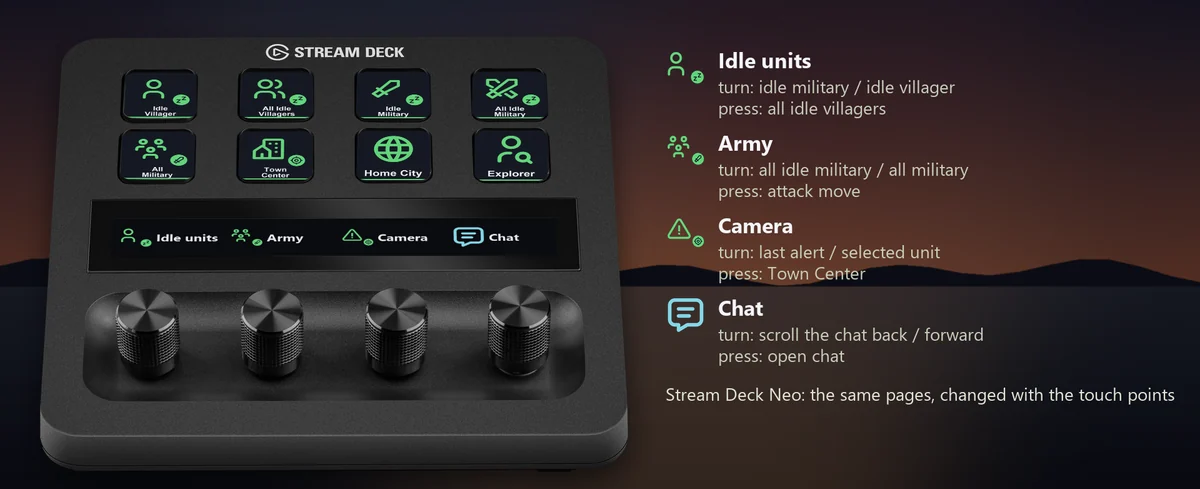
    Works with either of the game's hotkey sets, Default Hotkeys or Legacy Hotkeys: import the profile with the same name as the set selected in the Keybindings field of the game's Options > Hotkeys. A new install of the game has Legacy selected. On Stream Deck +, four dials find idle units, select your army, move the camera and scroll the chat.

    • Idle villagers and army
    • Go to your buildings
    • Command panel by place
    • Build and train by name
    • Default or Legacy hotkeys
    • Dials on Stream Deck +

    What the keys do

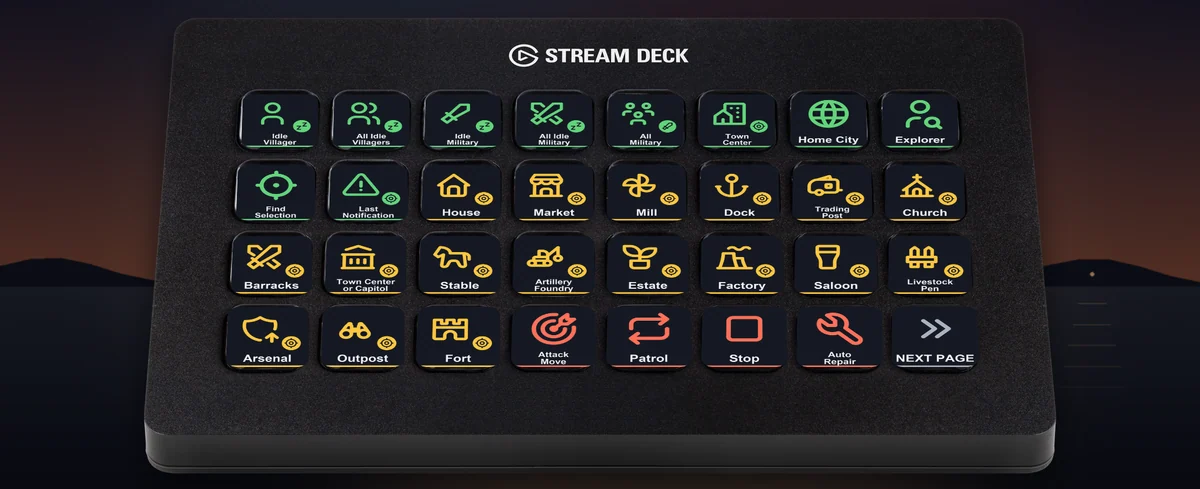
    • Idle villagers, your army and your buildings in one press: On Stream Deck XL, the first page puts idle villagers, your army, the Town Center, Home City and explorer, every kind of building to jump to, and attack move, patrol and stop side by side.
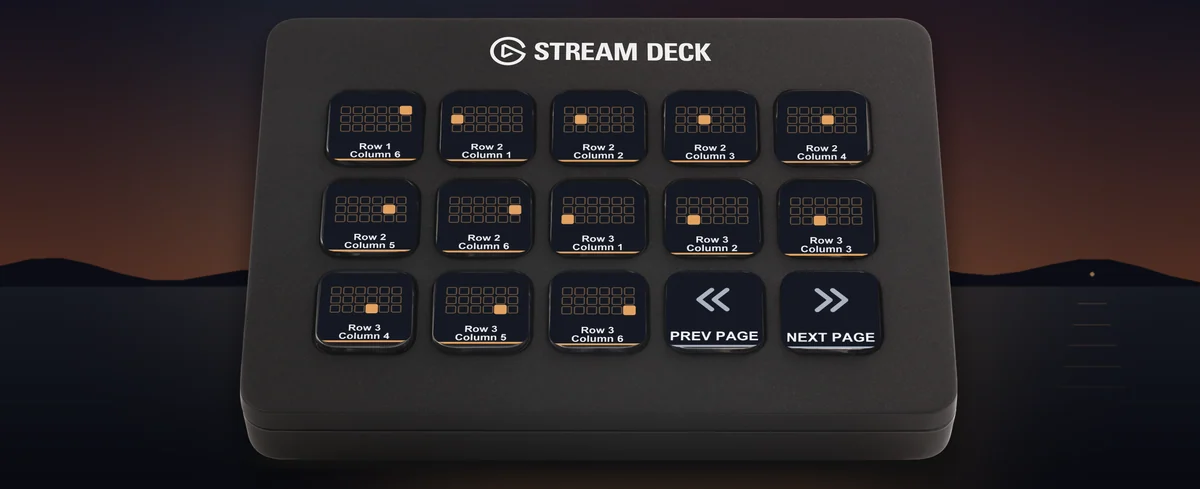
    • Press a command panel button by its place: With Default Hotkeys, select a unit or building and press the key for a place in the command panel: row and column, several at once with the Multiple keys, the command buttons and the big ability button.
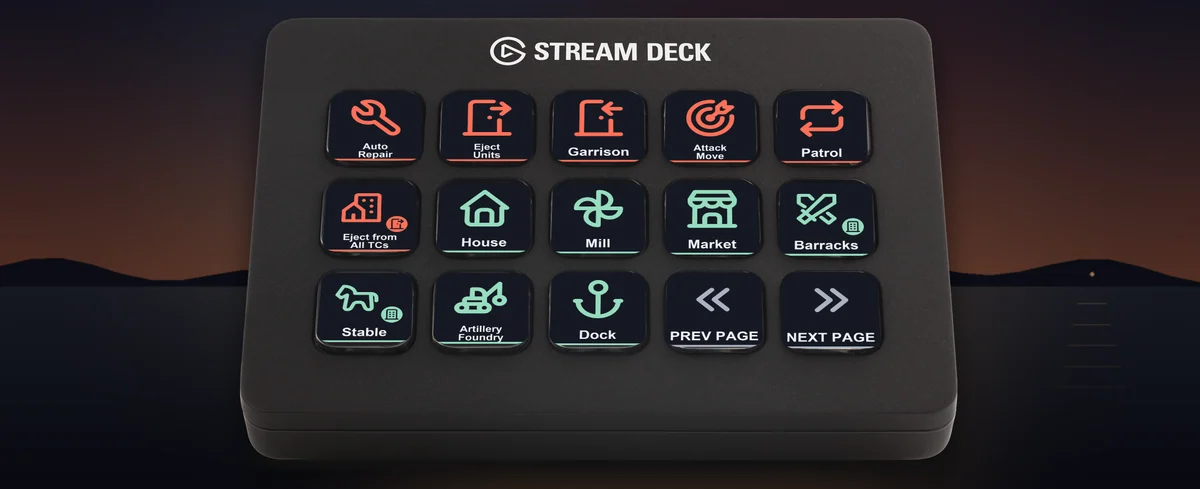
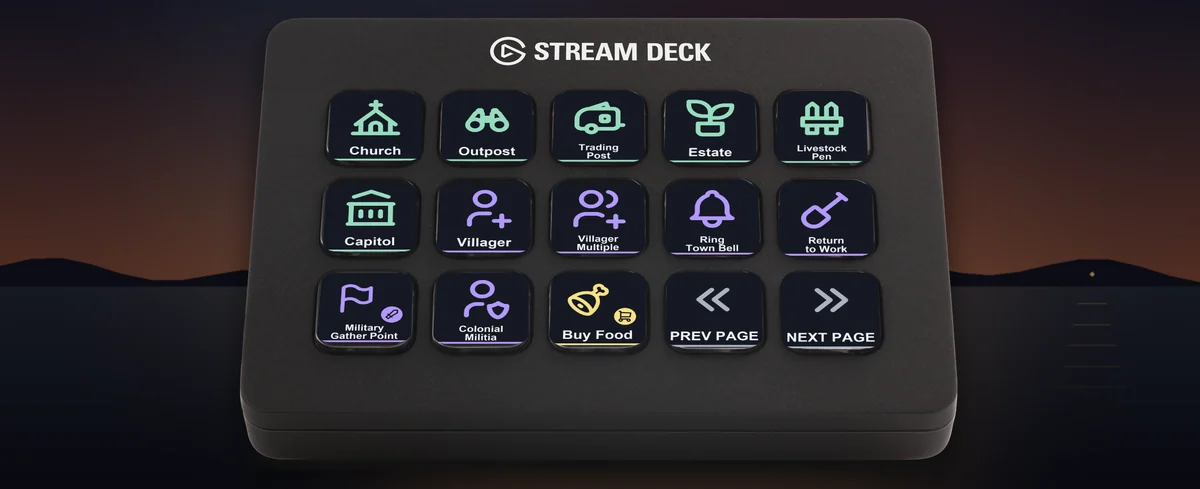
    • Pick a building by its name and picture: With Legacy Hotkeys, select villagers, then press the building you want: houses, mills, the Market, Barracks, Stable, Artillery Foundry, Dock, Church, Outpost, Trading Post and more each have their own key with a name and a picture.
    • Villagers, the town bell and the market on one page: With Legacy Hotkeys, train villagers one or several at a time, ring the town bell and send everyone back to work, call up colonial militia, and buy or sell food and wood at the Market. Training pages cover the Barracks, Stable, Artillery Foundry and Dock.
    • Four dials on Stream Deck +: Turn to find the next idle military unit or villager, select your idle or whole army, move between the last alert and your selected units, or scroll the chat. Press the dials to select all idle villagers, attack move, go to the Town Center or open the chat. On Stream Deck Neo, the touch points change pages.
    • English and Japanese labels: The download holds the same keys twice: once with English labels and once with Japanese labels that use the game's own Japanese names. Import the set you want.

    Profiles for four Stream Deck models

    The download holds a profile for each of Stream Deck MK.2, XL, Neo and +, for both hotkey sets, in English and in Japanese. MK.2 has one page per group of keys. Neo and + show 8 keys a page: tap the touch points on Neo, or swipe the touch strip on +, to change pages.

    • Find and select: Idle villagers, idle military, all military, Town Center, Home City, explorer, find selection and last notification.
    • Find buildings: Jump to your houses, Market, Mill, Dock, Trading Post, Church, Barracks, Town Center or Capitol, Stable, Artillery Foundry, Estate, Factory, Saloon, Livestock Pen, Arsenal, Outpost and Fort.
    • Orders: Attack move, patrol, stop, auto repair, garrison, eject units and eject from all Town Centers.
    • Default Hotkeys: command panel: Each place of the command panel by row and column, several at once, the command buttons and the big ability button.
    • Legacy Hotkeys: build, Town Center, Market and training: Each building by name and picture; villager, town bell, return to work and colonial militia; buying and selling food and wood; training at the Barracks, Stable, Artillery Foundry and Dock.
    • Game and groups: Game time, score, pause, quick save, chat, screenshot, advanced info, friend or foe colors, and control groups 1 to 6: select, add to, create, look at and remove.

    Set to the game's own hotkeys

    The keys send the hotkeys of Age of Empires III: Definitive Edition, for either of its two hotkey sets, so the game stays as it is. Checked in the real Age of Empires III: Definitive Edition with both hotkey sets.
    Each page belongs to what you have selected: units for the Orders page, a unit or building for the Command Panel pages, villagers for the Build page, and that building for the Town Center, Market and training pages. The key colours show which page is which.
    Changed a hotkey in the game? Edit that key's Hotkey in the Stream Deck app to the same key.

    Set up in 3 steps

    • Buy, then download and unzip the file.
    • Check the Keybindings field in the game's Options > Hotkeys (Default or Legacy), and double-click the .streamDeckProfile file with that name for your Stream Deck. The Stream Deck app imports it.
    • Start Age of Empires III: Definitive Edition, select the profile on your Stream Deck and press a key.

    Requirements

    • Windows 10 or later
    • Stream Deck MK.2, XL, Neo or +
    • The Stream Deck app
    • Age of Empires III: Definitive Edition for Windows (Steam, or Microsoft Store / Xbox app / PC Game Pass) with the Default or Legacy hotkey set (Options > Hotkeys)

    How AI was used: Made by GRAMSHIFT with the help of AI tools.

    Questions and answers

    No published questions yet.

    Ask a question about this item

    When GRAMSHIFT answers, the question and answer appear on this page (no email is sent, so check back here). We do not ask for your name or email. Your text is published with the answer, so do not include contact details. URLs are not allowed.

    Payment, refunds and contact

    Checkout happens on the GRAMSHIFT direct shop. Your license key and refunds are handled there too. Buy on the GRAMSHIFT direct shop

    Made by
    GRAMSHIFT

    For how to use this item, ask GRAMSHIFT in "Questions and answers" above.

    For help with payment or downloads, just email contact@gramshift.com. You can also ask GRAMSHIFT from "Questions and answers" on each item page.

    Report this item (not as described, does not work, etc.)

    More items

    See all items

    Stream Deck

    Temp & Cache Cleaner (Stream Deck)

    Stream Deck plugin for Windows that shows how much space your Temp folder, browser caches, thumbnail cache, crash dumps and shader cache take, and cleans them …

    ¥680
    Stream Deck

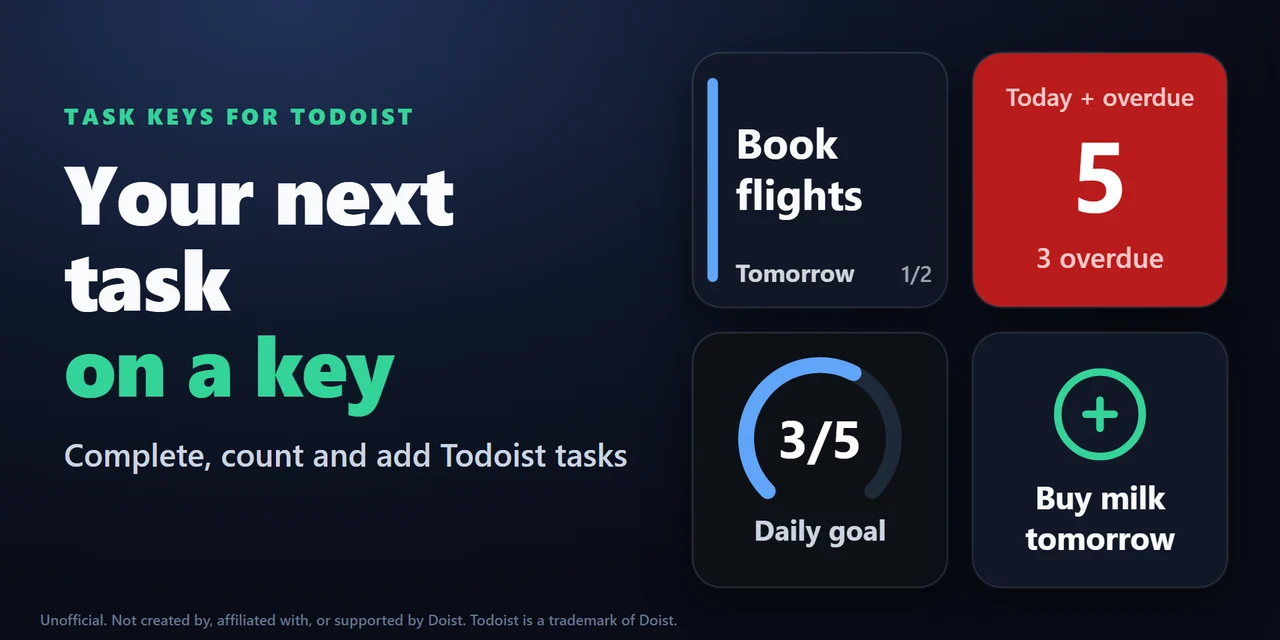
    Task Keys for Todoist (Stream Deck)

    Stream Deck plugin for Todoist on Windows and Mac: see your next task and its due date on a key, hold the key to complete it, count overdue tasks, add a task w…

    ¥1,200

    Stream Deck

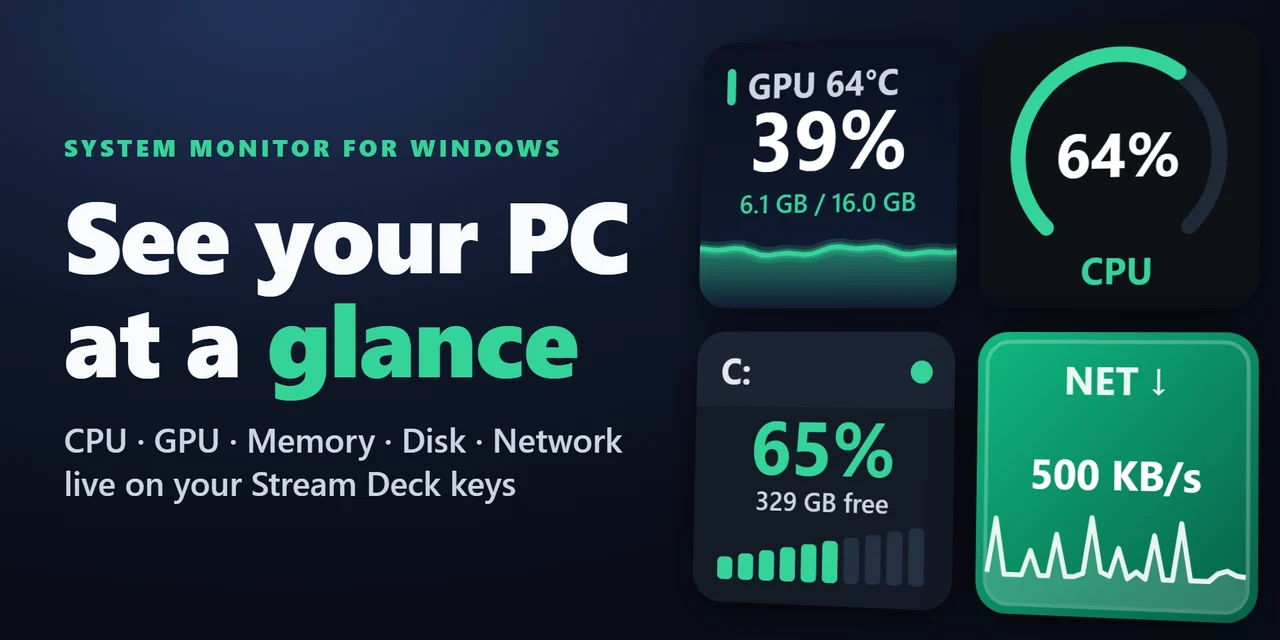
    System Monitor for Windows (Stream Deck)

    Show CPU, GPU usage and temperature, memory, disk space and network speed live on Stream Deck keys and Stream Deck + dials, on Windows and Mac.

    ¥780

    Stream Deck

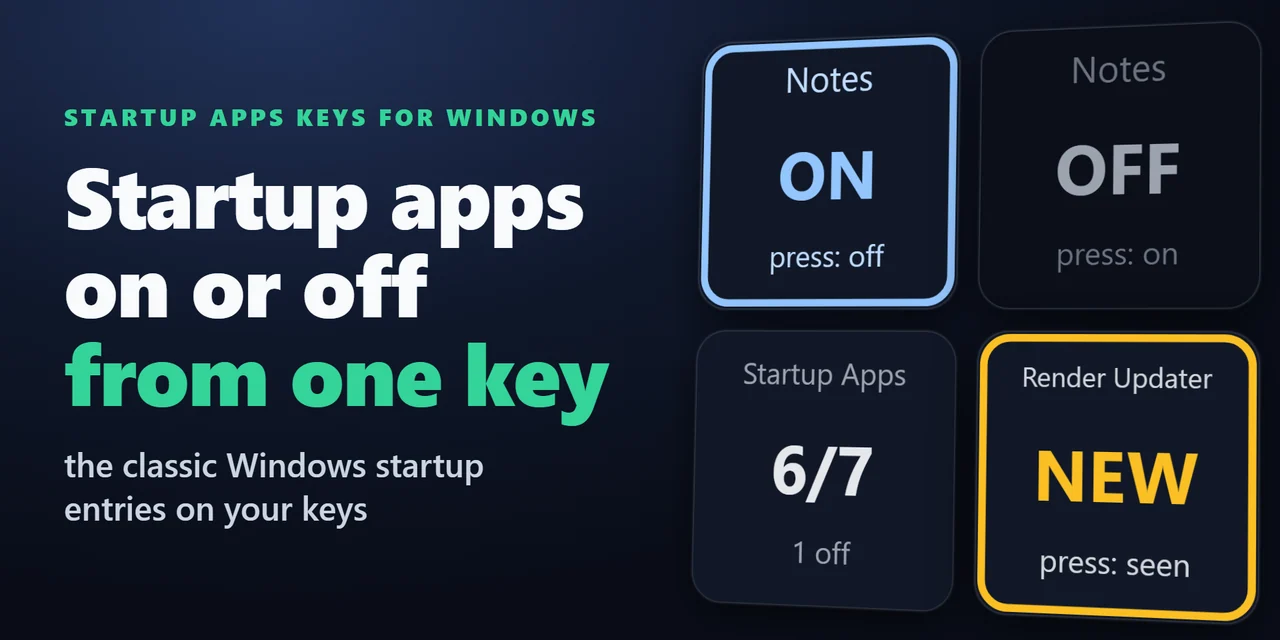
    Startup Apps Keys for Windows (Stream Deck)

    Stream Deck plugin for Windows that shows how many startup apps are on, turns one startup program off or on with a press, and shows NEW with the name when a pr…

    ¥780

    Stream Deck

    SSD Temp & Wear for Windows (Stream Deck)

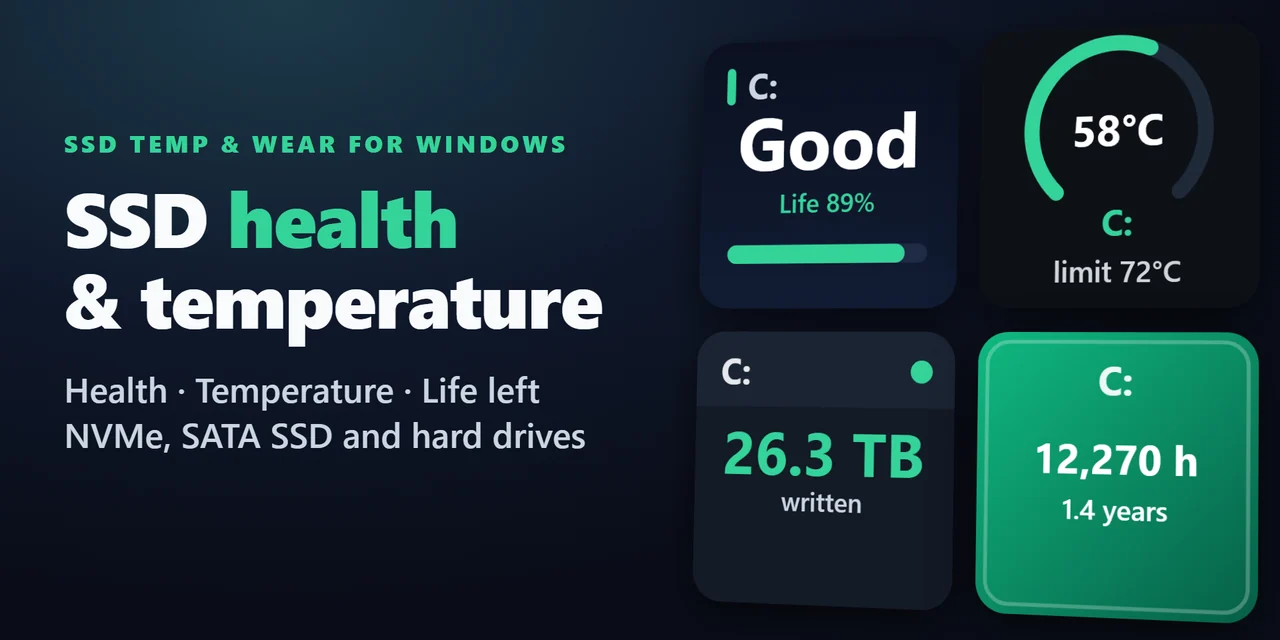
    Stream Deck plugin for Windows: see the health (Good, Caution or Bad), life left, temperature with a graph, data written in TB and power-on hours of your SSDs …

    ¥780

    Stream Deck

    Restart Pending for Windows (Stream Deck)

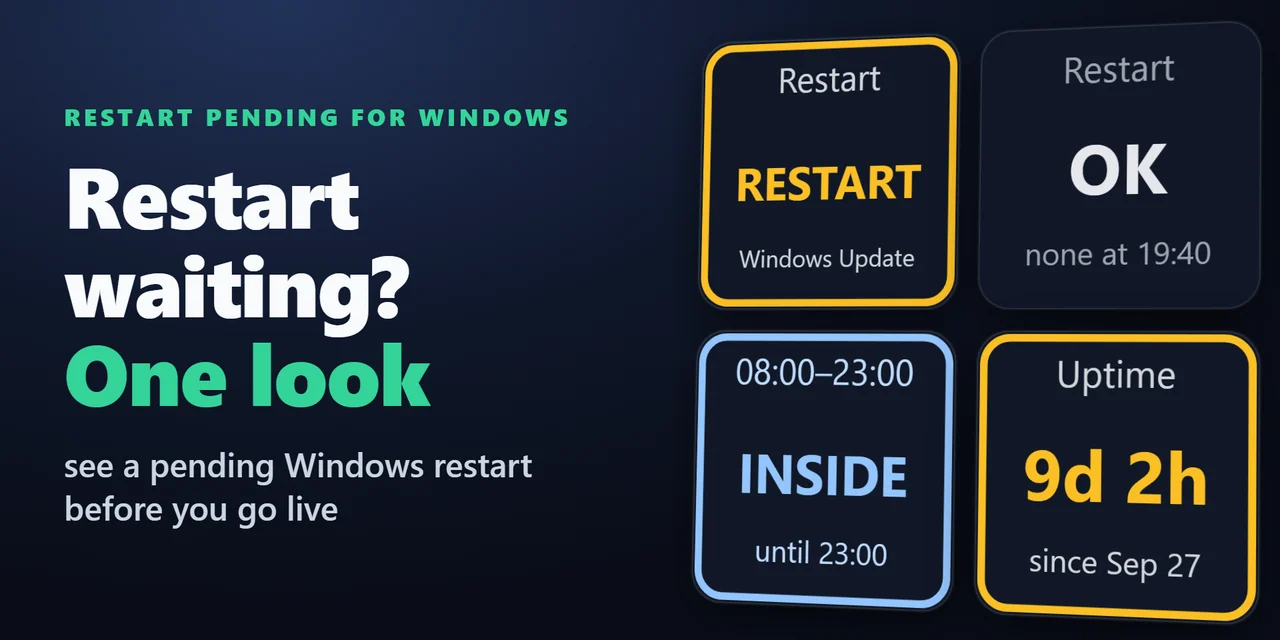
    Stream Deck plugin for Windows that shows whether a Windows Update restart is waiting, with the reason, whether you are inside your active hours, and how long …

    ¥780

    Stream Deck

    Recycle Bin & Drive Space (Stream Deck)

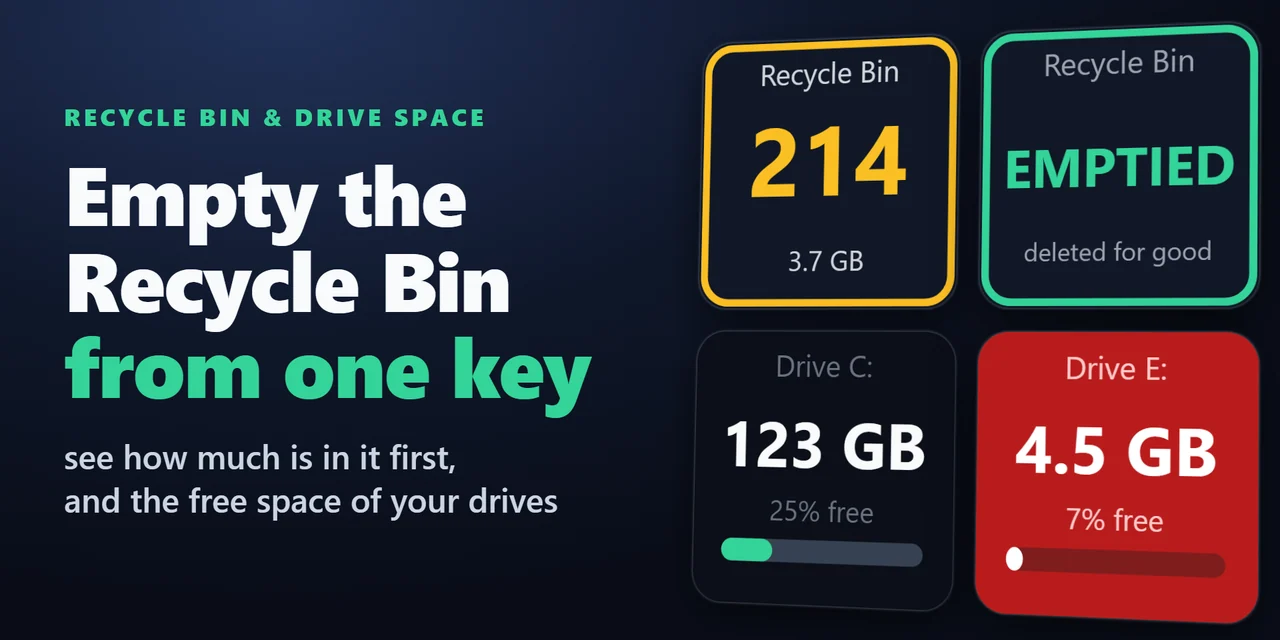
    A Stream Deck key for the Recycle Bin on Windows and the Trash on Mac: see how many items are in it and their total size, open it with a press and empty it wit…

    ¥680