Your Skyrim stats live on your Stream Deck keys
See health, magicka and stamina, when your shout is ready, carry weight, gold, level and the time in Skyrim as you play.
One-time purchase on the Elgato Marketplace, shown there in your own currency.
Overview
What Hero Deck for Skyrim does
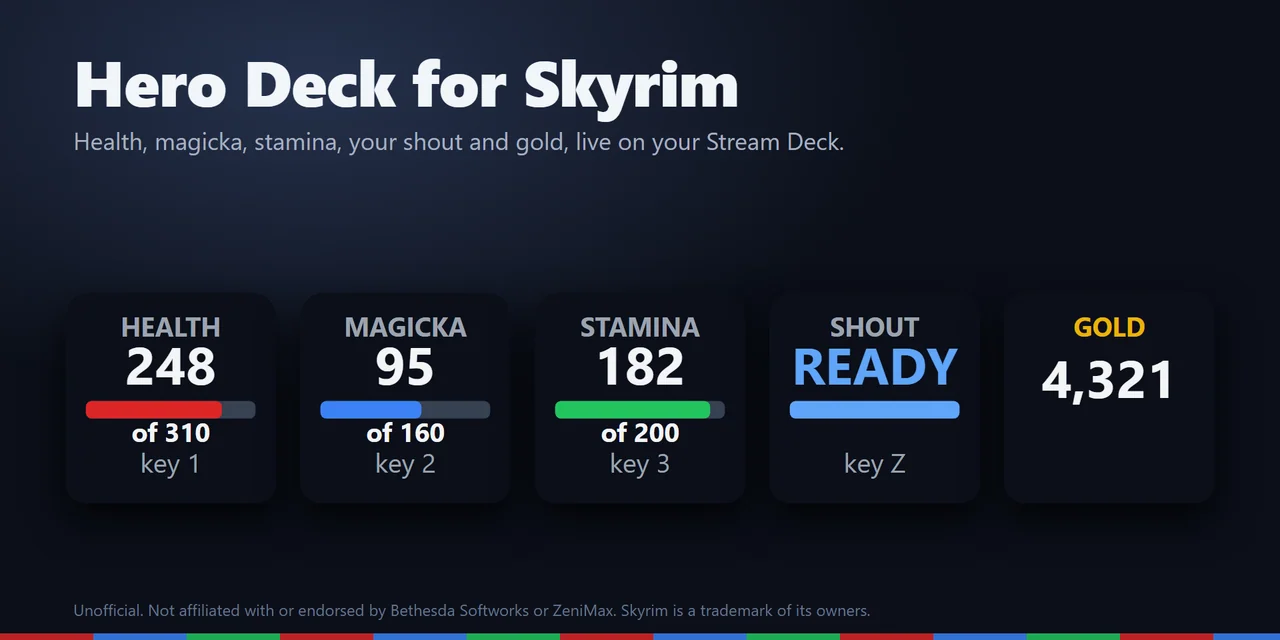
To see your Skyrim stats on a Stream Deck, add Hero Deck for Skyrim and drag its keys onto your Stream Deck: they show health, magicka and stamina with bars, when your shout is ready again, carry weight against your limit, gold, your level progress and the date and time in Skyrim, live while you play Skyrim Special Edition or Anniversary Edition on PC.
Any key can also press a game key you choose, such as a favorite, Shout held for more words, the inventory or Wait, so your Stream Deck works as a hotkey box for Skyrim too.
Features
What you can do
- Watch your health, magicka and stamina
Each key shows the value or the percent with a bar, and the name and number turn yellow when it runs low, so you drink the potion in time.
- Know when to shout
The Shout key says READY, or counts down the seconds until your shout is ready again.
- Keep your loot in check
The Carry Weight key shows what you carry against your limit, the bar turns yellow near the limit and the key turns red with TOO HEAVY when you are over it.
- See your gold and your level
Your gold with thousands separators, and your level with the progress toward the next one.
- Read the time in Skyrim
The hour in a 24 or 12 hour clock, the day and month of the Skyrim calendar and the year, like 17 Last Seed, 4E 201.
- Press game keys from the deck
Every key can send a key you pick, tapped or held for half a second up to 2 seconds, by default only while Skyrim is the window in front.
- Make it yours
Five looks (Classic, Neon, Ring, Bars and Solid) or your own color, keys in English and Japanese, and Stream Deck + dials.
Set up
How it works
- Install SKSE64 and Address Library for SKSE Plugins, if you play with mods you likely have both. Then get Hero Deck for Skyrim from the Elgato Marketplace.
- Drag the keys you want onto your Stream Deck, open the settings of any key and press Install under Game plugin. The plugin finds Skyrim in your Steam libraries and adds one small file to the game's SKSE plugins folder.
- Start Skyrim with SKSE64 and load a save. The keys show your character right away.
Good to knowSKSE64 loads the small game plugin. It reads a few values of your character and the time in Skyrim and hands them to the Stream Deck plugin on your PC, and it changes nothing in your game or your saves. With the Stream Deck on a Mac or a second PC, it sends the same values over your home network to that computer.
FAQ
Questions
Short answers to what people ask before they add it.
Email contact
How do I see my Skyrim health, magicka and stamina on a Stream Deck?
Install Hero Deck for Skyrim, drag the Health, Magicka and Stamina keys onto your Stream Deck, open a key's settings and press Install. Start Skyrim with SKSE64 and load a save: the keys show your values right away.
What do I need besides the Stream Deck plugin?
SKSE64 and Address Library for SKSE Plugins for your version of the game. If a piece is missing, the key says SETUP and its settings name what to install.
Can a key press a game key, like a hotkey for a favorite or the shout?
Yes. Pick a key in a key's settings, such as 1 for a favorite or Z for Shout, and choose to tap it or hold it up to 2 seconds. By default it sends only while Skyrim is the window in front.
Can I see my Skyrim stats on a Stream Deck connected to a Mac?
Yes. Play on your Windows PC and, on the Mac, set Receive from to "This PC and the network" in a key's settings. The settings page shows the address of the Mac and the steps for the gaming PC: copy the game plugin there and add a small settings file with that address. On a Mac the keys show the stats; game keys are sent only on Windows.
Does it go online?
No. There is no account and no analytics, and nothing goes to GRAMSHIFT. As installed it sends nothing over the network; only if you set up a Mac or a second PC does the game plugin send the game values to the one address you write in its settings file.
What happens after a Skyrim update?
If the new game version is not in the plugin's list yet, the keys say GAME VER. and nothing is read from the game until a plugin update adds it. The game itself is not touched.
Requirements
Before you buy
Works with
Works on Windows 10 or later with the Stream Deck app 6.9 or later and Skyrim Special Edition or Anniversary Edition from Steam on the same PC. For the stats on a Mac: macOS 12 or later, with the game on a Windows PC in the same network.
A Stream Deck plugin sold on the Elgato Marketplace.
Limits
- Skyrim runs on Windows. The keys show the stats with the Stream Deck on the same PC, or on a Mac or a second PC in the same network; game keys are sent only on the same Windows PC. Skyrim Special Edition and Anniversary Edition from Steam; Skyrim VR and the 2011 edition are not supported.
- Needs SKSE64 and Address Library for SKSE Plugins in the game.
- After a Skyrim update, the keys say GAME VER. until a plugin update supports the new version.
- Sent keys do not reach a game run as administrator: start it normally. The display keys still work.
- Press Remove in the key settings before you uninstall the Stream Deck plugin; otherwise the game plugin stays in the game folder.
More for your Stream Deck
Related Stream Deck plugins
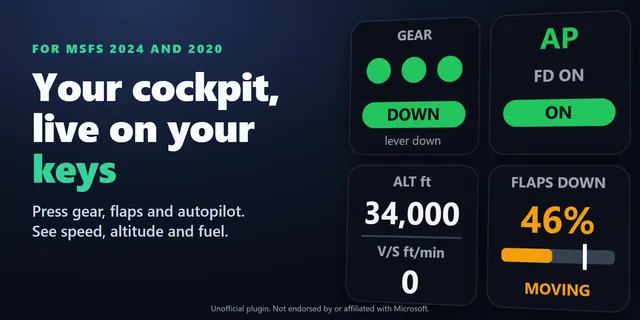 Live Cockpit for SimConnectGear, flaps, autopilot, lights and transponder keys that show your aircraft's real state in MSFS 2024 and 2020.
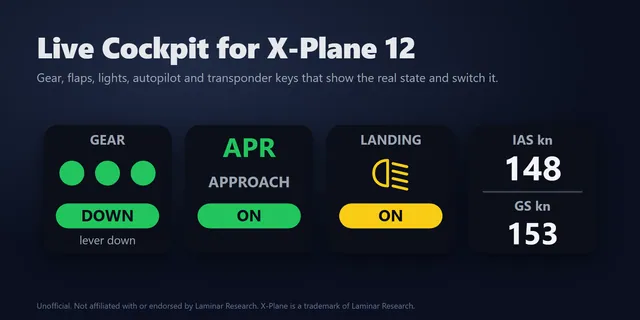 Live Cockpit for X-Plane 12Switch X-Plane 12 gear, flaps, autopilot and lights from Stream Deck keys that show their real state.
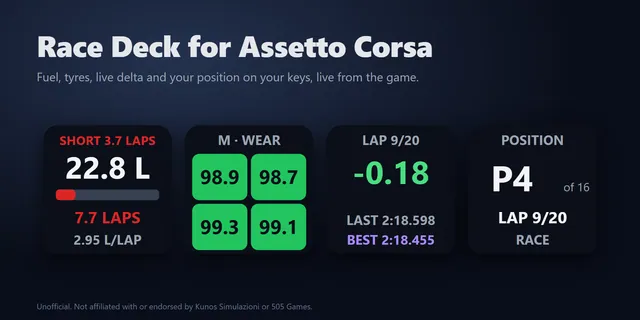 Race Deck for Assetto CorsaShow Assetto Corsa fuel laps left, tyres, a live delta, TC, ABS and brake bias live on Stream Deck keys.
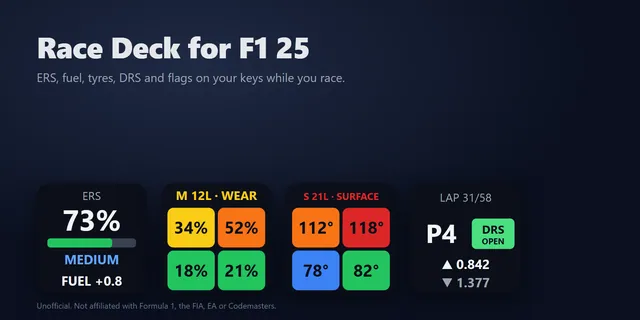 Race Deck for F1 25Show F1 25 and F1 24 ERS, fuel, tyres, gaps and 2026 Overtake Mode on Stream Deck keys, and send game keys.
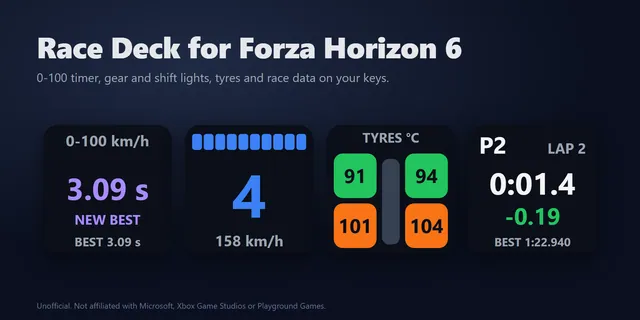 Race Deck for Forza Horizon 6Shift on time with a flashing gear light, time 0-100 km/h and 0-60 mph runs per car, and watch tyre heat and grip.
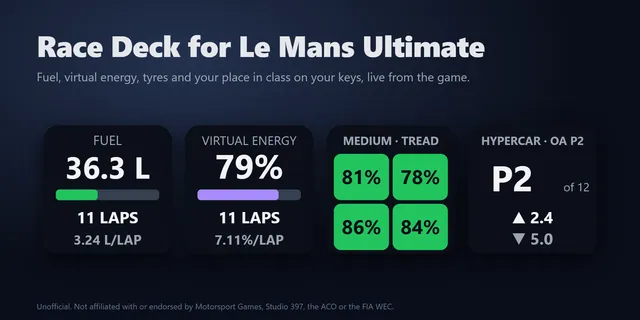 Race Deck for Le Mans UltimateShow Le Mans Ultimate fuel laps left, virtual energy, tyres, class gaps and flags live on Stream Deck keys.
Get Hero Deck for Skyrim
Works on Windows 10 or later with the Stream Deck app 6.9 or later and Skyrim Special Edition or Anniversary Edition from Steam on the same PC. For the stats on a Mac: macOS 12 or later, with the game on a Windows PC in the same network.
Get it on the Elgato MarketplaceOne-time purchase on the Elgato Marketplace, shown there in your own currency.