01
Press it, see it change
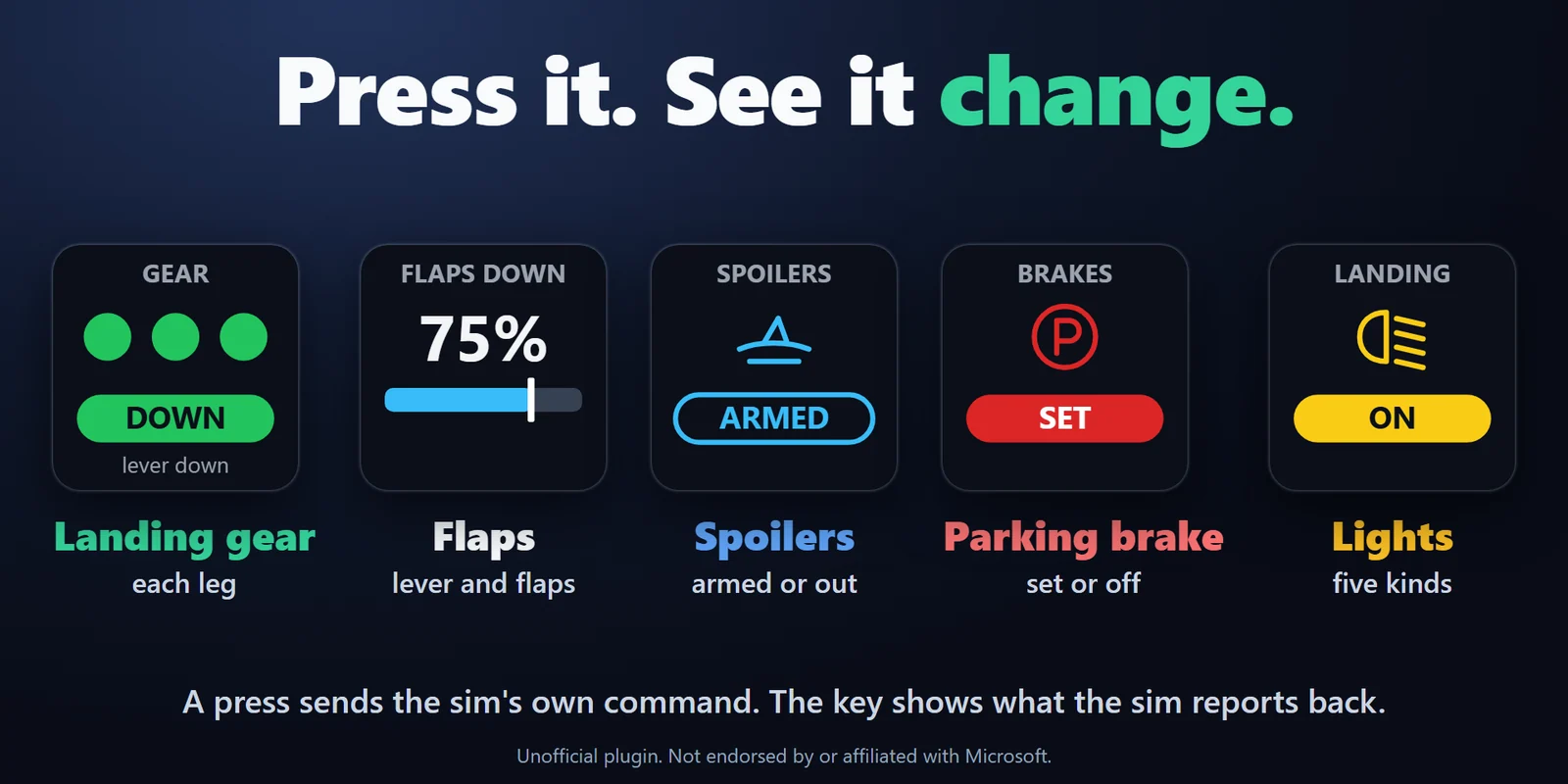
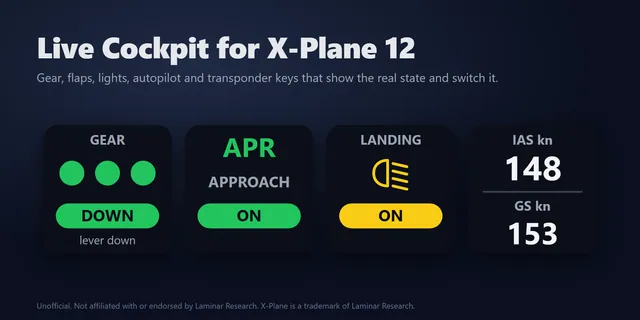
Landing gear with a lamp per leg, flaps with a bar and MOVING while they travel, spoilers, parking brake and lights, each switched with one press and showing the sim's real state.
Gear, flaps, autopilot, lights and transponder keys that show your aircraft's real state in MSFS 2024 and 2020.
One-time purchase on the Elgato Marketplace, shown there in your own currency.
Overview
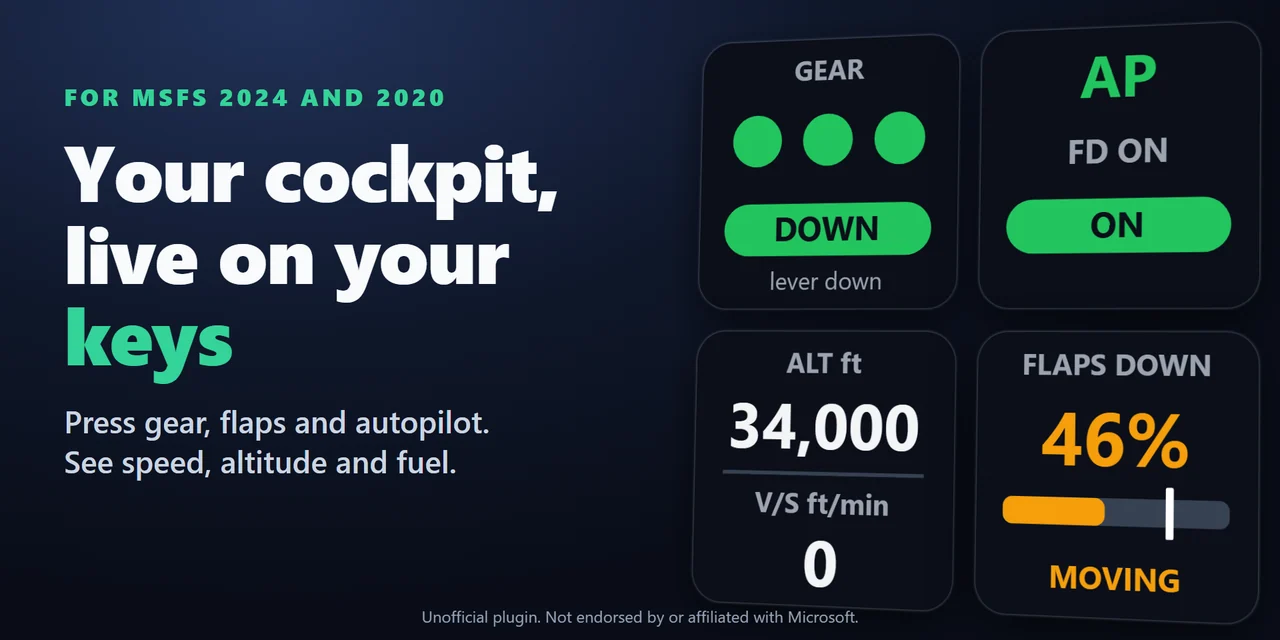
To use a Stream Deck as a cockpit panel in Microsoft Flight Simulator 2024 or 2020, add Live Cockpit for SimConnect and drag its keys onto your Stream Deck: the landing gear, flaps, autopilot, lights and transponder keys show your aircraft's real state and switch it with one press.
They connect through SimConnect, built into the sim, so the plugin is all you install, and the Community folder and the sim's files stay untouched.
Features
Landing gear with a lamp per leg, flaps with a bar and MOVING while they travel, spoilers, parking brake and lights, each switched with one press and showing the sim's real state.
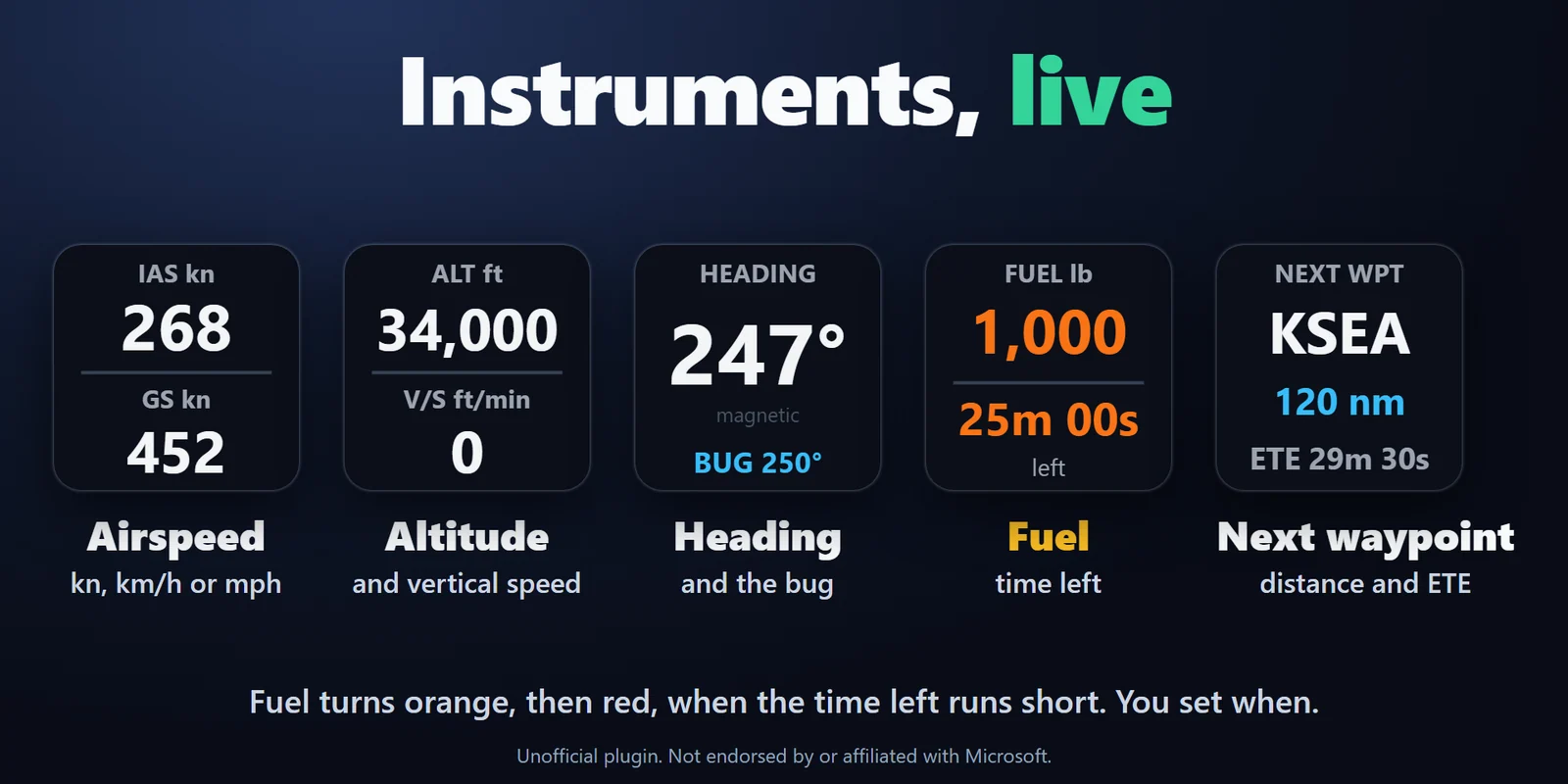
Airspeed and ground speed, altitude and vertical speed, heading with the heading bug, fuel with the time it lasts, and the next GPS waypoint with its distance and time to go.
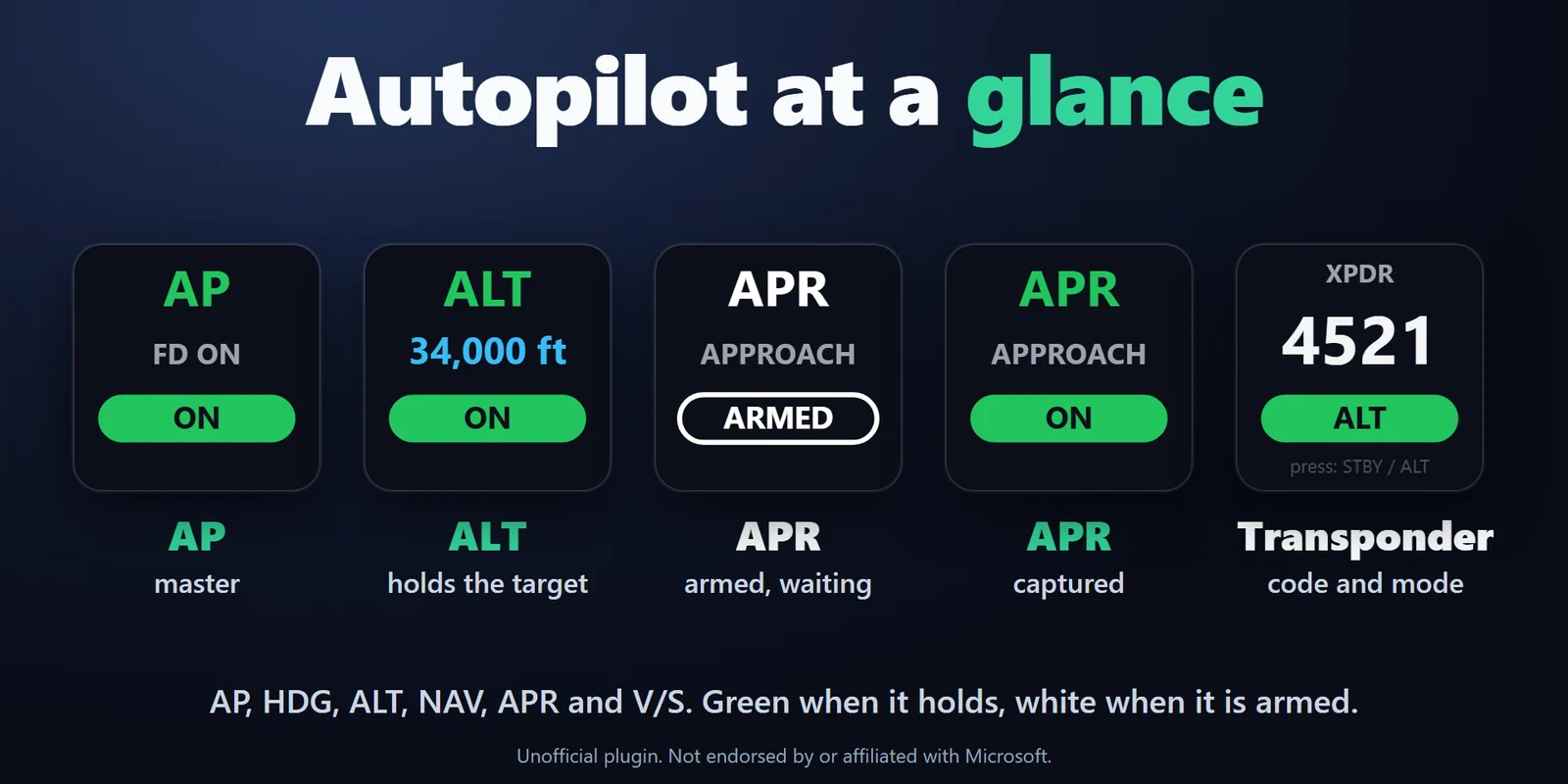
AP, HDG, ALT, NAV, APR and V/S, green when the mode holds and white when armed, with the selected heading, altitude or climb rate.
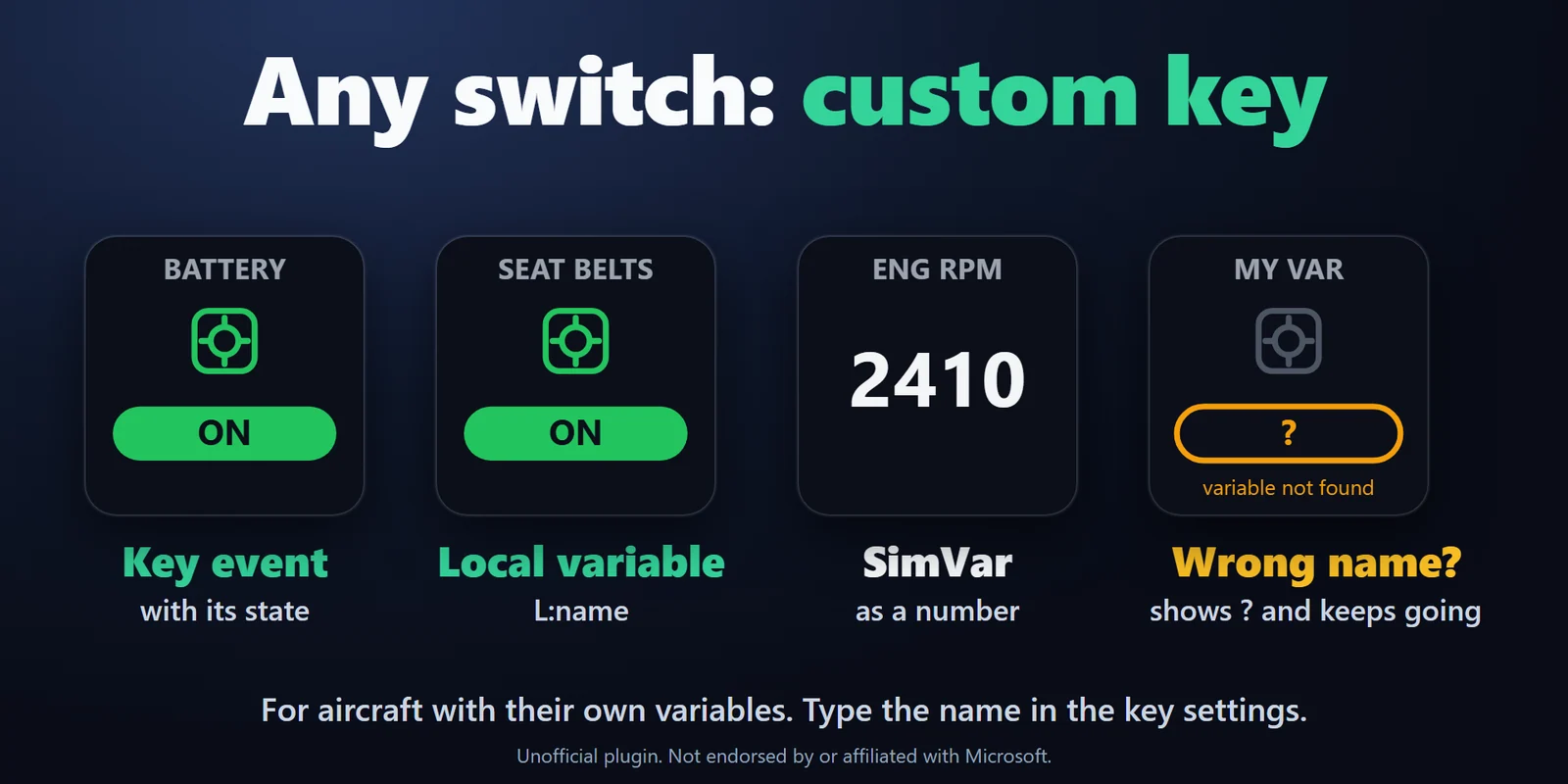
Type your own key event (with an optional value) and show any SimVar or local variable (L:var) as ON / OFF or a number, for aircraft with their own variables.
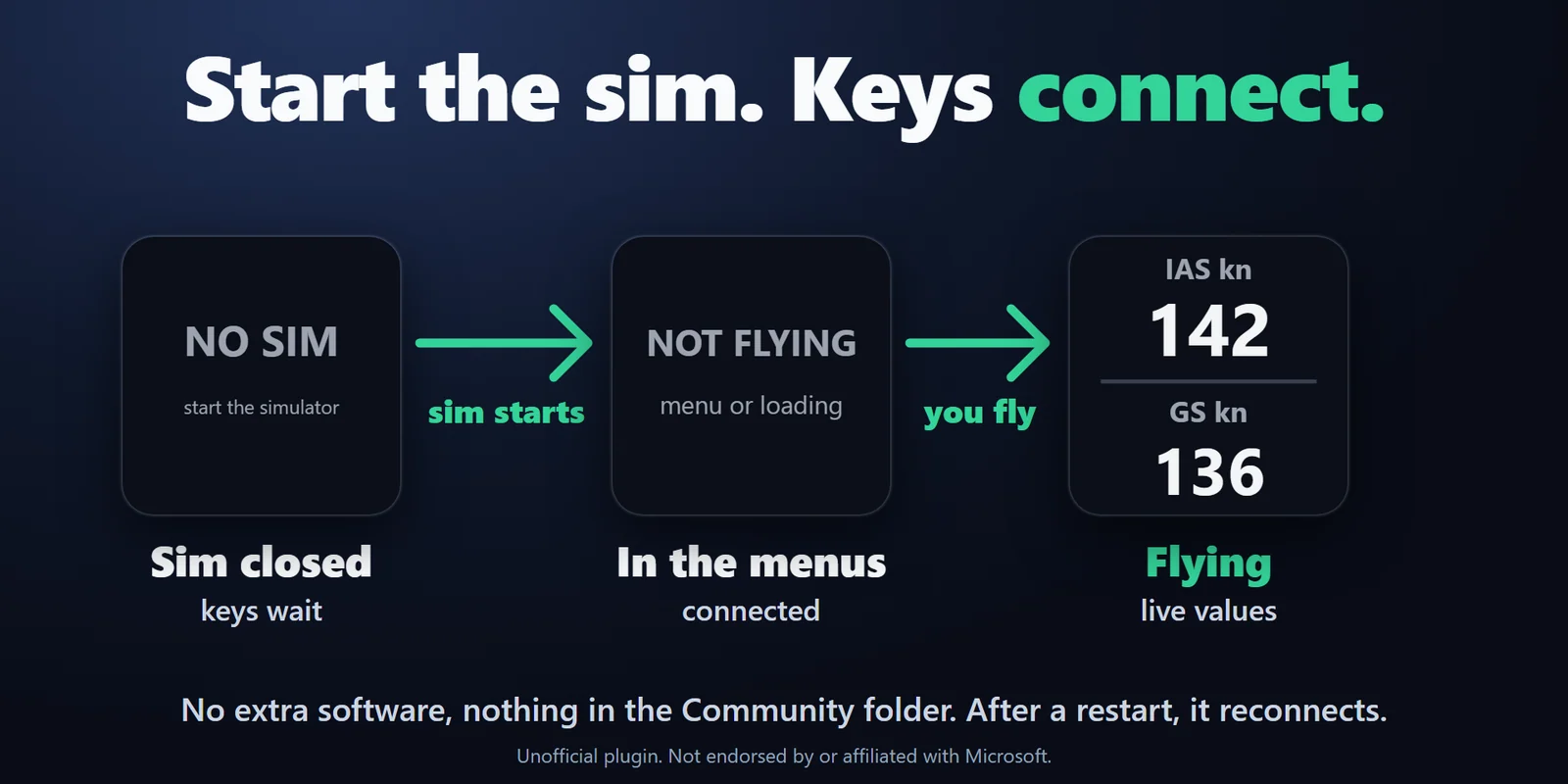
The keys find the sim by themselves, show NO SIM while it is closed and NOT FLYING in the menus, and reconnect each time you restart it.
The squawk code and the mode, with emergency codes in red. Press for standby / ALT, or IDENT.
Keys show what the sim reports, so they stay right when you flip a switch with the mouse, a joystick or another panel. Presses reach the sim while it is in the background.
A white flash when the sim takes it, or a red frame with the reason.
Knots, km/h or mph; feet or meters; pounds or kilograms. Fuel turns orange, then red, at the warning time you choose. English and Japanese.
Set up
Good to knowThe plugin talks to the sim through SimConnect, which is built into Microsoft Flight Simulator, so your keyboard and joystick bindings stay as they are.
FAQ
Short answers to what people ask before they add it.
Email contact
Add Live Cockpit for SimConnect and drag its Landing Gear, Flaps, Autopilot, Lights or Transponder keys onto your Stream Deck. Start the sim: the keys show your aircraft's real state and switch it with one press.
No. The keys connect through SimConnect, which is built into the sim, so the plugin is all you install and the Community folder and the sim's files stay untouched.
Yes. The Fuel key shows the fuel on board and the time it lasts at the current flow, and turns orange, then red, at the warning time you choose.
The built-in keys work with aircraft that use the standard SimVars and key events. For aircraft with their own systems, enter the aircraft's own variables and events in the Custom Key, which shows any SimVar or L:var and sends any key event.
Either order works. The keys find the sim by themselves and reconnect each time you restart it.
Requirements
Works with Microsoft Flight Simulator 2024 or 2020 on a Windows PC, with the Stream Deck app 6.9 or later on Windows 10 or later, on the same computer as the sim.
A Stream Deck plugin sold on the Elgato Marketplace.
More for your Stream Deck
Works with Microsoft Flight Simulator 2024 or 2020 on a Windows PC, with the Stream Deck app 6.9 or later on Windows 10 or later, on the same computer as the sim.
Get it on the Elgato MarketplaceOne-time purchase on the Elgato Marketplace, shown there in your own currency.