01
See your whole job on one deck
On a Stream Deck XL, idle villagers and military, your army, the Town Center, Home City, the explorer, buildings by type and army orders share one page.
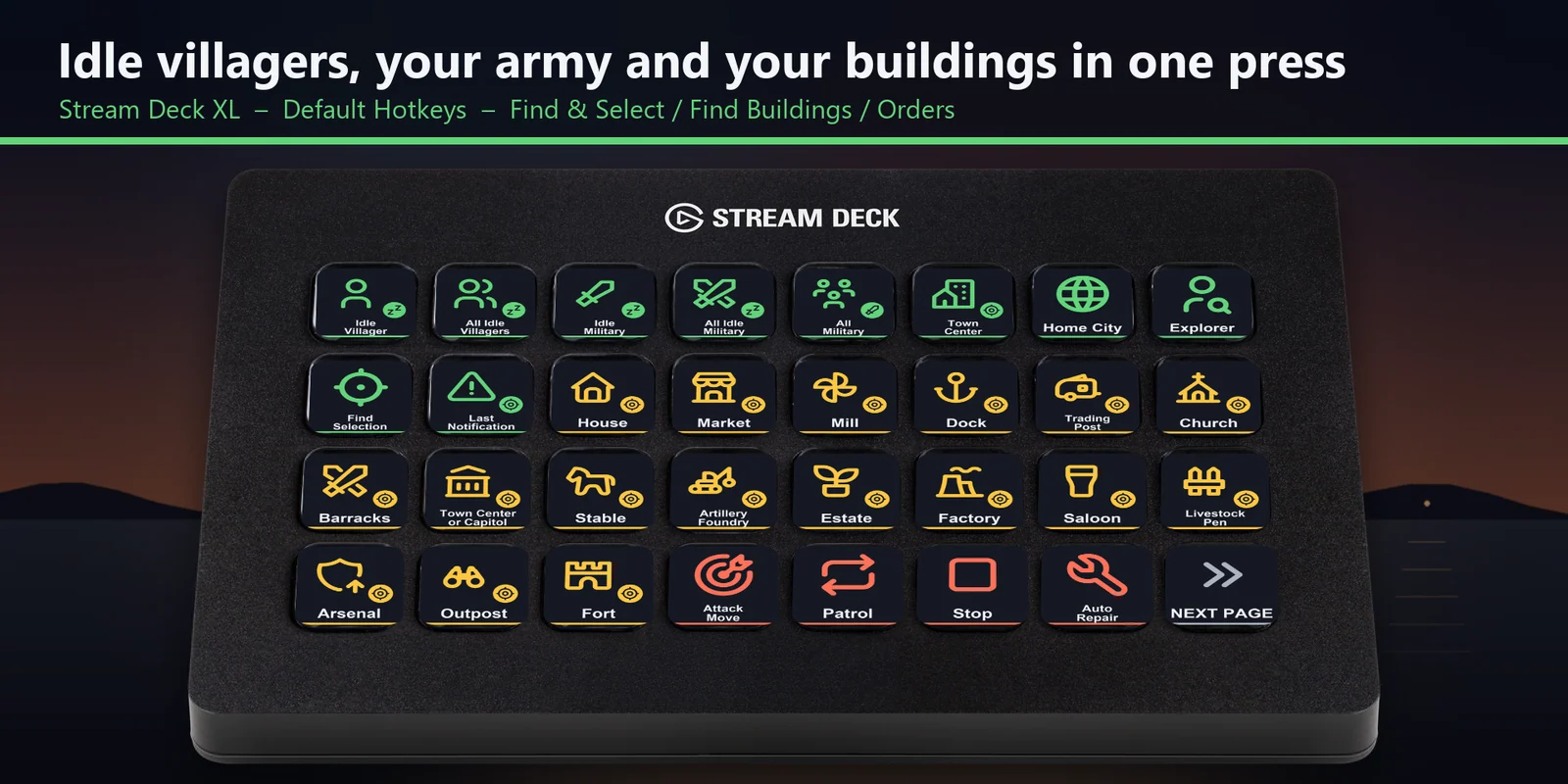

Find idle villagers, select your army, build and train with keys for either hotkey set on MK.2, XL, Neo or +.
One-time purchase direct from GRAMSHIFT, plus any tax at checkout. A download link appears right after payment, and the receipt arrives by email.
Overview
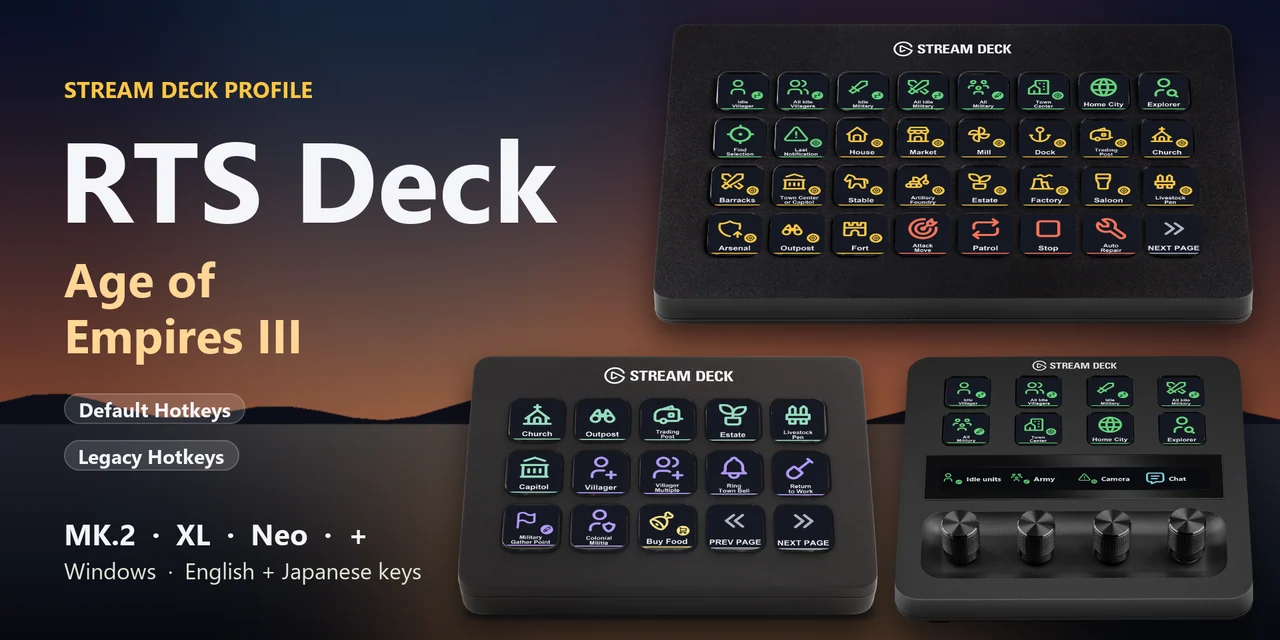
To find idle villagers, select your army, press command panel buttons, build and train in Age of Empires III: Definitive Edition from a Stream Deck on Windows, open the RTS Deck: Age of Empires III profile for your device and keep the game window in front.
RTS Deck: Age of Empires III works with either hotkey style of the game, Default Hotkeys or Legacy Hotkeys: import the profile with the same name as the set selected in the Keybindings field of the game's Options > Hotkeys (Default or Legacy), and each key sends the hotkey of that set, with English or Japanese labels.
Features
On a Stream Deck XL, idle villagers and military, your army, the Town Center, Home City, the explorer, buildings by type and army orders share one page.
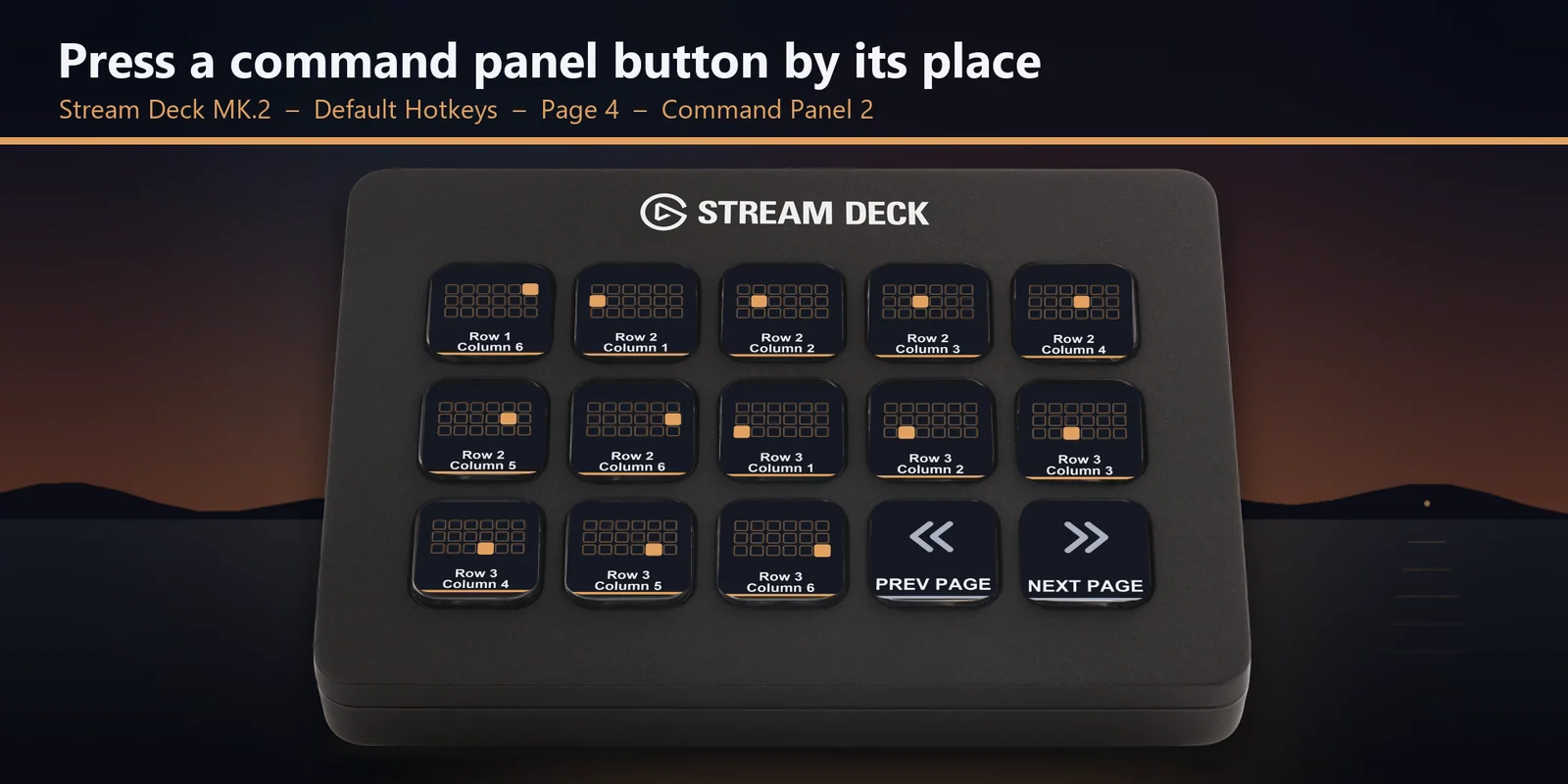
With Default Hotkeys, each key presses the button in its row and column of the panel, and the picture shows which cell it is.
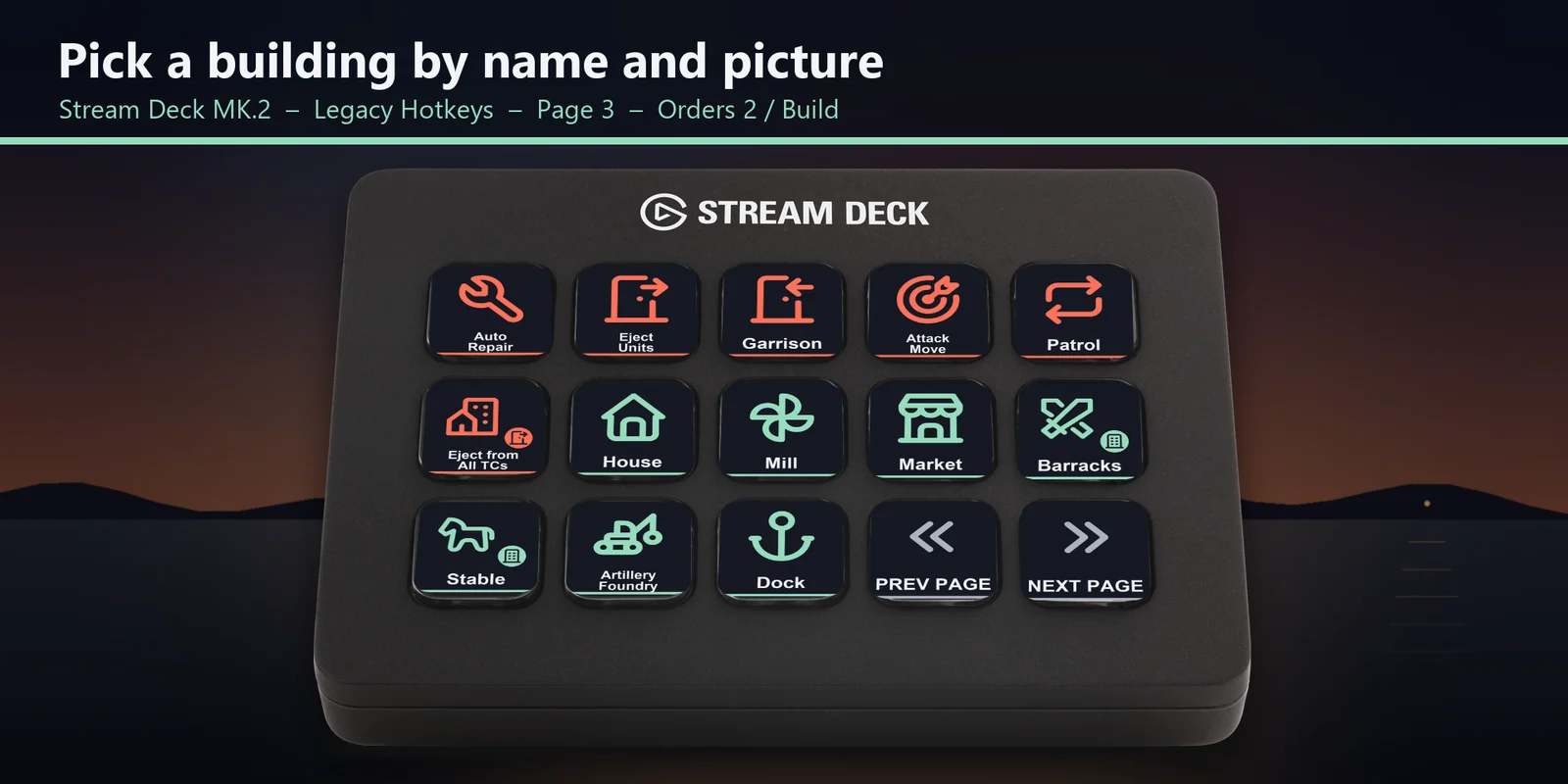
With Legacy Hotkeys, select villagers and press the building, each key showing its name and picture.
With Legacy Hotkeys, train villagers, ring the town bell, send everyone back to work, call the colonial militia and trade at the market.
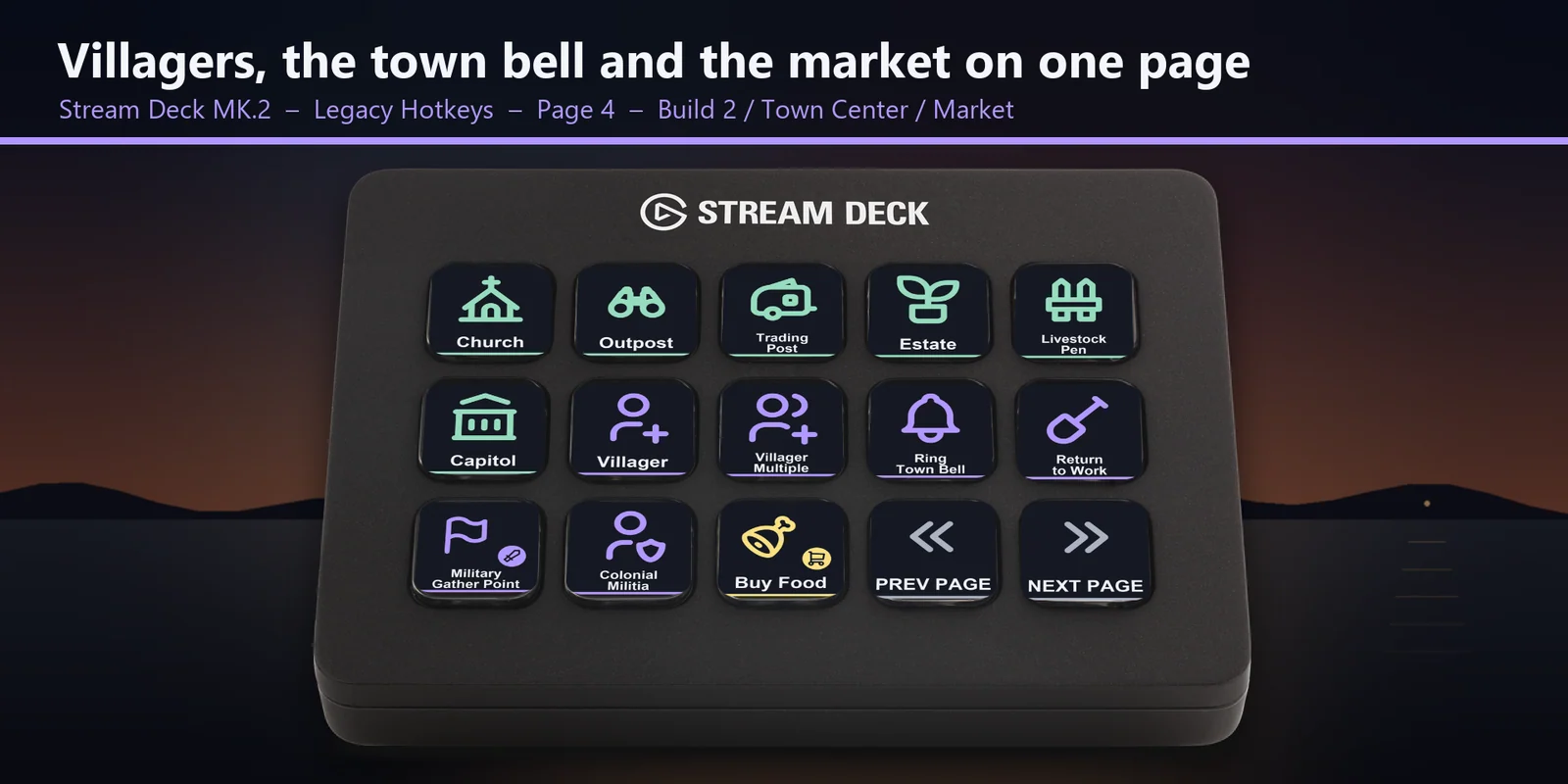
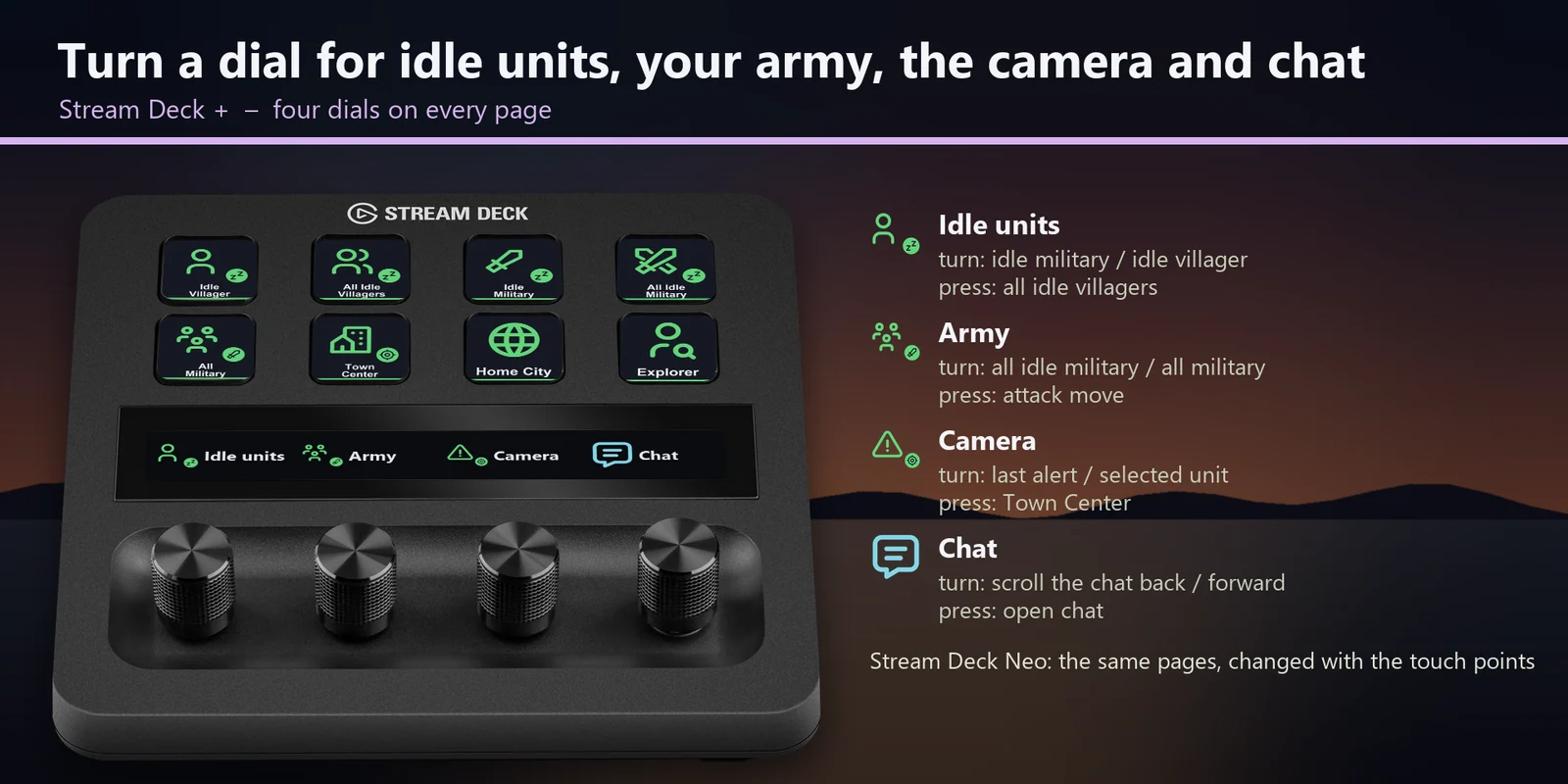
Idle units, army, camera and chat, each with a press action.
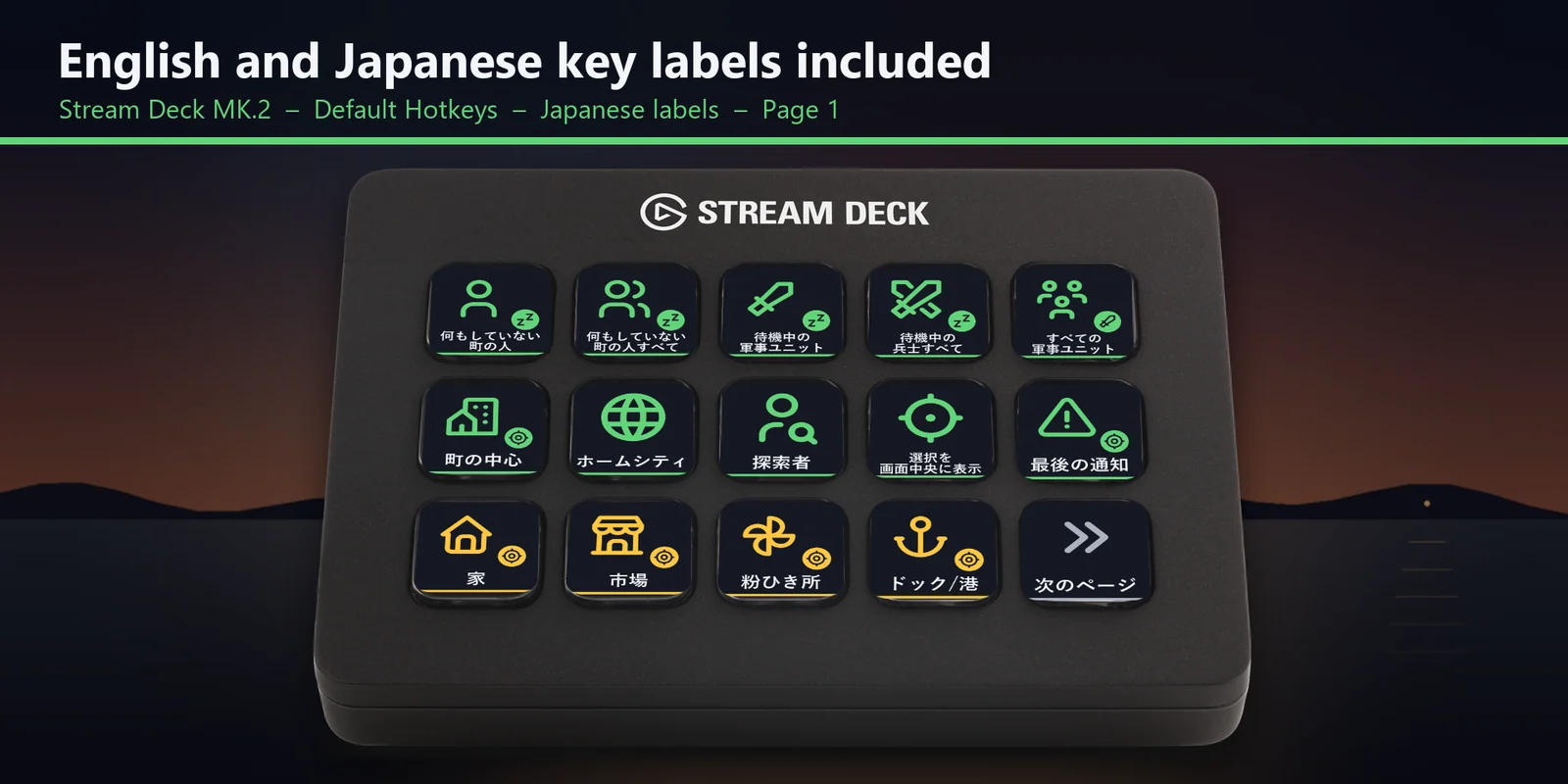
Every profile comes as an English set and a Japanese set with the same keys.
Attack move, stop, patrol, garrison, eject and auto repair.
Train units at the barracks, stable, artillery foundry and dock with Legacy Hotkeys, plus game time, score, pause, quick save, chat and control groups 1 to 6.
Set up
Good to knowEach key sends the hotkey of its set for its label to the window in front.
FAQ
Short answers to what people ask before they add it.
Email contact
Open the RTS Deck: Age of Empires III profile for your Stream Deck MK.2, XL, Neo or +, named after the hotkey set selected in the game options, start the game and keep its window in front. Each key sends the hotkey for its label, such as idle villager, attack move, a command panel button or the town bell.
Both. There is a profile for Default Hotkeys and a profile for Legacy Hotkeys. Look at the Keybindings field in the game's Options > Hotkeys (Default or Legacy) and import the profile with that name. A new install of the game has Legacy selected.
The Stream Deck MK.2, XL, Neo and +, with English or Japanese labels. On the + the dials cover idle units, army, camera and chat.
Open that key in the Stream Deck app and set its Hotkey to the key you use in the game.
Each key sends one short press, so scrolling stays on your mouse. The keys cover the hotkeys you tap, such as idle villager, attack move, a command panel button and the town bell.
Requirements
For the Stream Deck MK.2, XL, Neo and + on Windows, with Age of Empires III: Definitive Edition for Windows and either of its hotkey sets.
A Stream Deck profile sold directly by GRAMSHIFT.
More for your Stream Deck
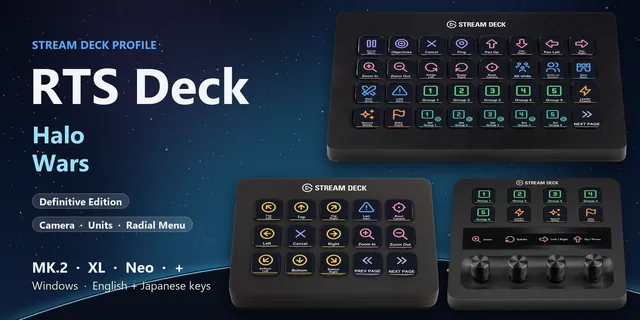

For the Stream Deck MK.2, XL, Neo and + on Windows, with Age of Empires III: Definitive Edition for Windows and either of its hotkey sets.
Buy from GRAMSHIFTOne-time purchase direct from GRAMSHIFT, plus any tax at checkout. A download link appears right after payment, and the receipt arrives by email.