Rocket League Stream Deck plugin for Windows
Your Rocket League scoreboardon Stream Deck keys
Scoreboard for Rocket League keeps the score and match clock, your goals, assists and saves, your boost and speed, how fast the last goal went in, and your wins and streak for the session on your Stream Deck, instead of an overlay on your game screen.
Replay keys show or hide the HUD, pause, slow down a replay and switch the camera to the ball or a player. A setup key turns on the game's stats setting for you, with no game mod to install.
- Score and clock
- Your stats
- Boost and speed
- Session record
- Replay camera keys

What the Rocket League keys show
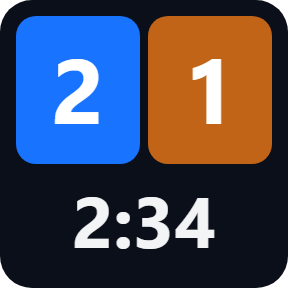
Score & Clock
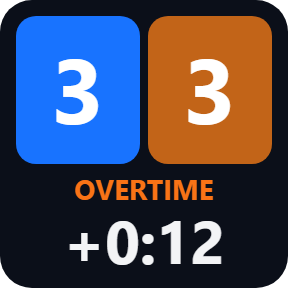
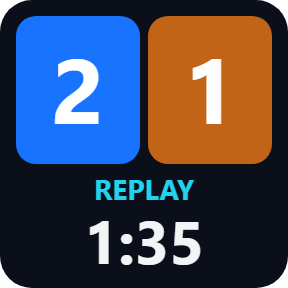
Both teams' goals in their colors and the match clock, with OVERTIME, REPLAY and PAUSED as they happen.
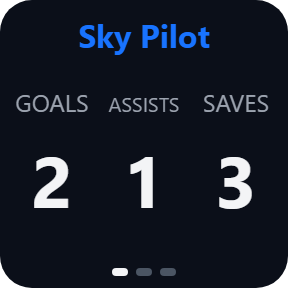
My Stats
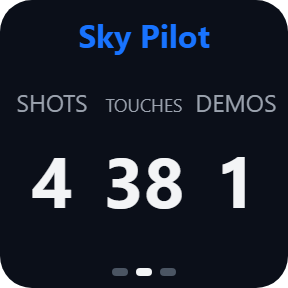
Your goals, assists and saves. Press for your shots, touches and demolitions, then your match points.
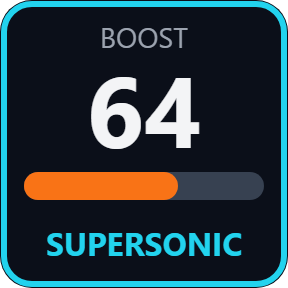
Boost & Speed
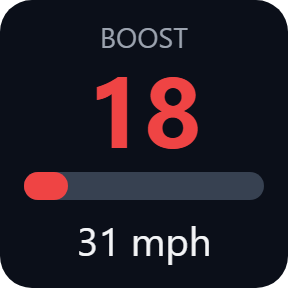
Your boost with a bar and your speed in km/h or mph, with SUPERSONIC and DEMOLISHED the moment they happen.
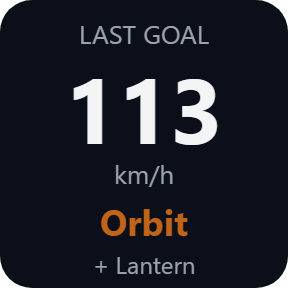
Last Goal
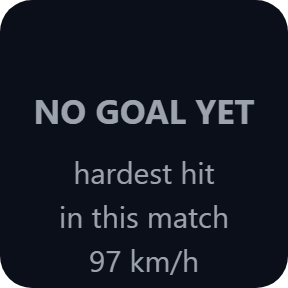
How fast the last goal went in, who scored it and who assisted. Before the first goal, the hardest hit of the match so far.
Session Record
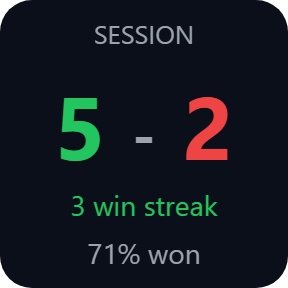
Your wins and losses since you started the session, your streak and the percent won. Press twice to start a new session.
Replay Control
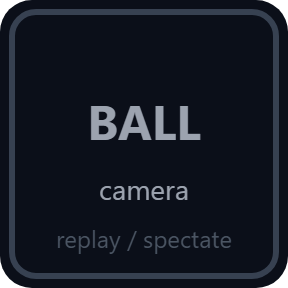
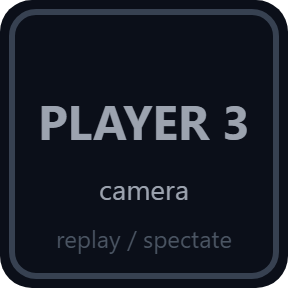
One command per key: HUD, pause, replay speed, ball camera, a player's camera, director camera or auto camera.
Every moment of the match
Keys change with the match: overtime with the time played, a replay, the time before the first goal, and the menu between matches.

Your stats, page by page
Press My Stats to turn the page: goals, assists and saves, then shots, touches and demolitions, then your match points. While you watch a replay or spectate, the stats follow the player on camera and show whose they are.
Replay keys, and setup with one key
Replay Control gives one command per key: show or hide the HUD, pause and resume, replay speed (1x, 0.5x, 0.25x), ball camera, a player's camera (player 1 to 8), director camera or auto camera.
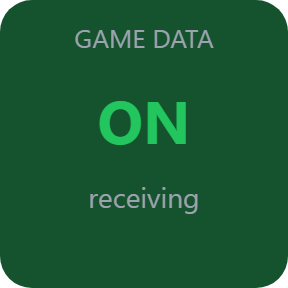
Game Data Setup reads the game's own setting file and shows ON only when that file says on. Two presses turn on the game's stats setting and keep a backup copy of the setting it changes. Then restart Rocket League once.
The keys show IN MENU between matches and NO GAME when Rocket League is closed, so old numbers do not pass for live ones. The match data stays on your PC.
Set up in 3 steps
- Open the plugin file you download after buying. The Stream Deck app installs it.
- In the Stream Deck app, drag the keys you want onto your Stream Deck, add Game Data Setup once, and enter your license key once in a key's settings.
- Press Game Data Setup twice and restart Rocket League once. Join a match, a replay or a spectated game, and the keys fill in.
Two places to buy
| Elgato Marketplace | Direct from GRAMSHIFT | |
|---|---|---|
| Amount | Same amount | Same amount, tax added at checkout |
| Checkout | Elgato Marketplace | Stripe (card) |
| New versions | Installed through the Stream Deck app | Download from your license key page |
| Use on | Your Elgato account | Up to 3 PCs per license key |
| Plugin display | English and Japanese | English and Japanese |
Requirements
- Windows 10 or later
- Stream Deck app 6.9 or later
- Rocket League on PC (Steam or Epic Games), on the same PC as your Stream Deck
Questions
How do I show my Rocket League score and stats on Stream Deck?
Install Scoreboard for Rocket League, drag the keys you want onto your Stream Deck, enter your license key in a key's settings, press Game Data Setup twice and restart Rocket League once. In a match, the keys show the score, the clock, your stats and your boost.
Do I need a game mod or an overlay?
No. The plugin reads the match data the game itself offers on your PC. The setup key turns on the game's stats setting for you, and the numbers stay on your Stream Deck instead of on your game screen.
Can a Stream Deck key control the Rocket League replay camera?
Yes. Replay Control gives one command per key: show or hide the HUD, pause, replay speed, ball camera, a player's camera, director camera or auto camera. Replay speed and pause work in replays, and the camera keys in replays and while you spectate.
Does Session Record count every match?
It counts each match you finish once, with your wins, losses, streak and percent won. Replays and matches you only watch are left out. Press the key twice to start a new session.
Can I get banned for using it?
It uses only the match data the game itself offers for tools like this, and it does not change the game. Like any tool, use it within the game's rules; GRAMSHIFT is not affiliated with Psyonix or Epic Games.
How many PCs can I use with one license key?
Up to 3 of your own PCs. If you replace a PC, write to us and we free up a place for the new one.
How do I get new versions?
Download the latest version from your thank-you page or the license key page you received. Your license key keeps working. If you cannot open your license key page, email us as the "Recover your license key" page explains.
What if I lose my license key?
Email contact@gramshift.com from the address you paid with, and include your order number, or the date and amount you paid. We check the purchase and reply with a link to your license key page.
Can I get a refund?
Yes. If the plugin does not work on your PC or with your game, email us within 14 days of purchase and we refund the full amount. The license key stops working after the refund.
Direct purchase: details, refunds and seller
- Price
- ¥980, paid once. Any tax for your country is shown at checkout.
- Payment
- Handled by Stripe through Link, Stripe's checkout service. Link appears as the seller on your receipt and card statement, and your card number never reaches GRAMSHIFT.
- Delivery
- Your license key and download link appear right after payment, and the receipt arrives by email.
- Refunds
- If the plugin does not work on your PC or with your game, email us within 14 days of purchase for a full refund. You can also ask Link support. The license key stops working after a refund.
- License
- One key for your own use on up to 3 PCs.
- Countries
- Checkout is not offered in Ascension Island, China, Cuba, Iran, Kosovo, North Korea, Russia, Syria or Tristan da Cunha.
- Seller
- GRAMSHIFT, Tokyo, Japan. Contact: contact@gramshift.com
Limits
- Windows only, with Rocket League and your Stream Deck on the same PC. PC only, not consoles.
- After the stats setting is turned on for the first time, Rocket League needs one restart.
- Replay speed and pause work in replays, and the camera keys in replays and while you spectate. Elsewhere these keys send nothing and show where they work.
- Only pause shows the game's answer (PAUSE or RESUME). The game does not report HUD, speed or camera changes, so those keys briefly show "sent".
- The keys show only what the game shares in its match data, so your rank is not shown.
- A match you leave before it ends is not counted in Session Record. Matches against bots and private matches you play are counted like online matches.
- This version checks its license key with our server when you activate it, each time the plugin starts, and about once a day while it runs. If it cannot reach the server, it keeps working for up to 44 days after the last successful check.
- If something does not work, email contact@gramshift.com and we will help.